Lenovo
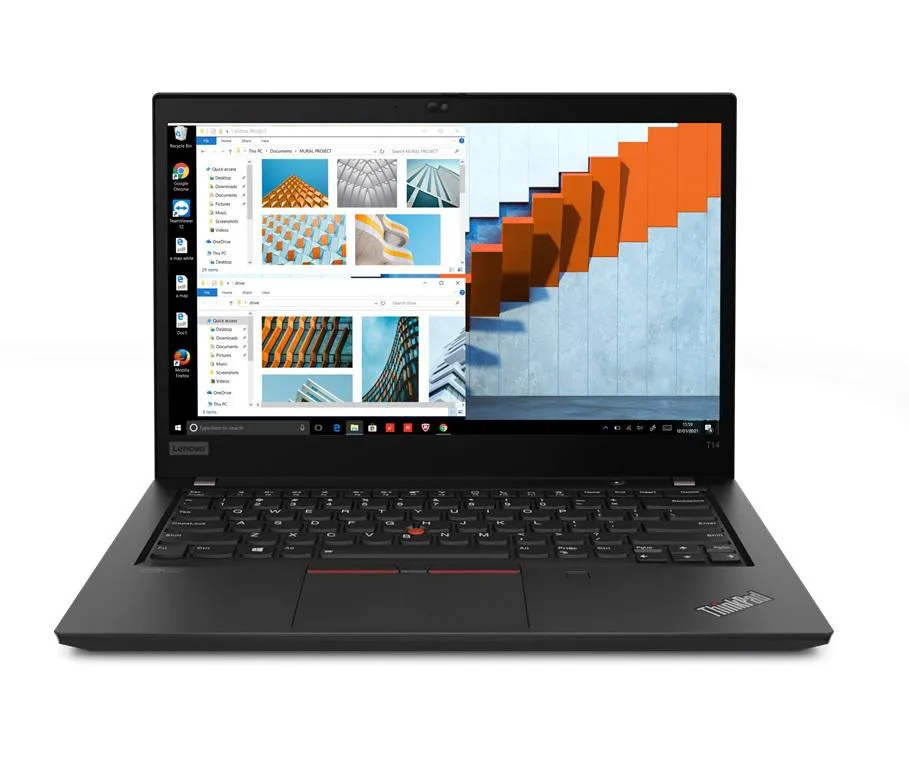
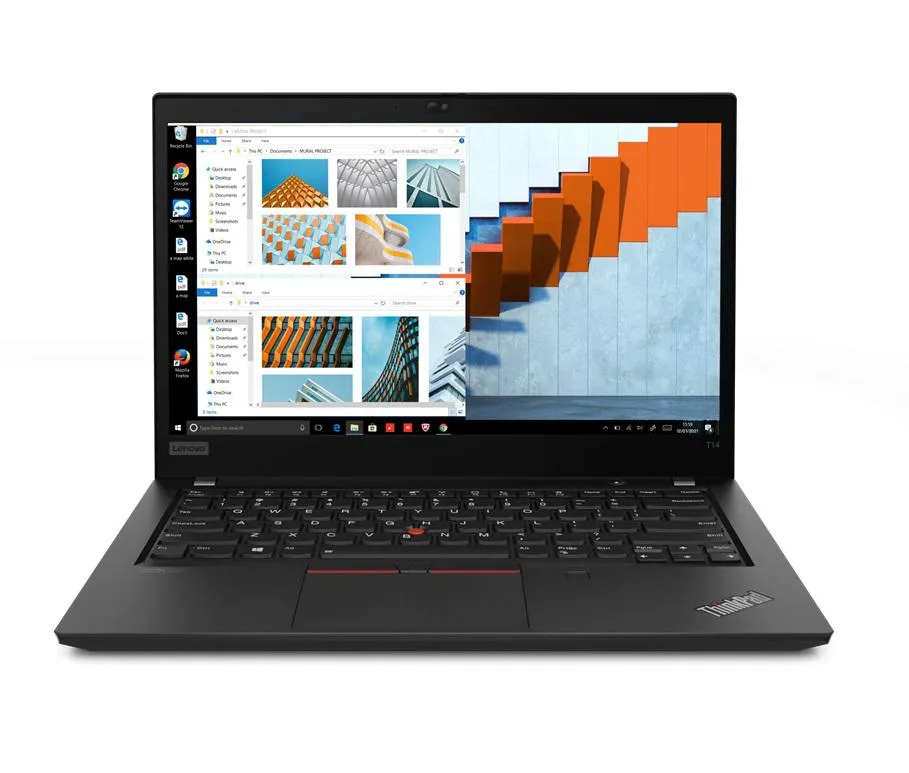
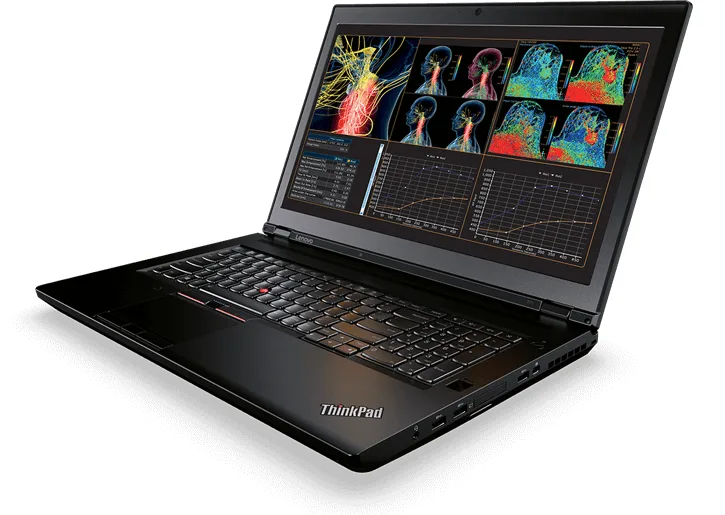
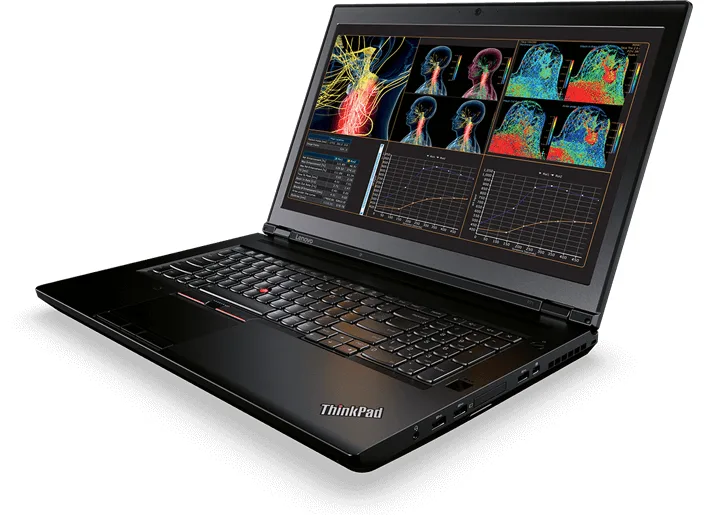
Lenovo Thinkpad T14 Gen 2 laptop i5-1135G7 8GB 256GB 14.0" FHD
- 8GB
- DDR4
599,99 $US
0.00755741BTC
En stockNous acceptons la cryptomonnaie — les cryptos que vous détenez peuvent ainsi acheter du matériel réel.Payez en crypto, dépensez-la en matériel réel. Livraison assurée offerte partout dans le monde au-delà de 399 $. Cartons neutres, sans marque, expédiés depuis l’Allemagne.Livraison assurée offerte au-delà de 399 $. Votre taux est bloqué pendant 30 minutes dès l’ouverture de la caisse.Taux bloqué 30 minutes. Chaque article est scellé, son numéro de série est vérifié, et il est couvert par une garantie de 24 mois.Scellé, garanti 24 mois.


Lenovo
A 14.0" Full HD business laptop with an 11th Gen Intel Core i5-1135G7, 48GB DDR4, 2TB PCIe SSD and Linux Mint 20 Cinnamon
Options 48GB/2TB
The Lenovo ThinkPad T14 Gen 2 is a new 14.0 inch business laptop running Linux Mint 20 Cinnamon. It pairs an 11th Gen Intel Core i5-1135G7 processor with 48GB DDR4 memory and a 2TB PCIe SSD. The 1920 x 1080 IPS display and Intel Iris Xe graphics handle office workloads and video calls via the 720p webcam.
This unit replaces lighter-spec models that ship with 8GB or 16GB soldered memory and smaller drives. The jump is worth it when you run virtual machines, large datasets or many browser tabs simultaneously. The 48GB capacity and 2TB PCIe SSD remove the need for external storage or memory upgrades during the laptop's service life.
The operating system arrives installed and configured on the 2TB PCIe SSD so the laptop boots to a working desktop immediately. Thunderbolt 4 ports accept docks and peripherals without driver hunting. The only common issue is verifying that proprietary drivers or kernel modules required by specific hardware tokens are compatible with the Mint 20 base.
| Memory | 48GB |
|---|---|
| Memory Speed | DDR4 |
| Type | Work / Business |
| Resolution | 1920 x 1080 |
| Screen Size | 14.0" |
| Display Type | Full HD |
| Touchscreen | No |
| SSD | 2 TB |
| HDD | No |
| Storage Spec | 2TB PCIe SSD |
| Brand | Lenovo |
| Series | Thinkpad T14 Gen 2 |
| Part Number | T14 |
| Model | Thinkpad |
| Color | Black |
| GPU/VPU | Intel Iris Xe Graphics |
| Operating System | Linux |
| WiFi Generation | Wi-Fi 6 |
| LAN | 10/100/1000Mbps |
| WLAN | Wi-Fi 6 |
| Bluetooth | Bluetooth 5.2 |
| CPU Type | Intel Core i5 11th Gen |
| Optical Drive Type | No |
| Webcam | Yes |
| Touchpad | ThinkPad UltraNav |
| Keyboard | Standard |
| Card Reader | Micro SD |
| Battery | Lithium Polymer |
| USB | 2 x USB 3.2 Gen 1 |
| Thunderbolt | 2 x Thunderbolt 4 |
| Video Port | 1 x HDMI |
| Ethernet | 1 x RJ-45 |
| Audio Ports | 1 x Headphone/Microphone Combo Jack |
| Audio | Integrated Sound card |
| Speaker | Integrated Stereo Speakers |
Autres versions de ce modèle
Même famille, mémoire, ventirad ou fréquence différents — comparez avant de vous décider.
The 2TB PCIe SSD uses a standard M.2 2280 form factor retained by a single M2×3 mm screw accessible after removing the base cover.
Enter BIOS on boot, set Thunderbolt Security to 'No Security' or 'User Authorization', and enable PCIe Tunnelling; the dock will then appear in Linux Mint without further drivers.
Replace the 50WHr battery once Linux Mint reports a full-charge capacity below roughly 40WHr (about 80% of design) or when runtime drops under 4 hours at typical office load.
Également dans ce rayon
Même rayon, même caisse — huit monnaies et un taux bloqué 30 minutes.
Ce que vous envoyez, et ce dans quoi vous lisez les prix.
Envoyé depuis votre portefeuille à la caisse
Affichage seul — le catalogue est libellé en dollars
Aucune monnaie ne correspond.
Choisissez la langue dans laquelle le site vous parle.
Première visite ?
Vous avez déjà un compte ?
Il n’y a pas de réinitialisation automatique : cette boutique n’envoie aucun e-mail, il n’existe donc aucun lien à usage unique à demander. Laissez l’adresse sur le compte, elle sera traitée à la main.
Demande enregistrée
Rien n’arrivera dans votre boîte de réception — cette boutique n’envoie aucun e-mail. Quelqu’un s’en occupe à la main.
Vous l’avez retrouvé ?