DELL
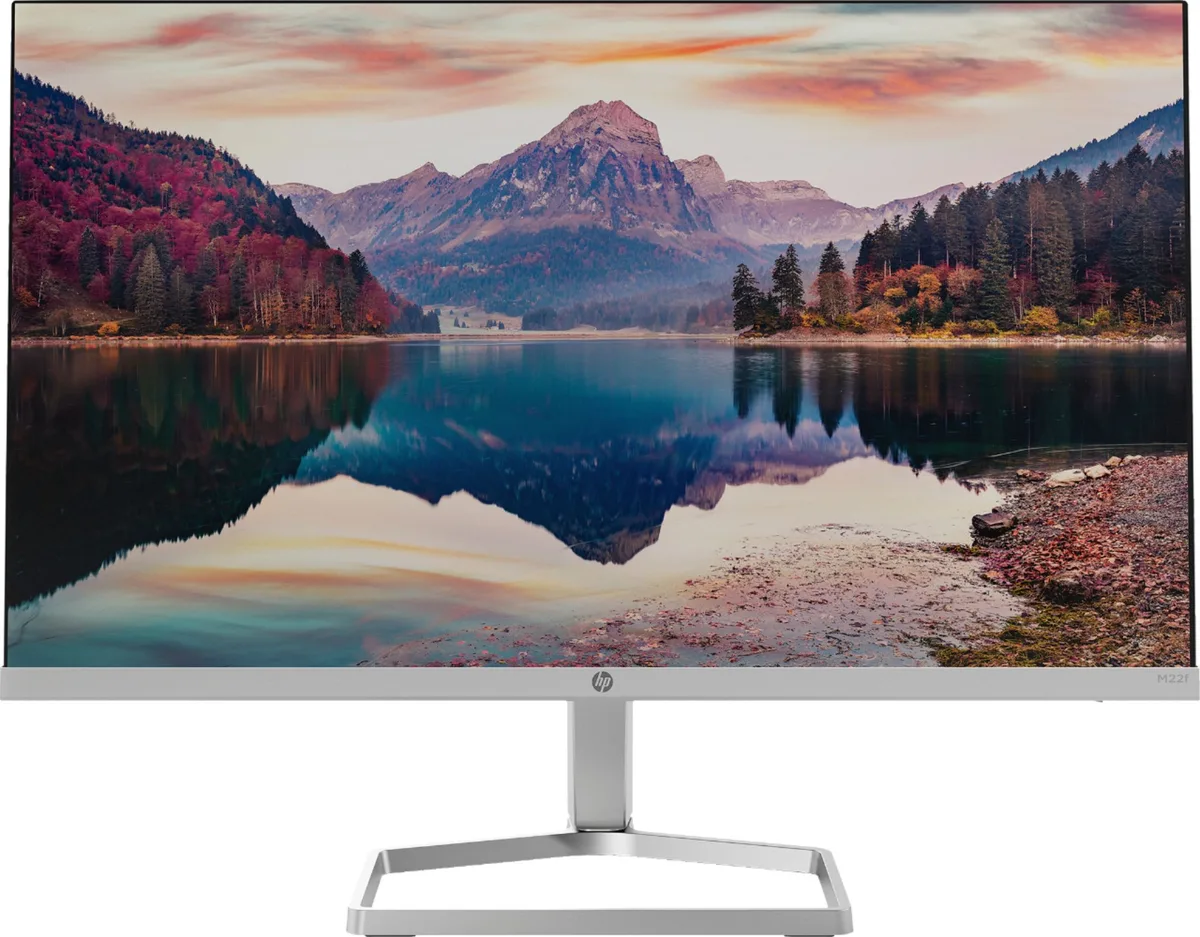
DELL DELL-P2725DE 27" 2560x1440 100Hz USB-C monitor
- 27
562,49 $US756,99 $US−26%
0.00730601BTC
En stockNous acceptons la cryptomonnaie — les cryptos que vous détenez peuvent ainsi acheter du matériel réel.Payez en crypto, dépensez-la en matériel réel. Livraison assurée offerte partout dans le monde au-delà de 399 $. Cartons neutres, sans marque, expédiés depuis l’Allemagne.Livraison assurée offerte au-delà de 399 $. Votre taux est bloqué pendant 30 minutes dès l’ouverture de la caisse.Taux bloqué 30 minutes. Chaque article est scellé, son numéro de série est vérifié, et il est couvert par une garantie de 24 mois.Scellé, garanti 24 mois.


LG Electronics
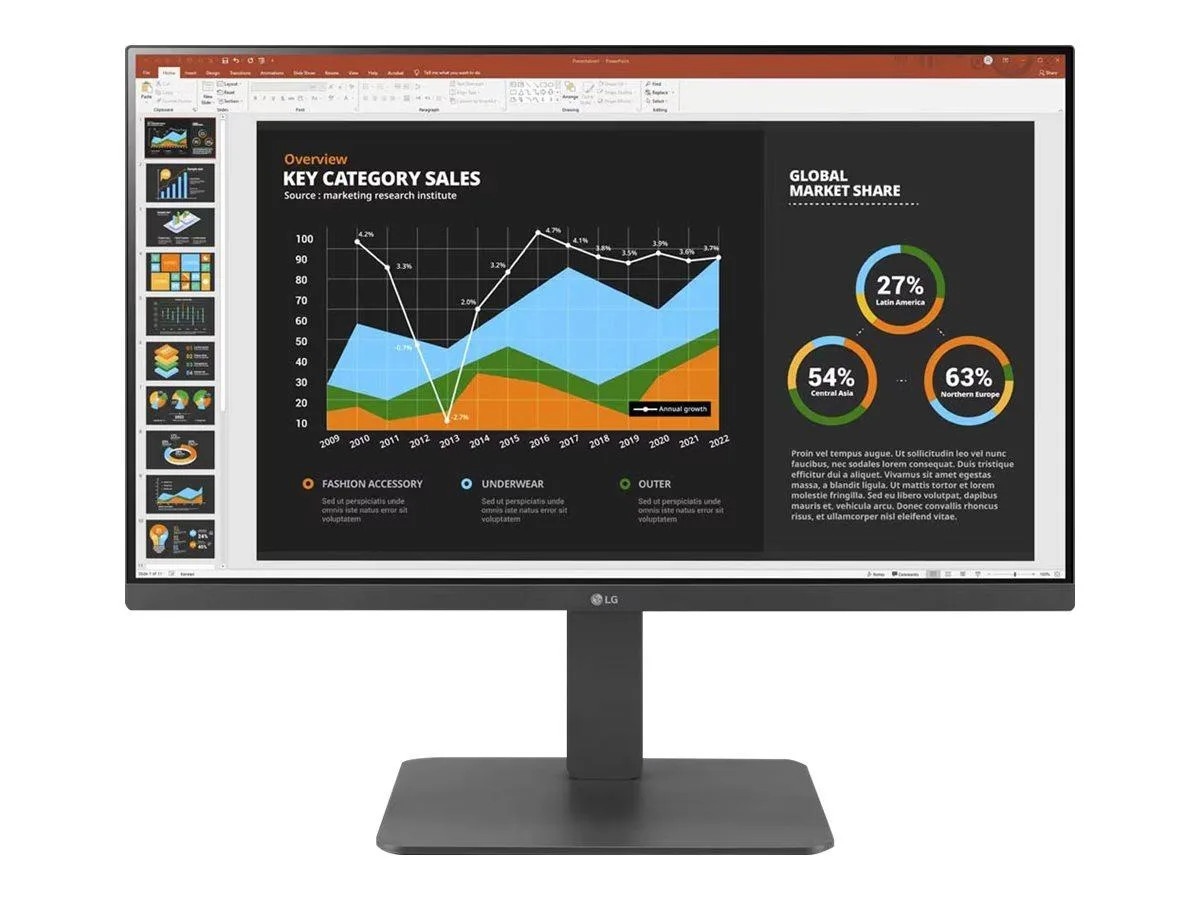
A 23.8 inch Full HD IPS display with USB Type-C, daisy-chain DisplayPort and a fully adjustable stand
This 23.8-inch Full HD IPS monitor delivers a 1920 x 1080 resolution with a 16:9 aspect ratio. The anti-glare panel covers 72% NTSC colour gamut and displays 16.7 million colours. Wide 178-degree horizontal and vertical viewing angles maintain consistent image quality across different positions. It suits office workers and home users needing reliable daily productivity.
Brightness holds at 250 cd/m2 with a 1,000:1 contrast ratio during extended sessions. The 5ms grey-to-grey response at the Faster setting reduces motion blur for general content. Flicker Safe technology and Reader Mode lower blue-light output to lessen eye strain over long hours. Built-in speakers provide basic audio without extra desk clutter.
The stand offers tilt, height, swivel and bi-directional pivot adjustments for flexible positioning. Video inputs include one HDMI, two DisplayPort and one USB-C with DisplayPort Alternate Mode. A USB 3.0 upstream port drives three downstream Type-A ports for peripheral daisy-chaining. VESA mount compatibility allows alternative mounting when desk space is limited.
| Brand | LG |
|---|---|
| Model | 24BR650B-C |
| Cabinet Color | Black |
| Screen Size | 23.8" (Viewable) |
| Glare Screen | Anti-glare |
| Widescreen | Yes |
| Resolution | 1920 x 1080 |
| Viewing Angle | 178° (H) / 178° (V) |
| Monitor Pixel Density | 0.2745mm |
| Display Colors | 16.7 Million |
| Brightness | 250 cd/m2 |
| Contrast Ratio | 1,000:1 |
| Aspect Ratio | 16:9 |
| Response Time | 5ms (GtG at Faster) |
| Panel | IPS |
| Color Gamut | NTSC 72% (CIE1931) |
| Curved Surface Screen | Flat Panel |
| Video Ports | 1 x HDMI / 1 x USB-C (DP Alternative) / 2 x DisplayPort |
| USB Ports | 1 x USB 3.0 Upstream / 3 x USB 3.0 Type-A Downstream |
| HDMI | Yes |
| Headphone | Yes |
| Power Supply | 100 - 240 VAC, 50/60Hz |
| Power Consumption | Power Consumption (Typ.): 23W Power Consumption (Max.): 130W Power Consumption (Energy Star): 14.8W Power Consumption (Sleep Mode): Less than 0.5W Power Consumption (DC Off): Less than 0.3W |
| Stand Adjustments | Height, Pivot, Swivel, Tilt |
| Built-in Speakers | Yes |
| VESA Compatibility - Mountable | 100 x 100mm |
| Features | Color Calibrated Flicker safe Reader Mode Color Weakness Super Resolution+ Black Stabilizer Dynamic Action Sync Crosshair Smart Energy Saving |
| Dimensions | 21.57" x 21.24" x 10.08" with Stand 12.72" x 21.24" x 1.97" without Stand |
| Weight | 14.33 lbs. with Stand 8.16 lbs. without Stand |
| Poids d’expédition | 8.20 kg |
| Dimensions du colis | 607 × 483 × 178 mm |
The monitor is rated at a typical 16 W during normal operation.
Connect the supplied USB 3.0 upstream cable from the monitor to your PC; the three Type-A downstream ports then become active.
Yes, the DisplayPort output supports daisy-chaining another compatible monitor at 1920 x 1080 resolution.
Également dans ce rayon
Même rayon, même caisse — huit monnaies et un taux bloqué 30 minutes.
Ce que vous envoyez, et ce dans quoi vous lisez les prix.
Envoyé depuis votre portefeuille à la caisse
Affichage seul — le catalogue est libellé en dollars
Aucune monnaie ne correspond.
Choisissez la langue dans laquelle le site vous parle.
Première visite ?
Vous avez déjà un compte ?
Il n’y a pas de réinitialisation automatique : cette boutique n’envoie aucun e-mail, il n’existe donc aucun lien à usage unique à demander. Laissez l’adresse sur le compte, elle sera traitée à la main.
Demande enregistrée
Rien n’arrivera dans votre boîte de réception — cette boutique n’envoie aucun e-mail. Quelqu’un s’en occupe à la main.
Vous l’avez retrouvé ?