


OWC
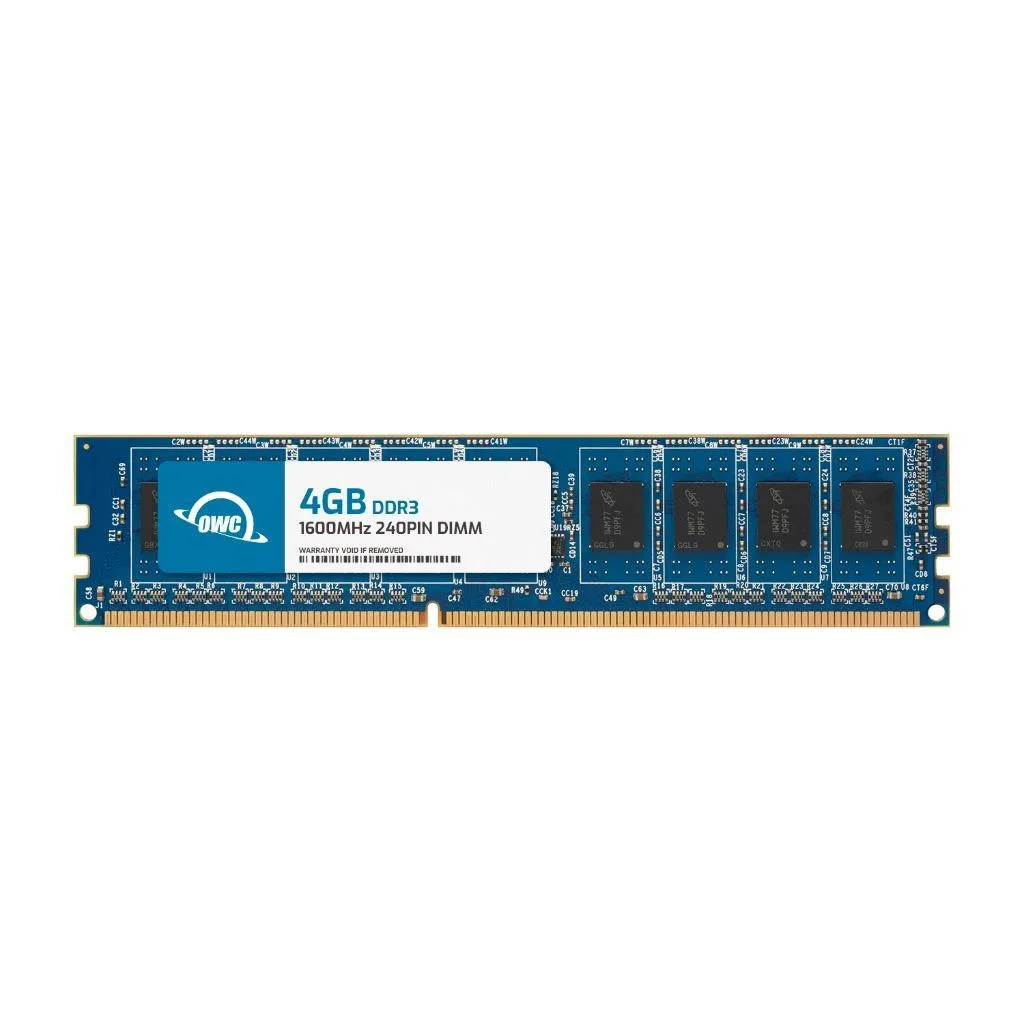
OWC 4GB DDR3 1600 CL11 1.5V 240-pin Desktop RAM
4 GB DDR3 desktop DIMM running at 1600 MHz with CL11 latency, 1.5 V operation, 2Rx8 layout and 240-pin form factor
- Capacity4GB
- SpeedDDR3 1600 (PC3 12800)
- CAS LatencyCL11
- Voltage1.5V
- ECCNo
- Buffered/RegisteredUnbuffered
- Boosts multitasking with 4GB DDR3 1600 CL11 memory
- JEDEC and ROHS compliant for warranty-safe upgrades
- Unbuffered non-ECC design fits standard desktop DIMM slots
- Low 1.5V voltage reduces system power draw
- Easy DIY installation with 240-pin form factor
Upgrade for DDR3 desktops
This module provides 4 GB of DDR3 1600 memory with CL11 timing at 1.5 V. It uses a 240-pin unbuffered non-ECC design that matches the JEDEC PC3-12800 standard. The black PCB has no heat spreader and fits standard desktop DIMM slots.
Ideal for basic desktop upgrades
It suits older desktops and workstations that require DDR3 1600 unbuffered memory. Systems needing ECC, registered modules, higher capacities, or newer DDR generations should choose a different product.
Fits standard DDR3 slots
The stick installs directly into any 240-pin DDR3 desktop motherboard slot without extra power or cooling. Adding it frees up system responsiveness for everyday multitasking and larger file handling.
Points forts
- Boosts multitasking with 4GB DDR3 1600 CL11 memory
- JEDEC and ROHS compliant for warranty-safe upgrades
- Unbuffered non-ECC design fits standard desktop DIMM slots
- Low 1.5V voltage reduces system power draw
- Easy DIY installation with 240-pin form factor
Caractéristiques
| Brand | OWC |
|---|---|
| Part Number | 1U6D32R804GB |
| Capacity | 4GB |
| Speed | DDR3 1600 (PC3 12800) |
| CAS Latency | CL11 |
| Voltage | 1.5V |
| ECC | No |
| Buffered/Registered | Unbuffered |
| Color | Black |
| Heat Spreader | No |
| Recommend Use | Desktops |
| LED Color | None |
Questions sur cet article
What motherboard slot is required for this 240-pin DIMM?
A desktop motherboard with a DDR3 240-pin DIMM slot is needed for this module to fit and operate.
Can I mix this CL11 1600MHz stick with existing CL9 DDR3 modules?
The system will run all modules at the slowest speed and highest latency, so this CL11 module will downclock to match CL9 timings.
How do I confirm the module runs at PC3-12800 after installation?
Check the memory tab in CPU-Z or your BIOS; it should show 800 MHz DRAM frequency (1600 MT/s) and CL11 timings.
Également dans ce rayon
Les clients ont aussi comparé
Même rayon, même caisse — huit monnaies et un taux bloqué 30 minutes.


PrimoChill
PrimoChill Praxis Wetbench Open-Air Test Bench 461.8mm
- Open-Air
274,89 $US
0.00357046BTC
En stock
Silverstone Technology
SilverStone Technology Strider 1200W 80 Plus Platinum Modular Power Supply
- ATX Mid Tower
- 1200W
324,03 $US
0.00420873BTC
En stock