Cswur
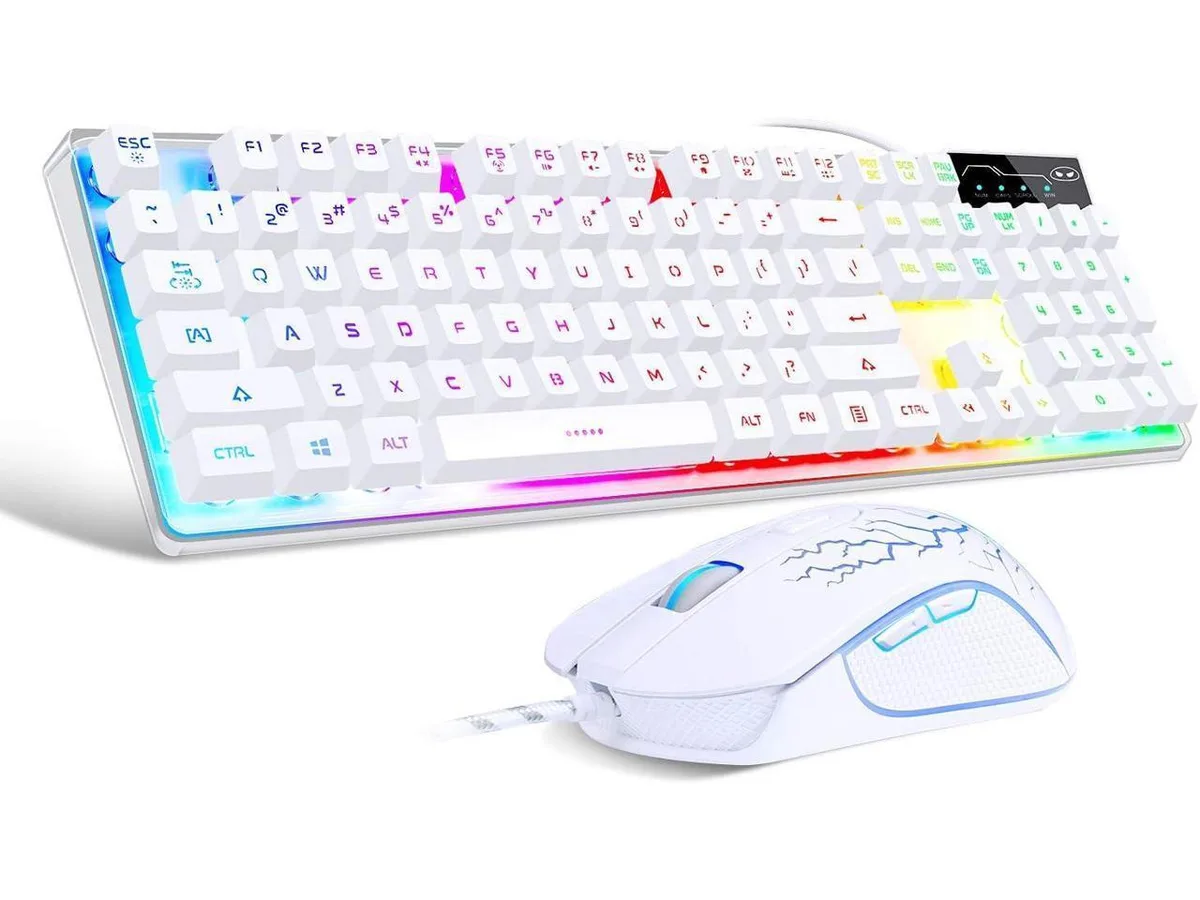
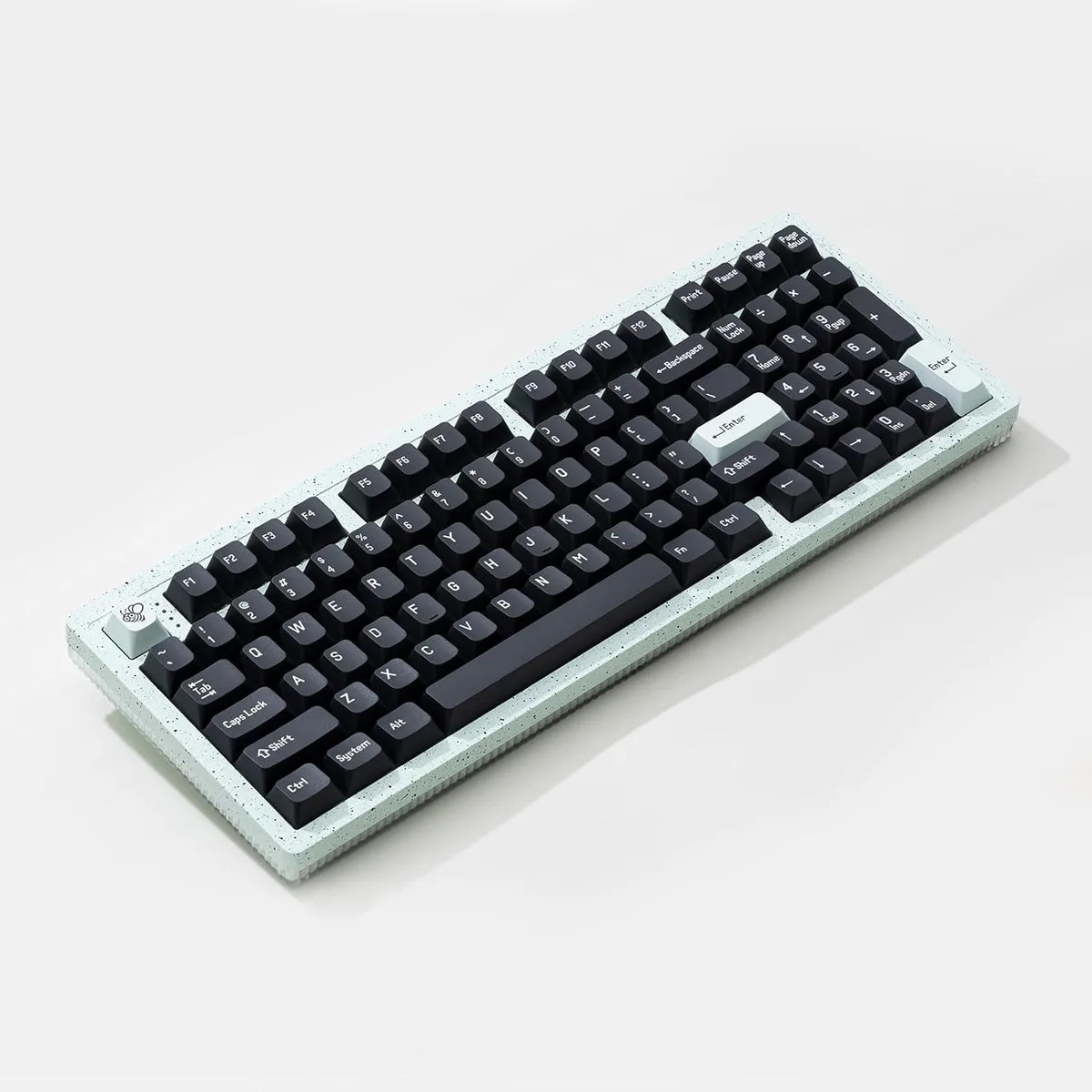
Cswur 104-Key Mechanical Gaming Keyboard Outemu Brown Switches Aluminum Frame Rainbow Backlight
- Full-size
86,99 $US
0.00110996BTC
En stockNous acceptons la cryptomonnaie — les cryptos que vous détenez peuvent ainsi acheter du matériel réel.Payez en crypto, dépensez-la en matériel réel. Livraison assurée offerte partout dans le monde au-delà de 399 $. Cartons neutres, sans marque, expédiés depuis l’Allemagne.Livraison assurée offerte au-delà de 399 $. Votre taux est bloqué pendant 30 minutes dès l’ouverture de la caisse.Taux bloqué 30 minutes. Chaque article est scellé, son numéro de série est vérifié, et il est couvert par une garantie de 24 mois.Scellé, garanti 24 mois.
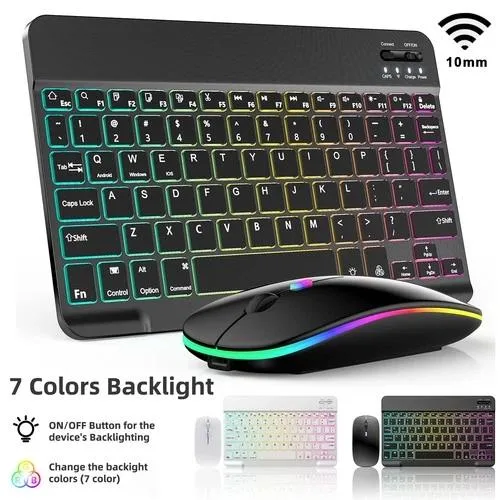


A wireless gaming keyboard and mouse set with tactile keys, 15 lighting effects, 10M keystroke life and 33ft range
The Redragon DN set pairs a tactile keyboard with a five-button optical mouse on a single 2.4 GHz USB receiver. Both devices run on built-in lithium-ion batteries that recharge through the supplied USB-C cable. A hardware switch toggles the keyboard between macOS and Windows layouts, and an included USB-A to Type-C adapter covers ports of either shape. The keyboard uses a scissor-style crater mechanism for low-profile travel, while the mouse offers five buttons and 15 selectable lighting effects.
This combo suits users who switch between a Mac and a PC and prefer a clutter-free desk with quiet keystrokes and clicks. The 33 ft wireless range covers living-room setups or meeting-room tables. It is not for buyers who need a full-size keyboard with a dedicated number pad, programmable macro keys, or a palm rest for extended sessions. It also does not serve anyone who requires wired-only connectivity or a mouse with adjustable DPI settings beyond the fixed five-button layout.
The boxed USB-C charging cable powers both keyboard and mouse without a separate charger. The USB-A to Type-C adapter lets the single receiver work with older Type-A ports and newer Type-C ports alike. Auto-sleep activates after 30 minutes of keyboard inactivity and 90 seconds of mouse inactivity, extending battery life between charges. No driver installation is required on Windows, Linux, Chrome OS or macOS, though multimedia keys may not function fully on Mac systems.
| Brand | Redragon |
|---|---|
| Series | Bluetooth Keyboard and Optical Mouse |
| Model | Bluetooth Keyboard and Optical Mouse |
| Part Number | DN |
| Keyboard Interface | USB |
| Design Style | Gaming |
| Palm Rest | No |
| Key Switch | Tactile |
| Key Switch Type | Tactile |
| Keyboard Color | Black |
| Type | Wired |
| Mouse Interface | USB |
| Buttons | 5 |
| Mouse Color | Black |
| Power Source | Lithium-ion Rechargeable Battery |
| System Requirement | 1 USB Port |
| Features | Standard, Bluetooth, Wireless |
Yes, the set uses a single USB receiver that plugs into one USB-A port to connect both keyboard and mouse wirelessly up to 33 ft.
The combo is plug-and-play with no driver required, so it functions on legacy USB 2.0 ports exactly as on newer ones.
Cycle through the effects using the mouse’s lighting button; each press changes the pattern visibly so you can verify all 15 are working.
Également dans ce rayon
Même rayon, même caisse — huit monnaies et un taux bloqué 30 minutes.
Ce que vous envoyez, et ce dans quoi vous lisez les prix.
Envoyé depuis votre portefeuille à la caisse
Affichage seul — le catalogue est libellé en dollars
Aucune monnaie ne correspond.
Choisissez la langue dans laquelle le site vous parle.
Première visite ?
Vous avez déjà un compte ?
Il n’y a pas de réinitialisation automatique : cette boutique n’envoie aucun e-mail, il n’existe donc aucun lien à usage unique à demander. Laissez l’adresse sur le compte, elle sera traitée à la main.
Demande enregistrée
Rien n’arrivera dans votre boîte de réception — cette boutique n’envoie aucun e-mail. Quelqu’un s’en occupe à la main.
Vous l’avez retrouvé ?