Cswur
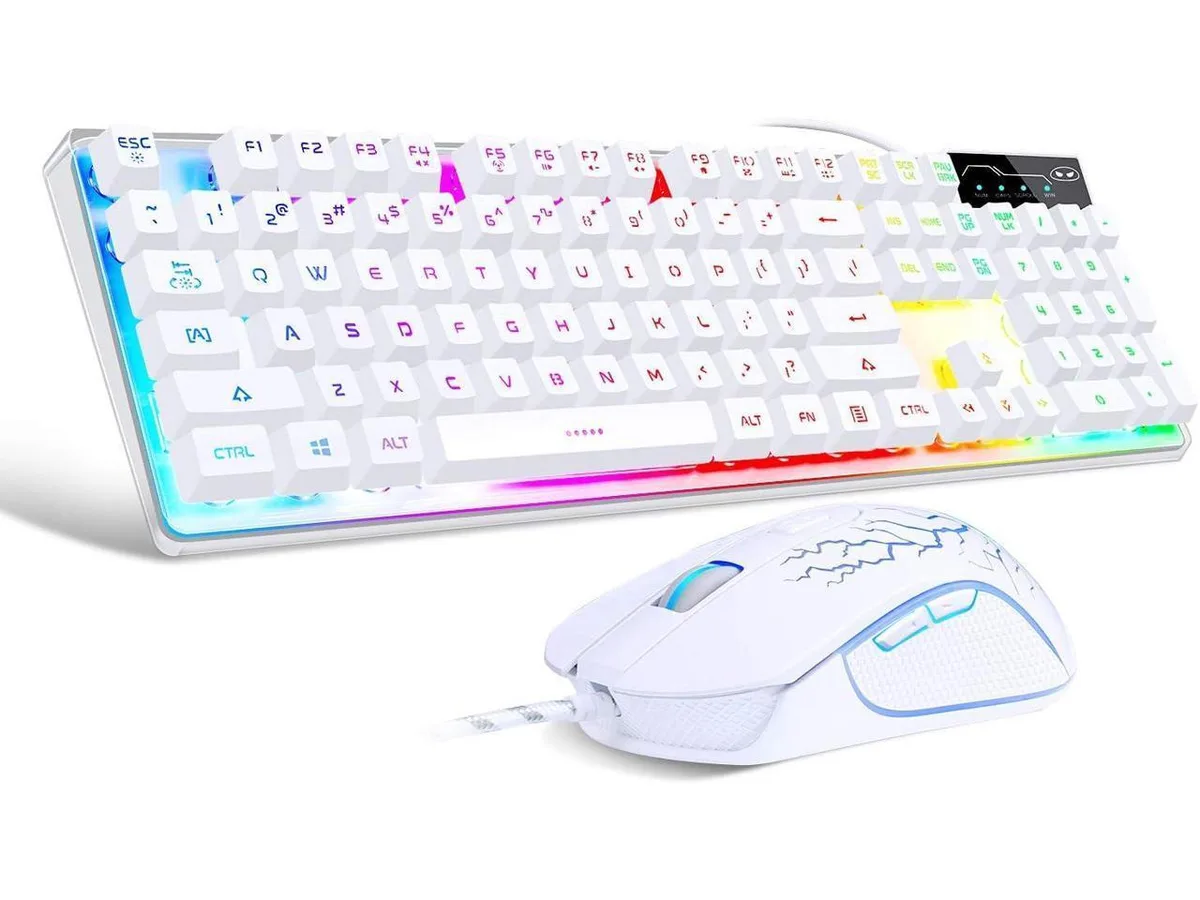
Cswur 104-Key Mechanical Gaming Keyboard Outemu Brown Switches Aluminum Frame Rainbow Backlight
- Full-size
86,99 $US
0.00110979BTC
En stockNous acceptons la cryptomonnaie — les cryptos que vous détenez peuvent ainsi acheter du matériel réel.Payez en crypto, dépensez-la en matériel réel. Livraison assurée offerte partout dans le monde au-delà de 399 $. Cartons neutres, sans marque, expédiés depuis l’Allemagne.Livraison assurée offerte au-delà de 399 $. Votre taux est bloqué pendant 30 minutes dès l’ouverture de la caisse.Taux bloqué 30 minutes. Chaque article est scellé, son numéro de série est vérifié, et il est couvert par une garantie de 24 mois.Scellé, garanti 24 mois.


Redragon
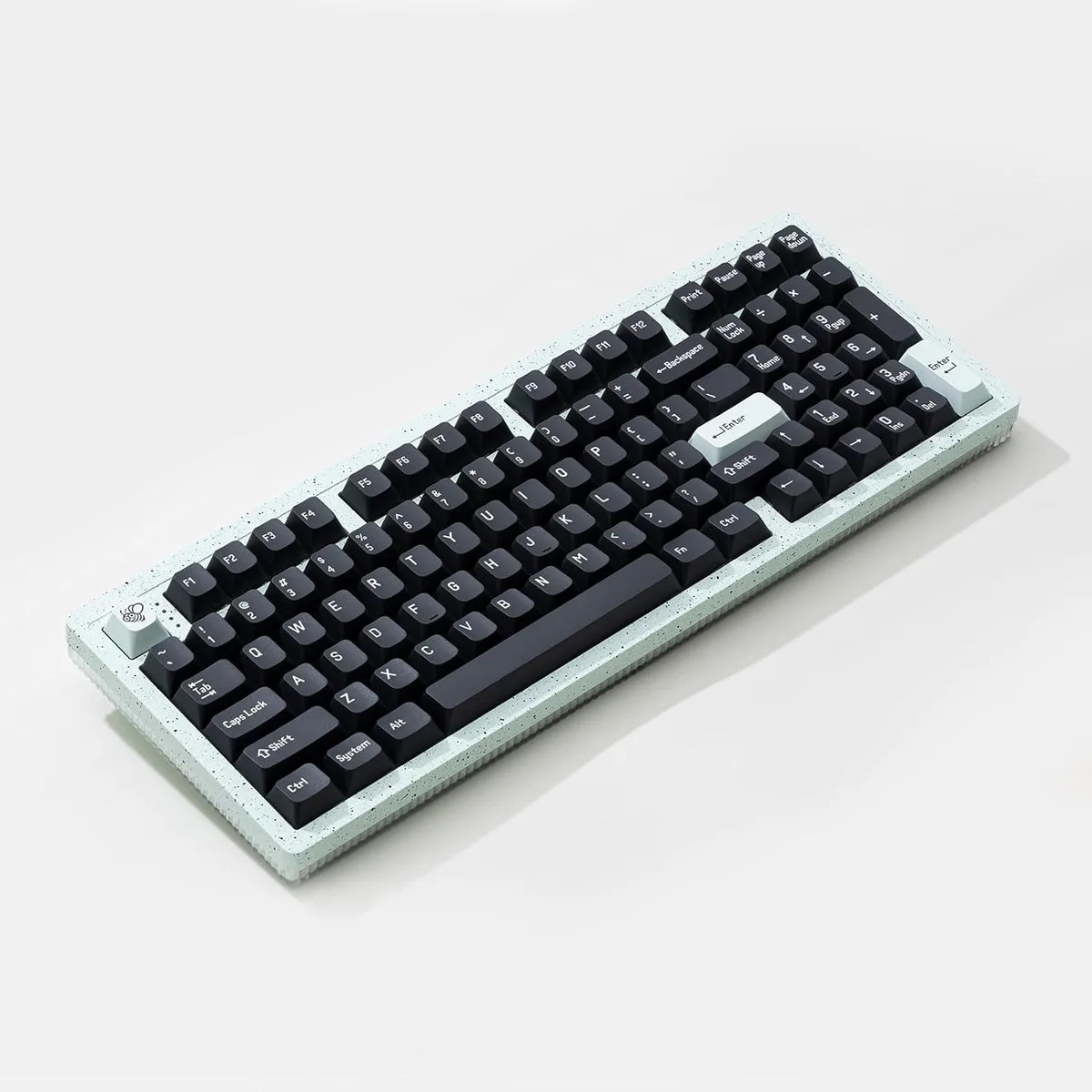
A compact 60% mechanical keyboard with 61 hot-swappable clicky Blue switches and tri-mode wireless connectivity
The Redragon K530 Pro Draconic is a 61-key mechanical keyboard built for players who want a minimal desk footprint. It uses clicky Blue switches and a hot-swappable PCB so each key can be changed without soldering. Three connection modes cover USB-C wired, Bluetooth and 2.4 GHz wireless use.
Mechanical switches generate no meaningful heat and the board draws minimal power over USB-C or its internal battery during wireless sessions. Blue switches produce an audible click with each press, so the keyboard is not suited to quiet offices or shared living spaces. No active cooling is present or required.
The PCB accepts 99.8% of three-pin and five-pin switches on the market, letting owners swap to linear, tactile or silent stems at any time. Buyers who need dedicated arrow keys, a number pad or function row should look at larger layouts. The 60% form factor omits those clusters entirely.
| Layout | 60% |
|---|---|
| Key Switch | Blue Switch |
| Keyboard Color | Black |
Connect USB-C for wired mode, flip the side switch to 2.4 GHz and pair the dongle, or switch to BT 3.0/5.0 and pair up to two devices; the step often missed is moving the side switch to match the chosen mode before pairing.
Switches can be pulled and replaced with any 3-pin or 5-pin MX-style switch using the included puller; lubricate stabilisers if they develop rattle and clean dust from the plate-mounted PCB annually.
The 61-key 60% layout lacks dedicated arrow, function and navigation keys, so layer combos become the bottleneck before any wireless latency or switch fatigue appears.
Également dans ce rayon
Même rayon, même caisse — huit monnaies et un taux bloqué 30 minutes.
Ce que vous envoyez, et ce dans quoi vous lisez les prix.
Envoyé depuis votre portefeuille à la caisse
Affichage seul — le catalogue est libellé en dollars
Aucune monnaie ne correspond.
Choisissez la langue dans laquelle le site vous parle.
Première visite ?
Vous avez déjà un compte ?
Il n’y a pas de réinitialisation automatique : cette boutique n’envoie aucun e-mail, il n’existe donc aucun lien à usage unique à demander. Laissez l’adresse sur le compte, elle sera traitée à la main.
Demande enregistrée
Rien n’arrivera dans votre boîte de réception — cette boutique n’envoie aucun e-mail. Quelqu’un s’en occupe à la main.
Vous l’avez retrouvé ?