Seagate
Seagate BarraCuda ST3000DM008 3TB 7200 RPM 64MB SATA 6.0Gb/s 3.5" internal hard drive
- Bare Drive
- SATA 6.0Gb/s
56,99 $US
0.00072505BTC
En stockNous acceptons la cryptomonnaie — les cryptos que vous détenez peuvent ainsi acheter du matériel réel.Payez en crypto, dépensez-la en matériel réel. Livraison assurée offerte partout dans le monde au-delà de 399 $. Cartons neutres, sans marque, expédiés depuis l’Allemagne.Livraison assurée offerte au-delà de 399 $. Votre taux est bloqué pendant 30 minutes dès l’ouverture de la caisse.Taux bloqué 30 minutes. Chaque article est scellé, son numéro de série est vérifié, et il est couvert par une garantie de 24 mois.Scellé, garanti 24 mois.


Seagate
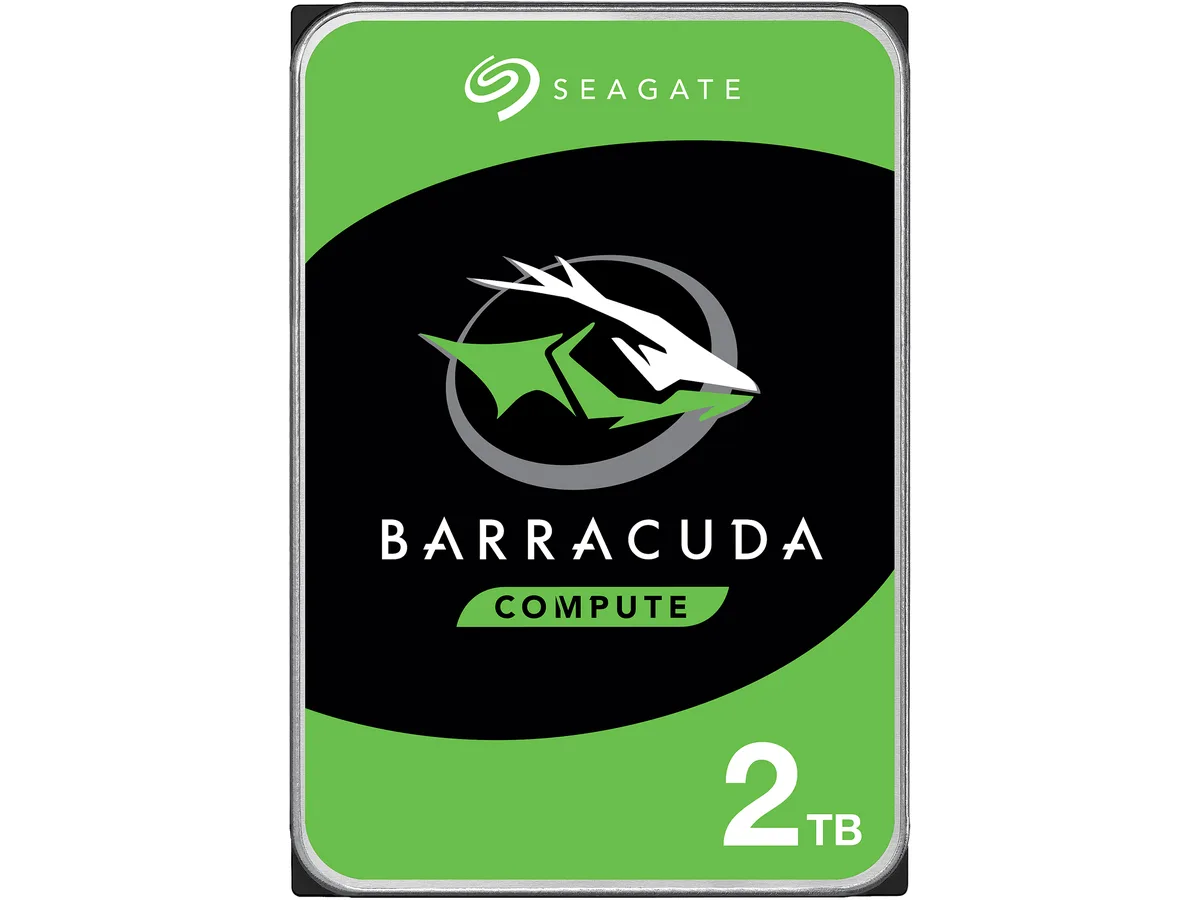
A 2 TB 3.5-inch desktop hard drive spinning at 7200 RPM with 256 MB cache and a SATA 6.0 Gb/s interface for everyday computing
Options 2TB 7200RPM
The Seagate BarraCuda ST2000DM008 is a 2 TB 3.5 inch desktop hard drive that spins at 7200 RPM and connects through a SATA 6.0 Gb/s interface. It carries a 256 MB cache and measures 146.99 mm long, 101.85 mm wide and 20.20 mm high. The drive is supplied new and is built for everyday computing tasks.
This drive fits users who need affordable high-capacity storage for documents, media libraries or backup on a standard desktop PC. Buyers who require the low latency or high sustained throughput of solid-state storage should consider a different technology. Systems limited to the older SATA 3.0 Gb/s standard will not reach the interface burst speed this model offers.
The single specification that determines whether this is the correct part is the SATA 6.0 Gb/s interface. Your motherboard or controller must provide a matching SATA port to install the drive and achieve its rated burst performance. Without that port the drive will not function as intended.
| Brand | Seagate |
|---|---|
| Series | BarraCuda |
| Model | ST2000DM008 |
| Interface | SATA 6.0Gb/s |
| Capacity | 2TB |
| RPM | 7200 RPM |
| Cache | 256MB |
| Features | Versatile HDDs for all your PC needs bring you industry-leading excellence in personal computing. For over 20 years the BarraCuda family has delivered super-reliable storage for the hard drive industry. Capacities up to 8TB for desktops, BarraCuda leads the market with the widest range of storage options available. Advanced Power modes help save energy without sacrificing performance. SATA 6Gb/s interface optimizes burst performance. |
| Usage | For Daily Computing |
| Form Factor | 3.5" |
| Height (maximum) | 20.20mm |
| Width (maximum) | 101.85mm |
| Length (maximum) | 146.99mm |
| Poids d’expédition | 0.40 kg |
| Dimensions du colis | 152 × 104 × 25 mm |
Autres versions de ce modèle
Même famille, mémoire, ventirad ou fréquence différents — comparez avant de vous décider.
The SATA 6.0Gb/s interface supports up to 6.0Gb/s burst speeds, while sustained transfer rates are limited by the 7200 RPM platters and 256MB cache.
Yes, the drive measures 146.99mm long, 101.85mm wide and 20.20mm high, matching the standard 3.5" form factor used in desktop cases and drive cages.
Mount the drive using four 3.5" screws, connect a SATA data cable to the motherboard and a SATA power cable from the PSU, then initialise and format the 2TB volume in the OS — the formatting step is frequently overlooked.
Également dans ce rayon
Même rayon, même caisse — huit monnaies et un taux bloqué 30 minutes.
Ce que vous envoyez, et ce dans quoi vous lisez les prix.
Envoyé depuis votre portefeuille à la caisse
Affichage seul — le catalogue est libellé en dollars
Aucune monnaie ne correspond.
Choisissez la langue dans laquelle le site vous parle.
Première visite ?
Vous avez déjà un compte ?
Il n’y a pas de réinitialisation automatique : cette boutique n’envoie aucun e-mail, il n’existe donc aucun lien à usage unique à demander. Laissez l’adresse sur le compte, elle sera traitée à la main.
Demande enregistrée
Rien n’arrivera dans votre boîte de réception — cette boutique n’envoie aucun e-mail. Quelqu’un s’en occupe à la main.
Vous l’avez retrouvé ?