

Seagate
Seagate ST2000LM015 BarraCuda 2TB 5400 RPM 128MB 7mm laptop hard drive
- Bare Drive
- SATA 6.0Gb/s
74,99 $US
0.0009562BTC
En stockNous acceptons la cryptomonnaie — les cryptos que vous détenez peuvent ainsi acheter du matériel réel.Payez en crypto, dépensez-la en matériel réel. Livraison assurée offerte partout dans le monde au-delà de 399 $. Cartons neutres, sans marque, expédiés depuis l’Allemagne.Livraison assurée offerte au-delà de 399 $. Votre taux est bloqué pendant 30 minutes dès l’ouverture de la caisse.Taux bloqué 30 minutes. Chaque article est scellé, son numéro de série est vérifié, et il est couvert par une garantie de 24 mois.Scellé, garanti 24 mois.


Seagate
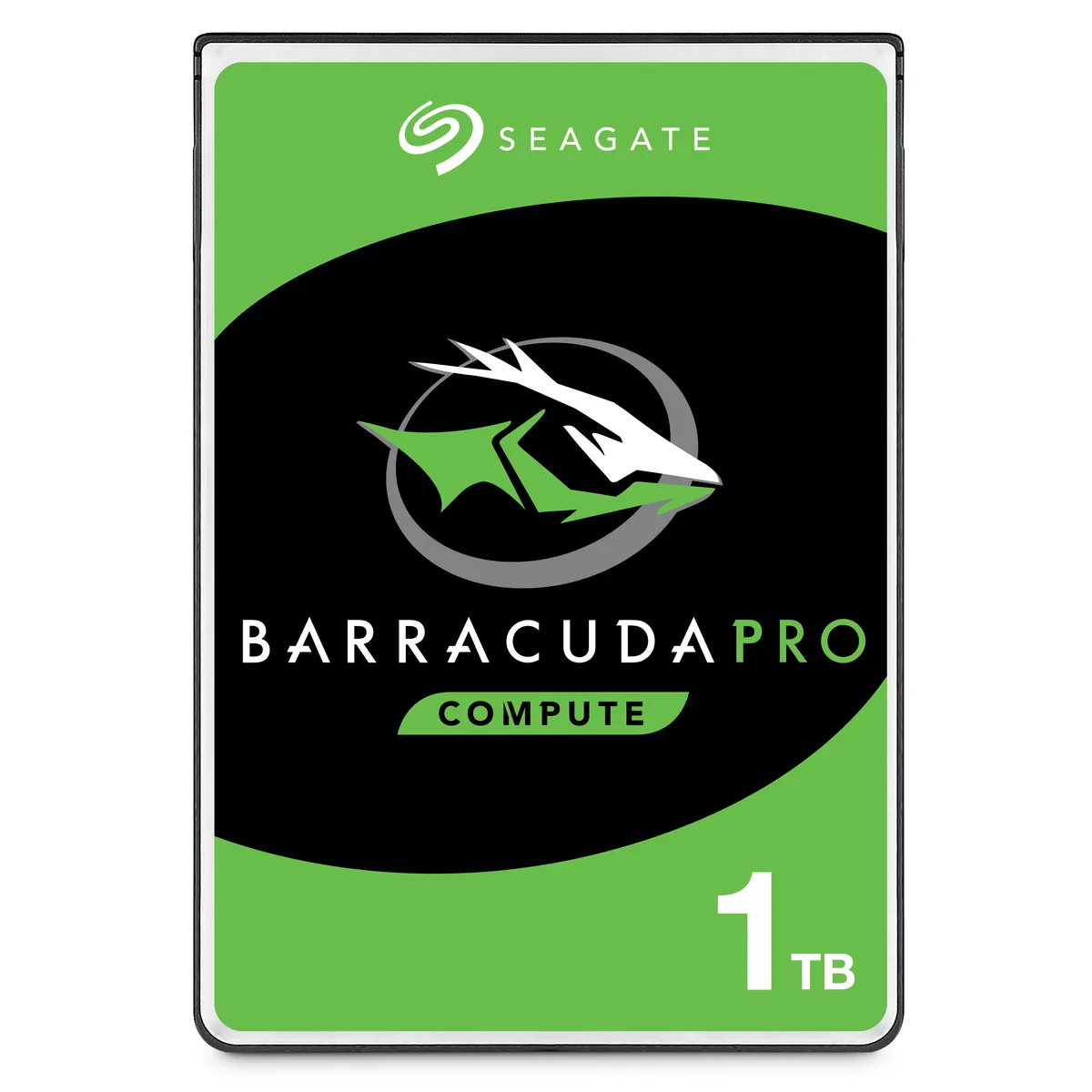
A 1TB 2.5-inch 7mm laptop hard drive with 128MB cache and 5400 RPM for daily computing
This is a 2.5-inch Seagate BarraCuda laptop hard drive with 1TB capacity, 5400 RPM spindle speed and 128MB cache. It connects through a SATA 6.0Gb/s interface and fits the 7mm z-height used by thin-and-light notebooks. The drive is supplied new in bare-drive packaging for system builders and upgrade installers.
It replaces an older 2.5-inch SATA hard drive of lower capacity or smaller cache, and the jump is worthwhile when a notebook or compact desktop needs more storage without moving to a thicker 15mm bay. The 140MB/s peak data rate improves file-transfer responsiveness over slower legacy drives. Buyers who want solid-state speed or capacities above 2TB should look elsewhere.
Verify the host system accepts a 2.5-inch SATA drive with a 7mm profile and that a SATA data plus power connector is available. Confirm the BIOS or UEFI recognises 1TB volumes and that no hardware RAID controller imposes a lower capacity limit. The drive is not formatted, partitioned or allocated, so the operating system must initialise it on first boot.
| Brand | Seagate |
|---|---|
| Series | BarraCuda |
| Model | ST1000LM048 |
| Packaging | Bare Drive |
| Interface | SATA 6.0Gb/s |
| Capacity | 1TB |
| Cache | 128MB |
| RPM | 5400 RPM |
| Features | Broadest 2.5-inch hard drive portfolio with up to 5TB capacity and both 7mm and 15mm form factors suitable for a variety of compute applications. Thinnest and lightest 2.5-inch hard drive with up to 2TB storage in a 7mm z-height, providing seamless upgrades of thin and light laptops and smaller form factor systems. Fast data rates of up to 140MB/s enables superior PC end-user experience and snappier file transfers. 2.5-inch, 15mm z-height hard drives provide 3TB to 5TB in capacity, offering the highest-capacity 2.5-inch hard drives available for external or all-in-one storage. 15mm z |
| Usage | For Daily Computing |
| Form Factor | 2.5" |
| Height (maximum) | 7mm |
| Width (maximum) | 69.85mm |
| Length (maximum) | 100.35mm |
| Poids d’expédition | 0.23 kg |
| Dimensions du colis | 102 × 76 × 5 mm |
Autres versions de ce modèle
Même famille, mémoire, ventirad ou fréquence différents — comparez avant de vous décider.
The drive measures 7mm high, 69.85mm wide and 100.35mm long, matching the standard 2.5-inch 7mm bay used in most thin-and-light laptops.
Align the L-shaped SATA data and power connectors, press firmly until they click, then secure the drive with the laptop's mounting screws or caddy; forgetting to latch the cables is the common mistake.
Run the manufacturer's diagnostic tool every few months to scan for bad sectors — up to 25 may appear over time — and replace the drive if reallocated sector counts rise.
Également dans ce rayon
Même rayon, même caisse — huit monnaies et un taux bloqué 30 minutes.
Ce que vous envoyez, et ce dans quoi vous lisez les prix.
Envoyé depuis votre portefeuille à la caisse
Affichage seul — le catalogue est libellé en dollars
Aucune monnaie ne correspond.
Choisissez la langue dans laquelle le site vous parle.
Première visite ?
Vous avez déjà un compte ?
Il n’y a pas de réinitialisation automatique : cette boutique n’envoie aucun e-mail, il n’existe donc aucun lien à usage unique à demander. Laissez l’adresse sur le compte, elle sera traitée à la main.
Demande enregistrée
Rien n’arrivera dans votre boîte de réception — cette boutique n’envoie aucun e-mail. Quelqu’un s’en occupe à la main.
Vous l’avez retrouvé ?


