
Simmtec, Inc
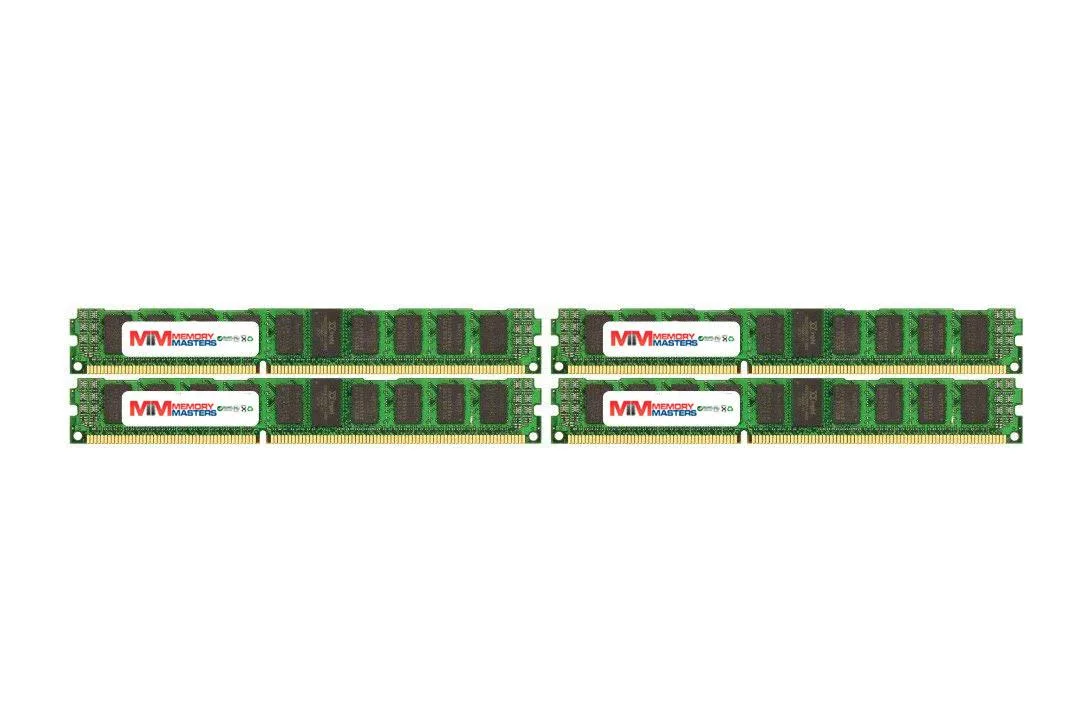
Simmtec, Inc 32GB (8x 4GB) DDR3 1600MHz CL10 1.5V 240-Pin Desktop RAM Black Heatspreaders
Eight 4 GB DDR3 DIMMs deliver 32 GB at 1600 MHz with CL10 10-10-10-27 timings, 1.5 V and black heatspreaders for desktop upgrades
- Capacity32GB (8 x 4GB)
- SpeedDDR3 1600 (PC3 12800)
- CAS LatencyCL10
- 32 GB total capacity from eight 4 GB modules for heavy multitasking
- DDR3 1600 MHz speed delivers responsive desktop performance
- CL10 10-10-10-27 timings reduce latency in everyday workloads
- 5 V operation matches standard desktop motherboard requirements
- Black heatspreaders on 240-pin DIMMs aid thermal management
32GB DDR3 Kit for Legacy Desktops
This 32GB kit contains eight 4GB DDR3 modules rated at 1600MHz with CL10 timings. It targets owners of older Intel LGA 1155, 1156, 1366, 2011 or AMD AM3, AM3+, Llano and FM1 platforms who need maximum supported memory capacity.
Replaces Slower or Smaller DDR3 Sets
The kit upgrades systems running at lower speeds or limited to 4GB or 8GB totals. The jump is worth it when applications hit the memory ceiling on those platforms and the motherboard accepts 240-pin unbuffered non-ECC DIMMs at 1.5V.
Straightforward 240-Pin Installation
Modules seat in standard desktop DIMM slots; the black heatspreaders fit typical clearance envelopes. What usually goes wrong is mixing these sticks with existing kits of different voltage or timing, which can prevent the system from posting at 1600MHz.
Points forts
- 32 GB total capacity from eight 4 GB modules for heavy multitasking
- DDR3 1600 MHz speed delivers responsive desktop performance
- CL10 10-10-10-27 timings reduce latency in everyday workloads
- 5 V operation matches standard desktop motherboard requirements
- Black heatspreaders on 240-pin DIMMs aid thermal management
Caractéristiques
| Capacity | 32GB (8 x 4GB) |
|---|---|
| Speed | DDR3 1600 (PC3 12800) |
| CAS Latency | CL10 |
Questions sur cet article
Will the 240-pin DDR3 modules fit my motherboard DIMM slots?
The kit uses standard 240-pin DDR3 DIMMs, the physical format required by desktop boards with DDR3 slots.
What is the correct way to seat all eight 4 GB sticks, and what step do builders often miss?
Align each notch with the slot key, press down evenly until both retention clips click, then verify the BIOS detects the full 32 GB at 1600 MHz.
When will the black heatspreaders or the modules themselves need replacement?
DDR3 memory has no moving parts; the heatspreaders are passive and the modules are rated for the product's market lifetime under normal use.
Également dans ce rayon
Les clients ont aussi comparé
Même rayon, même caisse — huit monnaies et un taux bloqué 30 minutes.


PrimoChill
PrimoChill Praxis Wetbench Open-Air Test Bench 461.8mm
- Open-Air
274,89 $US
0.00355238BTC
En stock
Silverstone Technology
SilverStone Technology Strider 1200W 80 Plus Platinum Modular Power Supply
- ATX Mid Tower
- 1200W
324,03 $US
0.00418741BTC
En stock