


Toshiba
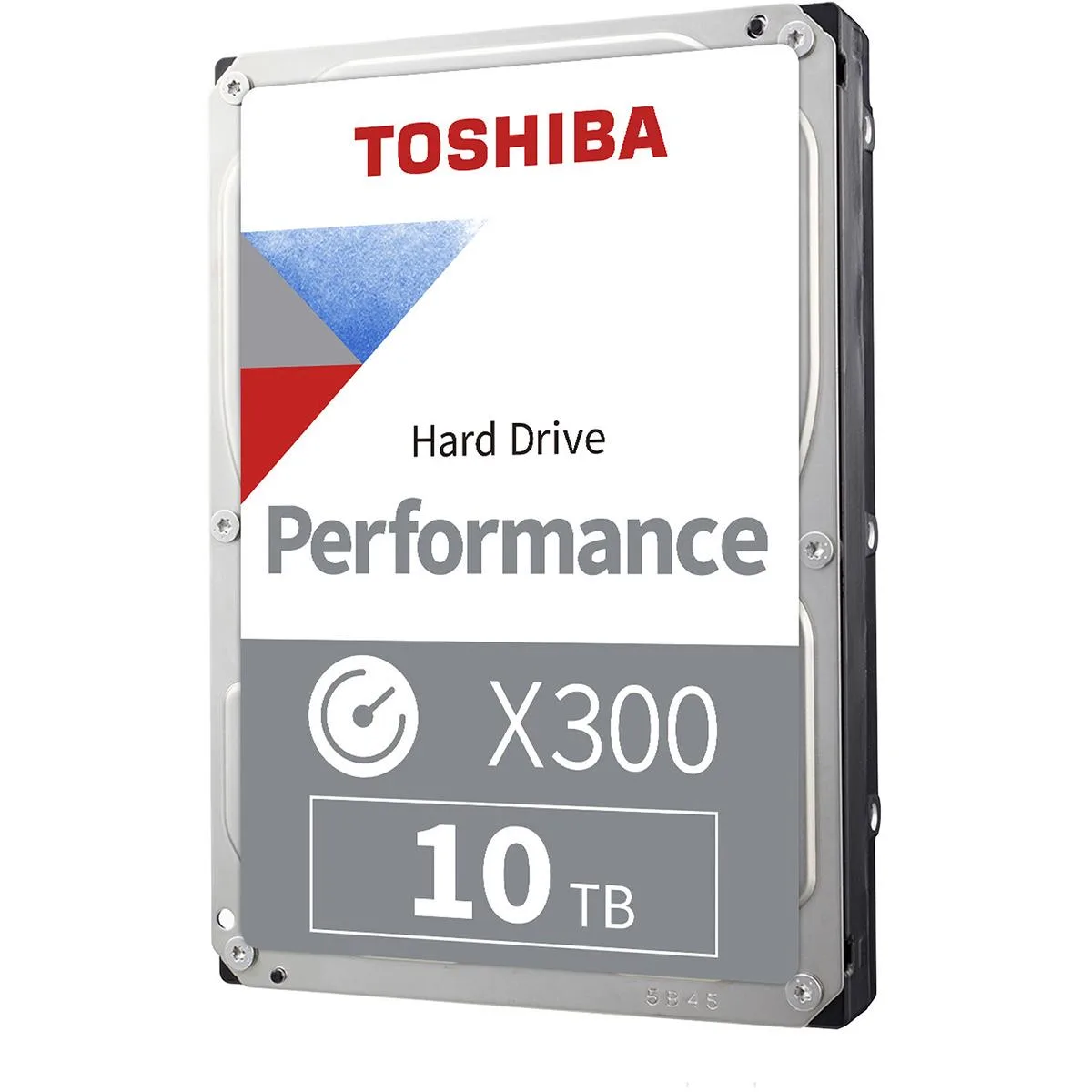
Toshiba 10TB X300 Performance 3.5" 7200 RPM 512MB Cache SATA Internal Hard Drive
High-capacity 3.5-inch desktop drive with 10TB storage, 7200 RPM speed and 512MB cache for demanding workloads
- Massive 10TB capacity stores huge game libraries
- 7200 RPM spindle speed delivers fast data access
- 512MB cache buffer boosts real-time performance
- CMR recording technology ensures consistent write speeds
- Ramp-load design and shock sensors protect drive longevity
10TB 7200 RPM Desktop Hard Drive
The Toshiba X300 Performance is a 3.5-inch SATA internal hard drive built for desktop PCs and workstations. It spins at 7200 RPM with a 512MB cache to deliver high sustained throughput. The CMR recording technology supports consistent write performance across the full 10TB capacity.
Suits gaming libraries and creative archives
This drive fits builders who need a single large volume for game installs, video projects or media servers. Buyers who want faster boot and load times should consider solid-state storage instead. Systems limited to 2.5-inch bays cannot accommodate this 3.5-inch form factor.
512MB cache and 7200 RPM spindle
The combination of a 512MB buffer and 7200 RPM rotation speed is the key specification that determines real-world responsiveness. It enables the drive to service heavy random workloads and large sequential transfers without the latency typical of smaller-cache models.
Points forts
- Massive 10TB capacity stores huge game libraries
- 7200 RPM spindle speed delivers fast data access
- 512MB cache buffer boosts real-time performance
- CMR recording technology ensures consistent write speeds
- Ramp-load design and shock sensors protect drive longevity
Caractéristiques
Aucune caractéristique publiée pour cet article pour l’instant.
Questions sur cet article
Does the X300 require a SATA 6 Gbps motherboard port to achieve its rated performance?
The drive uses the SATA interface and will operate on any standard SATA port; maximum throughput is reached on a 6 Gbps port but it remains fully functional on slower ports.
Can the 10 TB X300 share a SATA controller with older mechanical drives without conflicts?
Yes, each drive connects to its own SATA port so the X300 works alongside legacy drives without controller-level conflicts.
How can I verify the 512 MB cache is active after installing the drive?
Use a system information tool such as CrystalDiskInfo or the BIOS drive details page; both will report the cache size as 512 MB when the drive is recognised.
Également dans ce rayon
Les clients ont aussi comparé
Même rayon, même caisse — huit monnaies et un taux bloqué 30 minutes.




