Arozzi
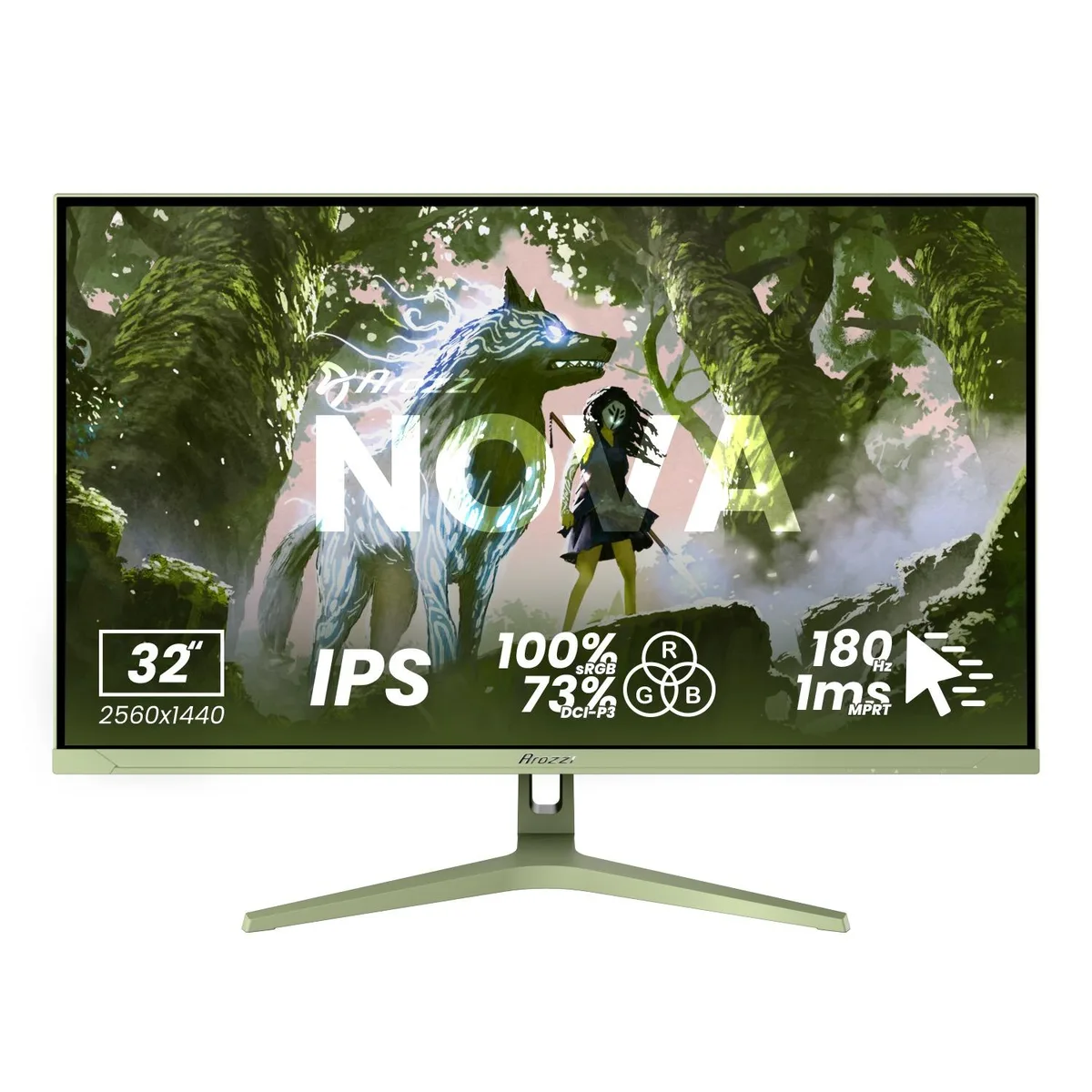
Arozzi Nova 27" 1440p 180Hz IPS Gaming Monitor - Black
- 27"
- 2560 x 1440 (2K)
172,99 USD
0.00214961BTC
DisponibileAccettiamo criptovalute — così le crypto che Lei possiede possono comprare hardware reale.Paghi in crypto, la spenda in hardware reale. Spedizione assicurata gratuita in tutto il mondo oltre i 399 $. Cartoni neutri, senza marchio, spediti dalla Germania.Spedizione assicurata gratuita oltre i 399 $. Il Suo tasso resta bloccato per 30 minuti dall’apertura del checkout.Tasso bloccato 30 minuti. Ogni articolo è sigillato, il numero di serie è verificato, ed è coperto da una garanzia di 24 mesi.Sigillato, garantito 24 mesi.


Arozzi
A 27-inch IPS gaming monitor with 2560 x 1440 resolution, 180Hz refresh rate, 1ms response time, and 350 nits brightness
Size Nova 27"
Color White
The Arozzi Nova is a 27-inch IPS gaming monitor built for players who want sharp 2560 x 1440 resolution and fluid motion. Its 180Hz refresh rate and 1ms response time keep fast-paced action clear, while the 178-degree viewing angles preserve colour consistency across the screen.
This display suits anyone gaming on PC or console who values high refresh rates and tear-free adaptive sync at QHD. Buyers who need 4K resolution, higher peak brightness than 350 nits, or built-in USB hubs should look at other models.
The single specification that determines whether this monitor fits your needs is the 180Hz refresh rate combined with 1ms response. If your graphics card or console cannot push high frame rates at 1440p, a lower-refresh panel may offer better value.
| Screen Size | 27" |
|---|---|
| Resolution | 2560 x 1440 (2K) |
| Aspect Ratio | 16:9 |
| Response Time | 1 ms |
| Refresh Rate | 180Hz |
Altre versioni di questo modello
Stessa famiglia, con memoria, dissipatore o frequenza diversi — confronti prima di decidere.
The monitor provides two HDMI and two DisplayPort connections, supporting the full 180 Hz refresh rate at 2560×1440 resolution.
The screen measures 27 inches diagonally with a 16:9 aspect ratio; the stand offers tilt adjustment and the rear includes a VESA mounting interface.
Connect a DisplayPort cable, select 180 Hz in your OS display settings, enable adaptive sync in the monitor menu, and turn on HDR10 if desired.
Anche in questo reparto
Stesso reparto, stessa cassa — otto monete e un cambio bloccato per 30 minuti.
Cosa invia per pagare, e in quale valuta legge i prezzi.
Inviato dal Suo portafoglio alla cassa
Solo a titolo indicativo — il catalogo è espresso in dollari
Nessuna valuta corrisponde.
Scelga la lingua in cui il sito Le parla.
Prima visita?
Ne ha già uno?
Non esiste un ripristino automatico: questo negozio non invia e-mail, quindi non esiste alcun link monouso da richiedere. Lasci l’indirizzo sull’account: verrà gestito manualmente.
Richiesta registrata
Non arriverà nulla nella Sua casella di posta — questo negozio non invia e-mail. Qualcuno se ne occupa manualmente.
L’ha ritrovata?