Arozzi
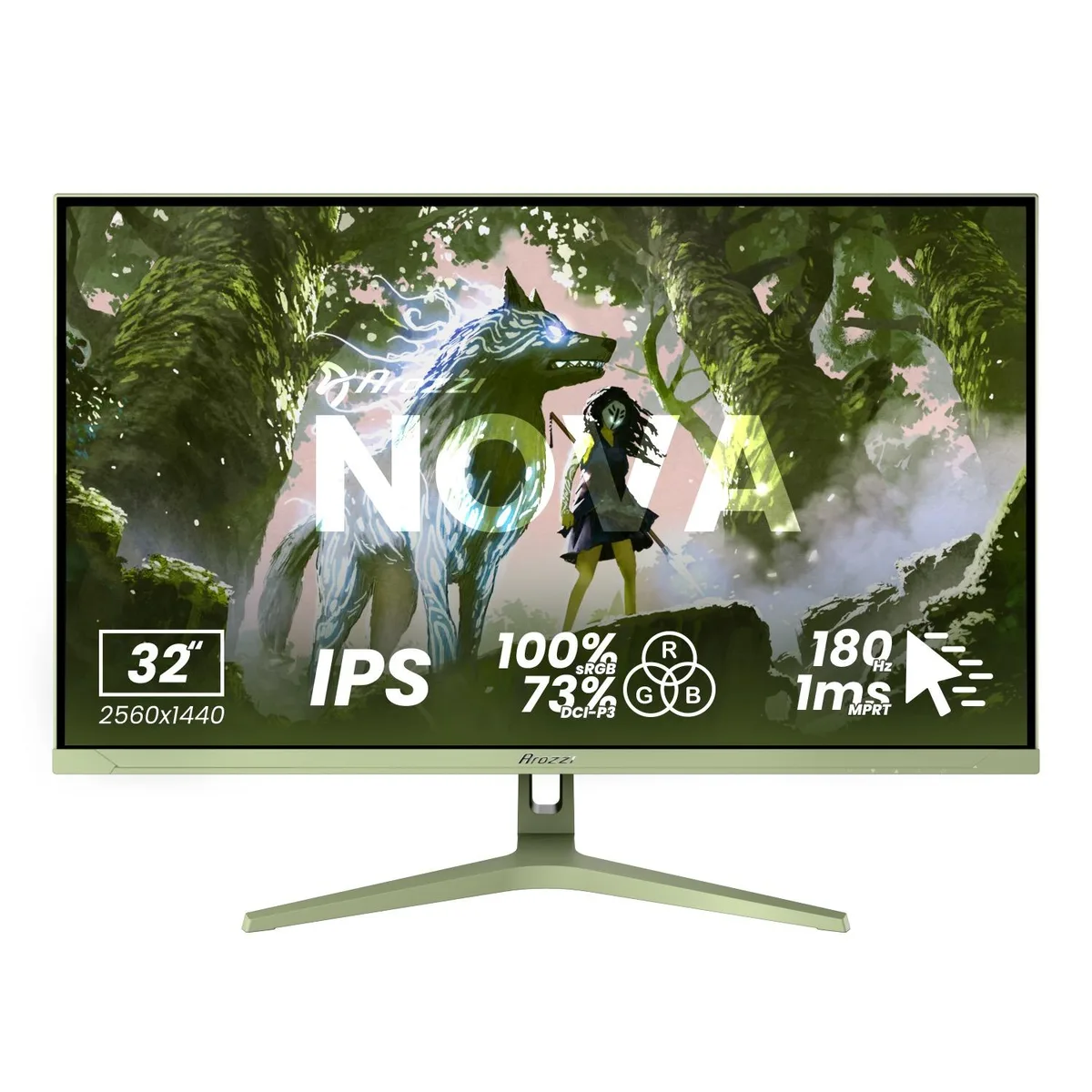
Arozzi Nova 27" 1440p 180Hz IPS Gaming Monitor - Black
- 27"
- 2560 x 1440 (2K)
172,99 US$
0.00214126BTC
En stockAceptamos criptomonedas — así, las criptos que usted tiene pueden comprar hardware real.Pague en cripto y gástela en hardware real. Envío asegurado gratis a nivel mundial a partir de $399. Cajas neutras, sin marca, enviadas desde Alemania.Envío asegurado gratis a partir de $399. Su cotización queda bloqueada 30 minutos en cuanto se abre el pago.Cotización bloqueada 30 minutos. Todos los artículos vienen sellados, con el número de serie verificado y cubiertos por una garantía de 24 meses.Sellado, con 24 meses de garantía.


Arozzi
A 27-inch IPS gaming monitor with 2560 x 1440 resolution, 180Hz refresh rate, 1ms response time, and 350 nits brightness
Size Nova 27"
Color White
The Arozzi Nova is a 27-inch IPS gaming monitor built for players who want sharp 2560 x 1440 resolution and fluid motion. Its 180Hz refresh rate and 1ms response time keep fast-paced action clear, while the 178-degree viewing angles preserve colour consistency across the screen.
This display suits anyone gaming on PC or console who values high refresh rates and tear-free adaptive sync at QHD. Buyers who need 4K resolution, higher peak brightness than 350 nits, or built-in USB hubs should look at other models.
The single specification that determines whether this monitor fits your needs is the 180Hz refresh rate combined with 1ms response. If your graphics card or console cannot push high frame rates at 1440p, a lower-refresh panel may offer better value.
| Screen Size | 27" |
|---|---|
| Resolution | 2560 x 1440 (2K) |
| Aspect Ratio | 16:9 |
| Response Time | 1 ms |
| Refresh Rate | 180Hz |
Otras versiones de este modelo
Misma familia, con memoria, disipador o frecuencia diferentes — compare antes de decidirse.
The monitor provides two HDMI and two DisplayPort connections, supporting the full 180 Hz refresh rate at 2560×1440 resolution.
The screen measures 27 inches diagonally with a 16:9 aspect ratio; the stand offers tilt adjustment and the rear includes a VESA mounting interface.
Connect a DisplayPort cable, select 180 Hz in your OS display settings, enable adaptive sync in the monitor menu, and turn on HDR10 if desired.
También en este pasillo
Mismo estante, mismo pago — ocho criptomonedas y un tipo de cambio fijado 30 minutos.
Lo que usted paga, y la moneda en la que lee los precios.
Se envía desde su billetera al finalizar la compra
Solo informativo — el catálogo está en dólares
Ninguna moneda coincide.
Elija el idioma en el que el sitio le habla.
¿Es nuevo aquí?
¿Ya tiene una?
No existe ningún restablecimiento automático: esta tienda no envía correos electrónicos, así que no hay ningún enlace de un solo uso que solicitar. Deje la dirección asociada a la cuenta y se atenderá de forma manual.
Solicitud registrada
No hay nada de camino a su bandeja de entrada: esta tienda no envía correos en absoluto. Alguien se encarga de esto manualmente.
¿La recordó?