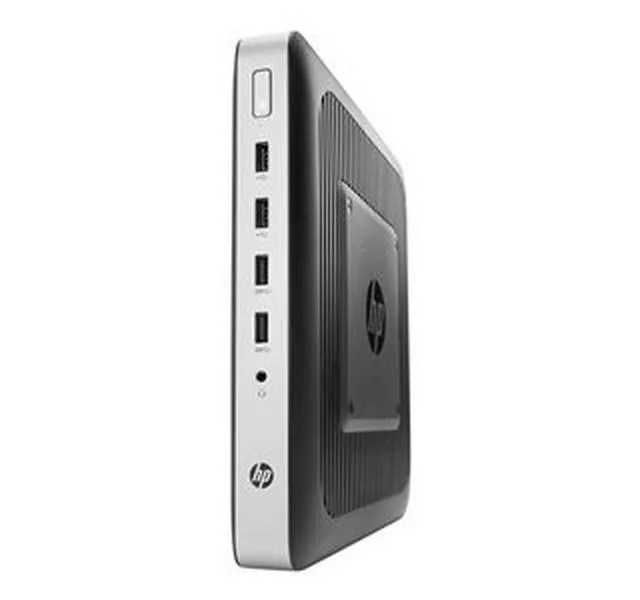
partaker
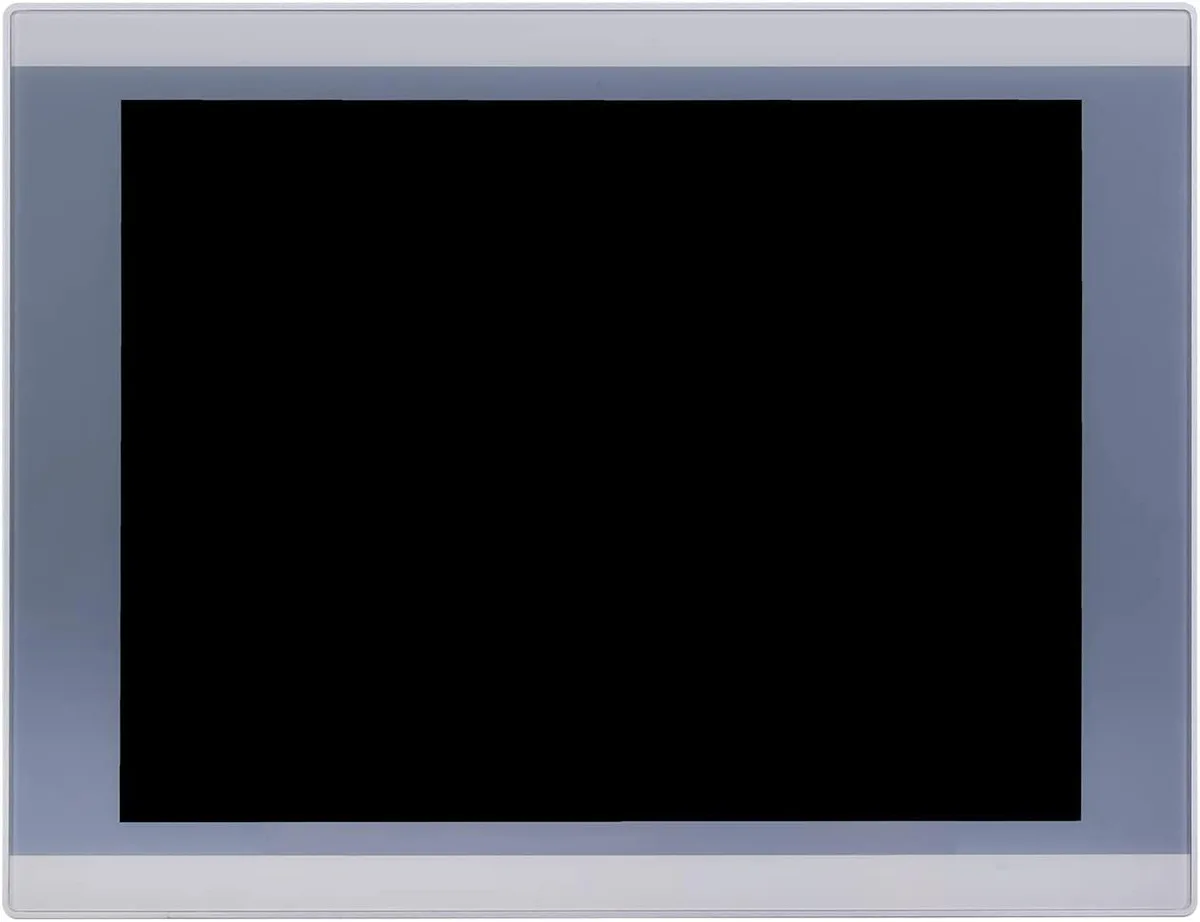
partaker A2-PA-121TPC-CE5B(J19)-4G64G 12.1" industrial panel PC
- All-in-One
- Silver
553,99 USD
0.006884BTC
DisponibileAccettiamo criptovalute — così le crypto che Lei possiede possono comprare hardware reale.Paghi in crypto, la spenda in hardware reale. Spedizione assicurata gratuita in tutto il mondo oltre i 399 $. Cartoni neutri, senza marchio, spediti dalla Germania.Spedizione assicurata gratuita oltre i 399 $. Il Suo tasso resta bloccato per 30 minuti dall’apertura del checkout.Tasso bloccato 30 minuti. Ogni articolo è sigillato, il numero di serie è verificato, ed è coperto da una garanzia di 24 mesi.Sigillato, garantito 24 mesi.


partaker
18.5 inch IP65 front panel PC with 10-point capacitive touch, Intel Celeron J1900, 4GB DDR3L and 128GB mSATA SSD, fanless aluminium chassis, VGA, triple COM, USB 3.0, dual USB 2.0, LAN, audio.
CPU Type Celeron
Le versioni barrate esistono, ma non sono disponibili qui.
CPU Name 2.00GHz
Le versioni barrate esistono, ma non sono disponibili qui.
GPU Intel HD Graphics
Memory 4GB DDR3
SSD
HDD None
Le versioni barrate esistono, ma non sono disponibili qui.
The Partaker A12-PA-190TPC-CE6B(J19) integrates an 18.5 inch TFT LED display with an Intel Celeron J1900 quad-core processor, 4GB DDR3L memory and a 128GB mSATA SSD. It targets machine-vision, kiosk and gateway deployments that need a compact all-in-one unit ready for 24/7 operation. Windows 10 Pro is pre-installed so the system boots straight to a familiar desktop.
The sealed front panel meets IP65 against dust and water jets while the fanless aluminium body runs silently in noise-sensitive environments. Connectors include 12V DC input, VGA output, three COM ports, one USB3.0, three USB2.0, LAN, audio in/out and a power switch, all arranged for tidy cable routing in cabinets. Embedded buckle kits simplify flush mounting into a 454 x 276.5 mm cut-out.
Consolidating compute, display and touch into one device removes the need for a separate industrial PC and screen, cutting cabling and footprint. The jump is worthwhile when space is tight, when a silent fanless design is required, or when the 1366 x 768 projected capacitive touch interface streamlines operator interaction. Systems needing higher CPU performance or more than 8GB RAM should evaluate alternative platforms.
| Model | A12-PA-190TPC-CE6B(J19)-4G128G |
|---|---|
| Form Factor | All-in-One |
| Color | Silver |
| Operating System | Windows 10 Pro |
| CPU Type | Celeron |
| CPU Name | 2.00GHz |
| GPU/VGA Type | Intel HD Graphics |
| Memory Capacity | 4GB DDR3 |
| HDD | No |
| Screen Size | 18.5" |
| Touchscreen | Yes |
Altre versioni di questo modello
Stessa famiglia, con memoria, dissipatore o frequenza diversi — confronti prima di decidere.
The 18.5 inch TFT LED panel runs at 1366 x 768 resolution with 250 cd/m2 brightness and 1000 contrast ratio.
The embedded mounting cut-out is 454 x 276.5 mm and the unit weighs 6 kg with 54.5 mm depth.
Open the chassis, insert the mSATA SSD into the Mini PCIe slot or mount a 2.5 inch SATA drive, then secure both; the common mistake is forgetting to seat the mSATA retaining screw.
Anche in questo reparto
Stesso reparto, stessa cassa — otto monete e un cambio bloccato per 30 minuti.
Cosa invia per pagare, e in quale valuta legge i prezzi.
Inviato dal Suo portafoglio alla cassa
Solo a titolo indicativo — il catalogo è espresso in dollari
Nessuna valuta corrisponde.
Scelga la lingua in cui il sito Le parla.
Prima visita?
Ne ha già uno?
Non esiste un ripristino automatico: questo negozio non invia e-mail, quindi non esiste alcun link monouso da richiedere. Lasci l’indirizzo sull’account: verrà gestito manualmente.
Richiesta registrata
Non arriverà nulla nella Sua casella di posta — questo negozio non invia e-mail. Qualcuno se ne occupa manualmente.
L’ha ritrovata?