partaker
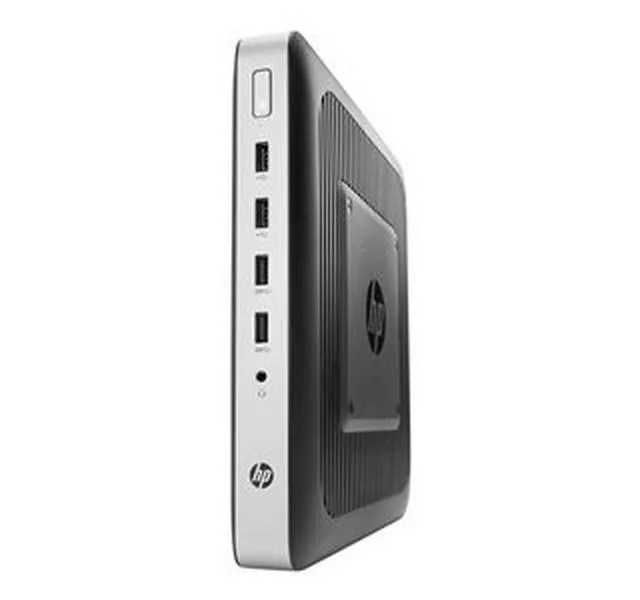
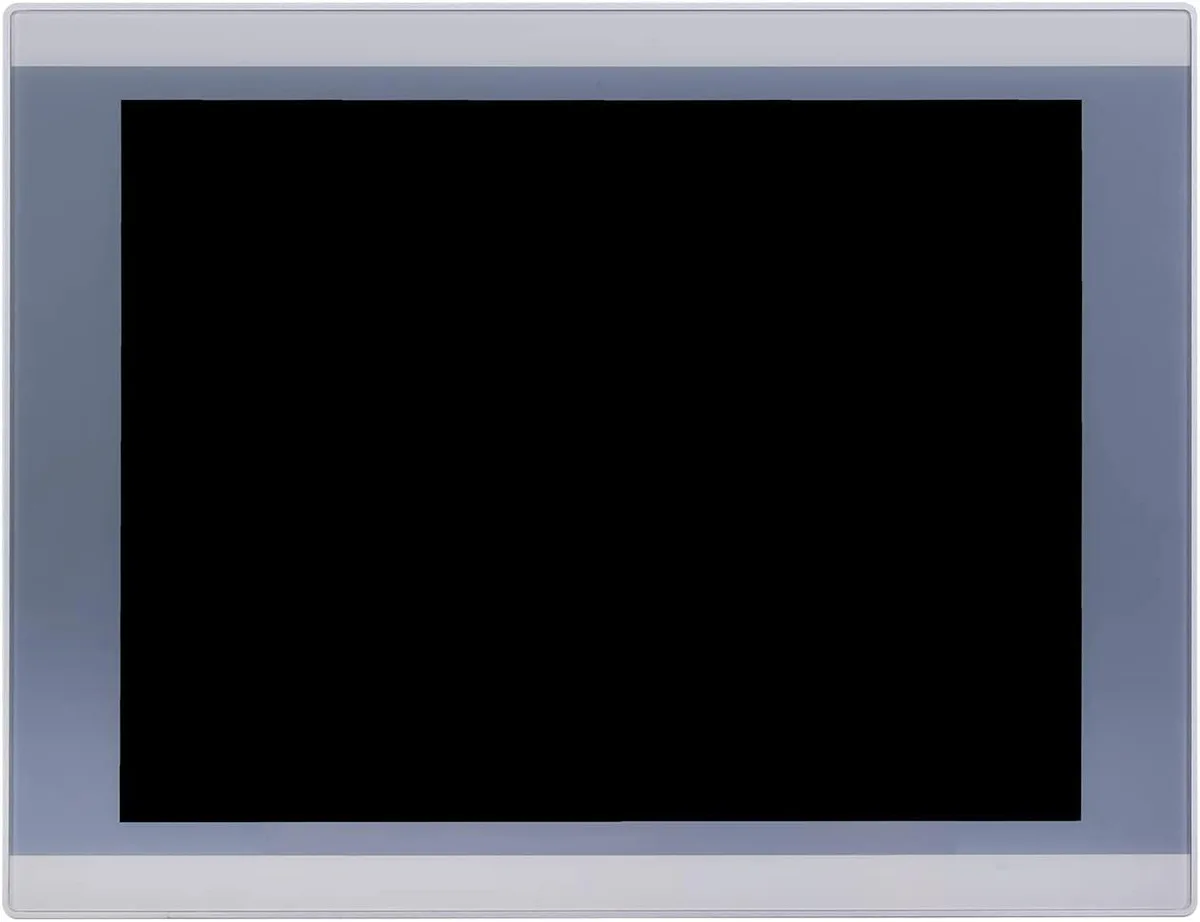
partaker A2-PA-121TPC-CE5B(J19)-4G64G 12.1" industrial panel PC
- All-in-One
- Silver
553,99 US$
0.0069312BTC
En stockAceptamos criptomonedas — así, las criptos que usted tiene pueden comprar hardware real.Pague en cripto y gástela en hardware real. Envío asegurado gratis a nivel mundial a partir de $399. Cajas neutras, sin marca, enviadas desde Alemania.Envío asegurado gratis a partir de $399. Su cotización queda bloqueada 30 minutos en cuanto se abre el pago.Cotización bloqueada 30 minutos. Todos los artículos vienen sellados, con el número de serie verificado y cubiertos por una garantía de 24 meses.Sellado, con 24 meses de garantía.


partaker
18.5 inch IP65 front panel PC with 10-point capacitive touch, Intel Celeron J1900, 4GB DDR3L and 128GB mSATA SSD, fanless aluminium chassis, VGA, triple COM, USB 3.0, dual USB 2.0, LAN, audio.
CPU Type Celeron
Las versiones tachadas existen, pero no están disponibles aquí.
CPU Name 2.00GHz
Las versiones tachadas existen, pero no están disponibles aquí.
GPU Intel HD Graphics
Memory 4GB DDR3
SSD
HDD None
Las versiones tachadas existen, pero no están disponibles aquí.
The Partaker A12-PA-190TPC-CE6B(J19) integrates an 18.5 inch TFT LED display with an Intel Celeron J1900 quad-core processor, 4GB DDR3L memory and a 128GB mSATA SSD. It targets machine-vision, kiosk and gateway deployments that need a compact all-in-one unit ready for 24/7 operation. Windows 10 Pro is pre-installed so the system boots straight to a familiar desktop.
The sealed front panel meets IP65 against dust and water jets while the fanless aluminium body runs silently in noise-sensitive environments. Connectors include 12V DC input, VGA output, three COM ports, one USB3.0, three USB2.0, LAN, audio in/out and a power switch, all arranged for tidy cable routing in cabinets. Embedded buckle kits simplify flush mounting into a 454 x 276.5 mm cut-out.
Consolidating compute, display and touch into one device removes the need for a separate industrial PC and screen, cutting cabling and footprint. The jump is worthwhile when space is tight, when a silent fanless design is required, or when the 1366 x 768 projected capacitive touch interface streamlines operator interaction. Systems needing higher CPU performance or more than 8GB RAM should evaluate alternative platforms.
| Model | A12-PA-190TPC-CE6B(J19)-4G128G |
|---|---|
| Form Factor | All-in-One |
| Color | Silver |
| Operating System | Windows 10 Pro |
| CPU Type | Celeron |
| CPU Name | 2.00GHz |
| GPU/VGA Type | Intel HD Graphics |
| Memory Capacity | 4GB DDR3 |
| HDD | No |
| Screen Size | 18.5" |
| Touchscreen | Yes |
Otras versiones de este modelo
Misma familia, con memoria, disipador o frecuencia diferentes — compare antes de decidirse.
The 18.5 inch TFT LED panel runs at 1366 x 768 resolution with 250 cd/m2 brightness and 1000 contrast ratio.
The embedded mounting cut-out is 454 x 276.5 mm and the unit weighs 6 kg with 54.5 mm depth.
Open the chassis, insert the mSATA SSD into the Mini PCIe slot or mount a 2.5 inch SATA drive, then secure both; the common mistake is forgetting to seat the mSATA retaining screw.
También en este pasillo
Mismo estante, mismo pago — ocho criptomonedas y un tipo de cambio fijado 30 minutos.
Lo que usted paga, y la moneda en la que lee los precios.
Se envía desde su billetera al finalizar la compra
Solo informativo — el catálogo está en dólares
Ninguna moneda coincide.
Elija el idioma en el que el sitio le habla.
¿Es nuevo aquí?
¿Ya tiene una?
No existe ningún restablecimiento automático: esta tienda no envía correos electrónicos, así que no hay ningún enlace de un solo uso que solicitar. Deje la dirección asociada a la cuenta y se atenderá de forma manual.
Solicitud registrada
No hay nada de camino a su bandeja de entrada: esta tienda no envía correos en absoluto. Alguien se encarga de esto manualmente.
¿La recordó?