

Seagate
Seagate ST500LM030 BarraCuda 500GB 5400 RPM 128MB SATA 2.5" laptop hard drive
- Bare Drive
- SATA 6.0Gb/s
51,99 USD
0.00066356BTC
DisponibileAccettiamo criptovalute — così le crypto che Lei possiede possono comprare hardware reale.Paghi in crypto, la spenda in hardware reale. Spedizione assicurata gratuita in tutto il mondo oltre i 399 $. Cartoni neutri, senza marchio, spediti dalla Germania.Spedizione assicurata gratuita oltre i 399 $. Il Suo tasso resta bloccato per 30 minuti dall’apertura del checkout.Tasso bloccato 30 minuti. Ogni articolo è sigillato, il numero di serie è verificato, ed è coperto da una garanzia di 24 mesi.Sigillato, garantito 24 mesi.


Seagate
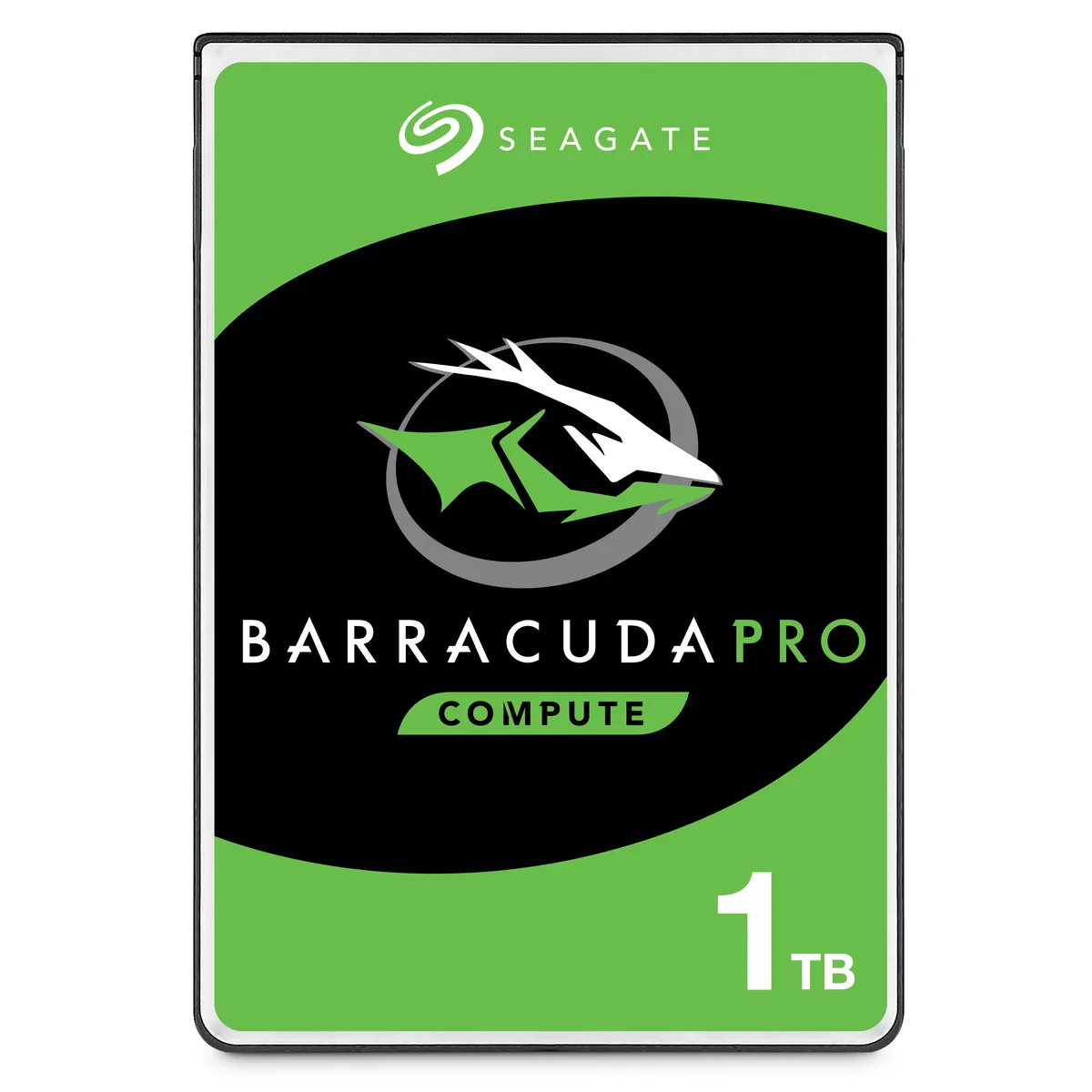
A 1TB 2.5-inch 7mm laptop hard drive with 128MB cache and 5400 RPM for daily computing
This is a 2.5-inch Seagate BarraCuda laptop hard drive with 1TB capacity, 5400 RPM spindle speed and 128MB cache. It connects through a SATA 6.0Gb/s interface and fits the 7mm z-height used by thin-and-light notebooks. The drive is supplied new in bare-drive packaging for system builders and upgrade installers.
It replaces an older 2.5-inch SATA hard drive of lower capacity or smaller cache, and the jump is worthwhile when a notebook or compact desktop needs more storage without moving to a thicker 15mm bay. The 140MB/s peak data rate improves file-transfer responsiveness over slower legacy drives. Buyers who want solid-state speed or capacities above 2TB should look elsewhere.
Verify the host system accepts a 2.5-inch SATA drive with a 7mm profile and that a SATA data plus power connector is available. Confirm the BIOS or UEFI recognises 1TB volumes and that no hardware RAID controller imposes a lower capacity limit. The drive is not formatted, partitioned or allocated, so the operating system must initialise it on first boot.
| Brand | Seagate |
|---|---|
| Series | BarraCuda |
| Model | ST1000LM048 |
| Packaging | Bare Drive |
| Interface | SATA 6.0Gb/s |
| Capacity | 1TB |
| Cache | 128MB |
| RPM | 5400 RPM |
| Features | Broadest 2.5-inch hard drive portfolio with up to 5TB capacity and both 7mm and 15mm form factors suitable for a variety of compute applications. Thinnest and lightest 2.5-inch hard drive with up to 2TB storage in a 7mm z-height, providing seamless upgrades of thin and light laptops and smaller form factor systems. Fast data rates of up to 140MB/s enables superior PC end-user experience and snappier file transfers. 2.5-inch, 15mm z-height hard drives provide 3TB to 5TB in capacity, offering the highest-capacity 2.5-inch hard drives available for external or all-in-one storage. 15mm z |
| Usage | For Daily Computing |
| Form Factor | 2.5" |
| Height (maximum) | 7mm |
| Width (maximum) | 69.85mm |
| Length (maximum) | 100.35mm |
| Peso di spedizione | 0.23 kg |
| Dimensioni del pacco | 102 × 76 × 5 mm |
Altre versioni di questo modello
Stessa famiglia, con memoria, dissipatore o frequenza diversi — confronti prima di decidere.
The drive measures 7mm high, 69.85mm wide and 100.35mm long, matching the standard 2.5-inch 7mm bay used in most thin-and-light laptops.
Align the L-shaped SATA data and power connectors, press firmly until they click, then secure the drive with the laptop's mounting screws or caddy; forgetting to latch the cables is the common mistake.
Run the manufacturer's diagnostic tool every few months to scan for bad sectors — up to 25 may appear over time — and replace the drive if reallocated sector counts rise.
Anche in questo reparto
Stesso reparto, stessa cassa — otto monete e un cambio bloccato per 30 minuti.
Cosa invia per pagare, e in quale valuta legge i prezzi.
Inviato dal Suo portafoglio alla cassa
Solo a titolo indicativo — il catalogo è espresso in dollari
Nessuna valuta corrisponde.
Scelga la lingua in cui il sito Le parla.
Nessuna lingua corrisponde.
Prima visita?
Ne ha già uno?
Non esiste un ripristino automatico: questo negozio non invia e-mail, quindi non esiste alcun link monouso da richiedere. Lasci l’indirizzo sull’account: verrà gestito manualmente.
Richiesta registrata
Non arriverà nulla nella Sua casella di posta — questo negozio non invia e-mail. Qualcuno se ne occupa manualmente.
L’ha ritrovata?




