
YEYIAN
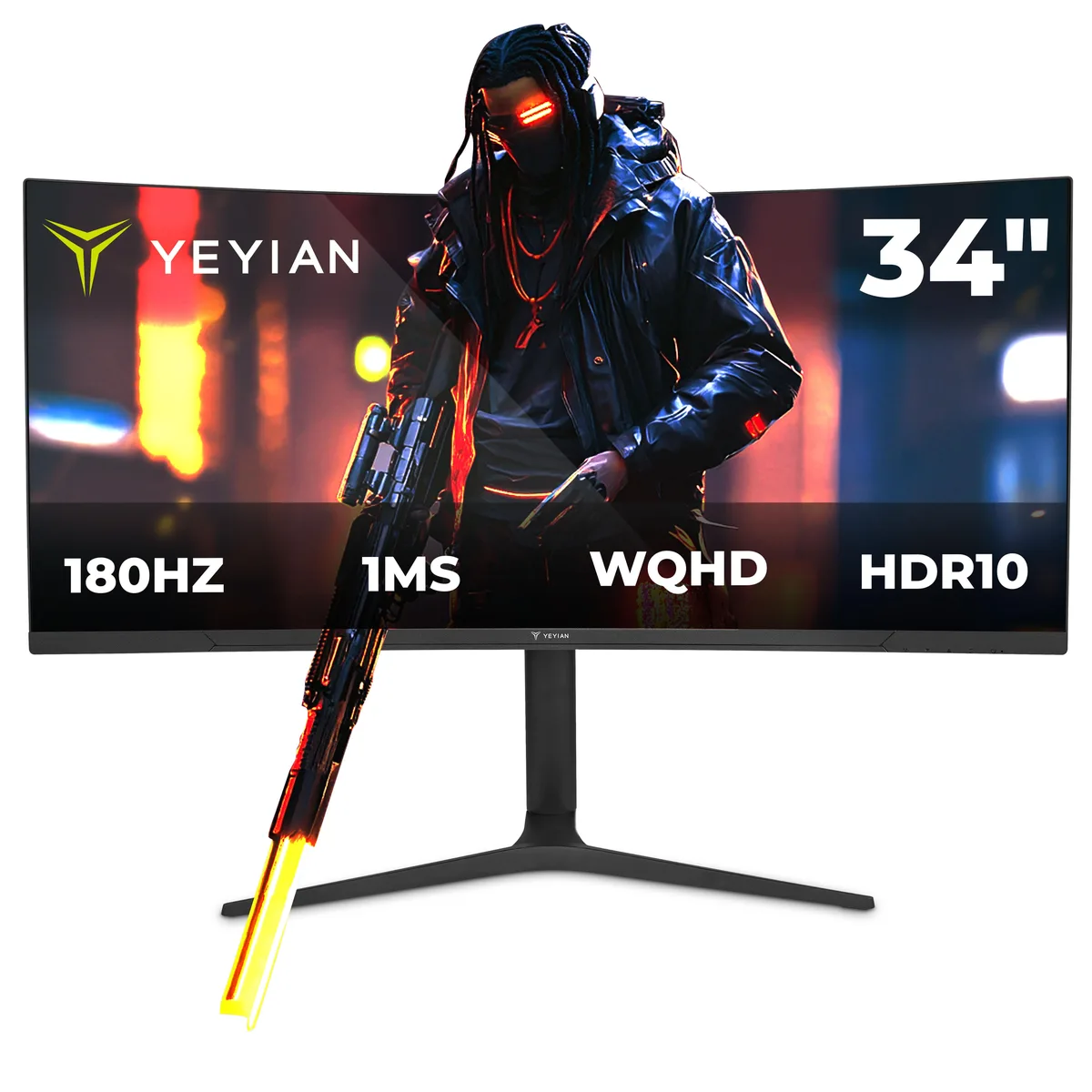
YEYIAN YMC-FV234-M1 34" 180Hz 1ms WQHD gaming monitor
- Black
- 34"
266,99 USD
0.00332371BTC
DisponibileAccettiamo criptovalute — così le crypto che Lei possiede possono comprare hardware reale.Paghi in crypto, la spenda in hardware reale. Spedizione assicurata gratuita in tutto il mondo oltre i 399 $. Cartoni neutri, senza marchio, spediti dalla Germania.Spedizione assicurata gratuita oltre i 399 $. Il Suo tasso resta bloccato per 30 minuti dall’apertura del checkout.Tasso bloccato 30 minuti. Ogni articolo è sigillato, il numero di serie è verificato, ed è coperto da una garanzia di 24 mesi.Sigillato, garantito 24 mesi.


YEYIAN
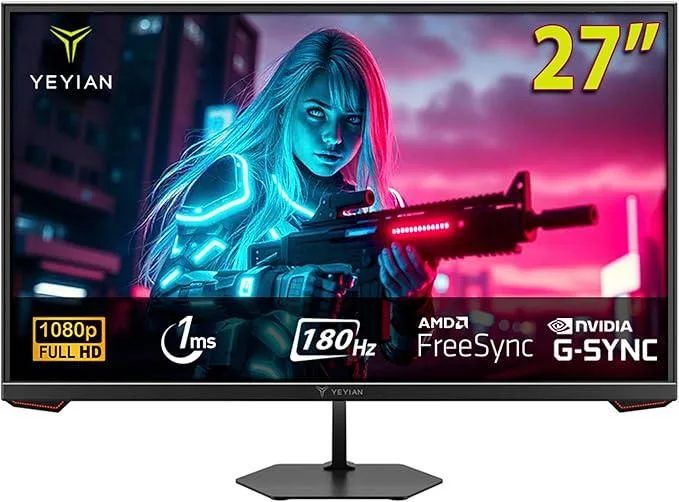
A 27 inch flat IPS panel delivers 1920 x 1080 resolution at 180 Hz with a 1 ms response time, 97 percent sRGB coverage and HDR10 support
Option Gaming Monitor 27"
The YEYIAN Avance IPF is a 27-inch flat-panel display built around a fast IPS matrix running at 1920 x 1080 resolution. It delivers a 180Hz refresh rate and a 1 ms response time for fluid motion in competitive titles. Adaptive sync support covers both FreeSync Premium and G-Sync Compatible operation. Connectivity includes one DisplayPort 1.4 and one HDMI 2.0 port, both capable of the full 180Hz at 1080p.
This monitor suits gamers who prioritise high frame rates and low input lag at 1080p. The 178° viewing angles and 97% sRGB coverage also serve content creators needing consistent colour across a wide field of view. Buyers who want more storage or higher pixel density for detailed desktop work should look at something else. The fixed tilt stand offers no height, swivel or pivot adjustment for ergonomic flexibility.
At 1080p the 180Hz panel comfortably handles fast-paced shooters and esports titles with ample headroom for modern GPUs. The 280 cd/m² brightness and 1000:1 contrast ratio provide adequate HDR10 highlight rendering in controlled lighting. In darker rooms the IPS glow and limited contrast become noticeable, and the resolution ceiling limits detail in productivity workflows or 1440p gaming.
| Brand | Yeyian |
|---|---|
| Model | Avance IPF 27" |
| Part Number | YMF-IPF27-G1 |
| Cabinet Color | Black |
| Screen Size | 27" |
| LED Backlight | No |
| Panel | IPS |
| Display Type | FHD |
| Adaptive Sync Technology | FreeSync & G-Sync Compatible |
| Maximum Resolution | 1920 x 1080 |
| Resolution | 1920 x 1080 |
| Viewing Angle | 178° (H) / 178° (V) |
| Aspect Ratio | 16:9 |
| Brightness | 280 cd/m2 |
| Contrast Ratio | 16:9 |
| Response Time | 1 ms |
| Display Colors | 16.7 Million |
| Refresh Rate | 180Hz |
| HDR Standard | HDR10 |
| Curved Surface Screen | Flat Panel |
| HDMI | 1 x HDMI 2.0 |
| DisplayPort | 1 x DisplayPort 1.4 |
| VESA Compatibility - Mountable | 75 x 75mm |
| Dimensions | 6.3x17x17 |
| Weight | 11.3 |
Altre versioni di questo modello
Stessa famiglia, con memoria, dissipatore o frequenza diversi — confronti prima di decidere.
Yes — the monitor’s DP 1.4 and HDMI 2.0 ports both support 1920 x 1080 at 180 Hz, so your GPU must output that combination over one of those interfaces.
An HDMI 1.4 source can drive the panel at 1920 x 1080 up to its own link limit, so you will get a picture but not the full 180 Hz.
Open the on-screen display’s information page or your GPU control panel; both will report the active timing as 1920 x 1080 @ 180 Hz when the link is correct.
Anche in questo reparto
Stesso reparto, stessa cassa — otto monete e un cambio bloccato per 30 minuti.
Cosa invia per pagare, e in quale valuta legge i prezzi.
Inviato dal Suo portafoglio alla cassa
Solo a titolo indicativo — il catalogo è espresso in dollari
Nessuna valuta corrisponde.
Scelga la lingua in cui il sito Le parla.
Prima visita?
Ne ha già uno?
Non esiste un ripristino automatico: questo negozio non invia e-mail, quindi non esiste alcun link monouso da richiedere. Lasci l’indirizzo sull’account: verrà gestito manualmente.
Richiesta registrata
Non arriverà nulla nella Sua casella di posta — questo negozio non invia e-mail. Qualcuno se ne occupa manualmente.
L’ha ritrovata?




