


YEYIAN
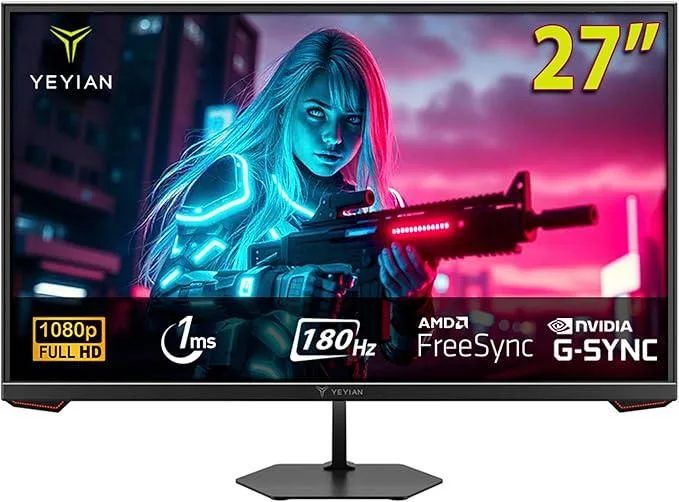
YEYIAN Avance IPF 27" gaming monitor 180Hz 1ms FHD IPS
A 27 inch flat IPS panel delivers 1920 x 1080 resolution at 180 Hz with a 1 ms response time, 97 percent sRGB coverage and HDR10 support
- Cabinet ColorBlack
- Screen Size27"
- LED BacklightNo
- PanelIPS
- Display TypeFHD
- Adaptive Sync TechnologyFreeSync & G-Sync Compatible
Option Gaming Monitor 27"
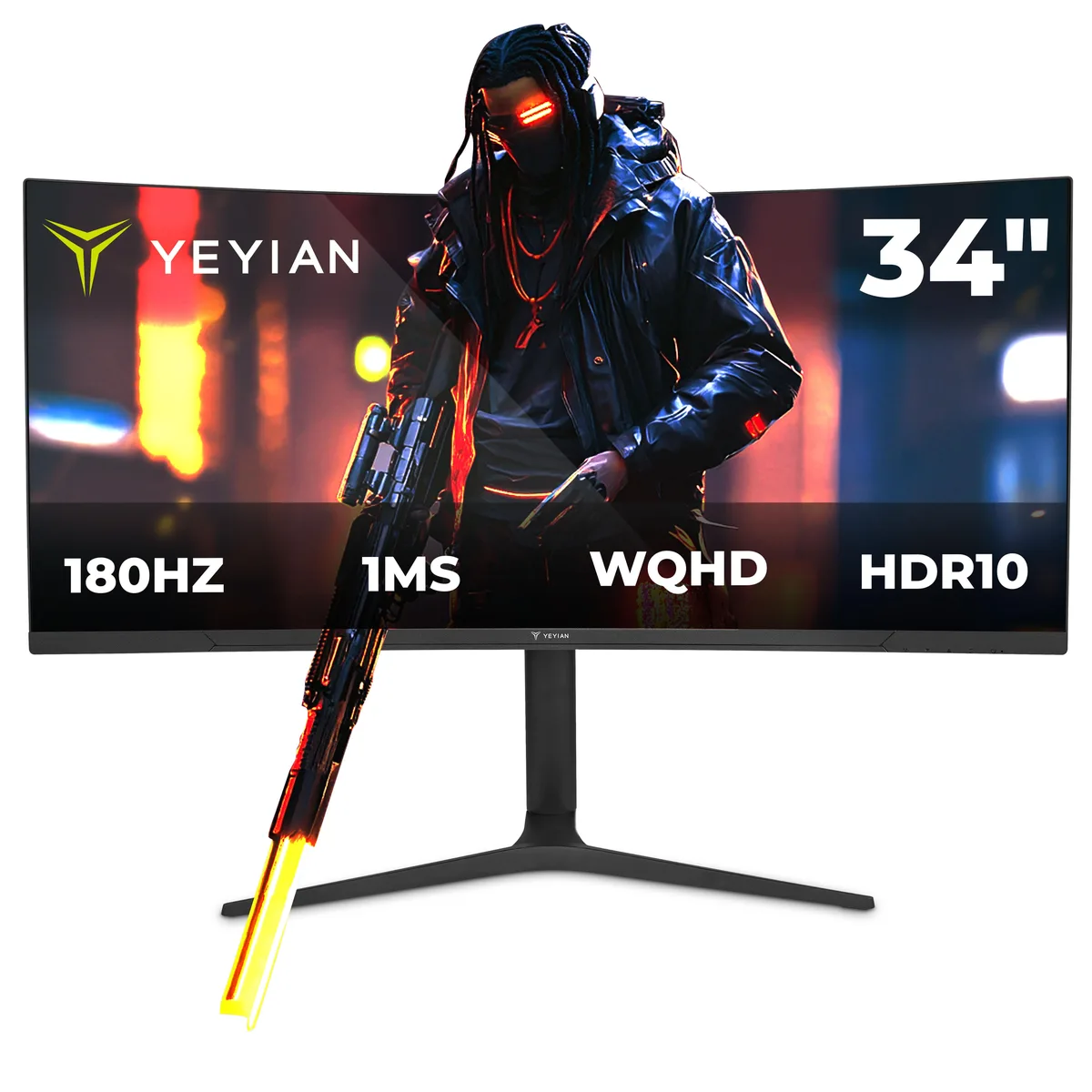
- Gaming Monitor 34"
- Gaming Monitor 27"
- Smooth motion from 180 Hz refresh and 1 ms response
- Wide 178° viewing angles keep colours consistent from the side
- 97 % sRGB coverage with 16.7 million colours for accurate tones
- HDR10 support adds brighter highlights and deeper shadows
- HDMI 2.0 and DP 1.4 ports drive 1920 x 1080 at full speed
27" FHD IPS Gaming Monitor
The YEYIAN Avance IPF is a 27-inch flat-panel display built around a fast IPS matrix running at 1920 x 1080 resolution. It delivers a 180Hz refresh rate and a 1 ms response time for fluid motion in competitive titles. Adaptive sync support covers both FreeSync Premium and G-Sync Compatible operation. Connectivity includes one DisplayPort 1.4 and one HDMI 2.0 port, both capable of the full 180Hz at 1080p.
Competitive Players Seeking Speed
This monitor suits gamers who prioritise high frame rates and low input lag at 1080p. The 178° viewing angles and 97% sRGB coverage also serve content creators needing consistent colour across a wide field of view. Buyers who want more storage or higher pixel density for detailed desktop work should look at something else. The fixed tilt stand offers no height, swivel or pivot adjustment for ergonomic flexibility.
1080p High-Refresh Headroom
At 1080p the 180Hz panel comfortably handles fast-paced shooters and esports titles with ample headroom for modern GPUs. The 280 cd/m² brightness and 1000:1 contrast ratio provide adequate HDR10 highlight rendering in controlled lighting. In darker rooms the IPS glow and limited contrast become noticeable, and the resolution ceiling limits detail in productivity workflows or 1440p gaming.
Najważniejsze cechy
- Smooth motion from 180 Hz refresh and 1 ms response
- Wide 178° viewing angles keep colours consistent from the side
- 97 % sRGB coverage with 16.7 million colours for accurate tones
- HDR10 support adds brighter highlights and deeper shadows
- HDMI 2.0 and DP 1.4 ports drive 1920 x 1080 at full speed
Specyfikacja
| Brand | Yeyian |
|---|---|
| Model | Avance IPF 27" |
| Part Number | YMF-IPF27-G1 |
| Cabinet Color | Black |
| Screen Size | 27" |
| LED Backlight | No |
| Panel | IPS |
| Display Type | FHD |
| Adaptive Sync Technology | FreeSync & G-Sync Compatible |
| Maximum Resolution | 1920 x 1080 |
| Resolution | 1920 x 1080 |
| Viewing Angle | 178° (H) / 178° (V) |
| Aspect Ratio | 16:9 |
| Brightness | 280 cd/m2 |
| Contrast Ratio | 16:9 |
| Response Time | 1 ms |
| Display Colors | 16.7 Million |
| Refresh Rate | 180Hz |
| HDR Standard | HDR10 |
| Curved Surface Screen | Flat Panel |
| HDMI | 1 x HDMI 2.0 |
| DisplayPort | 1 x DisplayPort 1.4 |
| VESA Compatibility - Mountable | 75 x 75mm |
| Dimensions | 6.3x17x17 |
| Weight | 11.3 |
Inne wersje tego modelu
Jeszcze 1 w tej samej serii
Ta sama rodzina, inna pamięć, inne chłodzenie lub taktowanie — proszę porównać przed decyzją.

Pytania dotyczące tego produktu
Do I need a graphics card with DisplayPort 1.4 or HDMI 2.0 to reach the 180 Hz refresh rate?
Yes — the monitor’s DP 1.4 and HDMI 2.0 ports both support 1920 x 1080 at 180 Hz, so your GPU must output that combination over one of those interfaces.
Will a GPU limited to HDMI 1.4 still display an image, just at a lower refresh rate?
An HDMI 1.4 source can drive the panel at 1920 x 1080 up to its own link limit, so you will get a picture but not the full 180 Hz.
How can I confirm the panel is actually running at 180 Hz after setup?
Open the on-screen display’s information page or your GPU control panel; both will report the active timing as 1920 x 1080 @ 180 Hz when the link is correct.
Także w tym dziale
Klienci porównywali też te produkty
Ten sam dział, ta sama kasa — osiem kryptowalut i 30-minutowa blokada kursu.



