ASUS
ASUS RNUC14RVHU50000UI barebone mini PC Core Ultra 5 125H 16GB 512GB
- 802.11ax
- Bluetooth 5.3
$867.99
0.01103246BTC
在庫あり


ASUS
Barebone mini PC with Intel Core Ultra 5 225H, 32GB DDR5, 1TB NVMe, Arc graphics and quad 4K support
Group 32G RAM / 1T SSD
The ASUS NUC 15 Pro barebone delivers an Intel Core Ultra 5 225H processor with 14 cores and a 4.90 GHz maximum turbo frequency in a 0.48L tool-less chassis. Integrated Intel Arc graphics and Intel vPro technology provide visual performance and enterprise-grade security for professional workflows. It targets IT departments and creators who need a small, managed device that can drive multiple displays.
This unit replaces traditional tower workstations when space, noise or power draw are constraints, while still supporting up to four 4K screens via dual HDMI 2.1 and Thunderbolt 4 with DisplayPort 2.1. The jump is worth it for teams deploying fleets that require vPro manageability and Wi-Fi 7 plus Bluetooth 5.4 connectivity in a form factor that mounts behind a monitor. Buyers who need discrete GPU compute or more than two M.2 slots should look elsewhere.
The board offers two 262-pin SO-DIMM slots for dual-channel DDR5-5600 memory with a 96 GB maximum, and two M.2 sockets — one 2280 and one 2242 — both wired for NVMe PCIe 4.0 x4. Confirm your chosen modules and drives match those specifications before ordering. Also ensure your displays and docks can use HDMI 2.1 or Thunderbolt 4 for the full four-screen capability.
| Brand | ASUS |
|---|---|
| Series | NUC 15 PRO |
| Model | NUC15CRKU5 |
| Form Factor | Slim |
| AI Features | AI Ready |
| CPU Type | Intel Core Ultra 5 225H |
| Memory installed | No Memory |
| Memory slot | 2 x 262Pin SO-DIMM |
| Memory Type Supported | DDR5 5600 |
| Max Memory Supported | 96GB |
| Dual Channel Memory Supported | Yes |
| Storage Installed | No Hard Drive |
| M.2 Slot | 1 x M.2 2280 NVMe PCIe G4x4 SSD 1 x M.2 2242 NVMe PCIe x4 SSD |
| Discrete Graphic Card | Intel Arc Graphics |
| Onboard Audio | Integrated |
| Channel | 7.1 Channel |
| LAN | Intel i226V |
| Max LAN Speed | 2.5Gbps |
| Wireless LAN | 802.11ax |
| WiFi Generation | Wi-Fi 7 |
| Bluetooth | Bluetooth 5.4 |
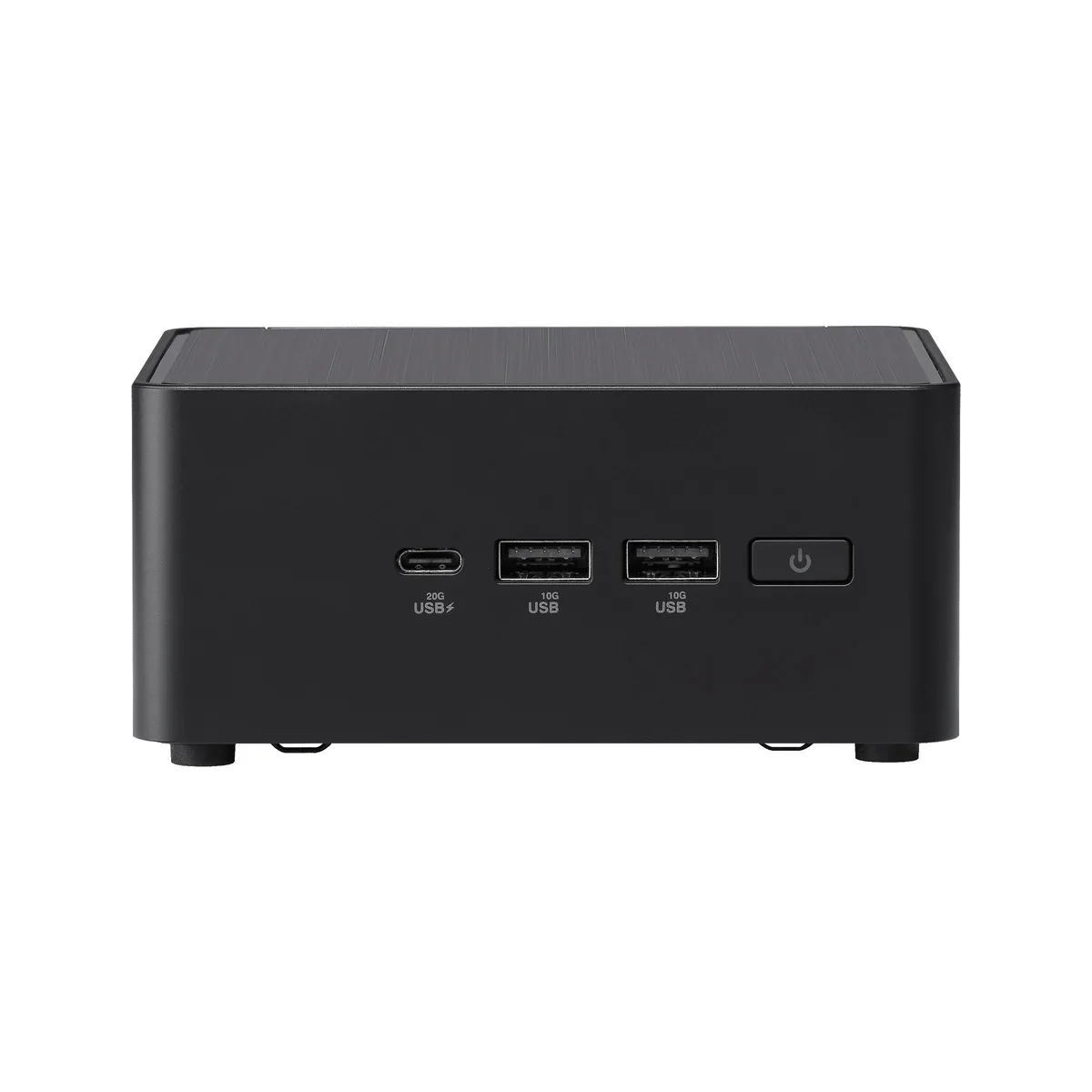
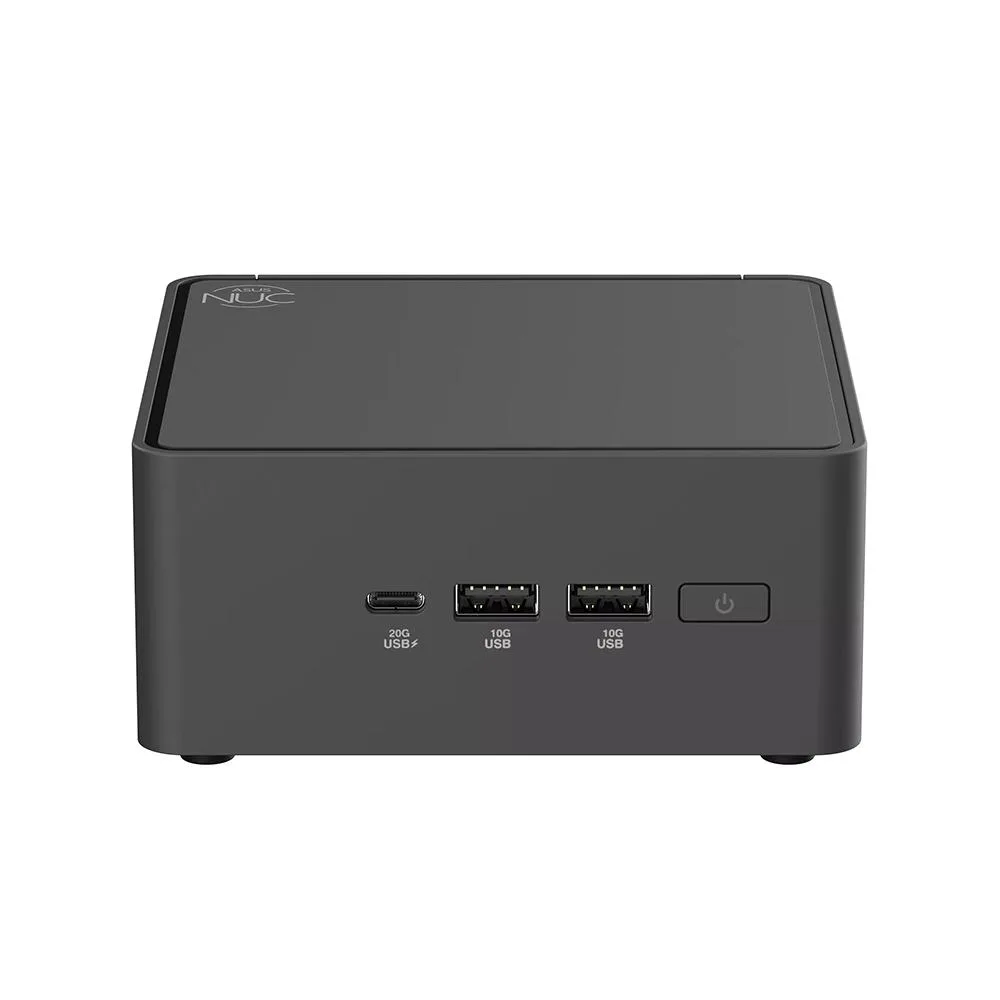
| Front USB | 1 x USB 3.2 Gen2x2 Type-C 2 x USB 3.2 Gen2 Type-A |
| HDMI | 2 x HDMI 2.1 (up to 4K@60Hz) |
| Thunderbolt | 2 x Thunderbolt 4 (with DP1.4 / 5V/3A, 40Gbps) |
| Rear USB | 1 x USB 3.2 Gen2 Type-A (5V/0.9A, 10Gbps) 1 x USB 2.0 Type-A (5V/0.5A, 480Mbps) |
| RJ45 | 1 x Intel 2.5G LAN (RJ45) |
| Other Rear Ports | 1 x Kensington 1 x DC-in |
| Input | 120W |
| Dimensions | 117mm x 112mm x 54mm |
| Weight | 1.3 lbs |
| Packaging | VESA Mount & Screws / AC Power Adapter/ Power Cord |
このモデルの他のバージョン
同じファミリーで、メモリ・クーラー・クロックが異なります — 購入前に比較してください。
The board has two 262-pin SO-DIMM slots that accept DDR5-5600 modules in dual-channel mode.
The tool-less cover lifts off after releasing the latch; the common mistake is forcing it before the latch fully disengages.
Use the M.2 2280 NVMe PCIe G4x4 slot for the boot drive; the 2242 slot is best kept for a second storage device.
同じ売り場の商品
同じ売り場、同じレジ — 8種類のコインと30分間のレートロック。
お支払いに使うコインと、価格表示に使う通貨です。
チェックアウト時にウォレットから送信されます。
表示のみ—カタログの価格は米ドル建てです。
該当する通貨がありません。
サイトの表示言語を選択してください。
一致する言語がありません。
初めてのご利用ですか?
すでにお持ちですか?
自動的な再設定はありません。当店はメールを送信しないため、ワンタイムリンクをお送りすることもできません。アカウントにメールアドレスを残しておいていただければ、担当者が手作業で確認いたします。
リクエストを受け付けました
受信箱に何かが届くことはありません — 当店はメールを一切送信していません。担当者が手作業で確認いたします。
思い出しましたか?