


BFKK
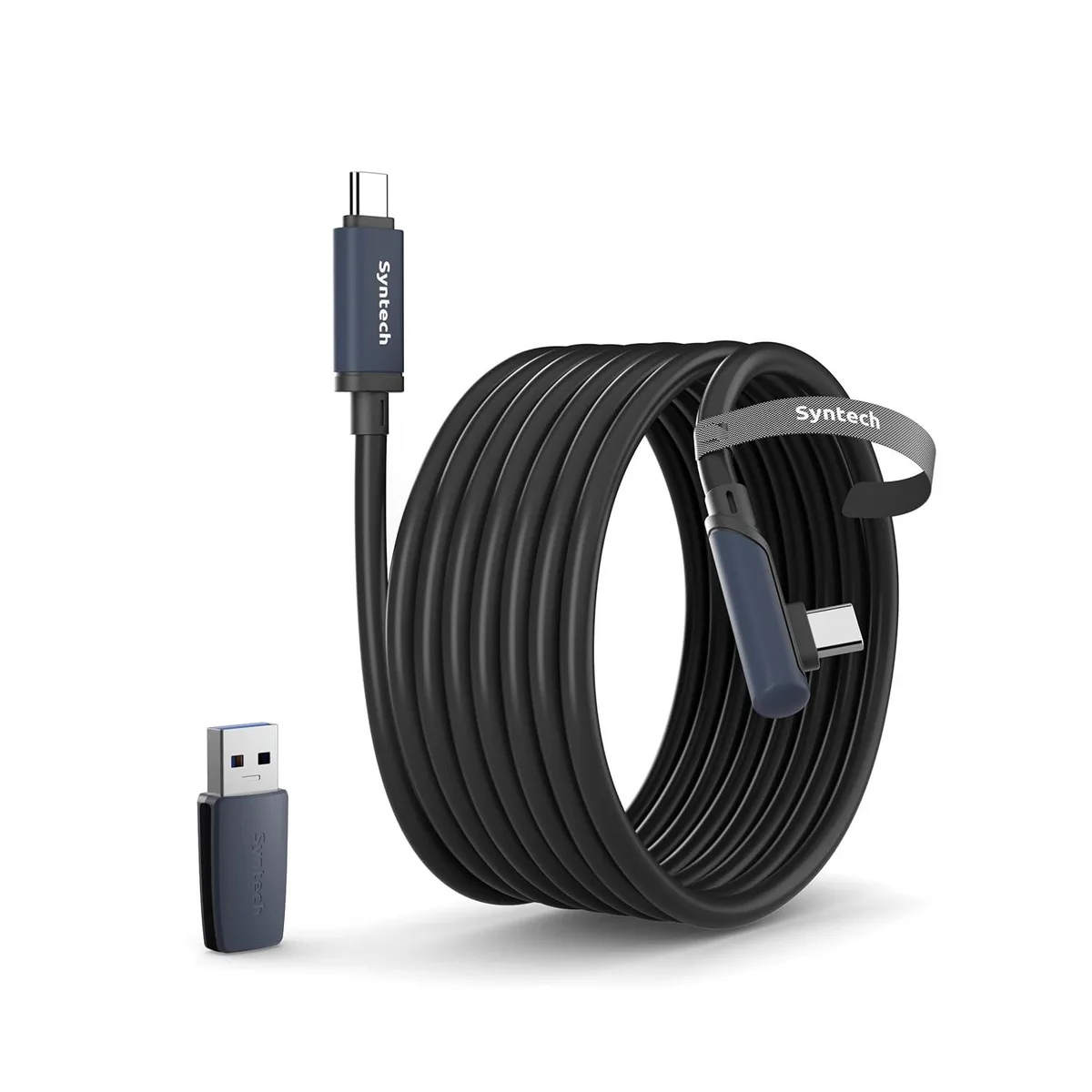
BFKK Link Cable 16FT USB 3.0 Type-C VR Accessory Black
A 16 ft USB 3.0 Type-C link cable with adapter connects Quest 3, Quest 3S, Quest 2, Pro and Pico 4 headsets to a PC for high-speed VR data transfer
- ColorBlack
Color Black
- Black
- White
- 16 ft cable gives full room-scale freedom
- USB 3.0 link and adapter deliver up to 5 Gbps data speed
- L-shaped Type-C plug plus Velcro strap prevent disconnects during play
- Reinforced build survives over 5000 bends for long life
- 2-in-1 design fits both USB-A and USB-C ports on any PC
Compatibility and connectivity
This 16ft USB 3.0 Type-C link cable connects Meta Quest 3, Quest 3S, Quest 2, Pro and Pico 4 headsets to a gaming PC for SteamVR content. An included USB 3.0 adapter adds support for USB-A ports. The L-shaped Type-C connector reduces strain on the headset port during active use.
Data performance and build
Practical transfer rates reach 2-3Gbps over the USB 3.0 link, keeping latency low for PC VR streaming. The cable jacket is rated for over 5000 bends and resists abrasion. A velcro strap secures the cable to the headset strap, preventing accidental disconnection while moving.
Power limitation
This accessory is strictly a data cable and must not be used for charging the headset or any other device. Users on Quest 3 firmware v64 should update both headset and PC Link software if the connection negotiates at USB 2.0 speeds. The host port must support USB 3.0 or higher for the link to function.
特長
- 16 ft cable gives full room-scale freedom
- USB 3.0 link and adapter deliver up to 5 Gbps data speed
- L-shaped Type-C plug plus Velcro strap prevent disconnects during play
- Reinforced build survives over 5000 bends for long life
- 2-in-1 design fits both USB-A and USB-C ports on any PC
仕様
| Color | Black |
|---|
このモデルの他のバージョン
同シリーズにさらに 5点
同じファミリーで、メモリ・クーラー・クロックが異なります — 購入前に比較してください。



この商品に関する質問
How do I install the 16ft cable and USB 3.0 adapter so the headset is detected at full speed?
Plug the L-shaped Type-C end into the headset, connect the USB 3.0 adapter to the cable if your PC only has a Type-A port, then insert into a USB 3.0 port on the PC. Update Quest firmware to v64 and the PC Link app, then restart both devices. Secure the velcro strap to the headset strap to prevent the plug from pulling loose during play.
What part of this cable will wear out first and need replacement?
The cable sheath is rated for over 5000 bends, so the connectors — especially the L-shaped Type-C plug and the USB 3.0 adapter — are the components most likely to fail after heavy daily use. Inspect the strain reliefs regularly; replace the cable if the plug wiggles or data drops to USB 2.0 speeds.
What limit appears first during a long VR session with this 16ft link cable?
Sustained use is limited by the host PC port's ability to maintain USB 3.0 signalling over the full 16ft length. If the port drops back to USB 2.0, throughput falls to practical 2-3Gbps and latency rises, so a powered USB 3.0 hub or a rear motherboard port is often needed for stable operation.
同じ売り場の商品
よく比較されている商品
同じ売り場、同じレジ — 8種類のコインと30分間のレートロック。
COFIER
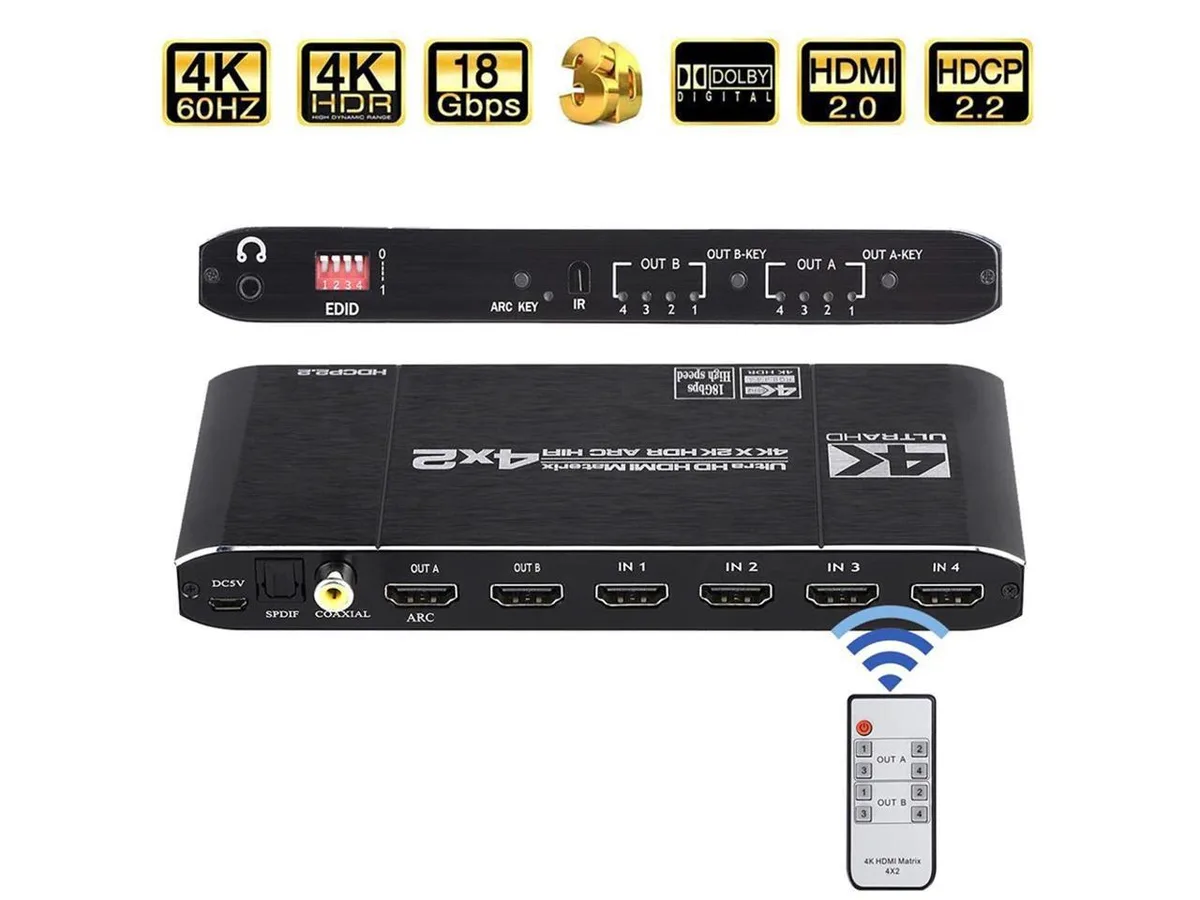
COFIER 4K@60Hz HDMI Matrix 4x2 Switch Splitter HDCP 2.2 IR Remote Spdif vr accessory
- Controller
$289.99
0.00357364BTC
在庫あり