


DELL
DELL HCTYM 7.68TB 24Gbps SAS 2.5 enterprise SSD
A 7.68 TB enterprise SSD with 24 Gbps SAS interface, read-intensive TLC, SED and FIPS, for Dell PowerEdge servers
- InterfaceSAS
- 68 TB capacity supports large datasets
- 24 Gbps SAS interface enables fast data transfer
- Read-intensive TLC design suits heavy read workloads
- Self-encrypting FIPS drive protects sensitive data
- Compatible with Dell PowerEdge R740, R750, R760 servers
Dell HCTYM 7.68TB SAS SSD
The Dell HCTYM is a 7.68TB enterprise solid-state drive built for read-intensive workloads in compatible PowerEdge servers. It uses a 24Gbps SAS interface and TLC NAND with hardware encryption and FIPS certification.
2.5in SAS form factor for hot-plug bays
The 2.5-inch SAS form factor fits standard hot-plug drive bays in the listed PowerEdge models, allowing tool-less installation and removal while the server is running. Dual-port SAS connectivity provides path redundancy to the controller.
Read-intensive endurance and SAS bandwidth limits
As a read-intensive drive, write endurance is lower than mixed-use or write-intensive models, so it suits workloads such as boot, web serving or analytics rather than heavy database writes. The 24Gbps SAS link caps sequential throughput at the interface maximum, which may limit performance with very high queue depths.
特長
- 68 TB capacity supports large datasets
- 24 Gbps SAS interface enables fast data transfer
- Read-intensive TLC design suits heavy read workloads
- Self-encrypting FIPS drive protects sensitive data
- Compatible with Dell PowerEdge R740, R750, R760 servers
仕様
| Brand | Dell |
|---|---|
| Model | HCTYM, KPM7WRUG7T68 |
| Interface | SAS |
この商品に関する質問
What does the 24 Gbps SAS interface cap the drive at in practice?
The 24 Gbps SAS link limits the drive to its rated sequential throughput ceiling, which the controller enforces during sustained reads and writes.
What physical space does the 2.5 inch form factor need to fit?
A standard 2.5 inch hot-swap bay with SAS backplane connectors is required for the drive to seat and lock correctly.
How is the drive installed in a Dell PowerEdge server, and what step is often missed?
Slide the carrier into the bay until the latch clicks, then verify the controller detects the drive and imports its foreign configuration before use.
同じ売り場の商品
よく比較されている商品
同じ売り場、同じレジ — 8種類のコインと30分間のレートロック。


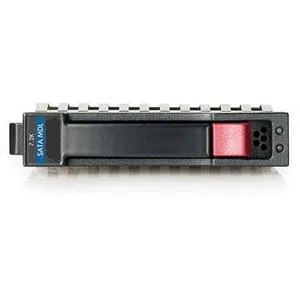
HP
HP 628059-B21 3TB 7200 RPM SATA 3.0Gb/s 3.5" internal hard drive
- Bare Drive
- SATA 3.0Gb/s
$276.99
0.00356633BTC
在庫あり
Seagate
Seagate Cheetah 10K.7 ST3300007LC 300GB 10000 RPM 8MB SCSI Ultra320 80pin 3.5" internal hard drive
- Bare Drive
- SCSI Ultra320 80pin
$125.99$142.99−12%
0.00162216BTC
在庫あり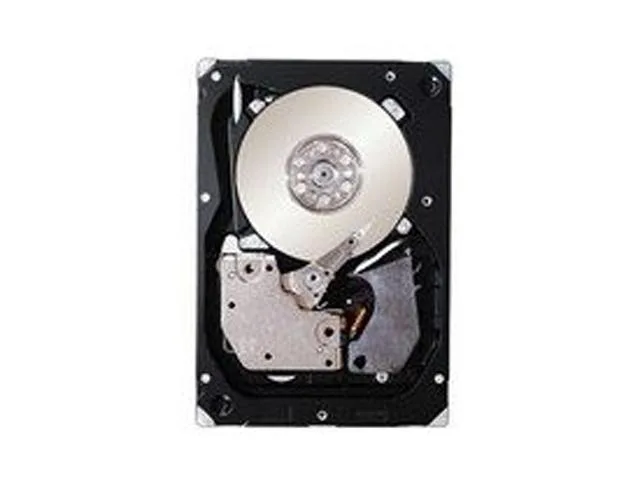
IBM
IBM 49Y2003 600GB 2.5" SAS 10000 RPM 16MB internal hard drive
- SAS 6Gb/s
- 10000 RPM
$354.99
0.00457061BTC
在庫あり