


DELL
DELL KXNX5-CP1 1.92TB SATA enterprise SSD
1.92 TB SATA enterprise SSD for read-intensive workloads in Dell PowerEdge servers
- InterfaceSATA
- 92 TB capacity supports read-intensive workloads
- SATA 6 Gbps interface fits existing server backplanes
- 7 mm 2.5-inch form factor matches Dell PowerEdge drive bays
- 512e sector emulation ensures legacy OS compatibility
- Firmware updated and components tested for deployment readiness
Dell KXNX5-CP1 1.92TB SATA SSD
The Dell KXNX5-CP1 is a 1.92TB SATA solid-state drive built for read-intensive enterprise workloads. It targets IT teams who need dependable capacity for Dell PowerEdge servers and compatible storage arrays.
2.5-inch 7mm SATA form factor
The 2.5-inch 7mm design fits standard drive bays and hot-swap carriers across the supported PowerEdge lineup. A SATA 6Gbps interface provides direct connectivity to onboard controllers or RAID adapters without extra cabling.
512e TLC with updated firmware
The drive uses 512e sector emulation on TLC NAND and ships with firmware already updated by the supplier. This combination helps maintain compatibility with existing RAID configurations and simplifies deployment in qualified Dell systems.
特長
- 92 TB capacity supports read-intensive workloads
- SATA 6 Gbps interface fits existing server backplanes
- 7 mm 2.5-inch form factor matches Dell PowerEdge drive bays
- 512e sector emulation ensures legacy OS compatibility
- Firmware updated and components tested for deployment readiness
仕様
| Brand | Dell |
|---|---|
| Model | KXNX5, MTFDDAK1T9TGA-1BC1ZABDA |
| Interface | SATA |
この商品に関する質問
What transfer speed does the SATA 6Gbps interface cap at in practice?
The SATA 6Gbps interface limits sequential throughput to around 540 MB/s, which is the practical ceiling for this drive.
What physical dimensions and form factor does the 7mm 2.5-inch drive need to fit?
It requires a standard 2.5-inch bay with 7mm height clearance and uses the 512e sector format for compatibility.
How is the drive installed in a PowerEdge server and what step is often missed?
Slide the drive into a hot-swap caddy until the connector seats, then lock the lever; the step often missed is ensuring the firmware is updated before deployment.
同じ売り場の商品
よく比較されている商品
同じ売り場、同じレジ — 8種類のコインと30分間のレートロック。


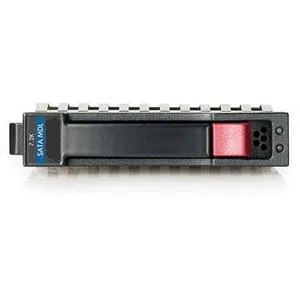
HP
HP 628059-B21 3TB 7200 RPM SATA 3.0Gb/s 3.5" internal hard drive
- Bare Drive
- SATA 3.0Gb/s
$276.99
0.00356753BTC
在庫あり
Seagate
Seagate Cheetah 10K.7 ST3300007LC 300GB 10000 RPM 8MB SCSI Ultra320 80pin 3.5" internal hard drive
- Bare Drive
- SCSI Ultra320 80pin
$125.99$142.99−12%
0.0016227BTC
在庫あり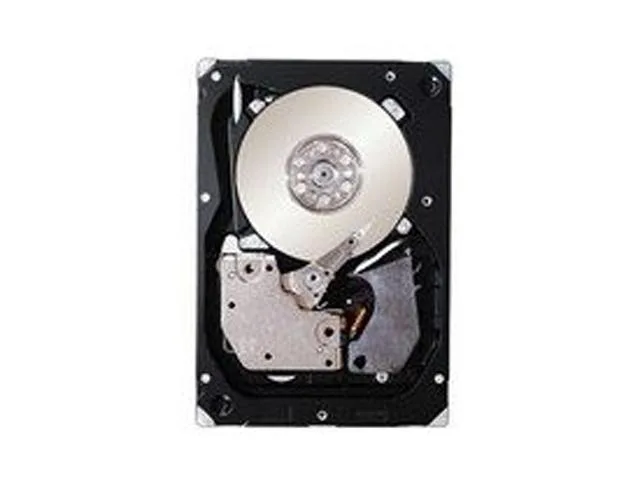
IBM
IBM 49Y2003 600GB 2.5" SAS 10000 RPM 16MB internal hard drive
- SAS 6Gb/s
- 10000 RPM
$354.99
0.00457214BTC
在庫あり