


DELL
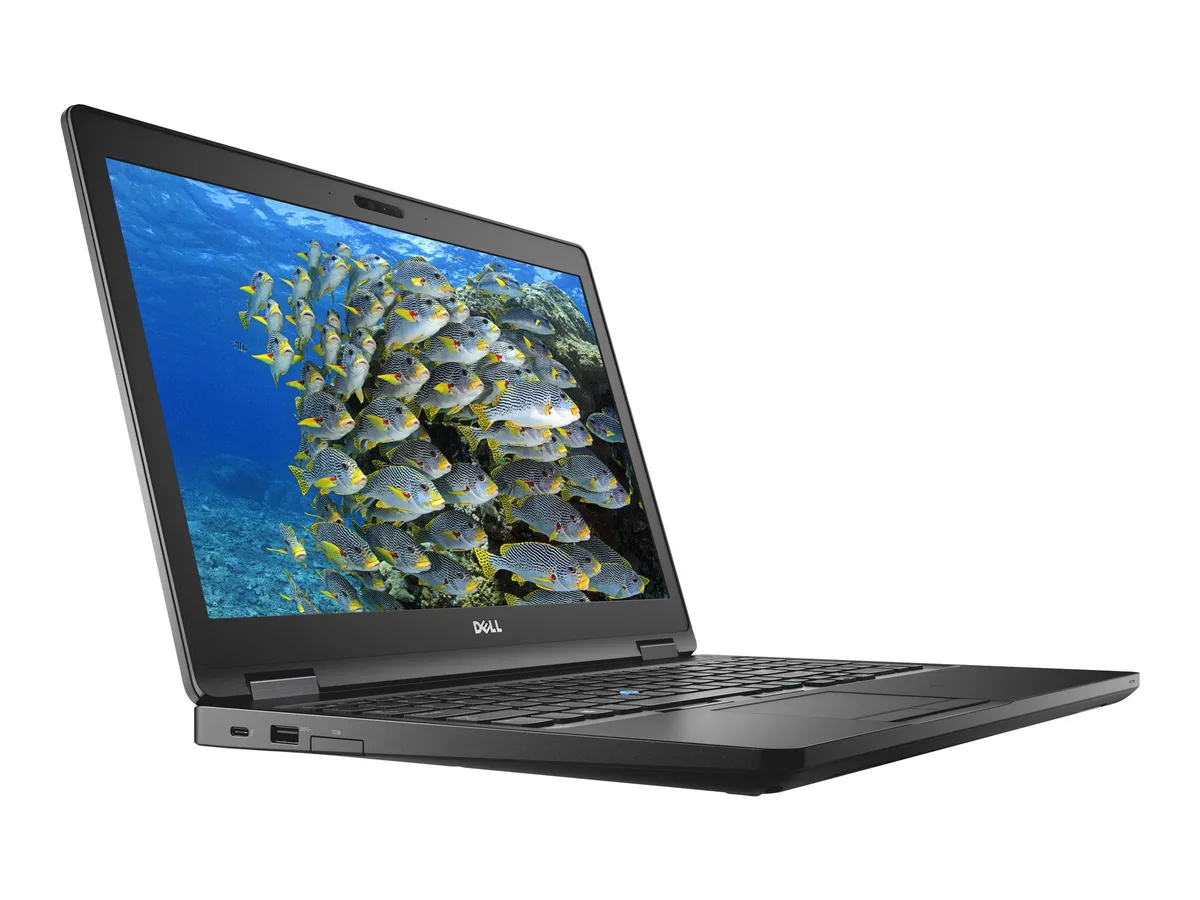
DELL Latitude 5590 15.6" i5-8350U 16 GB 256 GB SSD laptop
A 15.6-inch business laptop with a quad-core i5-8350U, 16 GB DDR4, 256 GB SSD and Windows 11 Pro
- ColorBlack
- Operating SystemWindows 11 Pro
- CPU TypeIntel Core i5 8th Gen
- Processor NameIntel Core i5-8350U
- Number of CoresQuad-core Processor
- CPU L2 Cache6MB
Options 16GB/256GB W11P
- Quad-core 8th Gen Intel i5-8350U handles multitasking efficiently
- 16 GB DDR4 memory keeps multiple apps responsive
- 256 GB SSD provides fast boot and load times
- 6 inch FHD IPS display delivers clear visuals
- Windows 11 Pro installed for modern security features
Business ultrabook for mobile professionals
The Dell Latitude 5590 is a 15.6 inch ultrabook built for professionals who need a reliable Windows 11 Pro machine for office applications and travel. It runs on an 8th Gen Intel Core i5-8350U quad-core processor with a base clock of 1.7 GHz and a 6 MB L2 cache. The system includes 16 GB of DDR4 memory and a 256 GB SSD for responsive everyday performance.
Durable chassis with versatile port selection
The black chassis measures 14.8 inches wide, 9.87 inches deep and .9 inch high at the front, weighing 4.19 lbs. Connectivity covers legacy and modern needs: three USB 3.1 Gen1 ports, one with PowerShare, a USB Type-C port with DisplayPort output and optional Thunderbolt, HDMI, VGA, RJ45, an SD card slot, an audio combo jack and an optional external SIM tray. A Noble wedge lock slot adds physical security for shared workspaces.
Integrated graphics and 15 W CPU define workload
Intel UHD Graphics 620 handles the 1920 x 1080 IPS non-touch display and external monitors via HDMI or USB-C DisplayPort, but it is not suited for 3D rendering, CAD or modern gaming. The 15 W quad-core processor reaches 3.6 GHz turbo for burst tasks yet sustains lower clocks under continuous load, so buyers who need sustained multi-core throughput or discrete GPU acceleration should consider a workstation-class device.
特長
- Quad-core 8th Gen Intel i5-8350U handles multitasking efficiently
- 16 GB DDR4 memory keeps multiple apps responsive
- 256 GB SSD provides fast boot and load times
- 6 inch FHD IPS display delivers clear visuals
- Windows 11 Pro installed for modern security features
仕様
| Brand | DELL |
|---|---|
| Series | 5000 |
| Model | Latitude |
| Part Number | 5590 |
| Color | Black |
| Operating System | Windows 11 Pro |
| CPU Type | Intel Core i5 8th Gen |
| Processor Name | Intel Core i5-8350U |
| Number of Cores | Quad-core Processor |
| CPU L2 Cache | 6MB |
| Screen Size | 14.0" |
| Touchscreen | Non-Touch Screen |
| Display Type | FHD |
| Resolution | 1920 x 1080 |
| Panel | IPS |
| GPU/VPU | Intel UHD Graphics 620 |
| Graphic Type | Integrated Card |
| SSD | 256GB |
| HDD | No |
| Storage Spec | 256 GB SSD |
| Memory | 16GB |
| Memory Speed | DDR4 |
| Memory Spec | 8 GB x 2 |
| Memory Slot (Total) | 2 |
| Memory Slot (Available) | 0 |
| Max Memory Supported | 32 GB |
| Optical Drive Type | No |
| LAN | 10/100/1000Mbps |
| WiFi Generation | Wi-Fi 4 and earlier generation |
| Bluetooth | Yes |
| USB | 3x USB 3.1 Gen1 (one with PowerShare) , 1 x USB Type-C (DisplayPort) |
| Thunderbolt | 1 x Thunderbolt |
| Video Port | 1 x HDMI 1.4 - DisplayPort over USB Type-C(optional Thunderbolt 3(1) |
| HDMI | 1 x HDMI |
| Ethernet | 1 x RJ-45 (1Gbps) |
| Audio Ports | 1 x Microphone Jack, 1 x Headphone Jack |
| Audio | Integrated Sound card |
| Touchpad | Yes |
| Keyboard | Standard |
| Webcam | Yes |
| Style | Ultrabook |
| Type | Mainstream |
| Usage | Consumer |
| AC Adapter/Charger | 65-watt AC Adapter |
| Weight | 3 - 3.9 lbs. |
このモデルの他のバージョン
同シリーズにさらに 5点
同じファミリーで、メモリ・クーラー・クロックが異なります — 購入前に比較してください。


DELL
DELL Latitude 5590 14.0" Touchscreen i7-8650U 8GB 256GB laptop
- Black
- Windows 10 Pro
$241.99
0.0030964BTC
在庫あり
DELL
DELL Latitude 5590 laptop i5-8350U 8 GB 256 GB SSD 14.0" FHD
- Black
- Windows 10 Pro
$256.99
0.00328834BTC
在庫あり
DELL
DELL Latitude 5590 14.0" FHD i7-8650U 8GB 256GB SSD laptop
- Black
- Windows 10 Pro
$258.99
0.00331393BTC
在庫あり
DELL
DELL Latitude 5590 laptop i5-8350U 8 GB 256 GB SSD 15.6" FHD
- Black
- Windows 11 Pro
$260.99
0.00333952BTC
在庫ありこの商品に関する質問
What external display resolutions can the HDMI port drive with the integrated Intel UHD Graphics 620?
The HDMI port on this Latitude 5590 connects to the integrated Intel UHD Graphics 620 for external display output.
What are the exact chassis dimensions and weight for the Latitude 5590?
This unit measures 14.8 inches wide by 9.87 inches deep with a front height of .9 inches and weighs 4.19 lbs.
What is the correct order to install the DDR4 memory modules into the two SO-DIMM slots?
Insert the first module into the primary slot nearest the CPU, press down until the side clips lock, then repeat in the second slot.
同じ売り場の商品
よく比較されている商品
同じ売り場、同じレジ — 8種類のコインと30分間のレートロック。
ASUS
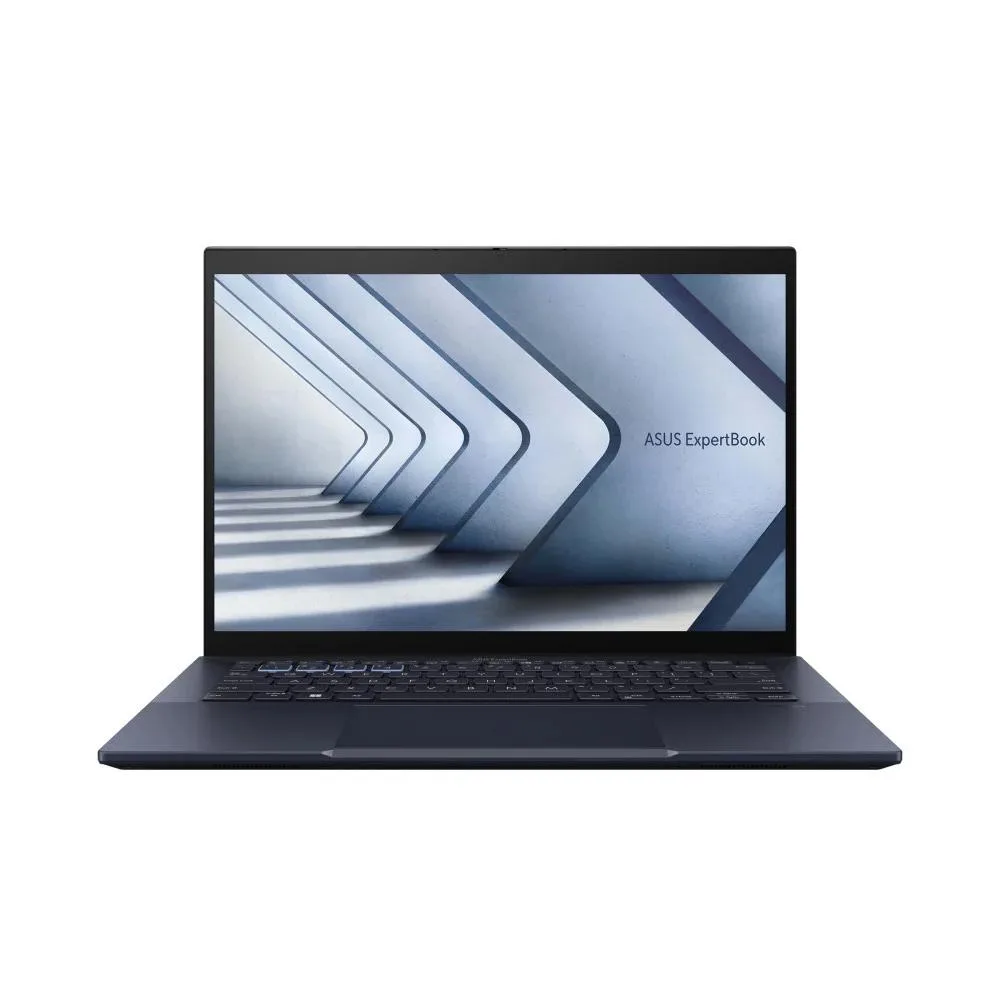
ASUS Expertbook B5 B5404 14.6" Core Ultra 5 125H 16GB 512GB business laptop
- 14.6"
$808.99
0.01035149BTC
在庫あり
HP
HP ENVY x360 15-ew1058wm 15.6" 2-in-1 Laptop i7-1355U 8GB 512GB
- Windows 11 Home
- 15.6"
$561.99
0.00719099BTC
在庫あり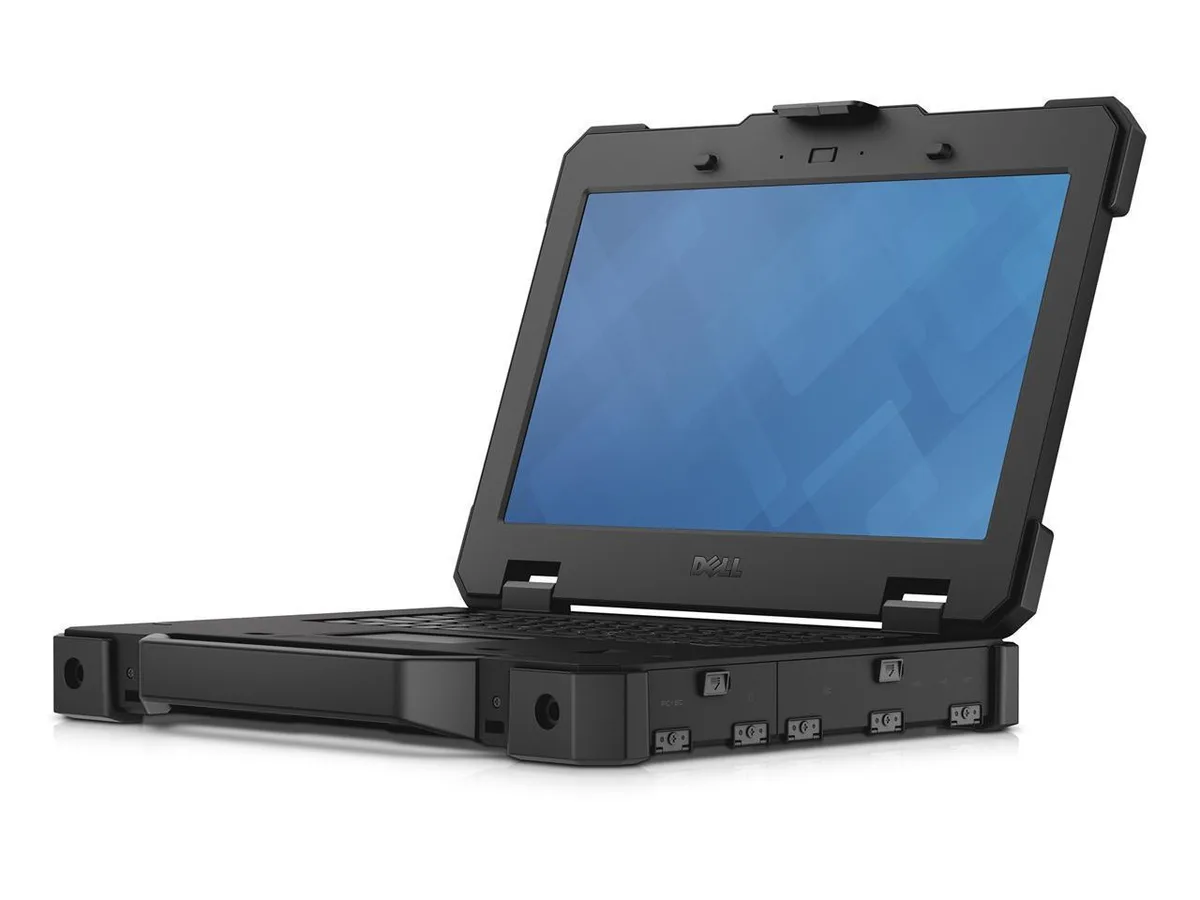
DELL
DELL Latitude 7414 14" i5-6300U 16 GB 256 GB business laptop
- 14.0"
- Non-Touch Screen
$1,313.99
0.01681326BTC
在庫あり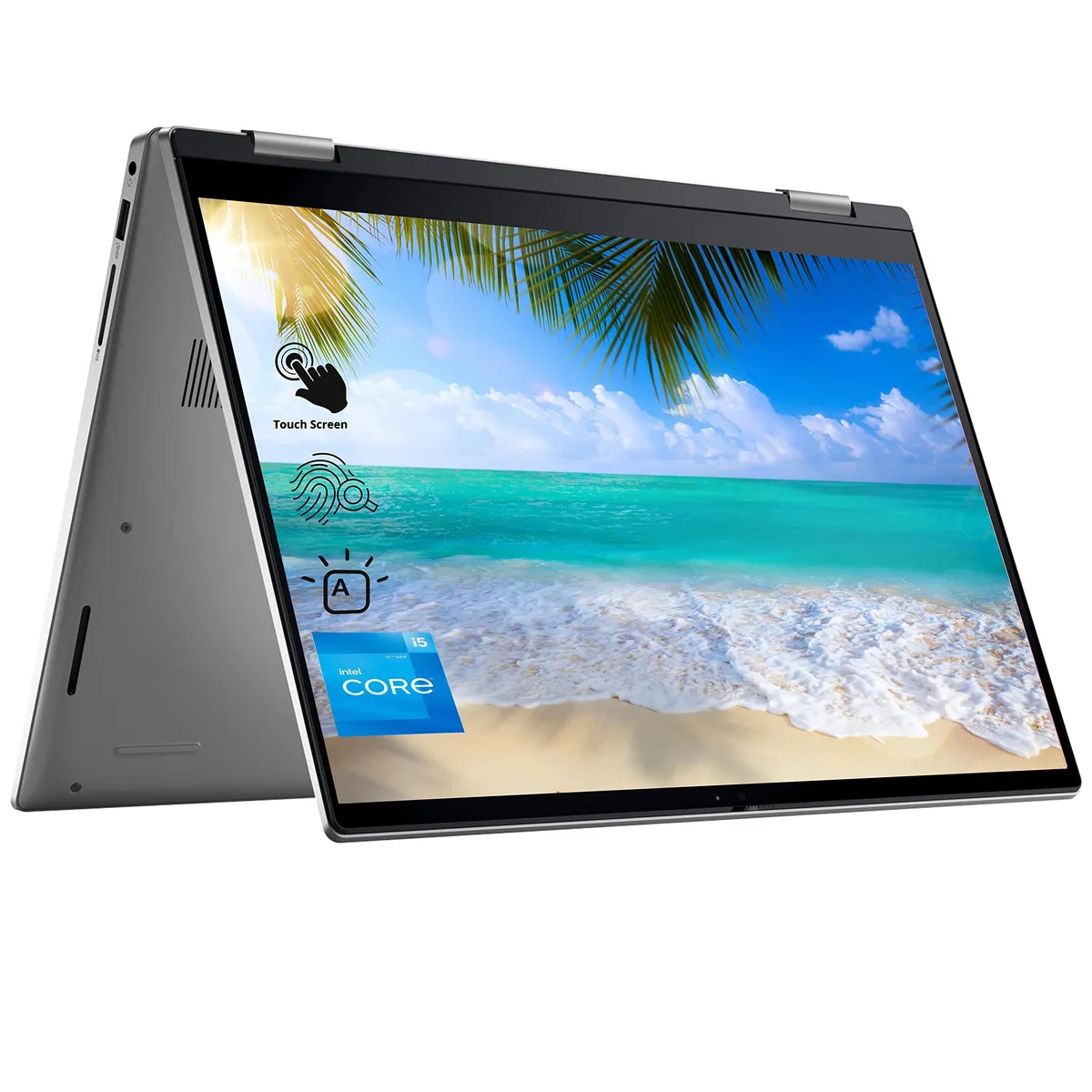
DELL
DELL 7420 2-in-1 laptop, i5-1235U, 8GB, 512GB, 14" FHD touch
- Windows 11 Home
- Intel Core i5 12th…
$583.99$666.99−12%
0.00747249BTC
在庫あり