eForChina
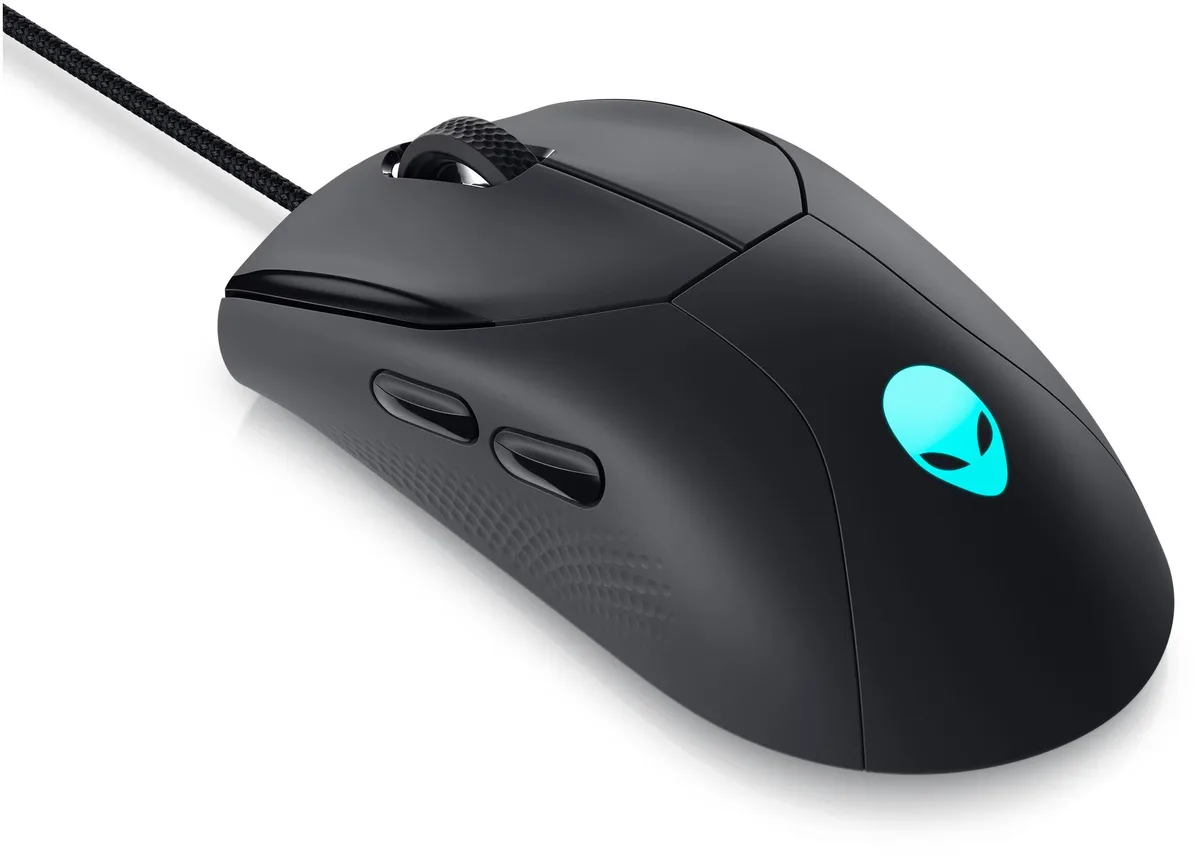
eForChina ZGB 360 2.4G Wireless Gaming Mouse Black 1000dpi
A rechargeable wireless gaming mouse with three adjustable DPI settings up to 1600, silent clicks and a 10 m range
- ColorBlack
- Charge via common Android cable for two months per cycle
- Three adjustable DPI steps — 800, 1200, 1600 — for precise control
- Game-grade sensor prevents frame skipping and dropping
- Silent clicks reduced by 95 % for quiet environments
- 4G wireless link works up to 10 metres away
Compact Wireless Gaming Mouse
The eForChina ZGB 360 is a lightweight wireless mouse built for everyday gaming and office use. It connects via a 2.4G USB receiver that stores inside the base for travel. A rechargeable cell or a single AA battery powers the sensor for up to 12 months of typical use.
Three-Level DPI Switch
The fixed 1000 DPI sensor steps to 800, 1200 or 1600 DPI through a bottom toggle, letting you match pointer speed to the task without software. The 20G acceleration rating keeps tracking consistent during fast swipes, while the red indicator confirms the active level.
Silent Click Micro-Switches
Micro-motion buttons cut click noise by roughly 95 percent, making the mouse suitable for shared rooms or late-night sessions. The 10 metre wireless range covers most desk setups, but the lack of programmable buttons or adjustable weight means competitive players who need macros or tailored balance should look elsewhere.
特長
- Charge via common Android cable for two months per cycle
- Three adjustable DPI steps — 800, 1200, 1600 — for precise control
- Game-grade sensor prevents frame skipping and dropping
- Silent clicks reduced by 95 % for quiet environments
- 4G wireless link works up to 10 metres away
仕様
| Color | Black |
|---|
この商品に関する質問
Does the mouse charge via a micro-USB port like an Android phone?
Yes, it uses the same charging interface as most Android phones so any standard micro-USB cable from a phone, computer, power bank or adapter will charge it.
How do I change the DPI and where is the button located?
The three-speed DPI button is on the bottom of the mouse and cycles through 800, 1200 and 1600 DPI settings with a red indicator light.
What battery does the mouse need and how long does it last?
It runs on one AA battery (not included) or its built-in rechargeable cell and delivers up to 12 months of use per charge.
同じ売り場の商品
よく比較されている商品
同じ売り場、同じレジ — 8種類のコインと30分間のレートロック。