


HP
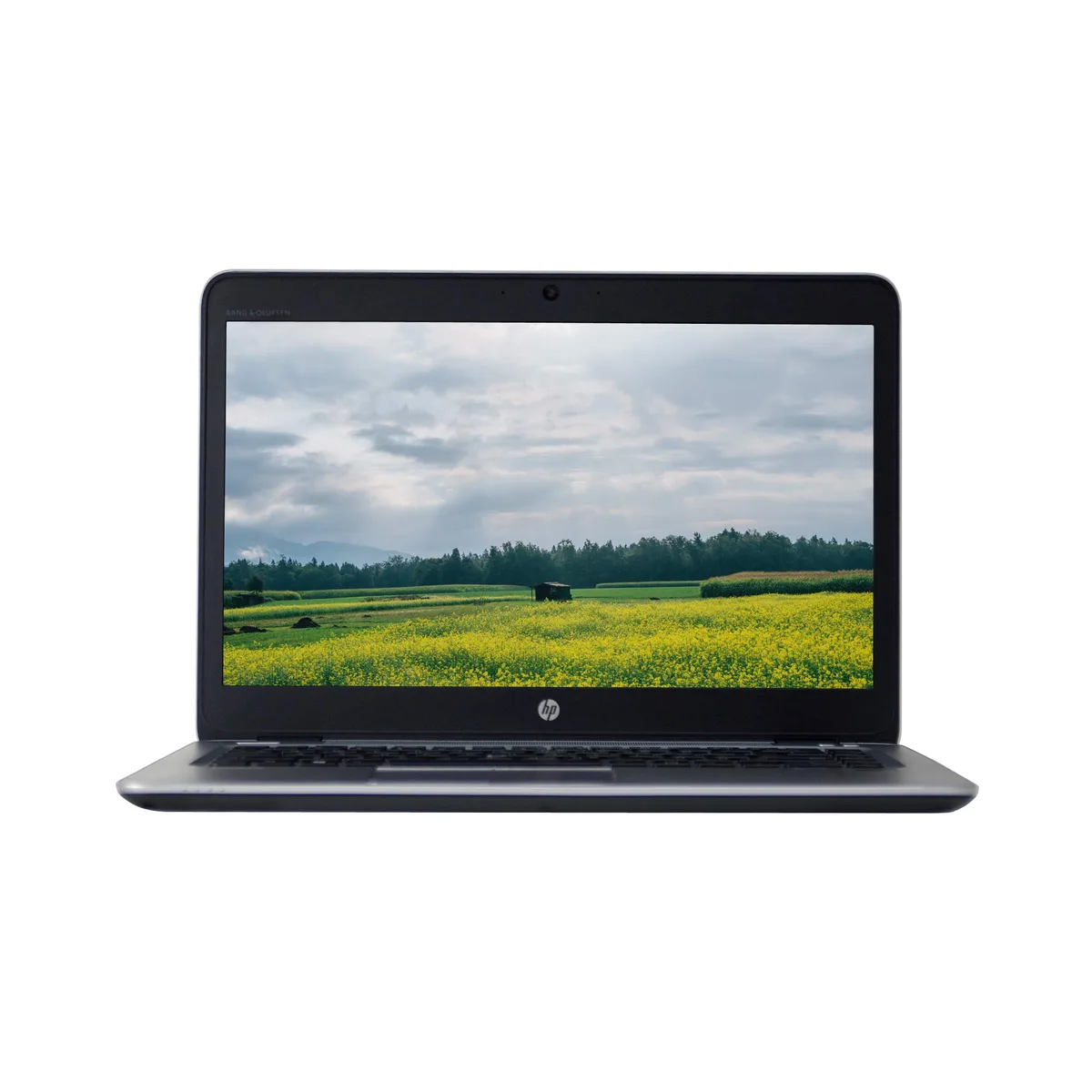
HP Elitebook 840 G3 14" laptop i5-6300U 2.4GHz 16GB 256GB
A 14.0" business laptop with a 2.4 GHz Core i5-6300U, 16 GB RAM and a 256 GB solid-state drive, running Windows 10 Pro 64-bit
- Screen Size14.0"
- 0" HD display for clear visuals
- Core i5-6300U 2.4GHz processor for responsive performance
- 16GB RAM enables smooth multitasking
- 256GB solid state drive for fast boot times
- USB 3.0, USB Type-C, DisplayPort, VGA, RJ-45 connectivity
- Windows 10 Pro 64-bit ready for business use
14-inch business laptop for mobile professionals
The HP Elitebook 840 G3 combines a 14.0-inch display with an Intel Core i5-6300U processor running at 2.4GHz. It provides 16GB of memory and a 256GB solid-state drive. Windows 10 Pro 64-bit is pre-installed for immediate deployment.
Sustained workload behaviour
The dual-core processor maintains its 2.4GHz base frequency during extended office tasks such as document editing, web browsing and video calls. Sixteen gigabytes of memory keep multiple business applications responsive without swapping to the solid-state drive.
Upgrade context
This unit replaces an older 14-inch business notebook limited to 8GB of memory or a mechanical hard drive. The jump is worthwhile when daily workflows demand faster boot times, quicker application launches and reliable multitasking on a certified platform.
特長
- 0" HD display for clear visuals
- Core i5-6300U 2.4GHz processor for responsive performance
- 16GB RAM enables smooth multitasking
- 256GB solid state drive for fast boot times
- USB 3.0, USB Type-C, DisplayPort, VGA, RJ-45 connectivity
- Windows 10 Pro 64-bit ready for business use
仕様
| Screen Size | 14.0" |
|---|
この商品に関する質問
How loud or hot does the Core i5-6300U 2.4GHz get during all-day use?
The 2.4 GHz dual-core processor is designed for low power draw, so fan noise stays modest and surface temperatures remain comfortable during typical office workloads.
Which cables or peripherals must I already own to use the USB Type-C and DisplayPort outputs?
You need a USB Type-C cable or adapter for the Type-C port and a DisplayPort cable for the DisplayPort output; both ports are present on the laptop.
Will the 16 GB RAM and 256 GB drive work with my older USB 3.0 dock and VGA monitor?
Yes, the two USB 3.0 ports and the VGA port connect directly to legacy docks and monitors without extra adapters.
同じ売り場の商品
よく比較されている商品
同じ売り場、同じレジ — 8種類のコインと30分間のレートロック。


Microsoft
Microsoft Surface 3 1657 128GB CRB 2-in-1 laptop
- Silver
- Windows 10 Pro
$244.99
0.0031718BTC
在庫あり
Microsoft
Microsoft Surface Pro FGG-2D-00001-RFB 2-in-1 laptop 16 GB 512 GB 12.0" touchscreen 2736 x 1824 refurbished
- 12.0"
- Touch Screen
$687.99
0.00890717BTC
在庫あり
Lenovo
Lenovo Chromebook 500e Gen 5 M89 83TA0004US 12.2" MediaTek 8GB 64GB
- 12.2"
$392.99$420.99−7%
0.00508791BTC
在庫あり