minisforum
minisforum UM760 Slim Ryzen 5 7640HS 16GB 1TB barebone mini PC
- Black
- FP7 , FP7r2 , FP8
$475.99
0.0061286BTC
在庫あり


minisforum
Compact mini PC with a 6-core Ryzen 5 7640HS, 32 GB DDR5 5600, 512 GB PCIe 4.0 SSD, Radeon 760M graphics, triple 8K display outputs, 2.5 Gbps LAN and Wi-Fi 6E
Options UM760 Slim · 32+512
取り消し線の付いたバージョンは存在しますが、こちらでは取り扱っていません。
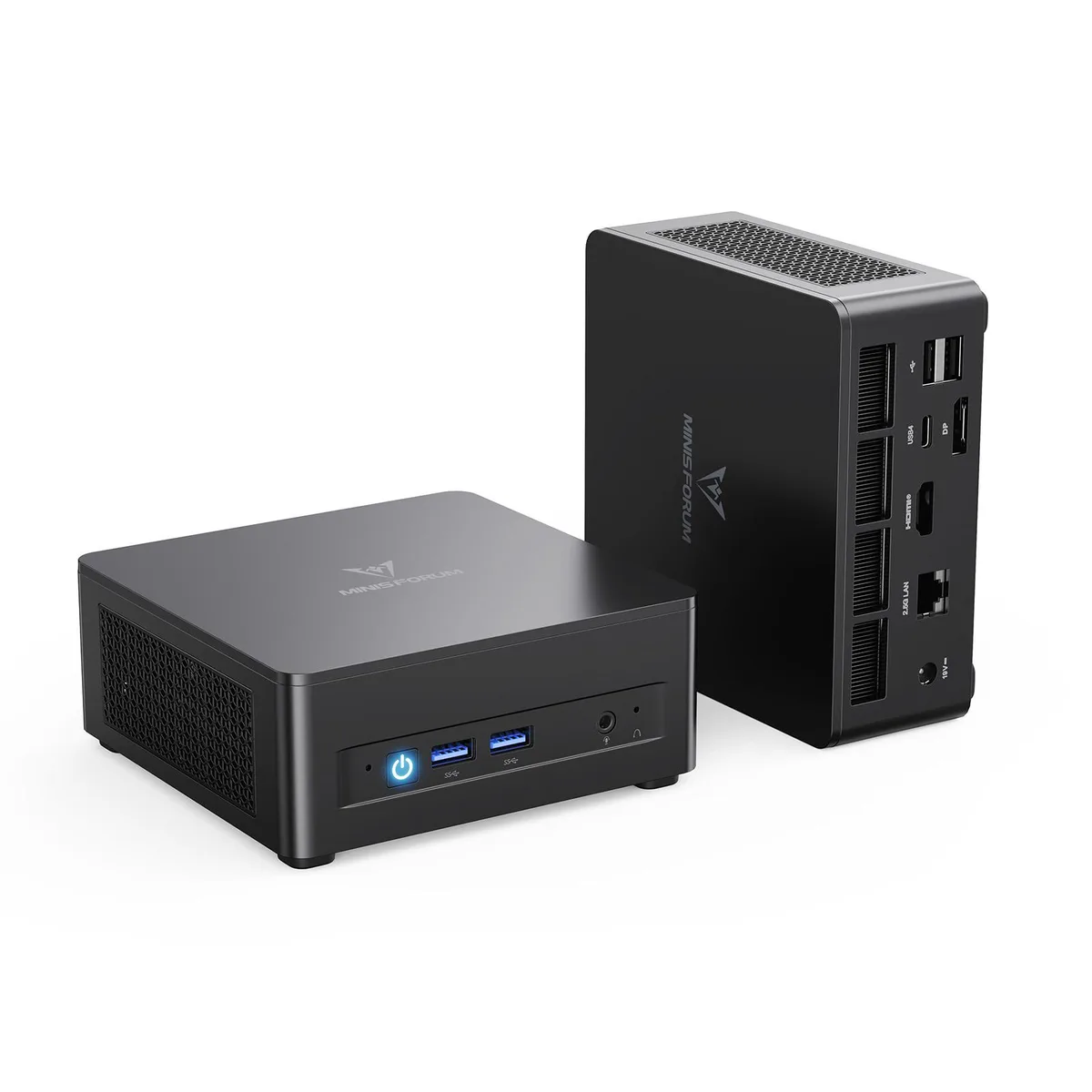
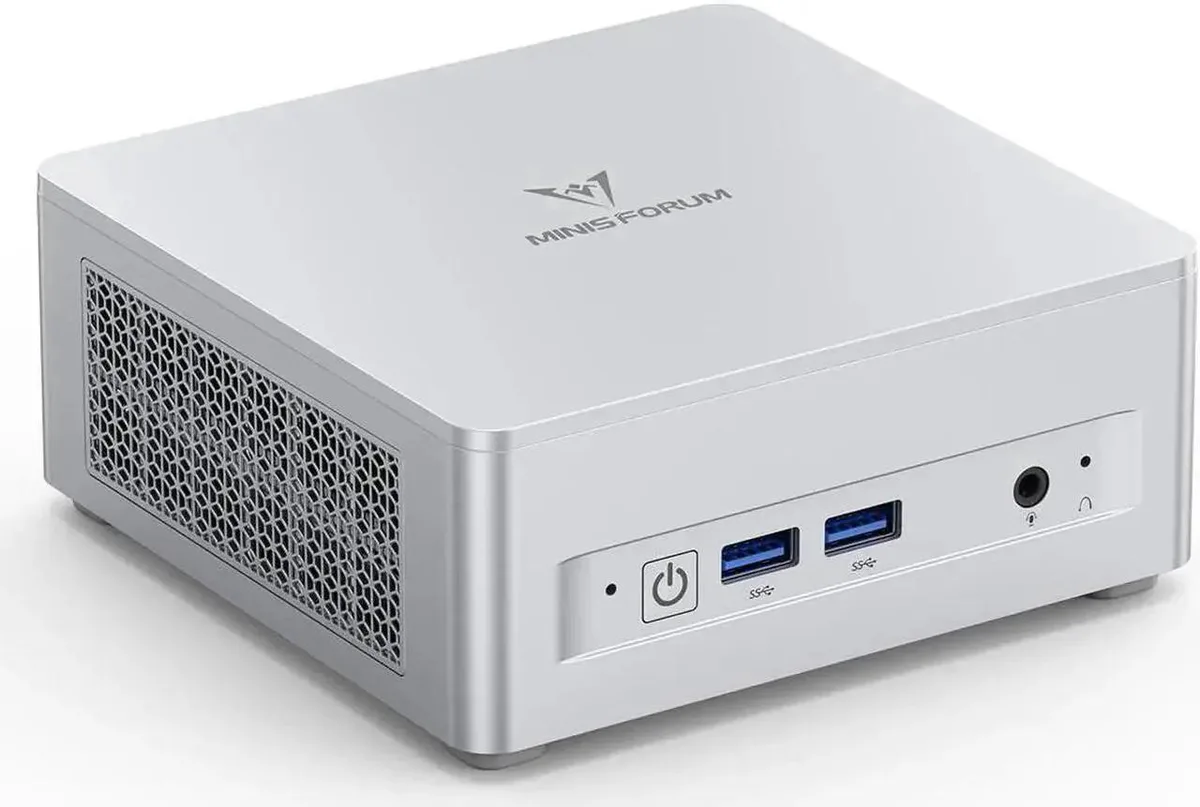
The minisforum UM760 Slim arrives as a barebone system populated with a 6-core Ryzen 5 7640HS processor, 32 GB of DDR5 5600 memory and a 512 GB PCIe 4.0 SSD. It targets users who want a compact desktop that works straight from the box but still leaves room for memory and storage upgrades.
The black enclosure provides two front USB ports for quick peripheral access and a single 2.5 Gbps RJ45 port for wired networking. Video output is handled by one HDMI 2.1 port, one DisplayPort and one USB4 connection, each capable of driving an 8K 60 Hz display for a three-monitor setup. Wireless connectivity uses Wi-Fi 6E and Bluetooth 5.3.
Integrated AMD Radeon 760M graphics running at 2600 MHz define the visual performance ceiling, making the system suitable for productivity, media playback and light creative work rather than sustained 3D gaming. Buyers who need discrete GPU power or more than two SO-DIMM slots should look elsewhere.
| Brand | MINISFORUM |
|---|---|
| Model | DeskMini |
| Color | Black |
| CPU Type | AMD Ryzen 5 7640HS |
| CPU Socket | FP7 , FP7r2 , FP8 |
| CPU Cores | 6-Core |
| Memory installed | 32GB |
| Memory slot | 2 |
| Memory Type Supported | DDR5 5600 |
| Max Memory Supported | 64GB |
| Dual Channel Memory Supported | Yes |
| Other | PCIe4.0x4 |
| Storage Installed | 512GB SSD |
| Integrated Graphics | AMD Radeon 760M |
| Max LAN Speed | 2.5Gbps |
| Wireless LAN | 802.11ax |
| WiFi Generation | Wi-Fi 6E |
| Bluetooth | Bluetooth 5.3 |
| Front USB | 2 |
| HDMI | 1 |
| DisplayPort | 1 |
| Rear USB | 2 |
| RJ45 | 1 |
このモデルの他のバージョン
同じファミリーで、メモリ・クーラー・クロックが異なります — 購入前に比較してください。
The USB4 port delivers 40 Gbps bandwidth and drives an 8K display at 60 Hz alongside the HDMI 2.1 output.
The spare slot accepts a 2280-length PCIe 4.0 x4 SSD and uses the standard M.2 mounting screw on the motherboard.
Remove the bottom cover, insert the drive into the open M.2 2280 slot at an angle, then secure it with the screw before replacing the cover.
同じ売り場の商品
同じ売り場、同じレジ — 8種類のコインと30分間のレートロック。
お支払いに使うコインと、価格表示に使う通貨です。
チェックアウト時にウォレットから送信されます。
表示のみ—カタログの価格は米ドル建てです。
該当する通貨がありません。
サイトの表示言語を選択してください。
初めてのご利用ですか?
すでにお持ちですか?
自動的な再設定はありません。当店はメールを送信しないため、ワンタイムリンクをお送りすることもできません。アカウントにメールアドレスを残しておいていただければ、担当者が手作業で確認いたします。
リクエストを受け付けました
受信箱に何かが届くことはありません — 当店はメールを一切送信していません。担当者が手作業で確認いたします。
思い出しましたか?