OWC
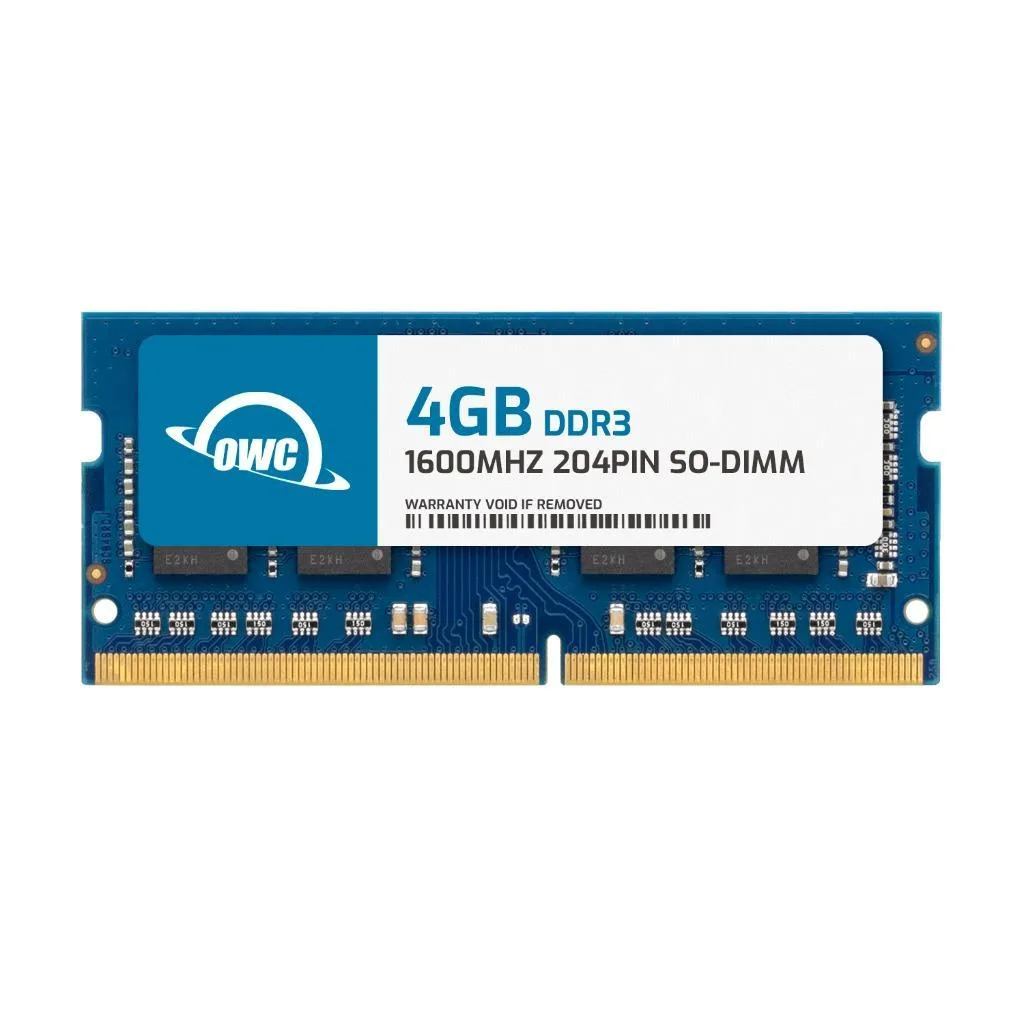
OWC 4GB DDR3L 1600 CL11 1.35V SODIMM Dell Inspiron 3646
- 4GB
- 204-Pin DDR3L Non-E…
$17.99
0.00023043BTC
在庫あり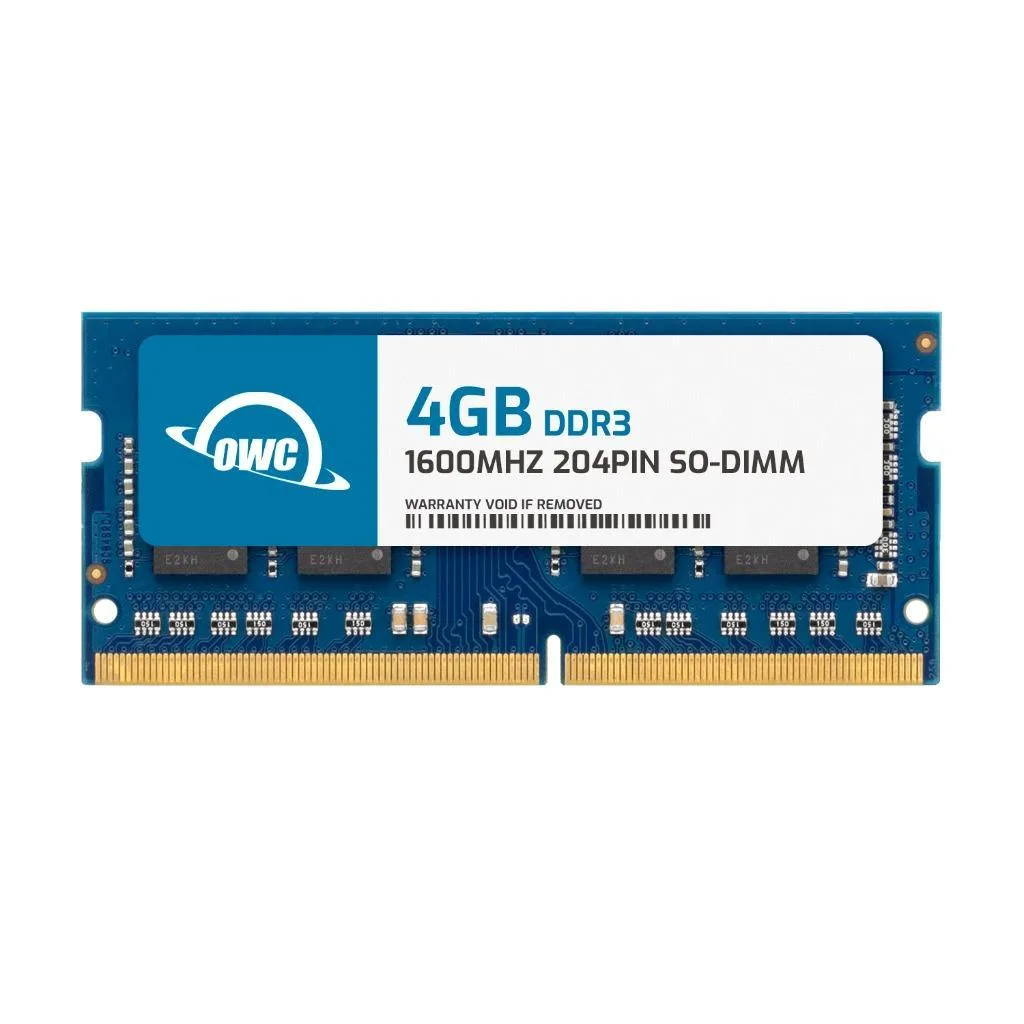


OWC
A 4 GB DDR3L SODIMM running at 1600 MHz with CL11 latency and 1.35 V, built for the Alienware 14
This 4 GB DDR3L SODIMM is built specifically for the Alienware 14 laptop. It runs at 1600 MT/s with CL11 timing at 1.35 V. The single 204-pin module adds capacity without requiring configuration changes.
The module is validated for the Alienware 14 platform; other laptops or desktops are not supported. Buyers needing ECC, registered DIMMs, higher capacities or a different voltage should look elsewhere.
The 204-pin DDR3L interface at 1.35 V is the sole specification that determines compatibility. If the target system requires a different pin count, generation or voltage, this module will not work.
| Brand | OWC |
|---|---|
| Part Number | 1S6T31R804GB |
| Capacity | 4GB |
| Type | 204-Pin DDR3L Non-ECC SODIMM |
| Speed | DDR3L 1600 (PC3L 12800) |
| CAS Latency | CL11 |
| Voltage | 1.35V |
| ECC | No |
| Buffered/Registered | Unbuffered |
| Rank | 1Rx8 |
| Heat Spreader | No |
| Compatible System | Alienware 14 |
このモデルの他のバージョン
同じファミリーで、メモリ・クーラー・クロックが異なります — 購入前に比較してください。
Power off the laptop, remove the battery if accessible, open the memory compartment, align the notch on the module with the slot key, press firmly until the side clips click, then replace the cover and battery before turning on.
No routine maintenance is required; the module has no heat spreader and runs at 1.35V, so it simply operates until a capacity upgrade is desired or a rare failure occurs.
The CAS latency of CL11 at 1600 MHz sets the timing ceiling, so sustained workloads are bound by those fixed latency cycles rather than thermal throttling.
同じ売り場の商品
同じ売り場、同じレジ — 8種類のコインと30分間のレートロック。
お支払いに使うコインと、価格表示に使う通貨です。
チェックアウト時にウォレットから送信されます。
表示のみ—カタログの価格は米ドル建てです。
該当する通貨がありません。
サイトの表示言語を選択してください。
一致する言語がありません。
初めてのご利用ですか?
すでにお持ちですか?
自動的な再設定はありません。当店はメールを送信しないため、ワンタイムリンクをお送りすることもできません。アカウントにメールアドレスを残しておいていただければ、担当者が手作業で確認いたします。
リクエストを受け付けました
受信箱に何かが届くことはありません — 当店はメールを一切送信していません。担当者が手作業で確認いたします。
思い出しましたか?