
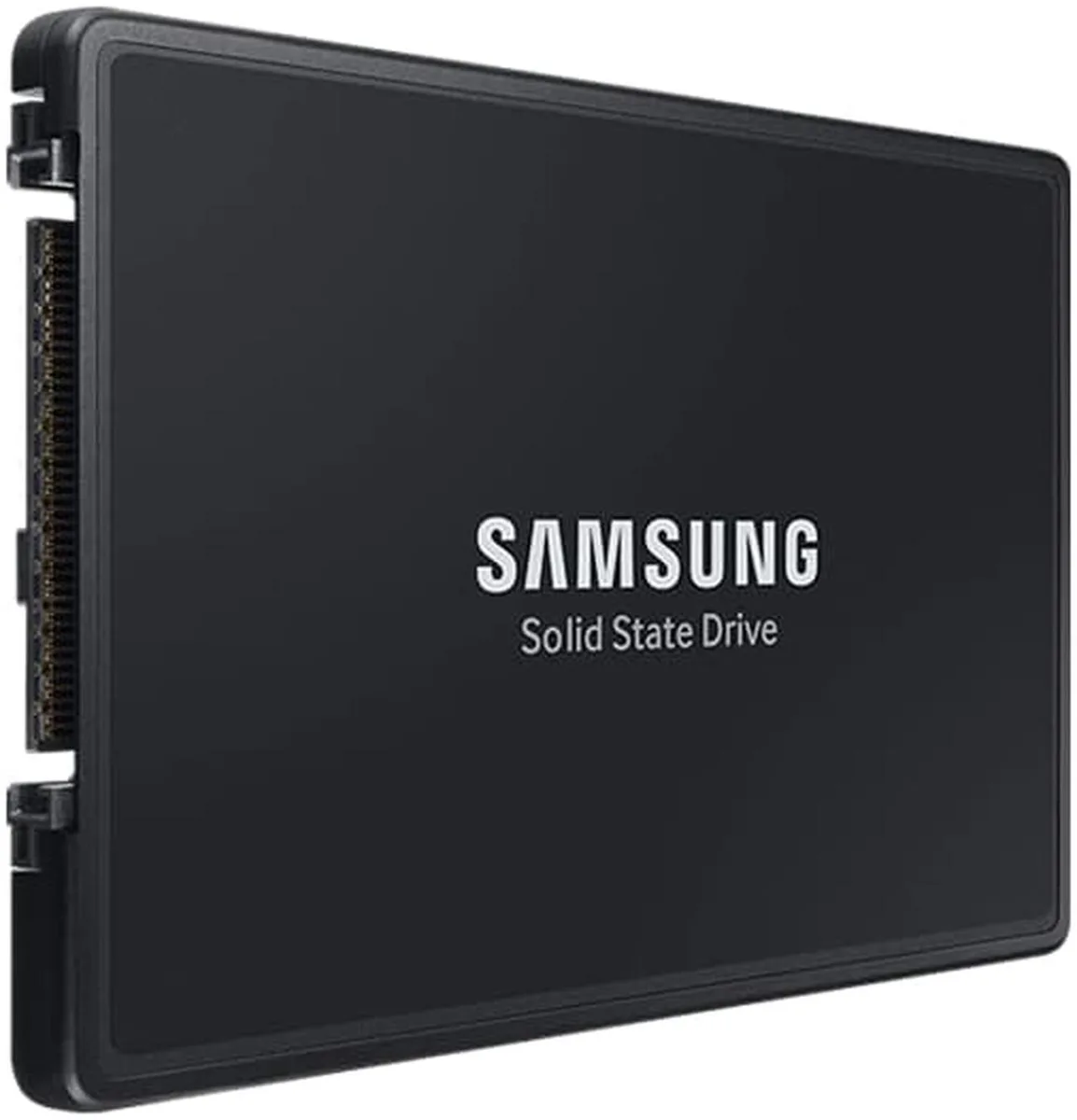
SAMSUNG
SAMSUNG PM9A3 7.6TB NVMe U.2 2.5" enterprise SSD
A 7.6 TB enterprise NVMe SSD in a 2.5 inch U.2 form factor with hardware encryption
- 6TB capacity stores massive enterprise datasets
- PCIe 4.0 x4 interface delivers high-speed data transfer
- NVMe protocol reduces latency for demanding workloads
- 5-inch U.2 form factor fits standard server bays
- Self-encrypting drive protects sensitive data at rest
Enterprise capacity and interface
This Samsung PM9A3 drive delivers 7.6 TB of storage in a 2.5 inch U.2 form factor. It connects through a PCIe 4.0 x4 NVMe link and includes hardware-based encryption. The drive is built for servers and storage arrays that require high endurance and consistent latency.
Replacing lower-capacity or slower drives
The jump is worth it when existing 2.5 inch bays are full and workloads demand more space without adding enclosures. It also suits upgrades from PCIe 3.0 SSDs where the x4 lane width can be saturated by read-heavy applications.
Fits standard U.2 backplanes and cabled chassis
The 7 mm z-height matches common hot-swap trays and fixed-mount cages. NVMe signalling removes the need for a separate RAID controller when the platform provides native PCIe lanes. The SED feature simplifies secure disposal or repurposing at end of life.
特長
- 6TB capacity stores massive enterprise datasets
- PCIe 4.0 x4 interface delivers high-speed data transfer
- NVMe protocol reduces latency for demanding workloads
- 5-inch U.2 form factor fits standard server bays
- Self-encrypting drive protects sensitive data at rest
仕様
この商品の仕様はまだ公開されていません。
この商品に関する質問
Does the 2.5-inch U.2 form factor need a 7 mm drive bay?
The drive is built to the 7 mm U.2 2.5-inch standard, so it fits any bay or carrier that accepts a 7 mm thick 2.5-inch U.2 device.
What is the correct way to seat the PCIe 4x4 U.2 connector during installation?
Align the U.2 connector with the backplane or adapter, press firmly until the latch clicks, then secure the drive with the chassis screws; skipping the screw step can leave the PCIe link unseated.
How do I know when the 7.6 TB PM9A3 should be replaced under heavy write workloads?
Monitor the SMART media-wear indicator; when it approaches the rated endurance limit the drive should be swapped to avoid unexpected failure.
同じ売り場の商品
よく比較されている商品
同じ売り場、同じレジ — 8種類のコインと30分間のレートロック。


HP
HP 628059-B21 3TB 7200 RPM SATA 3.0Gb/s 3.5" internal hard drive
- Bare Drive
- SATA 3.0Gb/s
$276.99
0.00356826BTC
在庫あり
Seagate
Seagate Cheetah 10K.7 ST3300007LC 300GB 10000 RPM 8MB SCSI Ultra320 80pin 3.5" internal hard drive
- Bare Drive
- SCSI Ultra320 80pin
$125.99$142.99−12%
0.00162304BTC
在庫あり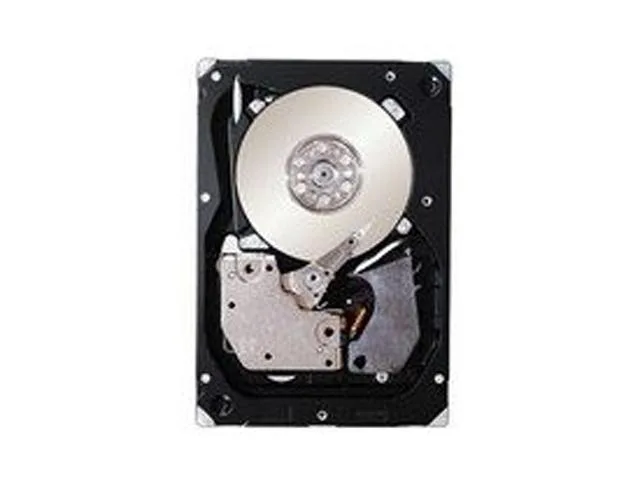
IBM
IBM 49Y2003 600GB 2.5" SAS 10000 RPM 16MB internal hard drive
- SAS 6Gb/s
- 10000 RPM
$354.99
0.00457308BTC
在庫あり