

EN-Labs
EN-Labs 11-001-366 PCIe x4 USB 3.2 10Gbps 5-port card
- no
- 12CM Case fan,screw…
$31.99
0.0004123BTC
在庫あり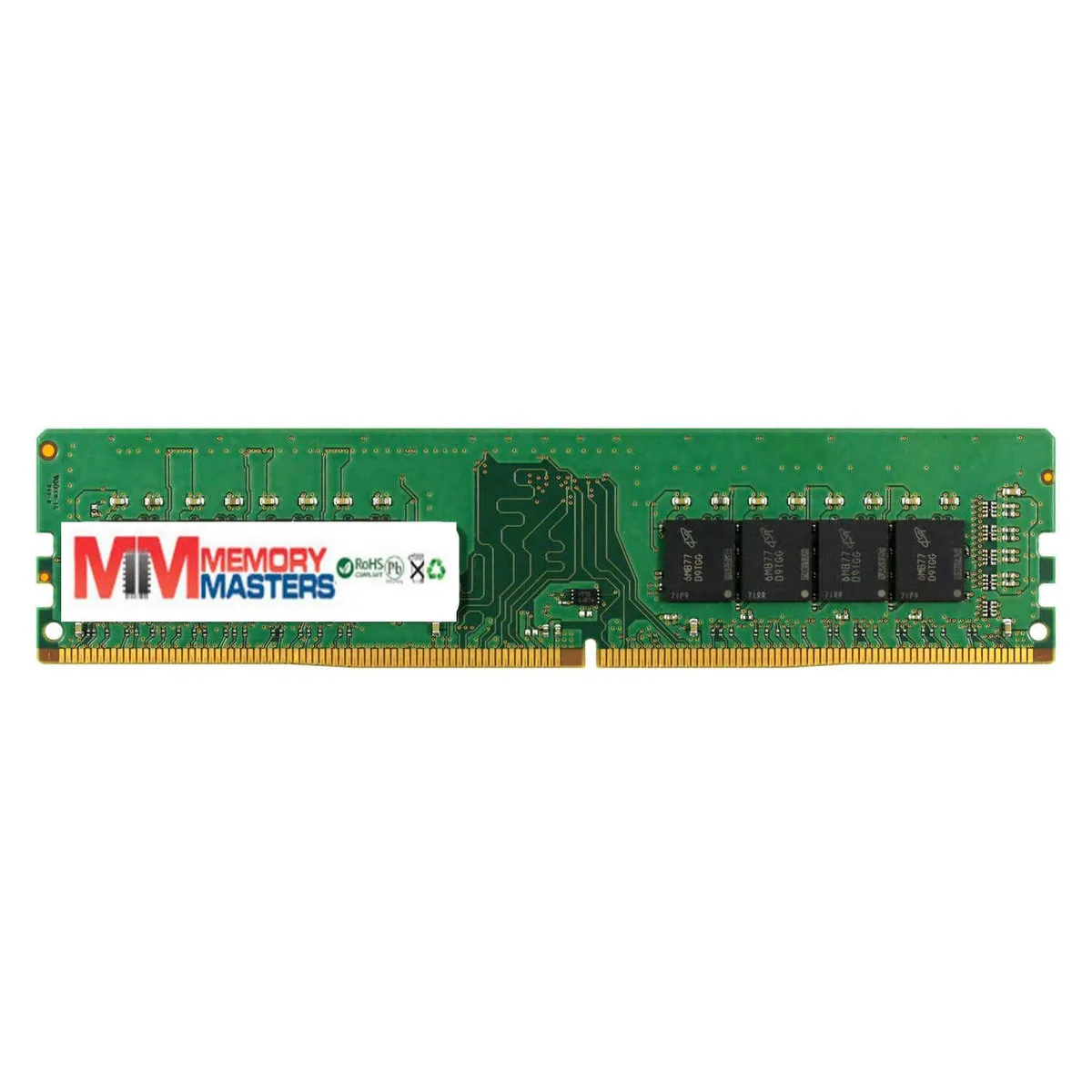
Simmtec, Inc
8GB DDR4 2400 UDIMM module with 1.2 V operation and PC4-19200 speed rating
This 8 GB DDR4 2400 module is built for desktop systems that accept standard UDIMM memory. It runs at 1.2 V and uses a single-rank 1Rx8 layout. The part matches OEM reference A9321911 and is validated for 100 % compatibility with the original platform.
The stick delivers 8 GB of capacity and a peak transfer rate of PC4 19200. That headroom handles everyday multitasking, office suites and light content creation without paging. Workloads that need larger datasets or higher sustained bandwidth will exceed what a single 8 GB module can provide.
It directly replaces an existing DDR4 2400 UDIMM carrying the same OEM part number. The upgrade is worthwhile when the current configuration has empty slots or lower-capacity sticks and the platform supports the 2400 MT/s speed. Systems locked to slower DDR4 speeds or requiring ECC will not benefit.
| Capacity | 8GB |
|---|---|
| Speed | DDR4 2400 (PC4 19200) |
It uses standard 1.2 V DDR4 2400 (PC4 19200) JEDEC timings, so it will run at the speed of the slowest module installed. Match capacity and rank for best stability.
Check the memory frequency in BIOS or a tool such as CPU-Z; it should report 2400 MT/s (PC4 19200) at 1.2 V.
The box contains the 8 GB UDIMM only; no cables, brackets or software are required — just a free DDR4 DIMM slot on your motherboard.
同じ売り場の商品
同じ売り場、同じレジ — 8種類のコインと30分間のレートロック。
お支払いに使うコインと、価格表示に使う通貨です。
チェックアウト時にウォレットから送信されます。
表示のみ—カタログの価格は米ドル建てです。
該当する通貨がありません。
サイトの表示言語を選択してください。
初めてのご利用ですか?
すでにお持ちですか?
自動的な再設定はありません。当店はメールを送信しないため、ワンタイムリンクをお送りすることもできません。アカウントにメールアドレスを残しておいていただければ、担当者が手作業で確認いたします。
リクエストを受け付けました
受信箱に何かが届くことはありません — 当店はメールを一切送信していません。担当者が手作業で確認いたします。
思い出しましたか?



