


Synology Inc.
Synology Inc. D4EU01-8G DDR4 ECC UDIMM 8GB NAS
Adds 8 GB of DDR4 ECC UDIMM memory to compatible Synology NAS units for improved data integrity
- TypeAccessory
- FeaturesRAM DDR4 ECC Unbuffered UDIMM 8GB (D4EU01-8G)
- ECC protection guards data integrity in your NAS
- DDR4 unbuffered design fits compatible Synology models
- 8 GB capacity expands memory for heavier workloads
- Factory-validated module ensures reliable operation with Synology systems
- New condition guarantees full manufacturer specifications
Synology DDR4 ECC UDIMM 8GB
This Synology D4EU01-8G module adds 8GB of DDR4 ECC unbuffered memory to compatible Synology NAS units. It is designed for administrators who need error-correcting memory to protect data integrity in always-on storage servers. Buyers without a Synology system that accepts UDIMM ECC modules cannot use this memory.
Thermals noise and power draw
As a standard DDR4 UDIMM, the module draws low power and produces minimal heat during normal NAS operation. It has no moving parts, so it adds no audible noise to the chassis. The ECC function operates transparently without increasing thermal load beyond typical DDR4 specifications.
ECC protection and compatibility
The on-board error-correcting code detects and corrects single-bit memory errors, reducing the risk of silent data corruption in critical workloads. This accessory is validated for specific Synology models; installing it in unsupported hardware will not provide the intended reliability benefits.
特長
- ECC protection guards data integrity in your NAS
- DDR4 unbuffered design fits compatible Synology models
- 8 GB capacity expands memory for heavier workloads
- Factory-validated module ensures reliable operation with Synology systems
- New condition guarantees full manufacturer specifications
仕様
| Brand | Synology |
|---|---|
| Model | D4EU01-8G |
| Type | Accessory |
| Features | RAM DDR4 ECC Unbuffered UDIMM 8GB (D4EU01-8G) |
| 配送重量 | 0.05 kg |
| 梱包サイズ | 147 × 97 × 13 mm |
この商品に関する質問
How do I install the DDR4 ECC UDIMM into my Synology NAS, and which step do people often get wrong?
Power off the unit, open the chassis, align the notch on the DDR4 ECC UDIMM with the slot key, press firmly until the retention clips click, then close the case; the step most often missed is not pressing hard enough for both clips to engage.
What maintenance or replacement will the DDR4 ECC UDIMM need over time?
The DDR4 ECC UDIMM has no moving parts and requires no scheduled replacement; only reseat the module if the NAS reports memory errors after years of operation.
What is the first limit that appears when the DDR4 ECC UDIMM runs under sustained heavy workloads?
The DDR4 ECC UDIMM will hit its 8 GB capacity ceiling first, forcing the NAS to swap to disk once workloads exceed the installed memory.
同じ売り場の商品
よく比較されている商品
同じ売り場、同じレジ — 8種類のコインと30分間のレートロック。


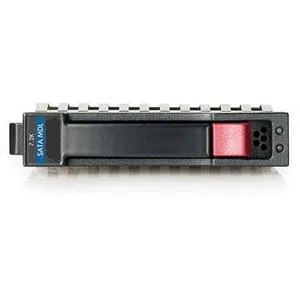
HP
HP 628059-B21 3TB 7200 RPM SATA 3.0Gb/s 3.5" internal hard drive
- Bare Drive
- SATA 3.0Gb/s
$276.99
0.00356753BTC
在庫あり
Seagate
Seagate Cheetah 10K.7 ST3300007LC 300GB 10000 RPM 8MB SCSI Ultra320 80pin 3.5" internal hard drive
- Bare Drive
- SCSI Ultra320 80pin
$125.99$142.99−12%
0.0016227BTC
在庫あり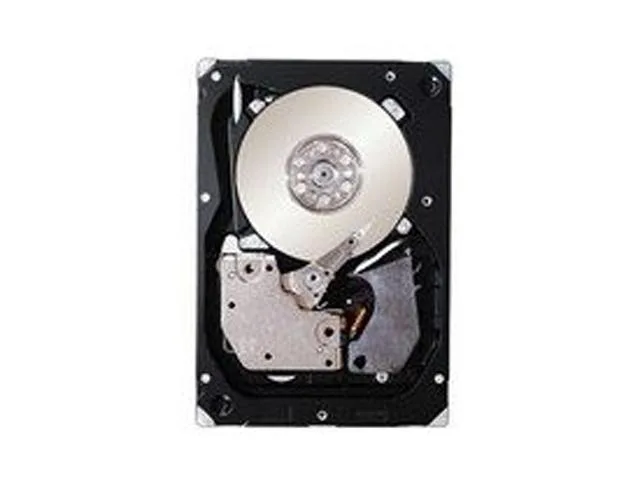
IBM
IBM 49Y2003 600GB 2.5" SAS 10000 RPM 16MB internal hard drive
- SAS 6Gb/s
- 10000 RPM
$354.99
0.00457214BTC
在庫あり