ASUS
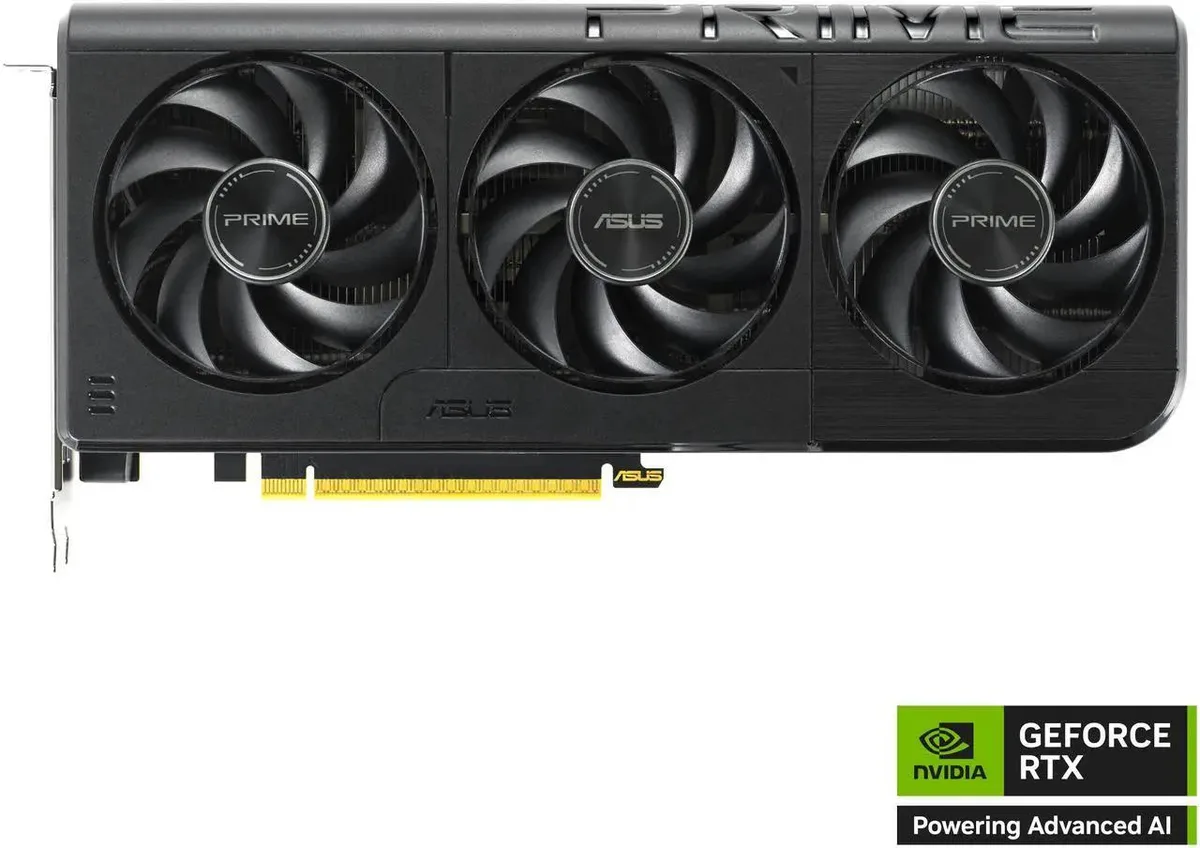
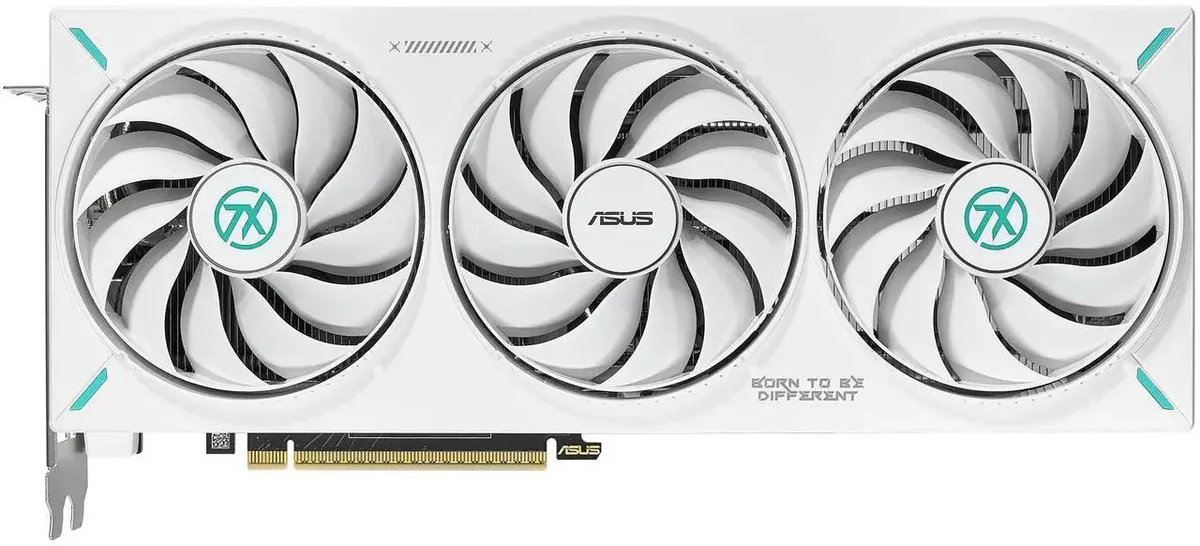
ASUS Dual GeForce RTX 5060 White OC Edition 8GB GDDR7 graphics card
- PCI Express 5.0 x8
- NVIDIA
US$598.99
0.00769396BTC
재고 있음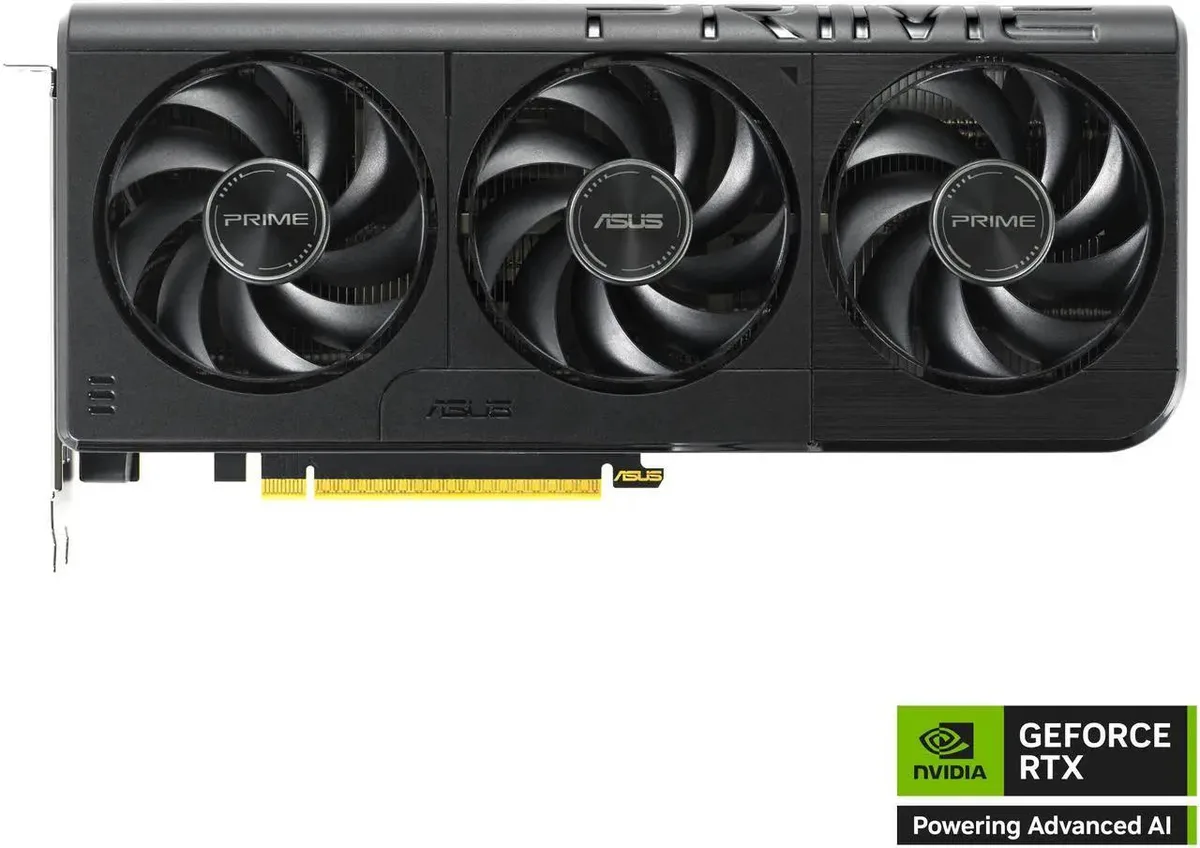


ASUS
Blackwell-architecture GPU with 8 GB of 128-bit GDDR7 memory at 28 Gbps, 3840 CUDA cores boosting to 2595 MHz, PCIe 5.0 x8, HDMI 2.1b and three DisplayPort 2.1b outputs for four displays
model PRIME OC
취소선으로 표시된 버전은 존재하지만, 이곳에서는 취급하지 않습니다.
The ASUS PRIME GeForce RTX 5060 is a mid-range graphics card built on the Blackwell architecture with 3840 CUDA cores and 8GB of GDDR7 memory. It suits gamers and creators who want 1440p performance with modern display outputs. The 128-bit memory interface runs at 28 Gbps effective speed while the PCI Express 5.0 x8 link keeps data flowing to the rest of the system. Boost clocks reach 2595 MHz in OC mode and 2565 MHz in default mode.
This card replaces older GPUs that lack DirectX 12 Ultimate support or GDDR7 bandwidth, making the jump worthwhile when you need the 28 Gbps memory speed and DisplayPort 2.1b outputs for high-refresh monitors. The Blackwell architecture brings the 50-series feature set to a 128-bit design, so the upgrade pays off most in titles that stress shader throughput and memory bandwidth together.
Installation follows the standard PCI Express 5.0 x8 slot procedure with one HDMI 2.1b and three DisplayPort 2.1b connectors for up to four monitors. The dual-slot bracket fits typical ATX cases, but verify your power supply has the required 8-pin connectors before starting. Driver installation is straightforward through the NVIDIA control panel, and the card defaults to 2565 MHz boost unless you enable OC mode in software.
| Brand | ASUS |
|---|---|
| Series | PRIME |
| Model | PRIME-RTX5060-O8G |
| Interface | PCI Express 5.0 x8 |
| Chipset Manufacturer | NVIDIA |
| GPU Series | NVIDIA GeForce RTX 50 Series |
| GPU | GeForce RTX 5060 |
| Architecture | Blackwell |
| Boost Clock | OC mode: 2595MHz Default mode: 2565MHz (Boost Clock) |
| CUDA Cores | 3840 |
| Effective Memory Clock | 28 Gbps |
| Memory Size | 8GB |
| Memory Interface | 128-Bit |
| Memory Type | GDDR7 |
| DirectX | DirectX 12 Ultimate |
| OpenGL | OpenGL 4.6 |
| Multi-Monitor Support | 4 |
| HDMI | 1 x HDMI 2.1b |
| DisplayPort | 3 x DisplayPort 2.1b |
| Color | Black |
| Max Resolution | 7680 x 4320 |
| CrossFireX Support | No |
| SLI Support | No |
| Virtual Reality Ready | Yes |
| Cooler | Triple Fans |
| Recommended PSU Wattage | 550W |
| Power Connector | 8-Pin |
| HDCP Ready | Yes |
| Form Factor | ATX |
| Max GPU Length | 269 mm |
| Card Dimensions (L x H) | 268.3 x 120 x 50 mm 10.56 x 4.72 x 1.97 inches |
| Slot Width | 2.5 Slots |
이 모델의 다른 버전
같은 제품군에서 메모리·쿨러·클럭이 다릅니다 — 결정 전에 비교해 보세요.
Yes, the card uses a PCI Express 5.0 x8 interface and occupies a typical dual-slot width in any compatible motherboard slot.
Align the gold fingers with the PCIe 5.0 x8 slot, press evenly until the retention latch clicks, then attach the required 8-pin or 12VHPWR power connector from the PSU.
Refresh the paste if GPU temperatures climb noticeably above baseline after several years of heavy use.
이 진열대의 다른 상품
같은 진열대, 같은 체크아웃 — 코인 8종, 환율 잠금 30분.
결제할 코인과 가격을 확인할 통화입니다.
체크아웃 시 지갑에서 전송됩니다.
표시 전용 — 카탈로그 가격은 달러 기준입니다.
일치하는 통화가 없습니다.
사이트에서 사용할 언어를 선택하십시오.
No language matches that.
처음 방문하셨나요?
이미 계정이 있으신가요?
자동 재설정 기능은 없습니다. 이 쇼핑몰은 어떠한 메일도 보내지 않으므로 요청할 일회용 링크 자체가 없습니다. 계정에 등록된 이메일 주소를 그대로 두시면 담당자가 직접 확인해 처리합니다.
요청 접수
받은편지함으로 오는 것은 아무것도 없습니다 — 이 쇼핑몰은 메일을 전혀 보내지 않습니다. 담당자가 직접 확인해 처리합니다.
기억나셨나요?