ASUS
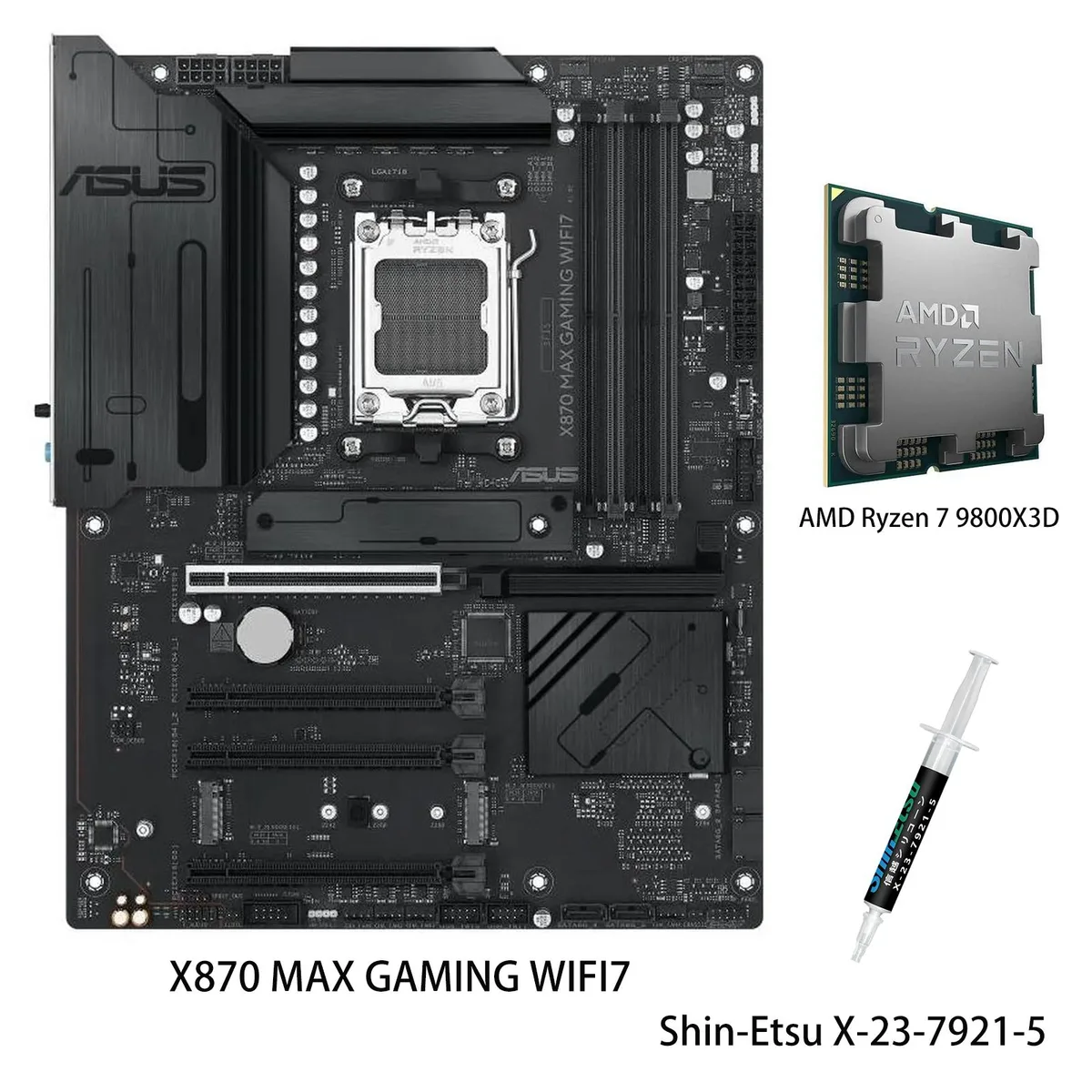
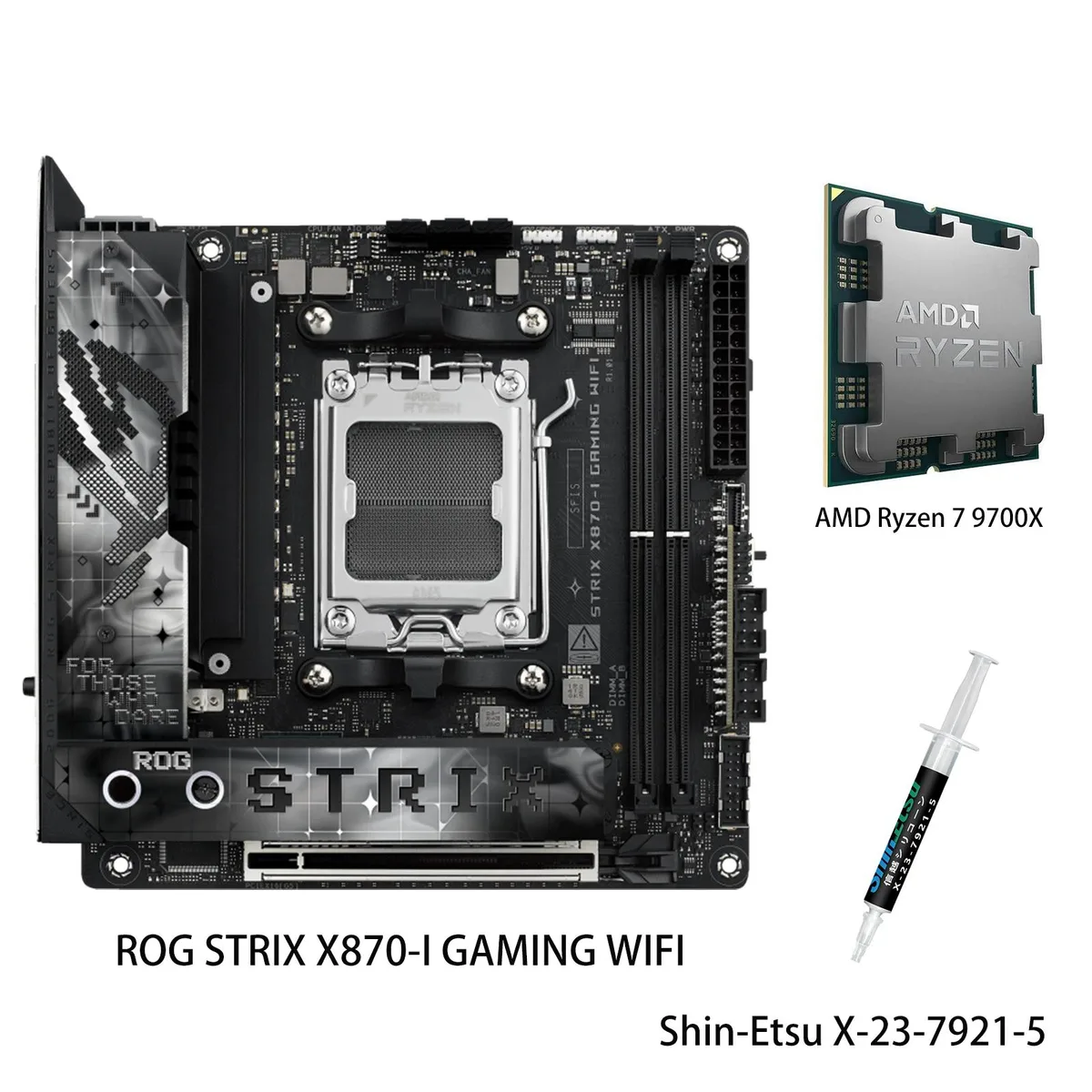
ASUS ROG STRIX X870-I GAMING WIFI & Ryzen 7 9700X AMD motherboard combo
- AMD X870
- 4x288pin (DDR5)
US$880.99
0.01122695BTC
재고 있음


ASUS
Pre-built AM5 platform pairing an 8-core 16-thread Zen 5 CPU with 5.6 GHz boost and 3D V-Cache alongside a board offering 14+2+1 80A DrMOS stages, DDR5 to 192 GB, PCIe 5.0 graphics and M.2, Wi-Fi 7.
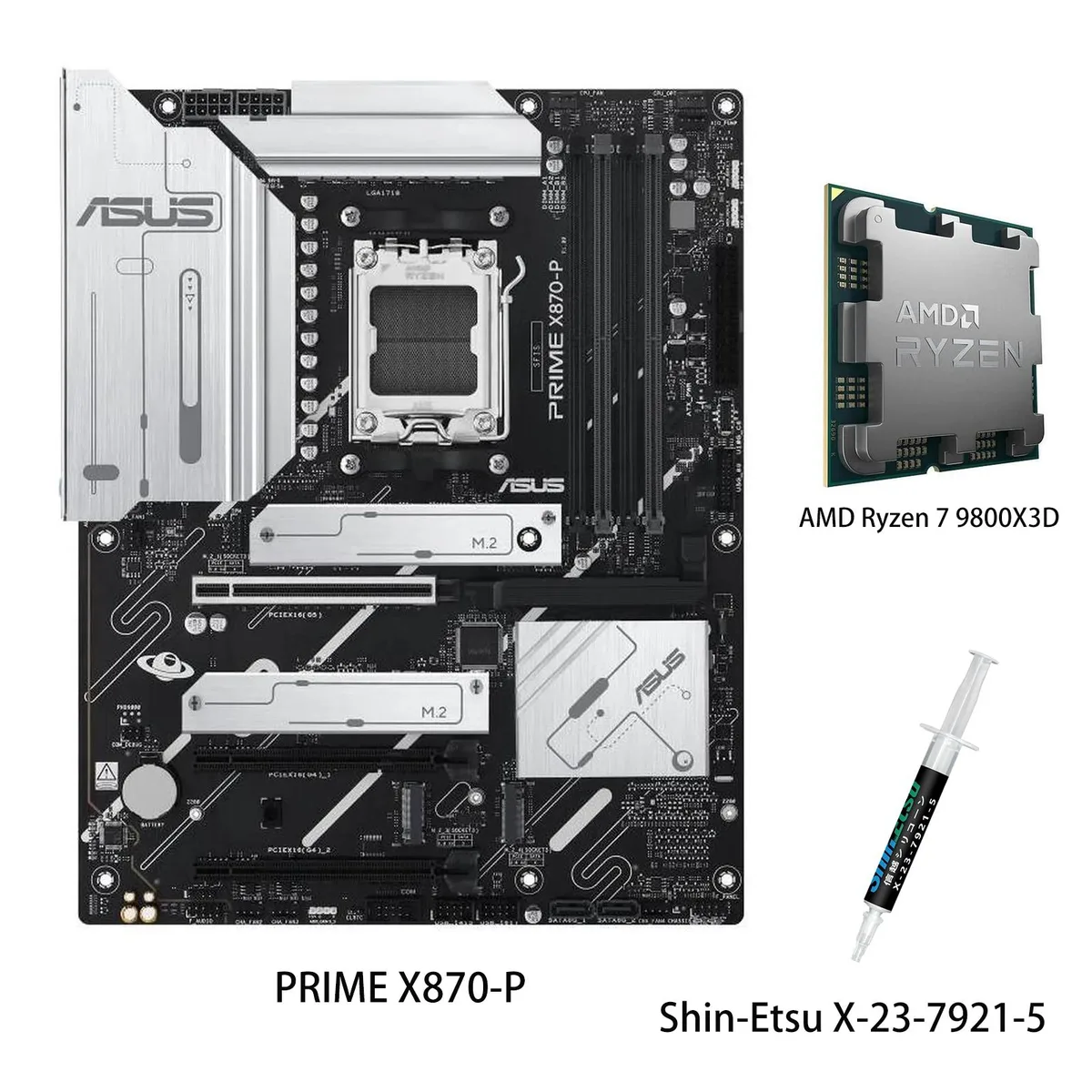
model PRIME X870-P WIFI
+CPU + Ryzen 7 9850X3D
This bundle pairs an ASUS PRIME X870-P WIFI motherboard with an AMD Ryzen 7 9850X3D processor. The board uses the AMD X870 chipset and AM5 socket to support Ryzen 9000, 8000 and 7000 series CPUs. Four DDR5 slots accept up to 192 GB of memory at 4400 MT/s with EXPO profiles available. It is suited for gamers and creators who want a ready-to-run platform with modern connectivity.
The combination brings PCIe 5.0 on the primary x16 slot and M.2_1 slot when a Ryzen 9000 or 7000 CPU is installed, while Ryzen 8000 series drops the GPU slot to PCIe 4.0 x8 or x4. The CPU delivers 8 cores and 16 threads on Zen 5 architecture with a 5.6 GHz maximum boost clock and second-generation 3D V-Cache for lower gaming latency. The jump is worthwhile when you need the extra cache benefit and faster storage or GPU bandwidth.
A pre-mounted I/O shield, PCIe Slot Q-Release, M.2 Q-Latch and Q-Antenna reduce the steps needed to fit the board and connect Wi-Fi 7. BIOS FlashBack lets you update firmware without a CPU installed, and Q-LED Core gives quick post-code feedback. The main caution is that PCIEX16(G4)_1 shares bandwidth with M.2_2, so populating both will disable the second x16 slot.
| Brand | ASUS |
|---|---|
| Model | PRIME X870-P WIFI+R7 9850X3D |
| Chipset | AMD X870 |
| Number of Memory Slots | 4x288pin (DDR5) |
| Memory Standard | DDR5 4400 |
| Maximum Memory Supported | 192GB |
| Channel Supported | Dual Channel |
| ECC Supported | Yes |
| Buffer Supported | Un-buffered |
| Memory Feature | Supports up to 8000+MT/s(OC) with Ryzen 9000 & 8000 & 7000 Series Processors ECC and Non-ECC, Un-buffered DIMM* Dual channel memory architecture Supports AMD Extended Profiles for Overclocking (EXPO) ASUS Enhanced Memory Profile (AEMP) * Non-ECC, un-buffered DDR5 memory supports On-Die ECC function. |
| PCI Express 5.0 x16 | AMD Ryzen 9000 & 7000 Series Desktop Processors 1 x PCIe 5.0 x16 slot (supports x16 mode) |
| PCI Express 4.0 x16 | AMD Ryzen 8000 Series Desktop Processors 1 x PCIe 4.0 x16 slot (supports x8/x4 mode) AMD X870 Chipset 3 x PCIe 4.0 x16 slots (support x1 mode)*** *** PCIEX16(G4)_1 shares bandwidth with M.2_2. PCIEX16(G4)_1 will be disabled when M.2_2 runs. *** PCIEX16(G4)_2 and PCIEX16(G4)_3 share bandwidth with M.2_3. PCIEX16(G4)_2 and PCIEX16(G4)_3 will be disabled when M.2_3 runs. |
| Serial ATA (SATA) | 2 x SATA 6Gb/s |
| M.2 | AMD Ryzen 9000 & 7000 Series Desktop Processors M.2_1 slot (Key M), type 2280 (supports PCIe 5.0 x4 mode) AMD Ryzen 8000 Series Desktop Processors M.2_1 slot (Key M), type 2280 (supports PCIe 4.0 x4 mode) AMD X870 Chipset M.2_2 slot (Key M), type 2242/2260/2280 (supports PCIe 4.0 x4 mode)** M.2_3 slot (Key M), type 2280 (supports PCIe 4.0 x4 mode)*** M.2_4 slot (Key M), type 2280 (supports PCIe 3.0 x2 mode)**** ** PCIEX16(G4)_1 shares bandwidth with M.2_2. PCIEX16(G4)_1 will be disabled when M.2_2 runs. *** PCIEX16(G4)_2 and PCIEX16(G4)_3 share bandwidth with M.2_3. PCIEX16(G4)_2 and |
| SATA RAID | * AMD RAIDXpert2 Technology supports both PCIe RAID 0/1/5/10 and SATA RAID 0/1. RAID 5 Function is only supportted by AMD Ryzen 9000 series CPU. |
| Audio Chipset | Realtek 7.1 Surround Sound High Definition Audio CODEC* - Supports: Jack-detection, Multi-streaming, Front Panel Jack-retasking - Supports up to 24-Bit/192 kHz playback Audio Features - Audio Shielding - Premium audio capacitors - Dedicated audio PCB layers * A chassis with an HD audio module in the front panel is required to support 7.1 Surround Sound audio output. |
| Audio Channels | 7.1 Channels |
| Max LAN Speed | 2.5Gbps |
| Wireless LAN | Wi-Fi 802.11 be |
| Bluetooth | Bluetooth 5.4 |
| Back I/O Ports | 2 x USB4 (40Gbps) ports (2 x USB Type-C) 1 x USB 10Gbps port (1 x Type-A) 3 x USB 5Gbps ports (3 x Type-A) 4 x USB 2.0 ports (4 x Type-A) 1 x HDMI port 1 x Wi-Fi module 1 x Realtek 2.5Gb Ethernet port 3 x Audio jacks 1 x BIOS FlashBack button |
| Onboard USB | 1 x USB 10Gbps connector (supports USB Type-C) 1 x USB 5Gbps header supports 2 additional USB 5Gbps ports 2 x USB 2.0 headers support 4 additional USB 2.0 ports |
| Other Connectors | Fan and Cooling Related 1 x 4-pin CPU Fan header 1 x 4-pin CPU OPT Fan header 1 x 4-pin AIO Pump header 4 x 4-pin Chassis Fan headers Miscellaneous 3 x Addressable Gen2 headers 1 x Clear CMOS header 1 x COM Port header 1 x Front Panel Audio header (F_AUDIO) 1 x S/PDIF Out header 1 x SPI TPM header (14-1 pin) 1 x 10⁻¹ pin System Panel header |
| Form Factor | ATX |
| Dimensions (W x L) | 12.0" x 9.6" |
| Power Pin | 1 x 24-pin Main Power connector 2 x 8-pin +12V CPU Power connectors |
| BIOS Feature | 256 Mb Flash ROM, UEFI AMI BIOS |
| Windows 11 | Supported |
| Features | ASUS 5X PROTECTION III - DIGI+ VRM (- Digital power design with DrMOS) - LANGuard - Overvoltage protection - SafeSlot - Stainless-steel back I/O ASUS Q-Design - M.2 Q-Latch - PCIe Slot Q-Release - Q-Antenna - Q-Dashboard - Q-DIMM - Q-LED Core - Q-Slot ASUS Thermal Solution - Flexible M.2 heatsink - VRM heatsink design ASUS EZ DIY - BIOS FlashBack button - BIOS FlashBack LED - ProCool - Pre-mounted I/O shield - SafeSlot Aura Sync - Addressable Gen2 headers |
| Package Contents | 1 x AMD Ryzen 7 9850X3D CPU 1 x Shin-Etsu X-23-7921-5 (1.8g) Cables 2 x SATA 6Gb/s cables Miscellaneous 1 x ASUS WiFi Q-Antenna 1 x M.2 rubber package 2 x Screw packages for M.2 SSD Documentation 1 x Quick start guide |
이 모델의 다른 버전
같은 제품군에서 메모리·쿨러·클럭이 다릅니다 — 결정 전에 비교해 보세요.
The board uses an ATX form factor with a large VRM heatsink and 8-layer PCB, so a standard ATX case with adequate CPU-cooler clearance will fit it.
Align the triangle on the CPU with the socket marker, lower it gently without force, then lock the retention arm; the AM5 socket is LGA so the pins are on the motherboard, not the processor.
Inspect the pads during any major rebuild; replace them if they look dried out or compressed, otherwise they typically last the life of the board.
이 진열대의 다른 상품
같은 진열대, 같은 체크아웃 — 코인 8종, 환율 잠금 30분.
결제할 코인과 가격을 확인할 통화입니다.
체크아웃 시 지갑에서 전송됩니다.
표시 전용 — 카탈로그 가격은 달러 기준입니다.
일치하는 통화가 없습니다.
사이트에서 사용할 언어를 선택하십시오.
일치하는 언어가 없습니다.
처음 방문하셨나요?
이미 계정이 있으신가요?
자동 재설정 기능은 없습니다. 이 쇼핑몰은 어떠한 메일도 보내지 않으므로 요청할 일회용 링크 자체가 없습니다. 계정에 등록된 이메일 주소를 그대로 두시면 담당자가 직접 확인해 처리합니다.
요청 접수
받은편지함으로 오는 것은 아무것도 없습니다 — 이 쇼핑몰은 메일을 전혀 보내지 않습니다. 담당자가 직접 확인해 처리합니다.
기억나셨나요?