ASUS
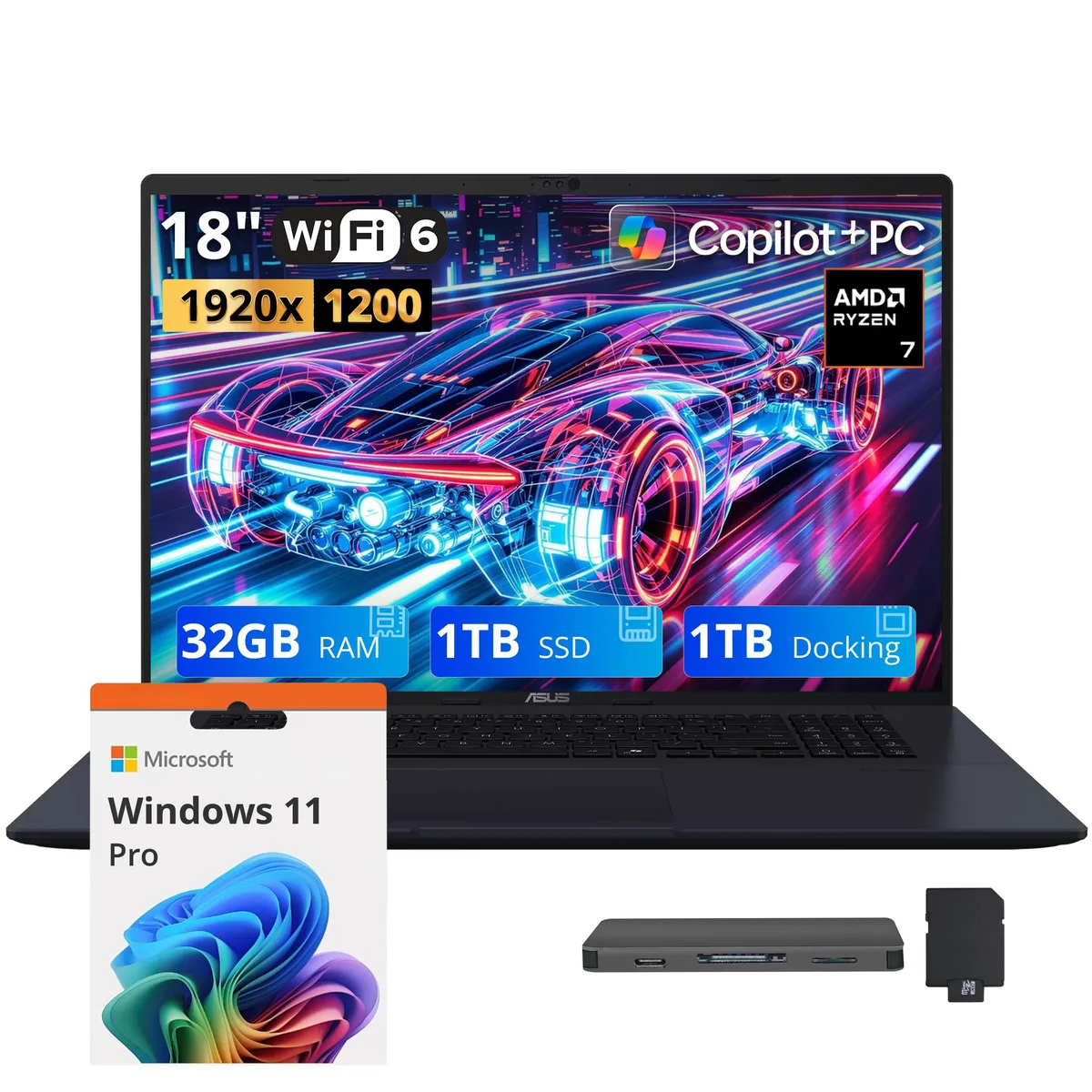
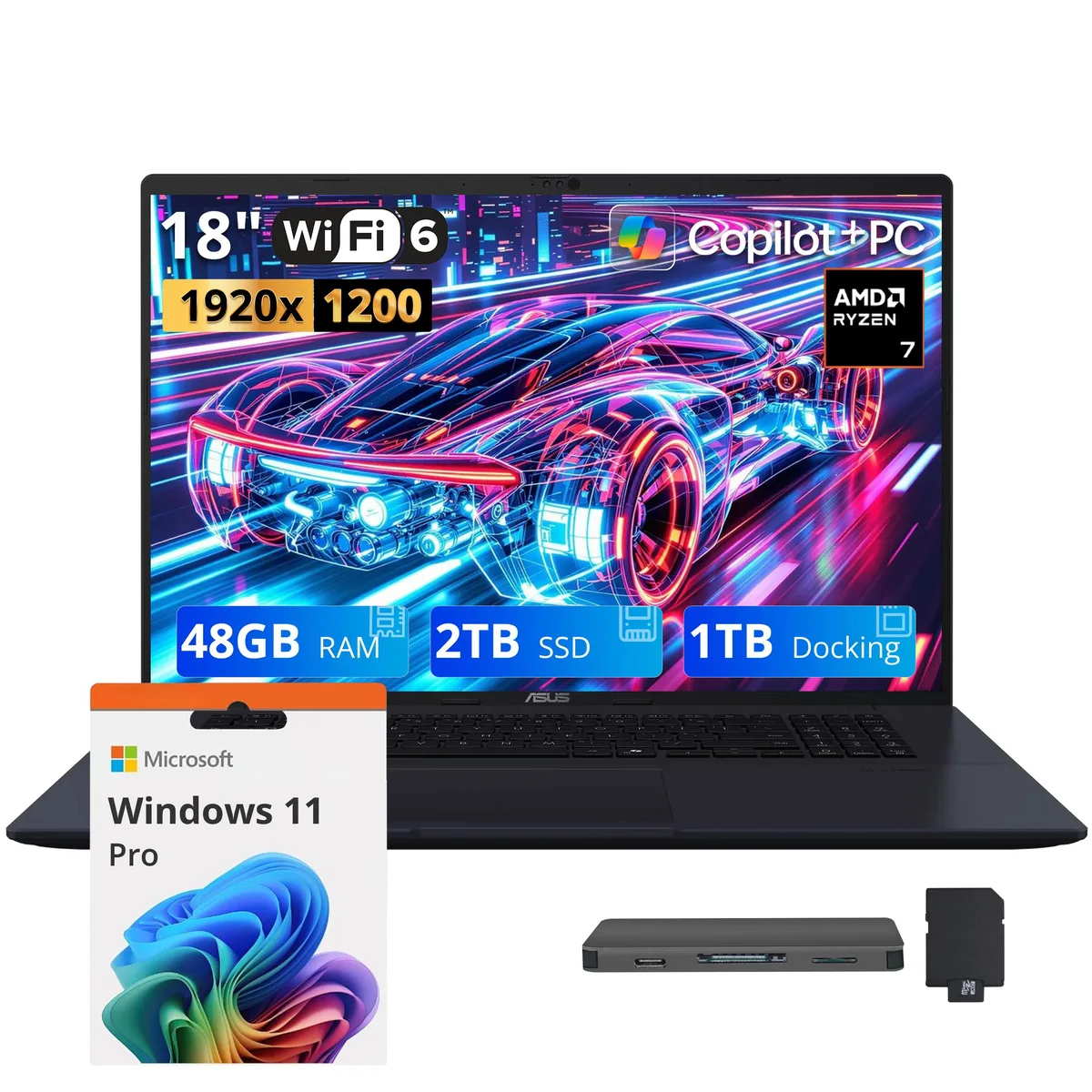
ASUS Vivobook 18 18" WUXGA 144Hz Business Laptop AMD Ryzen 7 260 32GB DDR5 2TB Storage Blue
- Standard
- Work / Business
US$967.99
0.01250859BTC
재고 있음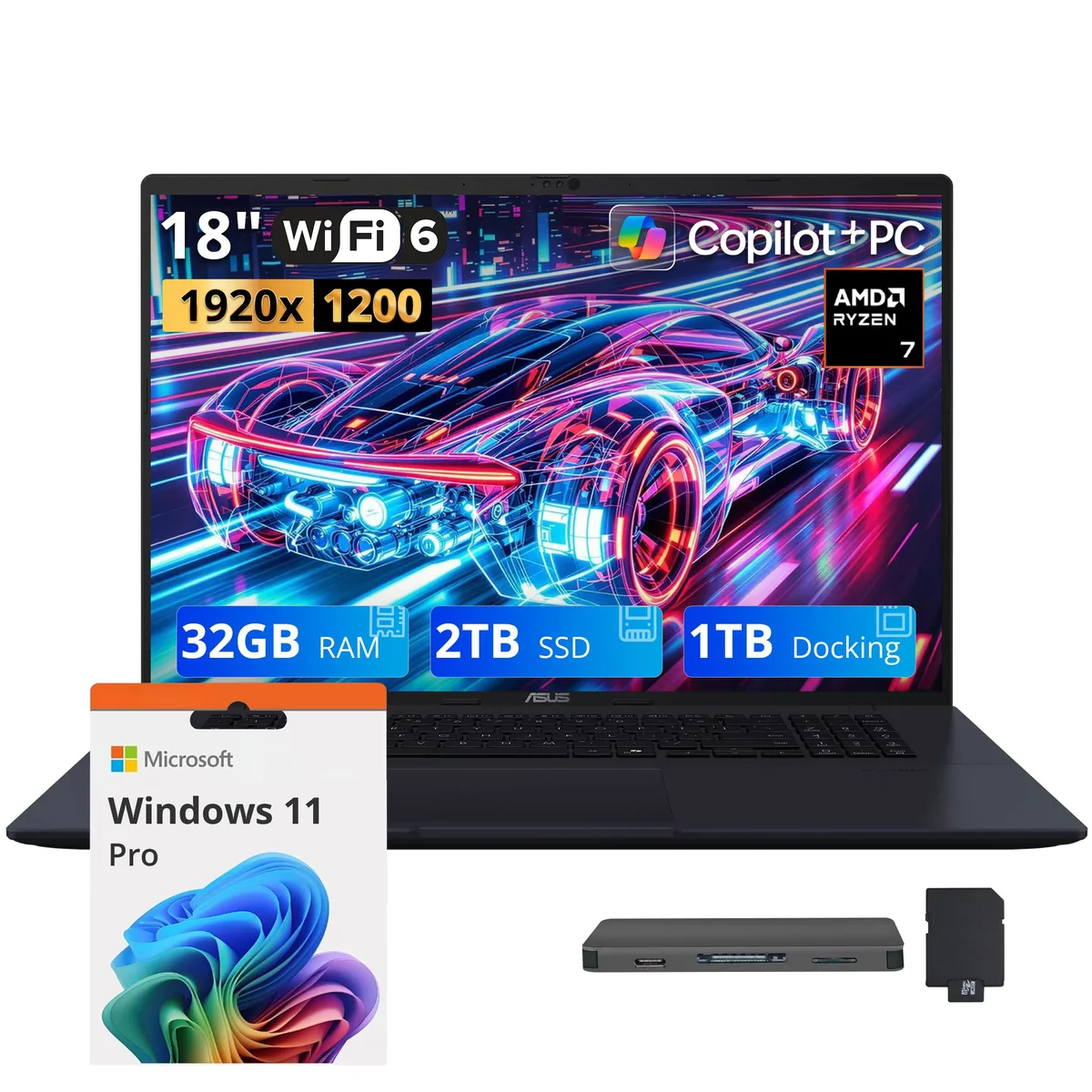


ASUS
An 18-inch WUXGA 144Hz business laptop with Ryzen 7 260, 32GB DDR5, 2TB SSD plus 1TB docking storage, Radeon graphics, Copilot+ AI and backlit keyboard
Capacity 32GB / 3TB Storage
The ASUS Vivobook 18 is a Copilot+ PC built around an AMD Ryzen 7 260 eight-core processor and 32GB of DDR5 5600 memory. Integrated AMD Radeon graphics handle everyday visual workloads. The 18.0-inch WUXGA IPS panel runs at 144Hz for smooth motion during presentations or media playback. It ships with Windows 11 Pro and targets professionals who want a large screen and AI acceleration in a single chassis.
The blue aluminium body measures 15.8 by 10.8 by .78 inches and weighs 5.73 lbs. A backlit keyboard with a full number pad supports low-light typing. Connectivity includes two USB 3.2 Type-C ports, two USB 3.2 Type-A ports, one HDMI output and an audio combo jack. Wireless uses 802.11ax and Bluetooth 5.3. The bundle adds a 7-in-1 docking station that contributes 1TB of extra storage, a 32GB microSD card with adapter, a Type-C data cable, a 3-in-1 charging cable and a suede cleaning cloth.
The AMD Radeon integrated graphics share system memory, so sustained 3D rendering or modern gaming will hit thermal and bandwidth limits faster than discrete solutions. The 32GB DDR5 is not user-expandable, capping multitasking headroom for large datasets or virtual machines. Buyers who need more storage than the combined 3TB or who require a second GPU for compute workloads should look at workstation-class alternatives.
| Processor Name | AMD Ryzen 7 260 |
|---|---|
| CPU Type | AMD Ryzen 7 2000 Series |
| Number of Cores | 8-core Processor |
| GPU/VPU | AMD Radeon Graphics |
| Graphic Type | Integrated Card |
| Memory | 32GB DDR5 |
| Memory Speed | DDR5 5600 |
| SSD | 2TB |
| Storage Spec | 2TB |
| Operating System | Windows 11 Pro |
| WLAN | 802.11ax Wireless LAN |
| Bluetooth | Bluetooth 5.3 |
| Brand | ASUS |
| Series | ASUS Vivobook 18 |
| Model | ASUS Vivobook |
| Color | Blue |
| AI Features | Copilot+ PC |
| Screen Size | 18.0" |
| Touchscreen | Non-Touch Screen |
| Display Type | WUXGA |
| Resolution | 1920 x 1200 |
| Refresh Rate | 144 Hz |
| USB | 2x USB-C, 2x USB-A |
| HDMI | 1 x HDMI |
| Audio Ports | 1 x Headphone/Microphone Combo Jack |
| Backlit Keyboard | Backlit |
| Webcam | 1080p FHD |
| Style | Standard |
| Type | Work / Business |
| Usage | Business |
| Package Content | Laptop; Power Adapter; Documentation; 1TB Docking Station Set |
이 모델의 다른 버전
같은 제품군에서 메모리·쿨러·클럭이 다릅니다 — 결정 전에 비교해 보세요.
The two USB Type-C ports run at USB 3.2 Gen 1 speeds, capping practical throughput at 5 Gbps for external storage or docks.
The laptop measures 15.8 by 10.8 by 0.78 inches and weighs 5.73 lbs, so check your bag's laptop compartment against those figures.
Connect the dock via the supplied USB-C data cable to a Type-C port; the dock draws bus power, so users often forget to plug the laptop's own charger in first to avoid throttling.
이 진열대의 다른 상품
같은 진열대, 같은 체크아웃 — 코인 8종, 환율 잠금 30분.
결제할 코인과 가격을 확인할 통화입니다.
체크아웃 시 지갑에서 전송됩니다.
표시 전용 — 카탈로그 가격은 달러 기준입니다.
일치하는 통화가 없습니다.
사이트에서 사용할 언어를 선택하십시오.
일치하는 언어가 없습니다.
처음 방문하셨나요?
이미 계정이 있으신가요?
자동 재설정 기능은 없습니다. 이 쇼핑몰은 어떠한 메일도 보내지 않으므로 요청할 일회용 링크 자체가 없습니다. 계정에 등록된 이메일 주소를 그대로 두시면 담당자가 직접 확인해 처리합니다.
요청 접수
받은편지함으로 오는 것은 아무것도 없습니다 — 이 쇼핑몰은 메일을 전혀 보내지 않습니다. 담당자가 직접 확인해 처리합니다.
기억나셨나요?