


ASUS
ASUS ZenScreen MB169CK 15.6" 1920x1080 60Hz IPS portable monitor
A 15.6-inch Full HD IPS portable monitor with dual USB-C and Mini HDMI inputs, a 360-degree kickstand, and low-blue-light eye-care certification
- Monitor TypePortable Monitor / Touchscreen Monitor
- Touchscreen TypeNo
- Cabinet ColorBlack
- PanelIPS
- Screen Size15.6"
- Display TypeFHD
- Full HD clarity on a 15.6" IPS panel
- Wide 178° viewing angles for consistent colour
- 360° kickstand enables flexible portrait or landscape use
- Dual USB-C with DP Alt Mode simplifies single-cable connection
- TÜV Rheinland low-blue-light and flicker-free certification reduces eye strain
Portable 15.6" Full HD IPS monitor
The ASUS ZenScreen MB169CK is a 15.6-inch Full HD portable monitor with a 1920 x 1080 IPS panel running at 60Hz. It weighs 1.72 lbs and measures 0.47 inches thin without the stand, making it suited for mobile professionals who need a second screen while travelling. The anti-glare coating and 178° viewing angles support comfortable use in varied lighting conditions. Power and video are delivered over USB-C with DisplayPort Alternate Mode.
Suits single-cable workflows.
This display suits users who want a lightweight second screen driven by a single USB-C connection from a compatible laptop, tablet or phone. The 360° detachable kickstand and auto-rotation via DisplayWidget Center allow quick switches between landscape and portrait orientation. Buyers who need a touchscreen, higher refresh rates for competitive gaming, or wider colour gamuts for professional grading should look at other models. The 250 cd/m² brightness and 800:1 contrast ratio are adequate for office work but limit HDR performance.
Low power draw sustains mobile use
Under sustained load the monitor draws 7.64 W, dropping below 0.5 W in power-saving mode and under 0.3 W when off, so it places minimal strain on a laptop battery during long sessions. The 5 ms response time and Trace Free technology reduce ghosting during extended scrolling or video playback. TÜV Rheinland-certified Flicker-Free and Low Blue Light modes help reduce eye fatigue over multi-hour workdays. Connectivity includes two USB-C ports with DP Alt Mode and one Mini HDMI port for broader device compatibility.
주요 특징
- Full HD clarity on a 15.6" IPS panel
- Wide 178° viewing angles for consistent colour
- 360° kickstand enables flexible portrait or landscape use
- Dual USB-C with DP Alt Mode simplifies single-cable connection
- TÜV Rheinland low-blue-light and flicker-free certification reduces eye strain
사양
| Brand | ASUS |
|---|---|
| Series | ZenScreen |
| Model | MB169CK |
| Part Number | 90LM0AZ3-B011B1 |
| Monitor Type | Portable Monitor / Touchscreen Monitor |
| Touchscreen Type | No |
| Cabinet Color | Black |
| Panel | IPS |
| Screen Size | 15.6" |
| Display Type | FHD |
| Widescreen | Yes |
| Resolution | 1920 x 1080 |
| Refresh Rate | 60Hz |
| Viewing Angle | 178° (H) / 178° (V) |
| Pixel Pitch | 0.179mm |
| Display Colors | 262,000 |
| Aspect Ratio | 16:9 |
| Brightness | 250 cd/m2 |
| Contrast Ratio | 800:1 |
| Response Time | 5ms |
| Video Ports | 1 x Mini HDMI / 2 x USB-C (DP Alternative) |
| DVI | No |
| HDMI | 1 x Mini HDM |
| Power Supply | 100 - 240 VAC, 50/60Hz |
| Power Consumption | Power Consumption : 7.64 W Power Saving Mode : <0.5W Power Off Mode : <0.3W |
| Built-in Speakers | No |
| Features | Trace Free Technology : Yes SPLENDID Technology : Yes Color Temp. Selection : Yes(4 modes) GamePlus : Yes QuickFit : Yes (Photo/Alighment Grid) HDCP : Yes, 1.4 DisplayWidget : Yes, DisplayWidget Center Low Blue Light : Yes |
| Dimensions | 8.90" x 14.17" x 0.47" without stand |
| Weight | 1.72 lbs. without stand |
| Package Contents | 360° kickstand Mini HDMI to HDMI cable Quick start guide USB-C cable Warranty Card ZenScreen sleeve |
| 배송 무게 | 1.66 kg |
| 포장 크기 | 483 × 292 × 76 mm |
이 상품에 대한 질문
Does my laptop need a USB-C port with DisplayPort Alt Mode to drive the 1920 x 1080 60Hz panel?
Yes, the monitor uses two USB-C ports with DP Alt Mode for video and power, so the host must support that standard.
Can I still connect an older device that only has a full-size HDMI output?
A Mini HDMI to HDMI cable is included, letting you plug the monitor into a standard HDMI port on legacy hardware.
How do I confirm the auto-rotate feature switches between landscape and portrait correctly?
Install DisplayWidget Center, rotate the screen physically, and verify the OS desktop reorients to match the new angle.
이 진열대의 다른 상품
고객들이 함께 비교한 상품
같은 진열대, 같은 체크아웃 — 코인 8종, 환율 잠금 30분.


Innovera
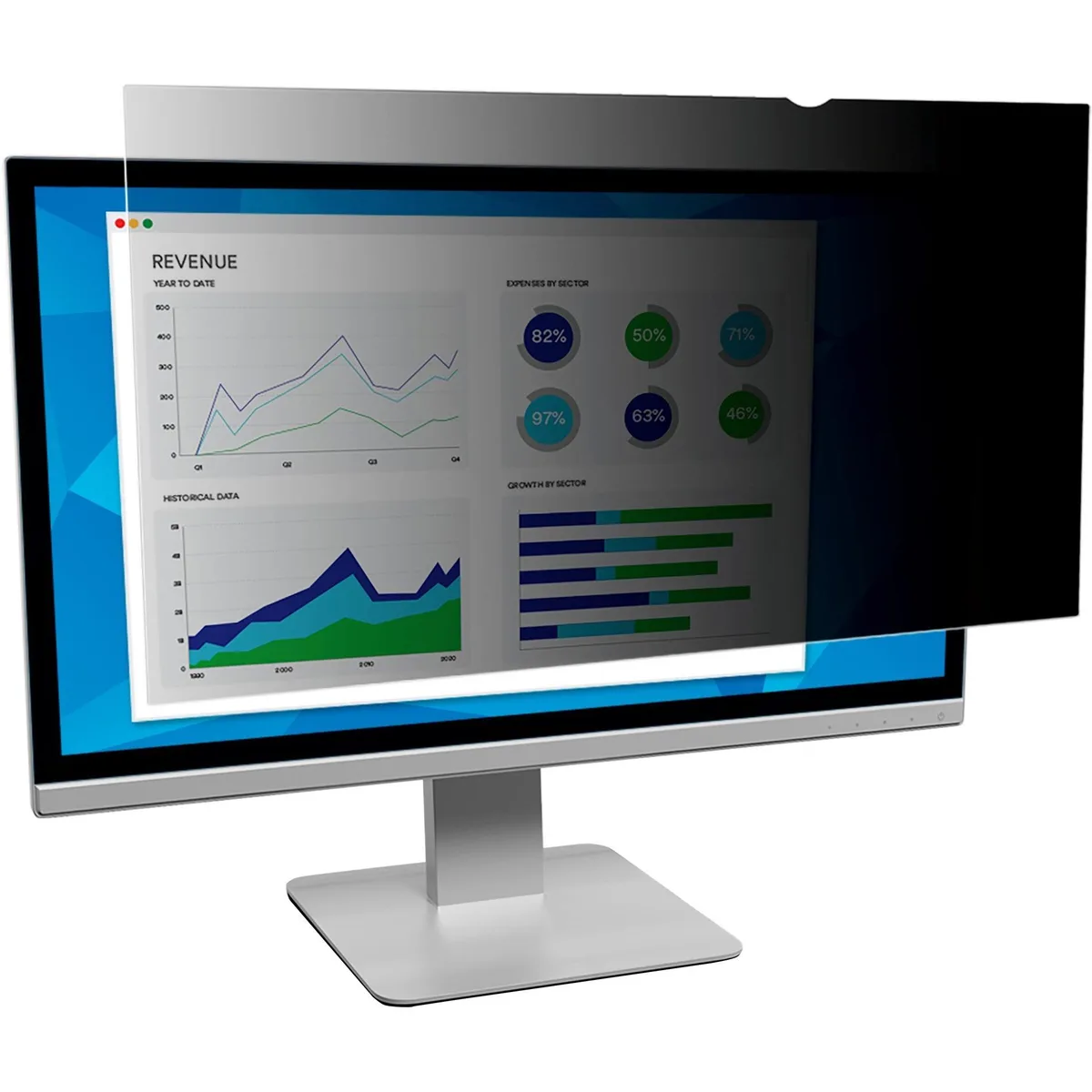
Innovera Privacy Filter 20" Widescreen 16:9 Black Frameless
- Privacy Filter
- Black
US$28.99
0.00037237BTC
재고 있음

DELL
DELL MDS19 Dual Monitor Stand 19–27 in monitor accessory
- Dual Monitor Stand
- Black
US$140.99
0.00181098BTC
재고 있음