Attack Shark
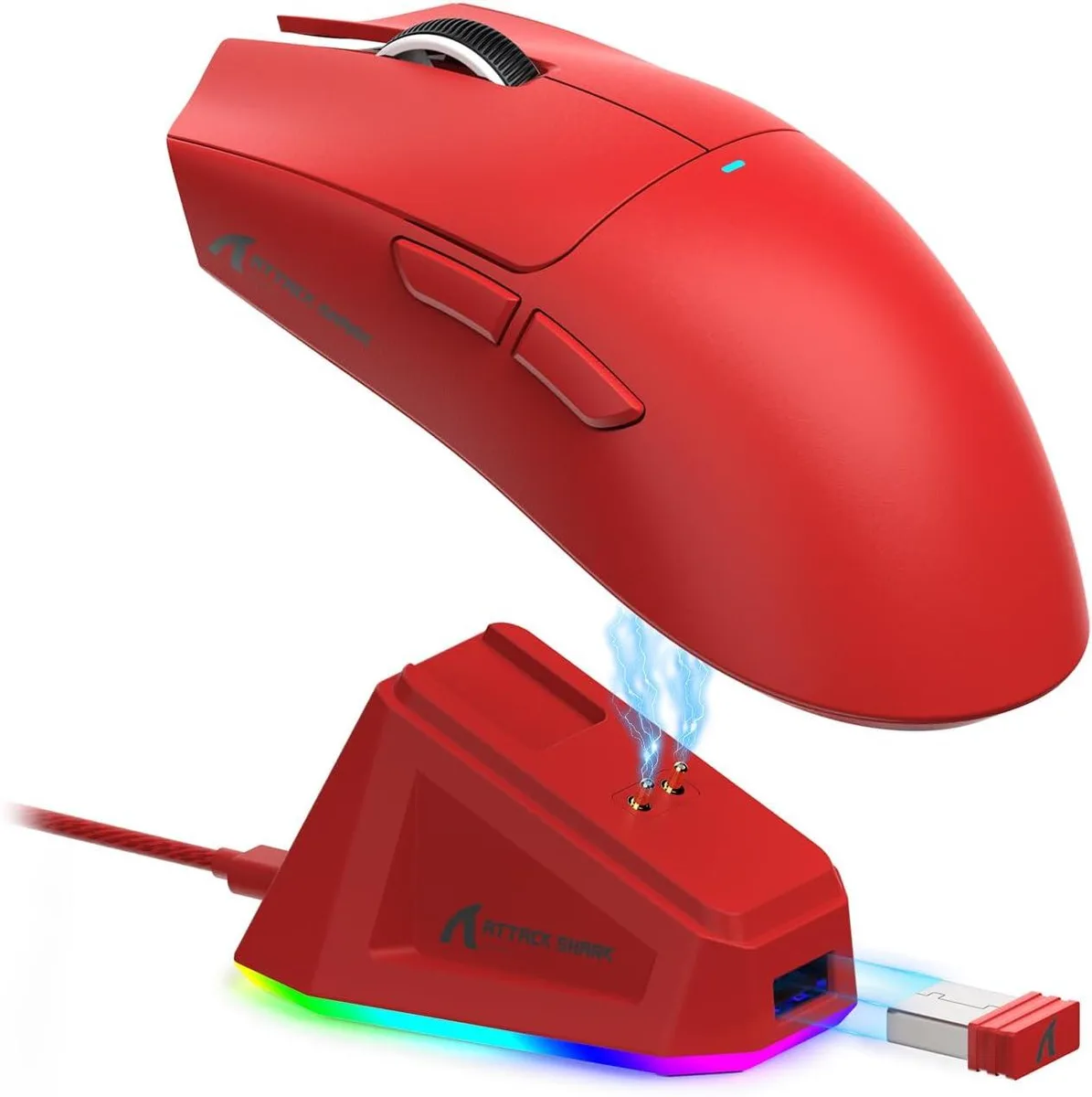
Attack Shark R1 Red Tri-Mode Gaming Mouse 55g 18000 DPI
- Bluetooth / 2.4GHz…
- Red
US$25.99
0.00033502BTC
재고 있음


Attack Shark
Ultra-light 39 g carbon-fibre gaming mouse with PAW3950 MAX sensor at 42 000 DPI, 8 000 Hz wireless polling and tri-mode connectivity
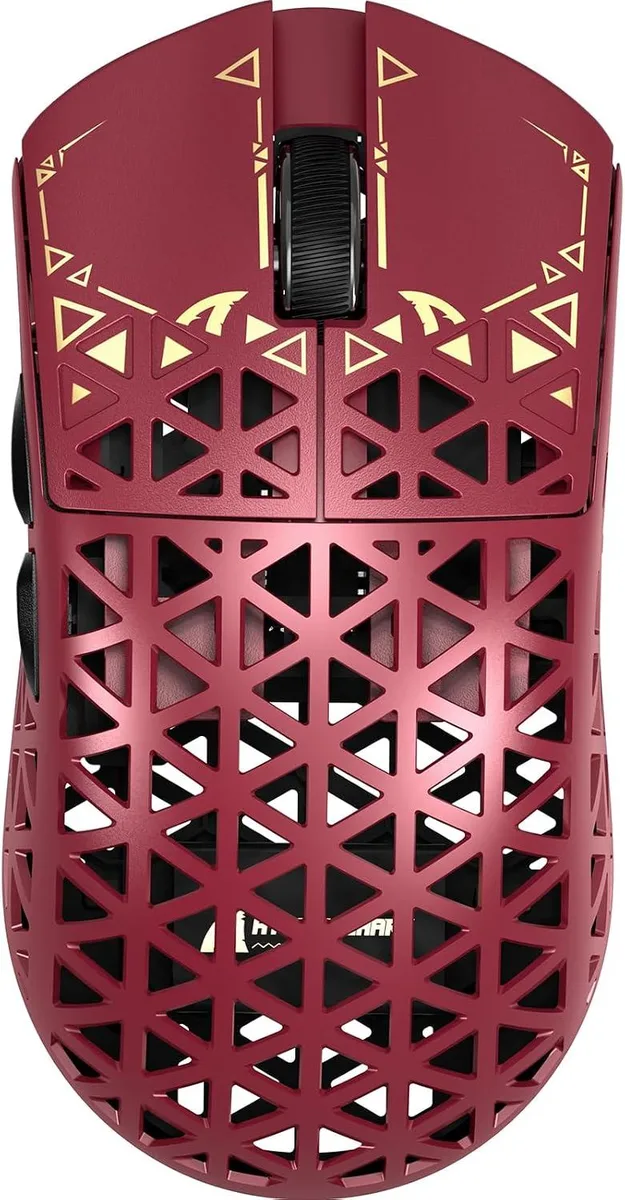
The Attack Shark R5 Ultra weighs 39 grams thanks to a carbon-fiber composite hollow structure that keeps rigidity high. An ambidextrous shape with five buttons suits fast-paced FPS, MOBA and battle-royale play. The PixArt PAW3950 MAX sensor reaches 42000 DPI, 750 IPS and 50 g acceleration for precise tracking on PC and Mac.
A self-developed 2.4 GHz link delivers an 8000 Hz polling rate, cutting wireless response time to 0.125 ms. Wired USB falls back to 1000 Hz for stable operation. The Nordic 52840 MCU manages power efficiently, providing up to 200 hours of continuous use on a single charge.
Switch instantly between Bluetooth, 2.4 GHz wireless and wired USB without installing software. A web-based driver handles DPI steps, polling-rate selection, macros and button remapping from any browser. Virgin PTFE feet and Omron switches rated for 100 million clicks complete the ready-to-build package.
| Brand | ATTACK SHARK |
|---|---|
| Color | Black |
| Tracking Method | Optical |
| Sensor | Optical |
| Hand Orientation | Ambidextrous |
| Buttons | 5 |
| Dimension | 4.7 x 2.4 x 1.4in |
| Operating System Supported | PC |
이 모델의 다른 버전
같은 제품군에서 메모리·쿨러·클럭이 다릅니다 — 결정 전에 비교해 보세요.
Plug the 2.4 GHz dongle into a USB port, flip the bottom switch to 2.4G, and pair via the web driver at 8000 Hz; the step many miss is selecting 8000 Hz in the driver — it defaults to 1000 Hz.
The Omron microswitches are rated for 100 million clicks; the PTFE feet will wear after extended use and can be replaced with standard mouse-skate sets.
The 200-hour battery life at 8000 Hz polling is the first hard limit; after that the mouse must be wired or recharged before continuing.
이 진열대의 다른 상품
같은 진열대, 같은 체크아웃 — 코인 8종, 환율 잠금 30분.
결제할 코인과 가격을 확인할 통화입니다.
체크아웃 시 지갑에서 전송됩니다.
표시 전용 — 카탈로그 가격은 달러 기준입니다.
일치하는 통화가 없습니다.
사이트에서 사용할 언어를 선택하십시오.
처음 방문하셨나요?
이미 계정이 있으신가요?
자동 재설정 기능은 없습니다. 이 쇼핑몰은 어떠한 메일도 보내지 않으므로 요청할 일회용 링크 자체가 없습니다. 계정에 등록된 이메일 주소를 그대로 두시면 담당자가 직접 확인해 처리합니다.
요청 접수
받은편지함으로 오는 것은 아무것도 없습니다 — 이 쇼핑몰은 메일을 전혀 보내지 않습니다. 담당자가 직접 확인해 처리합니다.
기억나셨나요?