

Celesttouch
Celesttouch C126HAX01.1 12.6" 2560x666 portable monitor
- Black
- 12.5"
US$120.99
0.00155324BTC
재고 있음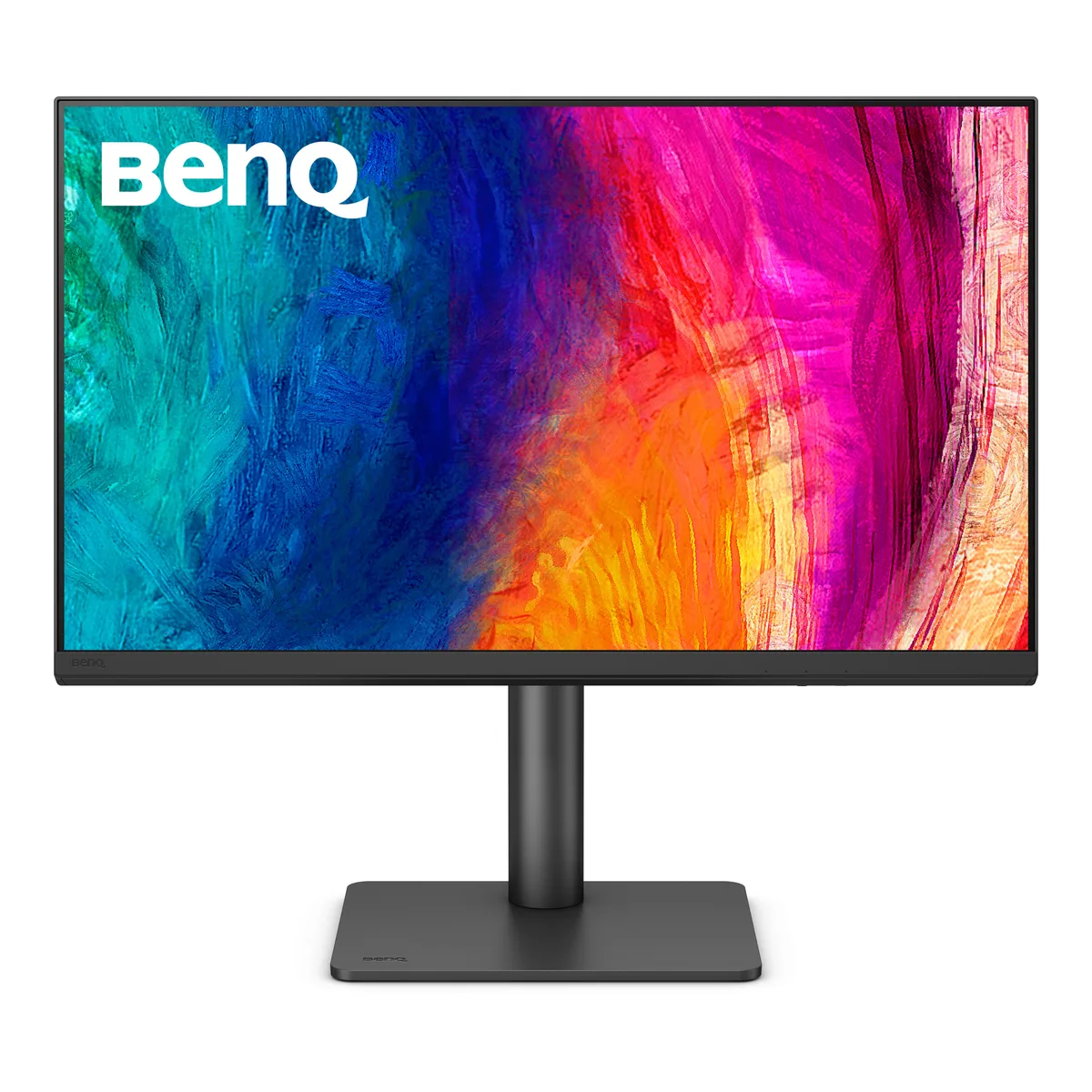


BenQ
A 27 inch IPS panel delivers 2560 x 1440 resolution at 100Hz with 100% sRGB, 100% Rec.709 and 95% P3 coverage plus 90W USB‑C power delivery
The BenQ PD2706QN is a 27-inch monitor with a 2560 x 1440 resolution and a 100Hz IPS panel. It covers 100% sRGB, 100% Rec.709 and 95% P3 colour gamuts with factory calibration at Delta E ≤ 2. A 90W USB-C connection delivers video, data and power through one cable, while DisplayPort 1.4 and HDMI 2.0 provide additional video inputs.
Designers, photographers and video editors who need verified colour accuracy across sRGB, Rec.709 and P3 spaces will benefit from the factory calibration and ICCsync profile matching. The 90W USB-C port simplifies docking for MacBook Pro and Air models. Users whose workflow demands a wider gamut such as full Adobe RGB, higher refresh rates for competitive gaming, or Thunderbolt-certified bandwidth should consider other models.
The single-cable USB-C link supplies up to 90W of charging power while transmitting DisplayPort video and USB 3.2 Gen 1 data. This specification determines whether the monitor can keep a connected laptop charged during intensive workloads without a separate power adapter.
| Brand | BenQ |
|---|---|
| Model | PD2706QN |
| Cabinet Color | Black |
| Screen Size | 27" |
| Glare Screen | Anti-glare |
| Widescreen | Yes |
| Resolution | 2560 x 1440 (2K) |
| Refresh Rate | 100Hz |
| Viewing Angle | 178° (H) / 178° (V) |
| Display Colors | 16.7 Million |
| Brightness | 350 cd/m2 |
| Contrast Ratio | 1,000:1 |
| Aspect Ratio | 16:9 |
| Response Time | 5 ms |
| Panel | IPS |
| Color Gamut | 100% sRGB, 100% Rec.709, 95% P3 |
| HDR Standard | HDR10 |
| Curved Surface Screen | Flat Panel |
| Video Ports | 1 x DisplayPort 1.4 / 1 x HDMI 2.0 / 1 x USB-C (DP Alternative) |
| USB Ports | 1 x USB-C All-in-One Connection 2 x USB Type-A Downstream (USB 3.2 Gen 1, 5 Gbps, power charging 4.5W) 1 x USB Type-A Downstream (USB 3.2 Gen 1, 5 Gbps, power charging 7.5W) 1 x USB Type-C Downstream (USB 3.2 Gen 1, 5 Gbps, power charging 7.5W) |
| Power Supply | 100 - 240 VAC, 50/60Hz |
| Power Consumption | Power Consumption (normal): 29W Power Consumption (max): 200W Power Consumption (sleep mode): < 0.5W Power Delivery(USB C / Thunderbolt): 90W |
| Stand Adjustments | Tilt (down/up): -5° - 20° Swivel (left/right): 15°/ 15° Pivot: 90° Height Adjustment Stand: 115 mm |
| Built-in Speakers | Yes |
| VESA Compatibility - Mountable | 100 x 100mm |
| Dimensions | 17"-21.4" x 24.2" x 8.7" with Base 14.5" x 24.2" x 3.2" without Base |
| Weight | 20.5 lbs. with Base 14.2 lbs. without Base |
| 배송 무게 | 13.40 kg |
| 포장 크기 | 650 × 580 × 240 mm |
Yes, the single USB-C connection delivers up to 90 W power and carries DisplayPort 1.4 video at 2560 x 1440 100 Hz simultaneously.
The specifications list USB-C with DP Alt Mode and downstream USB-A and USB-C ports, but no built-in KVM switching function is mentioned.
The stand offers height adjustment alongside -5° to 20° tilt, ±15° swivel and 90° pivot for flexible ergonomics.
이 진열대의 다른 상품
같은 진열대, 같은 체크아웃 — 코인 8종, 환율 잠금 30분.
결제할 코인과 가격을 확인할 통화입니다.
체크아웃 시 지갑에서 전송됩니다.
표시 전용 — 카탈로그 가격은 달러 기준입니다.
일치하는 통화가 없습니다.
사이트에서 사용할 언어를 선택하십시오.
일치하는 언어가 없습니다.
처음 방문하셨나요?
이미 계정이 있으신가요?
자동 재설정 기능은 없습니다. 이 쇼핑몰은 어떠한 메일도 보내지 않으므로 요청할 일회용 링크 자체가 없습니다. 계정에 등록된 이메일 주소를 그대로 두시면 담당자가 직접 확인해 처리합니다.
요청 접수
받은편지함으로 오는 것은 아무것도 없습니다 — 이 쇼핑몰은 메일을 전혀 보내지 않습니다. 담당자가 직접 확인해 처리합니다.
기억나셨나요?


