Buffalo Technology
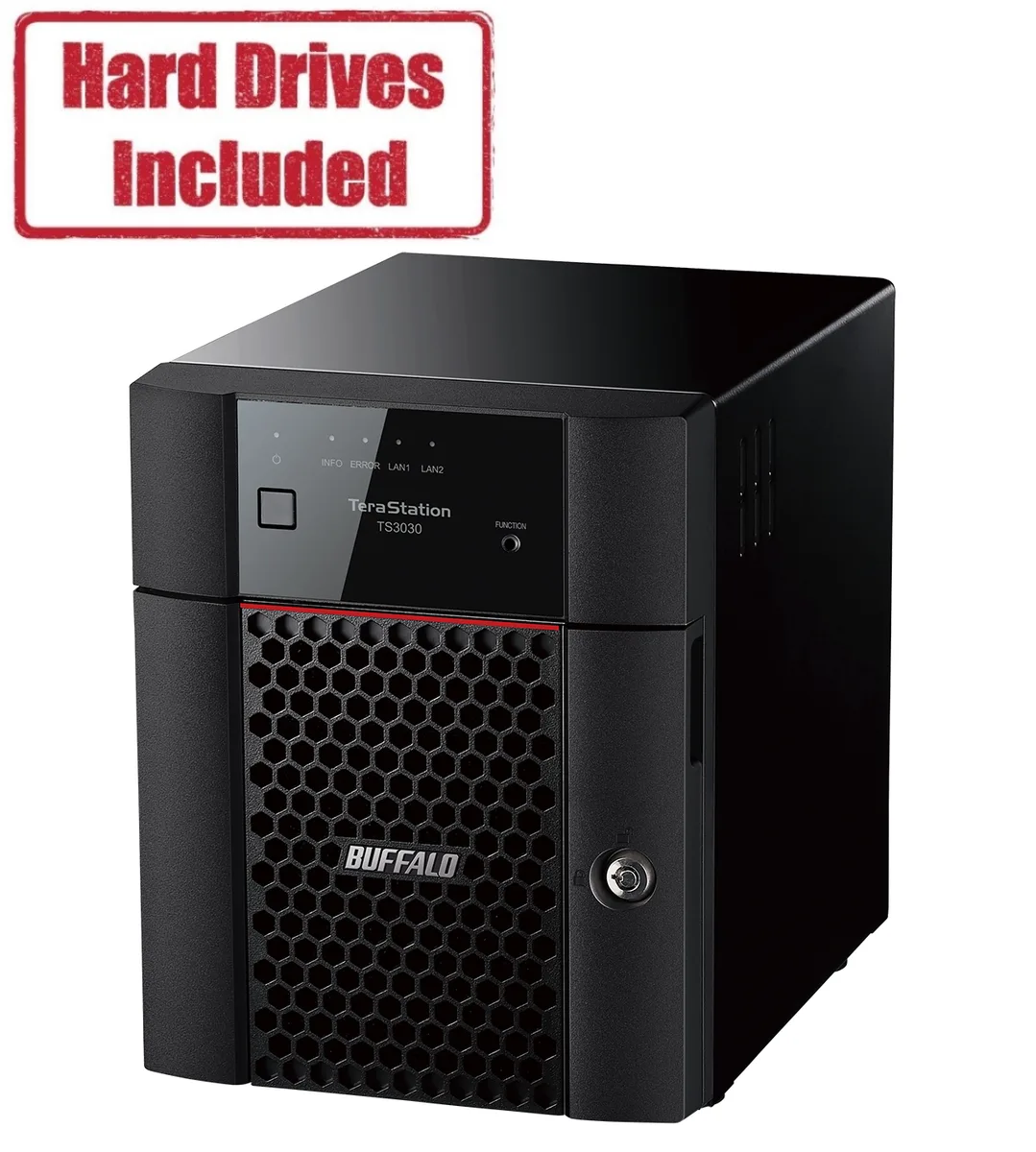
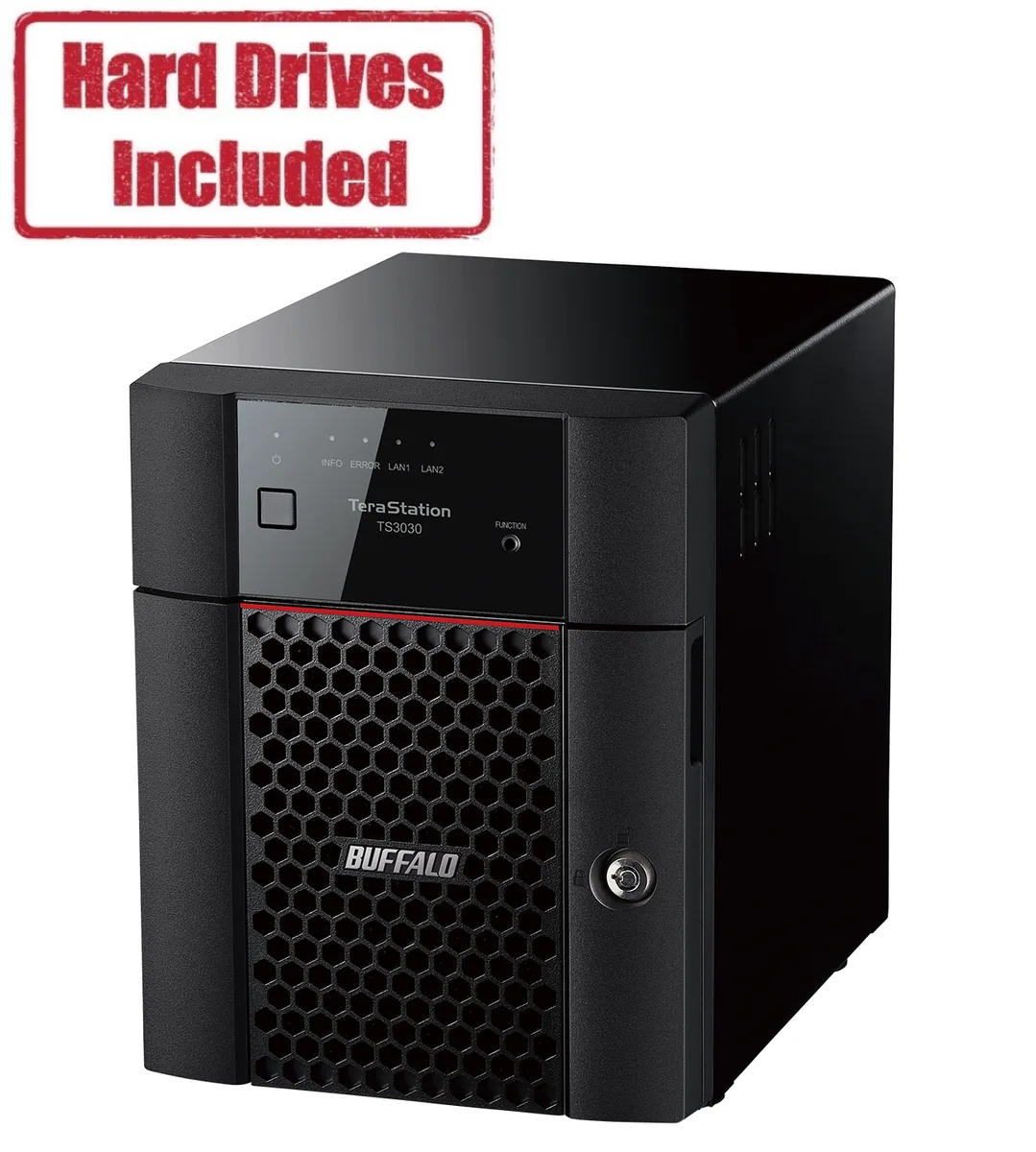
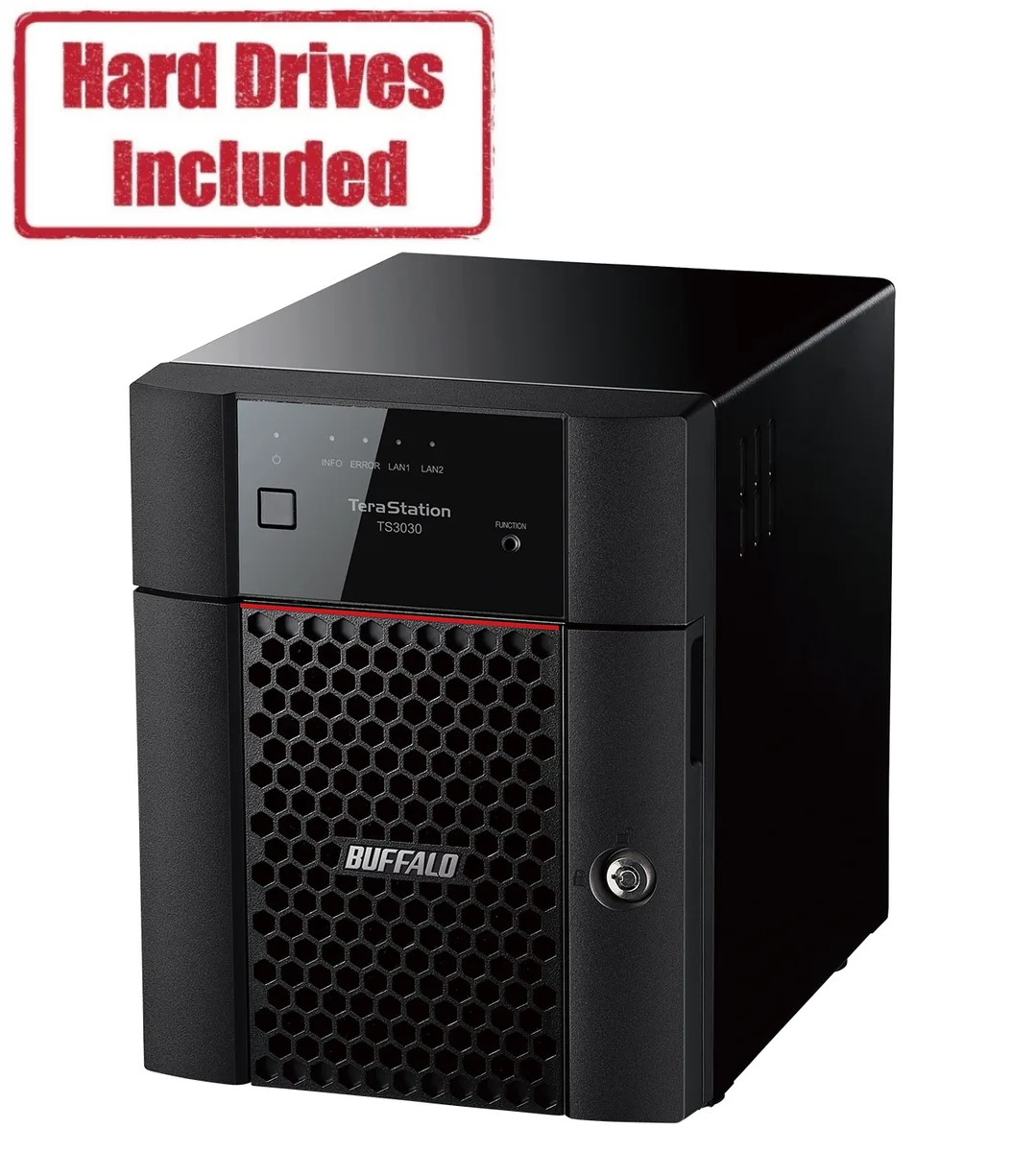
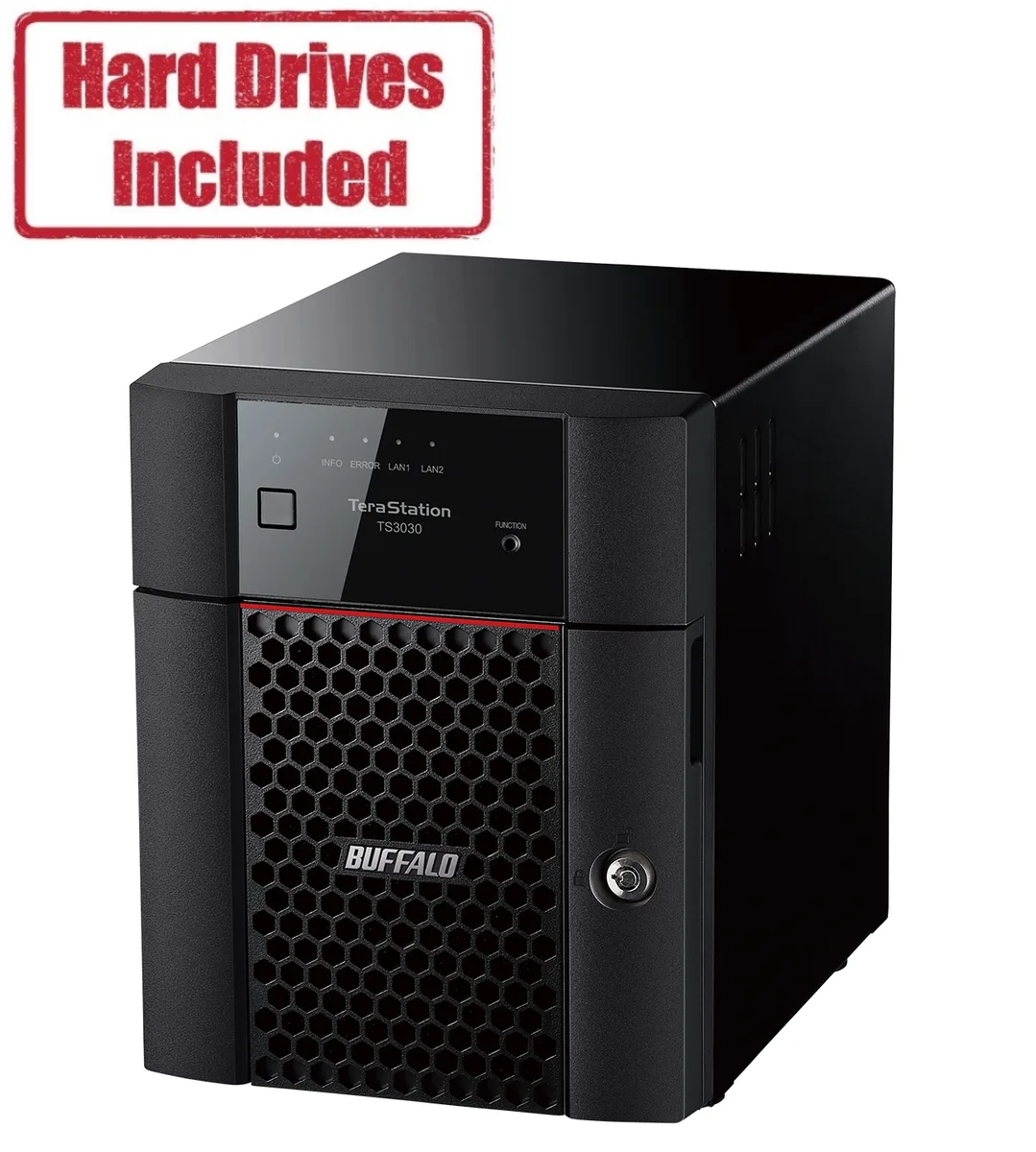
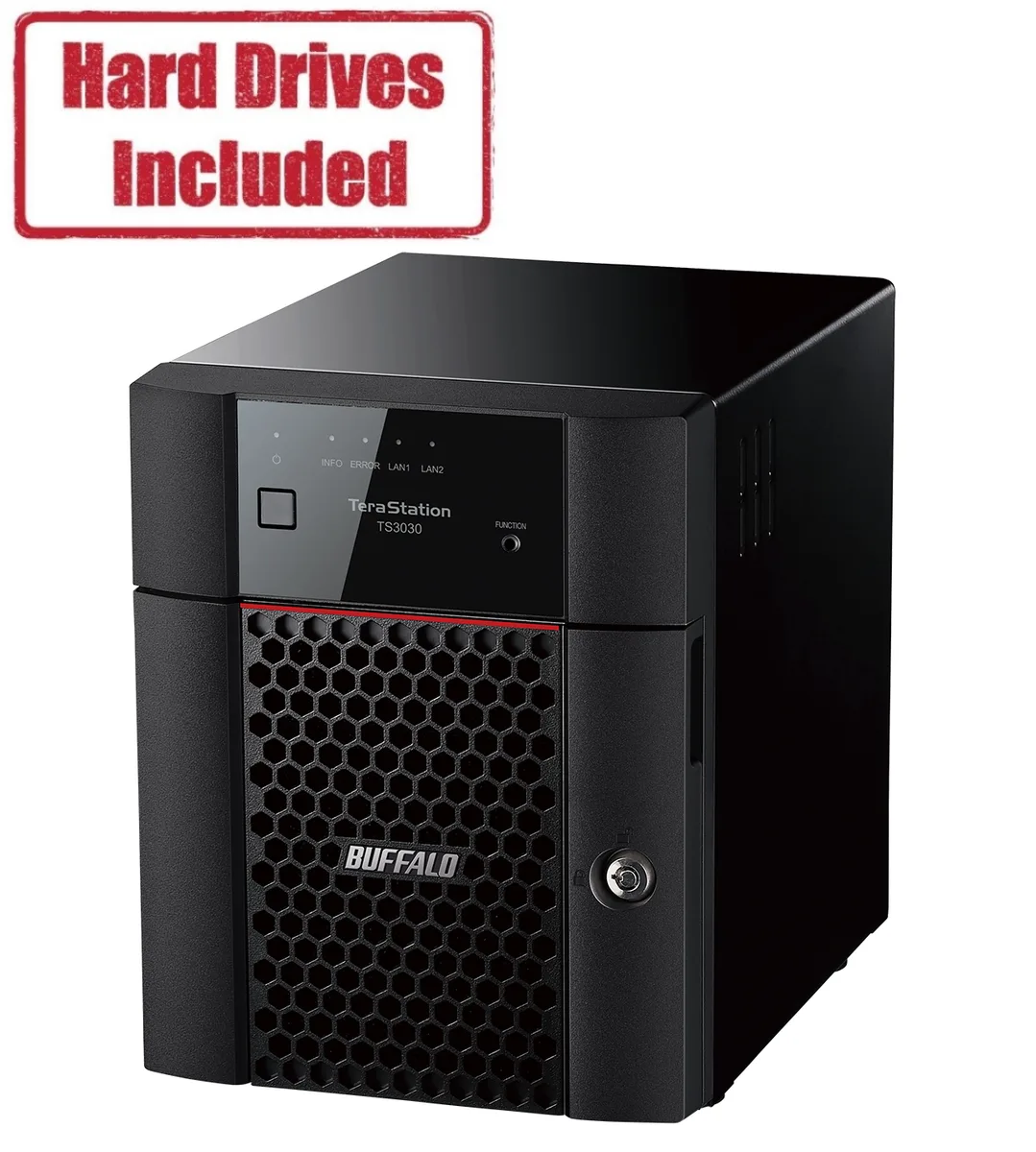
Buffalo Technology TS3430DN0402 4-Bay NAS 4TB
- Desktop NAS
- IEEE 802.3, IEEE 80…
US$488.99
0.00626975BTC
재고 있음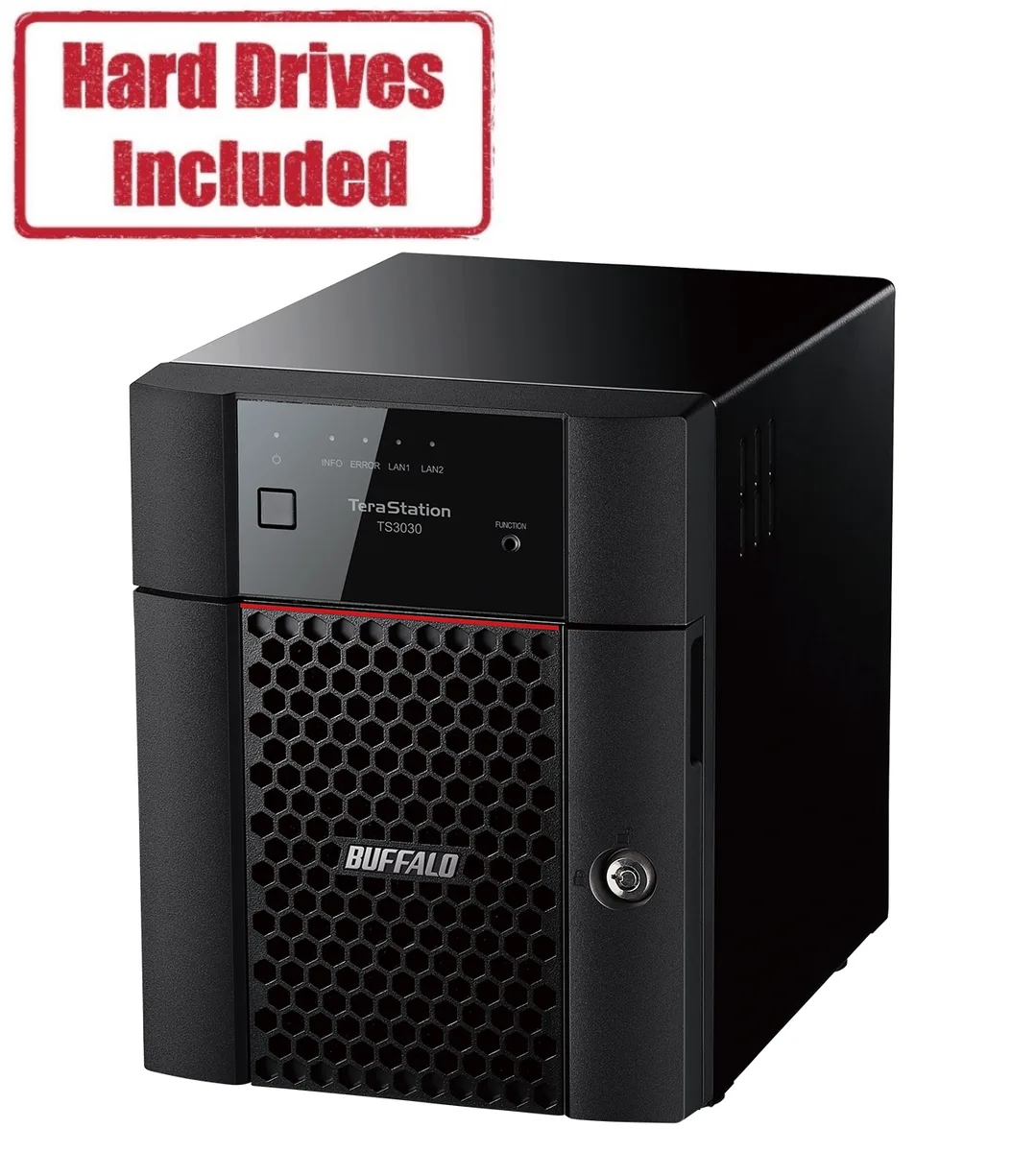


Buffalo Technology
Four-bay desktop NAS with 8 TB of included storage, a quad-core 2.0 GHz processor, 2 GB DDR4 memory, 2.5 GbE and 1 GbE ports, and RAID 0, 1, 5, 6, 10 plus JBOD support
Included HDD Capacity 8TB (2 x 4TB)
Option Partially Populated
The Buffalo TeraStation 3030 TS3430DN0802 delivers an 8TB RAID-ready appliance with a quad-core AL-524 processor at 2.0GHz and 2GB DDR4 memory. It targets small businesses or advanced home users who need centralised file storage, backup targets and shared media access without managing a full server operating system. Dual Ethernet ports at 2.5GbE and 1GbE plus two USB 3.0 ports provide flexible connectivity for clients and expansion drives.
Moving from a single external drive or basic USB NAS removes the single point of failure and adds RAID 0, 1, 5, 6, 10 and JBOD options for redundancy or performance. The jump is worth it when uptime matters, when multiple users access large files simultaneously or when scheduled backups need more throughput than a single 1GbE link can sustain. The included 2×4TB drives populate half the bays, leaving room to grow capacity later.
Four hot-swap bays accept compatible SATA drives using the supplied front-panel key; no screws or trays are required beyond the drive carriers. The unit powers from 100-240 VAC and draws 33.88W under typical load. Common issues arise when mixing drives of different firmware revisions in RAID sets or when the 2GB memory limit restricts concurrent service counts; plan drive purchases and service workloads accordingly.
| Brand | BUFFALO |
|---|---|
| Series | TeraStation 3030 |
| Model | TS3430DN0802 |
| Part Number | TS3430DN0802 |
| Type | Desktop NAS |
| Standards | IEEE 802.3, IEEE 802.3u, IEEE 802.3ab |
| Ports | 1 x 1GbE |
| Port RJ-45 | 1 x 2.5GbE + 1 x 1GbE |
| Port USB | 2 x USB3.0 |
| HDD Interface | 4 x SATA (4 x Bay) |
| Form Factor | 4-Bay |
| Processor | Annapurna Labs Alpine Processor AL-524 2.0GHz Quad-core |
| Installed Memory | 2GB DDR4 |
| Included HDD Capacity | 8TB (2 x 4TB) |
| RAID | RAID 0, 1, 5, 6, 10, and JBOD |
| Drive Compatibility | OP-HD4.0N |
| Supported Protocols | TCP/IP |
| LEDs | Power, HDD (Hard Disk Drive), LAN (10/100) |
| Power | 100-240 VAC 50/60Hz |
| Power Consumption | 33.88W |
| Temperature | 0°C - 40 °C |
| Humidity | 10-80% Non-condensing |
| Usage | High read/write performance with RAID |
| Dimensions | 9.1 x 6.7 x 8.5 in |
| Weight | 10.6 lbs. |
| Package Contents | TeraStation, Quick Setup Guide, 5e Ethernet Cable, AC Cable, Front Panel Key, and Warranty Statement |
| 배송 무게 | 6.31 kg |
| 포장 크기 | 363 × 358 × 310 mm |
이 모델의 다른 버전
같은 제품군에서 메모리·쿨러·클럭이 다릅니다 — 결정 전에 비교해 보세요.
The four bays take 3.5-inch SATA drives; the unit ships with two 4TB drives and supports OP-HD4.0N models.
Connect the included Cat 5e cable to the 2.5GbE or 1GbE port, power on, then run the web setup wizard; the step often missed is setting a static IP before joining a domain.
Drives are hot-swappable via the front trays; the 2GB DDR4 memory is soldered and not user-replaceable; the power supply is internal and requires disassembly.
이 진열대의 다른 상품
같은 진열대, 같은 체크아웃 — 코인 8종, 환율 잠금 30분.
결제할 코인과 가격을 확인할 통화입니다.
체크아웃 시 지갑에서 전송됩니다.
표시 전용 — 카탈로그 가격은 달러 기준입니다.
일치하는 통화가 없습니다.
사이트에서 사용할 언어를 선택하십시오.
일치하는 언어가 없습니다.
처음 방문하셨나요?
이미 계정이 있으신가요?
자동 재설정 기능은 없습니다. 이 쇼핑몰은 어떠한 메일도 보내지 않으므로 요청할 일회용 링크 자체가 없습니다. 계정에 등록된 이메일 주소를 그대로 두시면 담당자가 직접 확인해 처리합니다.
요청 접수
받은편지함으로 오는 것은 아무것도 없습니다 — 이 쇼핑몰은 메일을 전혀 보내지 않습니다. 담당자가 직접 확인해 처리합니다.
기억나셨나요?