DELL
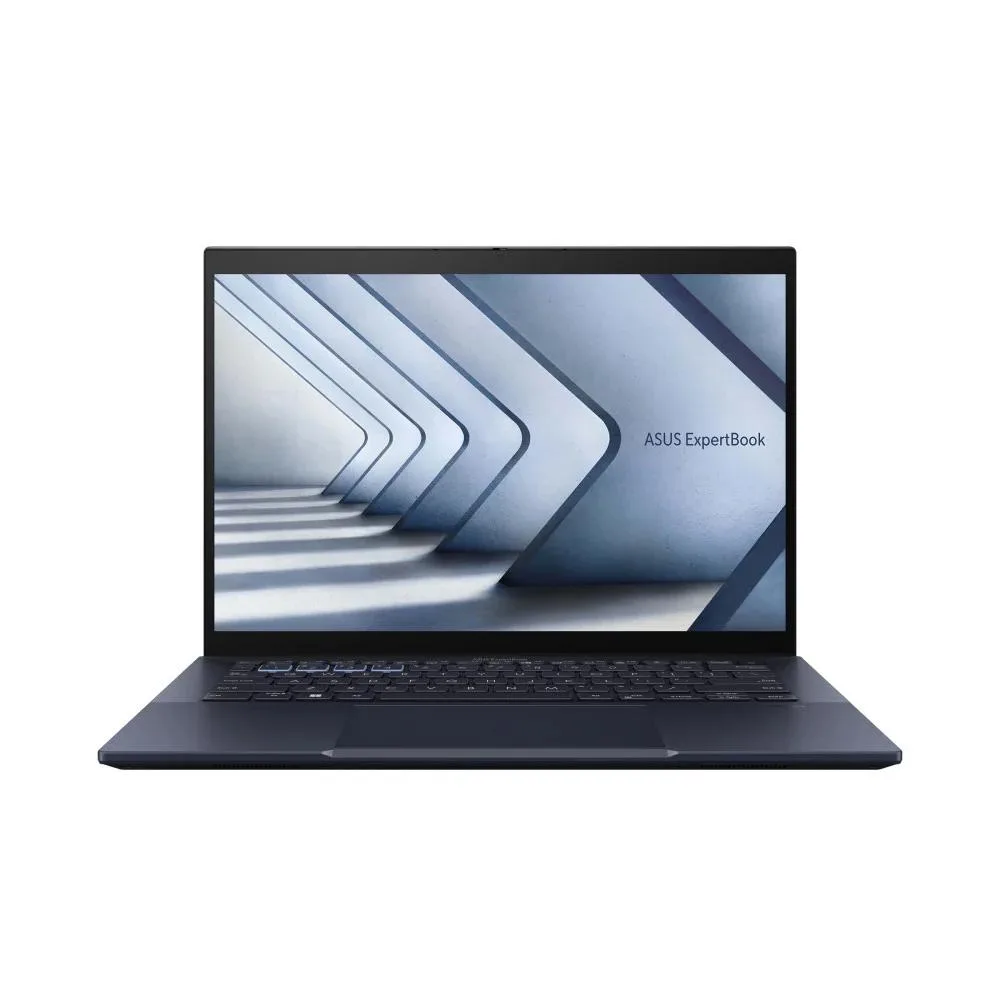
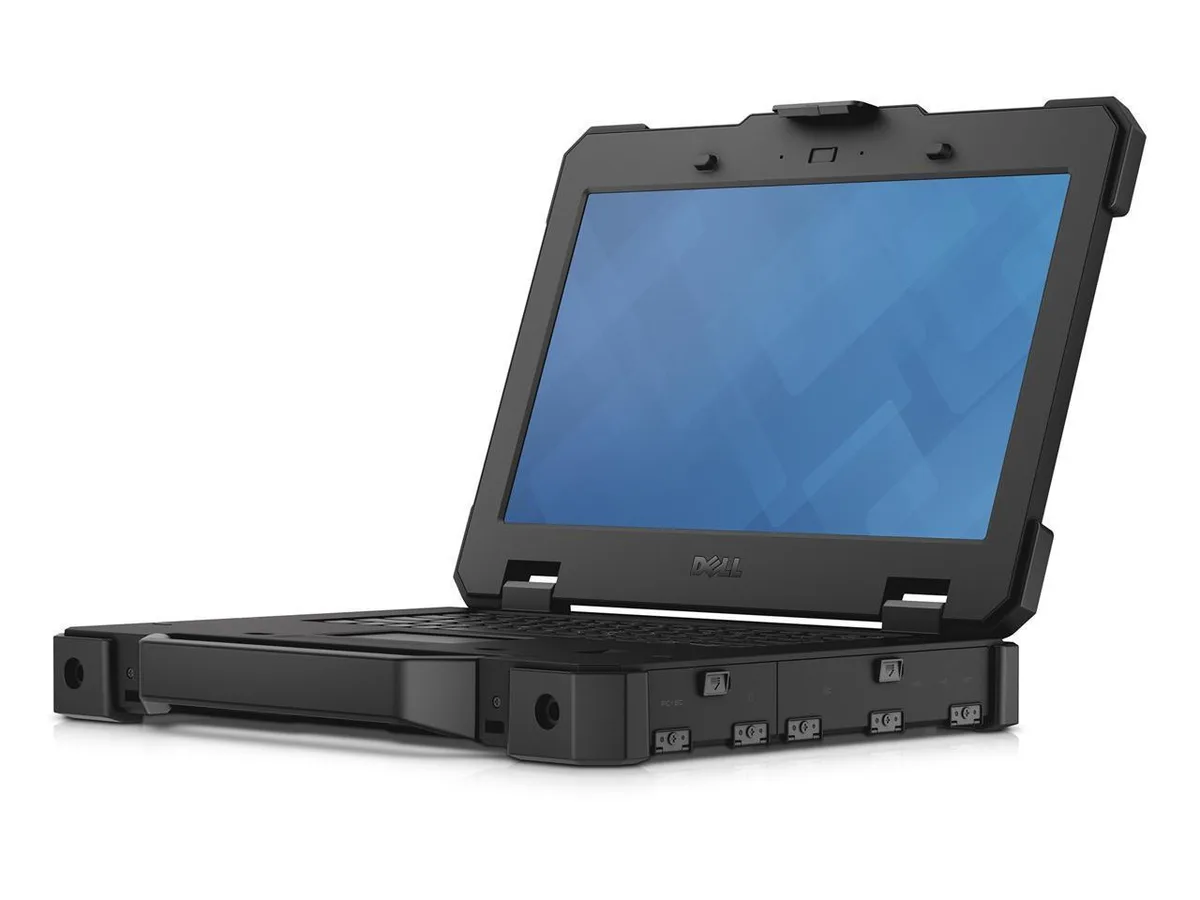
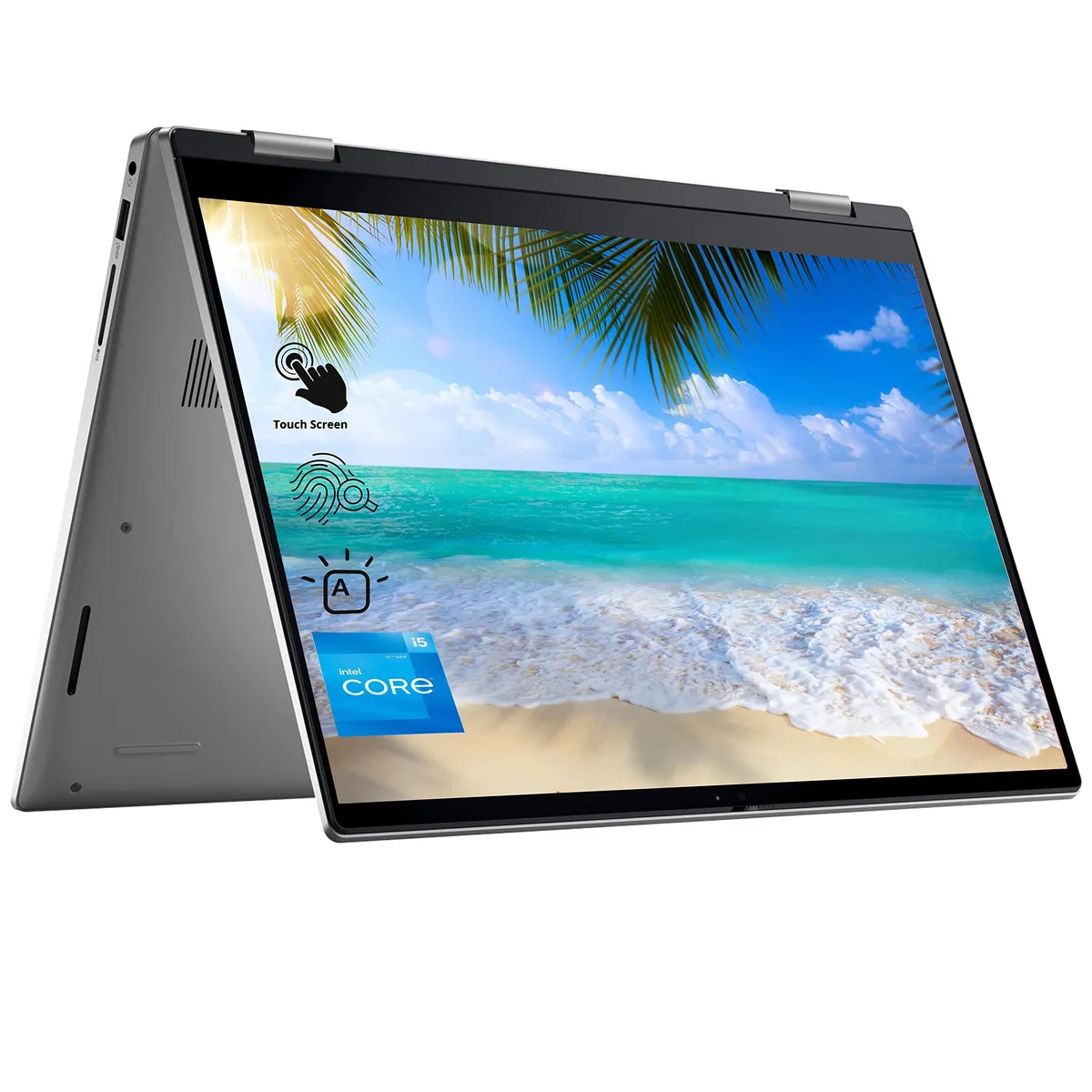
DELL Latitude E6520 15.6" laptop i5 2.20GHz 16GB 256GB SSD
- Charcoal Gray
- TMP Trusted Platfor…
US$199.99
0.00256717BTC
재고 있음
DELL
15.6-inch business laptop with Intel Core i7-2620M processor, 16GB DDR3 memory, 128GB SATA SSD, DVD-RW drive and Windows 10 Pro 64-bit
Options 16GB
This Dell Latitude E6520 is a 15.6-inch business laptop equipped with an Intel Core i7-2620M processor running at 2.70 GHz. It comes with 16 GB of DDR3 memory and a 128 GB SATA SSD for the operating system and applications. Windows 10 Pro 64-bit is pre-installed, and the chassis includes a DVD-RW optical drive.
Moving to this dual-core i7 with 16 GB RAM delivers a clear jump for users still on Core 2 Duo machines or systems limited to 4 GB or 8 GB of memory. The integrated Intel HD 3000 graphics and SSD storage improve responsiveness for office suites, web browsing and legacy business software. Buyers who want more storage capacity or discrete graphics for modern gaming will need a different machine.
Confirm the barrel-style AC adapter is included, as the unit requires Dell proprietary power. Check that the VGA and HDMI outputs match your external display cables. The laptop uses DDR3 SODIMM slots if you plan further memory changes, and the 2.5-inch SATA bay accepts standard SSDs or hard drives. Ensure your docking station or port replicator supports the E-Family connector on the base.
| Brand | DELL |
|---|---|
| Series | E- Series |
| Model | Latitude |
| Part Number | 6520 |
| Color | Charcoal Gray |
| Other Features | TMP Trusted Platform Module (TPM 1.2) Security Chip |
| Operating System | Windows 10 Pro |
| CPU Type | Intel Core i7 2nd Gen |
| Processor Name | 2.20GHz |
| Number of Cores | Dual-core Processor |
| CPU L3 Cache | 6 MB |
| Screen Size | 15.6" |
| Touchscreen | Non-Touch Screen |
| Wide Screen Support | Yes |
| Display Type | HD+ |
| Resolution | 15.6†HD Backlit LED LCD Display |
| Display Features | LED backlight |
| GPU/VPU | Intel HD 3000 |
| Graphic Type | Integrated Card |
| SSD | 128GB |
| HDD | No |
| Storage Spec | 2.5" 128 GB Solid State Hard Drive (SSD) |
| Memory | 16GB |
| Memory Speed | DDR3 |
| Memory Spec | 4 GB x 2 |
| Memory Slot (Total) | 2 |
| Memory Slot (Available) | 0 |
| Max Memory Supported | 16 GB |
| Optical Drive Type | DVD-R/RW |
| WLAN | 802.11a/b/g/n Wireless LAN |
| Bluetooth | Yes |
| USB | 3 USB 2.0 |
| Video Port | 1 x VGA, 1 x HDMI |
| HDMI | 1 x HDMI |
| Other port | 4-pin FireWire |
| Docking Connector | 1 |
| Audio Ports | 1 x Headphone/Microphone Combo Jack |
| Audio | Integrated Sound card |
| Speaker | Integrated Stereo Speakers |
| Touchpad | Yes |
| Keyboard | 104 keys |
| Backlit Keyboard | Non-backlit |
| Other Input Devices | Yes |
| Webcam | Yes |
| Card Reader | Card Reader |
| Style | Standard |
| Type | Everyday Value |
| Usage | Other |
| AC Adapter/Charger | Yes |
| Battery | 6-cell lithium ion/9-cell lithium ion |
| Weight | 8 - 8.9 lbs. |
이 모델의 다른 버전
같은 제품군에서 메모리·쿨러·클럭이 다릅니다 — 결정 전에 비교해 보세요.
The laptop uses a standard 2.5-inch 128GB SATA solid-state drive that fits the internal drive bay.
Remove the bottom cover screws, lift the panel, then insert DDR3 modules into the two slots until they click.
Clean the DVD±RW lens with a disc cleaner when reads fail; replace the drive if writing errors persist.
이 진열대의 다른 상품
같은 진열대, 같은 체크아웃 — 코인 8종, 환율 잠금 30분.
결제할 코인과 가격을 확인할 통화입니다.
체크아웃 시 지갑에서 전송됩니다.
표시 전용 — 카탈로그 가격은 달러 기준입니다.
일치하는 통화가 없습니다.
사이트에서 사용할 언어를 선택하십시오.
일치하는 언어가 없습니다.
처음 방문하셨나요?
이미 계정이 있으신가요?
자동 재설정 기능은 없습니다. 이 쇼핑몰은 어떠한 메일도 보내지 않으므로 요청할 일회용 링크 자체가 없습니다. 계정에 등록된 이메일 주소를 그대로 두시면 담당자가 직접 확인해 처리합니다.
요청 접수
받은편지함으로 오는 것은 아무것도 없습니다 — 이 쇼핑몰은 메일을 전혀 보내지 않습니다. 담당자가 직접 확인해 처리합니다.
기억나셨나요?