
DELL
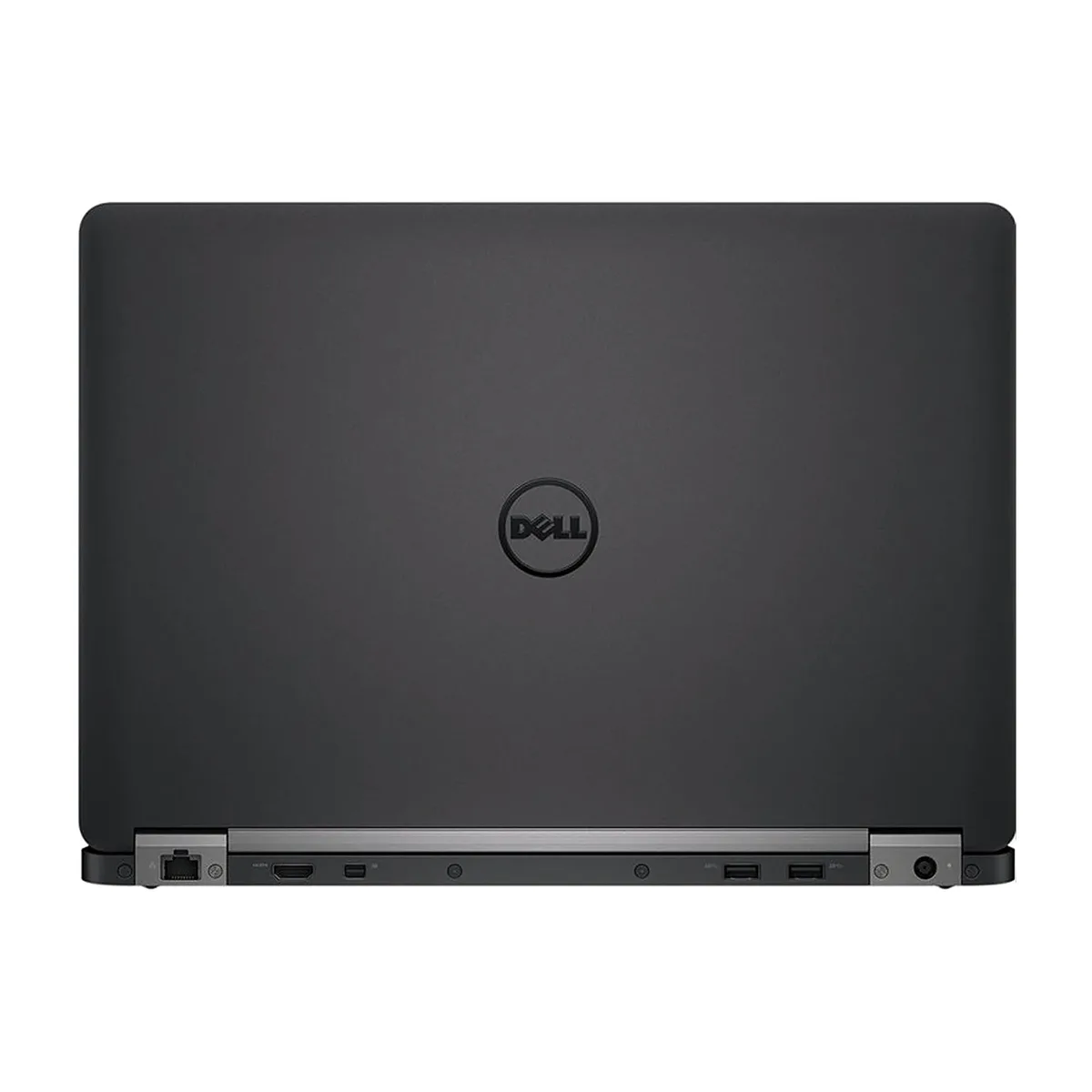
DELL Latitude E7470 laptop 14.0" FHD i7-6650U 16GB 240GB
A 14.0" FHD laptop with a dual-core i7-6650U at 2.20 GHz, 16GB DDR4 and a new 240GB NVMe SSD running Windows 10 Home 64-bit
- ColorBlack
- Operating SystemWindows 10 Home
- CPU TypeIntel Core i7 6th Gen
- Processor Name2.20GHz
- Turbo Frequency3.40 GHz
- Number of CoresDual-core Processor
- Sharp 14.0" FHD display at 1920 x 1080 resolution
- Fast dual-core i7-6650U reaches 3.40 GHz turbo frequency
- 16GB DDR4 memory handles demanding multitasking workloads
- Quick 240GB NVMe M.2 SSD cuts boot and load times
- Windows 10 Home 64-bit ready for immediate use
Purpose-built mobile workstation
The Dell Latitude E7470 is a 14.0 inch FHD laptop designed for professionals who need reliable performance in a compact chassis. It runs Windows 10 Home 64-bit on an Intel Core i7-6650U dual-core processor with a 3.40 GHz turbo frequency. The 16GB DDR4 memory and 240GB M.2 NVMe PCIe SSD provide responsive multitasking and fast boot times for everyday office workloads.
Chassis and connectivity
The black non-touch 1920 x 1080 display keeps the device light for travel while the integrated Intel Iris Graphics 540 drives external monitors through the available video outputs. Memory is installed across two slots and reaches the 16 GB maximum supported by the platform, so no further RAM upgrades are possible. The M.2 NVMe slot is occupied by the new 240GB drive, leaving no open PCIe storage bay for expansion.
Deciding specification
The 16 GB memory ceiling is the single figure that determines suitability; buyers who need more than 16 GB of RAM cannot use this laptop. The dual-core 6th generation CPU and 240GB NVMe SSD suit standard productivity, but the fixed memory limit rules out memory-intensive virtualisation or large dataset work.
주요 특징
- Sharp 14.0" FHD display at 1920 x 1080 resolution
- Fast dual-core i7-6650U reaches 3.40 GHz turbo frequency
- 16GB DDR4 memory handles demanding multitasking workloads
- Quick 240GB NVMe M.2 SSD cuts boot and load times
- Windows 10 Home 64-bit ready for immediate use
사양
| Brand | DELL |
|---|---|
| Series | Latitude |
| Model | Latitude E7470 |
| Color | Black |
| Operating System | Windows 10 Home |
| CPU Type | Intel Core i7 6th Gen |
| Processor Name | 2.20GHz |
| Turbo Frequency | 3.40 GHz |
| Number of Cores | Dual-core Processor |
| Screen Size | 14.0" |
| Touchscreen | Non-Touch Screen |
| Display Type | FHD |
| Resolution | 1920 x 1080 |
| GPU/VPU | Intel Iris Graphics 540 |
| SSD | 240GB |
| HDD | No |
| Storage Spec | 240GB SSD M.2 NVMe PCIe |
| Memory | 16GB |
| Memory Slot (Total) | 2 |
| Max Memory Supported | 16 GB |
| Optical Drive Type | No |
| Audio | Integrated Sound card |
| Style | Ultrabook |
| Type | Workstation |
| Dimensions (W x D x H) | 9.13" x 13.19" x .76" |
| Weight | 3 - 3.9 lbs. |
이 상품에 대한 질문
What practical throughput does the M.2 NVMe PCIe interface cap at?
The 240GB M.2 NVMe PCIe SSD delivers solid-state speeds limited by the drive itself and the PCIe lane allocation of the platform.
What physical space and screw pattern does the 240GB M.2 NVMe PCIe drive require?
It uses a standard M.2 2280 form factor, so the slot must accept an 80 mm length module with a single mounting screw at the far end.
How is the M.2 NVMe PCIe SSD installed, and which step is commonly missed?
Insert the drive at an angle into the M.2 slot, press it flat, and secure it with the retention screw; the step often missed is fastening that screw before reassembling the laptop.
이 진열대의 다른 상품
고객들이 함께 비교한 상품
같은 진열대, 같은 체크아웃 — 코인 8종, 환율 잠금 30분.


Microsoft
Microsoft Surface 3 1657 128GB CRB 2-in-1 laptop
- Silver
- Windows 10 Pro
US$244.99
0.00316868BTC
재고 있음
Microsoft
Microsoft Surface Pro FGG-2D-00001-RFB 2-in-1 laptop 16 GB 512 GB 12.0" touchscreen 2736 x 1824 refurbished
- 12.0"
- Touch Screen
US$687.99
0.00889842BTC
재고 있음
Lenovo
Lenovo Chromebook 500e Gen 5 M89 83TA0004US 12.2" MediaTek 8GB 64GB
- 12.2"
US$392.99US$420.99−7%
0.00508291BTC
재고 있음