DELL
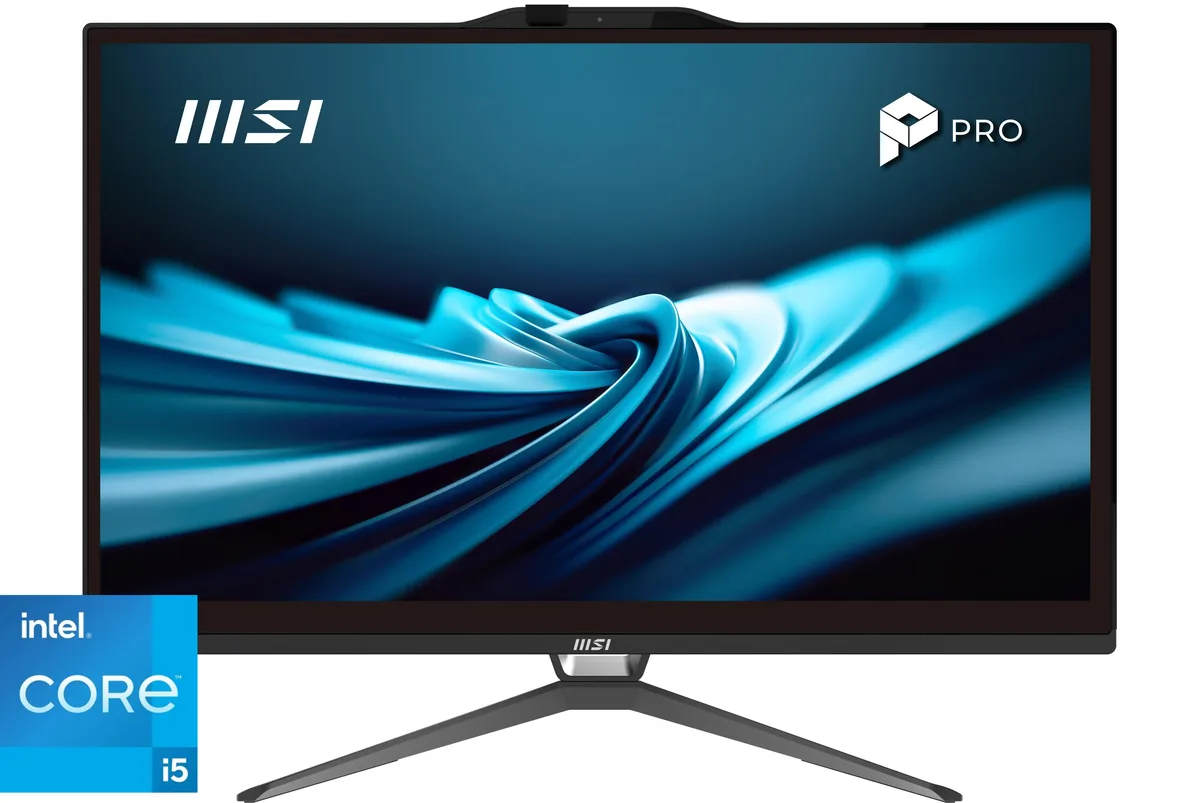
DELL OptiPlex All-in-One 7420 7DX9X Core i5-14500 16GB 256GB 23.8" all-in-one PC
- All-in-One PC
- All-in-One
US$922.99US$974.99−5%
0.01189589BTC
재고 있음


DELL
A micro-form-factor desktop with a 14-core Intel Core Ultra 5 235T processor, 32GB DDR5 memory, 8TB NVMe storage, Wi-Fi 6E, and Windows 11 Pro, bundled with keyboard and mouse
The Dell Pro Micro QCM1250 is a micro form factor desktop built around a 14-core Intel Core Ultra 5 235T processor with a 13 TOPS NPU. It ships with 32 GB of DDR5 memory and an 8 TB NVMe solid-state drive. Windows 11 Pro is pre-installed, making it ready for managed deployments in business or education environments.
The 1.41-inch wide black case fits behind a display or on a small desk shelf. Front ports include a 10 Gbps USB-C connector, a 5 Gbps USB-A port and a headset jack. The rear panel adds two USB 2.0 ports, another 5 Gbps USB-A port with SmartPower On, gigabit Ethernet, DisplayPort 1.4a and HDMI 2.1 for two external monitors. A wired keyboard and mouse are included in the box.
Intel Graphics drives the display outputs without a discrete GPU, so 3D workloads and heavy video editing will be constrained. The single M.2 slot holds the included 8 TB NVMe drive, leaving no internal room for additional high-speed storage. Wi-Fi 6E and Bluetooth use an internal antenna, which may reduce range compared to external antenna designs in dense wireless environments.
| Brand | DELL |
|---|---|
| Model | Micro QCM1250 |
| Release Year | 2025 |
| Form Factor | Micro Form Factor |
| Color | Black |
| Processor | Intel Core Ultra 5 235T |
| Processor Main Features | 64 bit 14-Core Processor |
| Cache Per Processor | 24MB L3 Cache |
| Memory | 32GB |
| Storage | 8TB NVMe SSD |
| Ethernet | Ethernet |
| Monitor | Monitor not included |
| Keyboard | Keyboard |
| Mouse | Mouse |
| Operating System | Windows 11 Pro |
| Windows 11 | Ready |
| CPU Type | Intel Core Ultra 5 |
| Installed Qty | Business, Education, Everyday Use |
| CPU Name | Intel Core Ultra 5 235T |
| CPU Socket Type | LGA 1851 |
| GPU/VGA Type | Intel Graphics |
| Graphics Card | Intel Graphics |
| Graphics Interface | Integrated |
| Virtual Reality Ready | Yes |
| Memory Capacity | 32GB |
| Memory Speed | DDR5 5600 |
| Maximum Memory Supported | 128GB |
| SSD | 8TB |
| Touchscreen | No |
| WLAN | 802.11ax Wireless |
| Bluetooth | Bluetooth |
| Front USB | 2 |
| Video Ports | 1x HDMI, 1x DisplayPort |
| Rear USB | 4 |
| RJ45 | 1 |
| Keyboard Type | Wired Keyboard |
| Mouse Type | Wired Mouse |
| Package Type | Retail |
The front USB-C 3.2 Gen 2 port delivers up to 10 Gbps for data transfers and supports display output through DisplayPort 1.4a alt mode.
The unit measures 182 mm high, 36 mm wide and 178 mm deep, so allow at least 36 mm of horizontal space plus cable room for the rear DisplayPort 1.4a, HDMI 2.1, Ethernet and USB ports.
Power off and unplug the MFF, remove the chassis cover, align the DDR5 SO-DIMM notch with the slot key, press firmly until the side clips click, then reinstall the cover before applying power.
이 진열대의 다른 상품
같은 진열대, 같은 체크아웃 — 코인 8종, 환율 잠금 30분.
결제할 코인과 가격을 확인할 통화입니다.
체크아웃 시 지갑에서 전송됩니다.
표시 전용 — 카탈로그 가격은 달러 기준입니다.
일치하는 통화가 없습니다.
사이트에서 사용할 언어를 선택하십시오.
처음 방문하셨나요?
이미 계정이 있으신가요?
자동 재설정 기능은 없습니다. 이 쇼핑몰은 어떠한 메일도 보내지 않으므로 요청할 일회용 링크 자체가 없습니다. 계정에 등록된 이메일 주소를 그대로 두시면 담당자가 직접 확인해 처리합니다.
요청 접수
받은편지함으로 오는 것은 아무것도 없습니다 — 이 쇼핑몰은 메일을 전혀 보내지 않습니다. 담당자가 직접 확인해 처리합니다.
기억나셨나요?