BitDefender
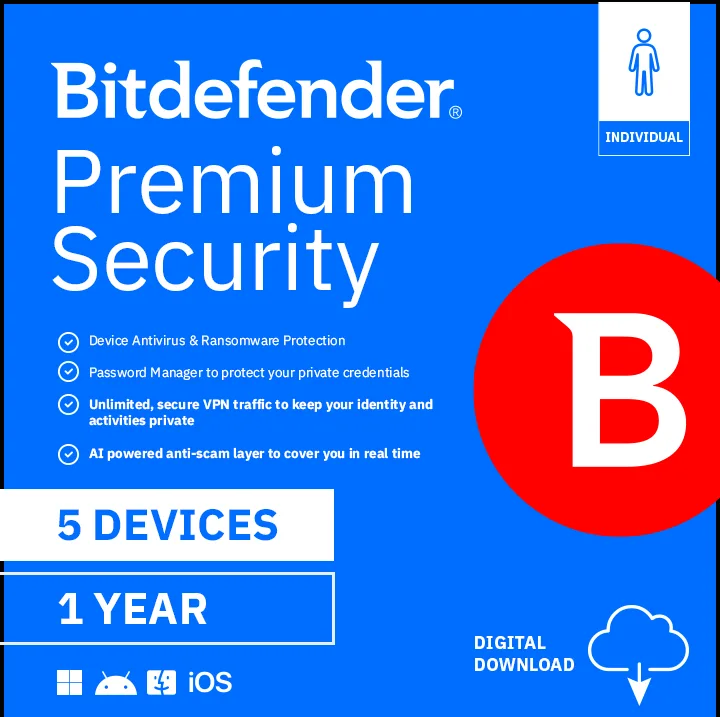
BitDefender PS24ZZCSN1225LEN Premium Security Family 25 Devices 1 Year internet security
- Product can only be…
- Disclaimer: Subscri…
US$128.99US$193.99−34%
0.00159294BTC
재고 있음


Laplink Software Inc
Transfers files, settings and profiles to a new Windows PC with a simple wizard and free expert help
PCmover Express v11 is a Windows migration utility licensed for two uses. It moves selected files, folders, settings and user profiles from an old PC to a new one. The software supports Windows 10, 8.1, 8, 7, Vista and XP. It requires 200 MB of hard disk space and is delivered as a download.
This utility replaces the time-consuming process of manually copying data and reinstalling applications. The jump is worth it when you want to preserve installed programs and user configurations without scripting or external drives. It automates the transfer over the fastest detected connection between the two computers.
The transfer runs unattended once started, using the fastest available link between PCs. Performance scales with the connection method detected at runtime. Free expert assistance is available 24 hours a day, 7 days a week if the migration stalls or needs guidance.
| Brand | Laplink |
|---|---|
| Model | PAFGPCMX0B002P0RTDML |
| System Requirements | Windows 10 / 8.1 / 8 / 7 / Vista / XP 200 MB of hard disk space |
| Packaging | Download |
| Feature | Easy-to-Use - Install PCmover on both of your computers and follow the simple wizard to transfer everything you select to your new PC. Set It and Forget It - You start the transfer and walk away. PCmover does the rest! PCs Auto Connect - Discovers and connects PCs using the fastest method detected. Optimized for Fastest Transfer - Provides maximum performance and time savings. You will quickly be using your new PC with everything ready to go. Complete Selectivity - Automatically transfers all selected files, folders, settings, and user profiles to your new PC. Free Transfer Assistanc |
| Name | PCmover Express v11 - 2 Use |
| Type | System Backup |
| Operating Systems Supported | Windows |
| 배송 무게 | 0.45 kg |
| 포장 크기 | 25 × 25 × 25 mm |
The software requires 200 MB of hard disk space on each computer running Windows 10, 8.1, 8, 7, Vista or XP.
Install the software on both the old and the new PC, then follow the wizard so the PCs can auto-connect using the fastest detected method.
The licence allows 2 uses, so you can run the migration wizard on two separate occasions.
이 진열대의 다른 상품
같은 진열대, 같은 체크아웃 — 코인 8종, 환율 잠금 30분.
결제할 코인과 가격을 확인할 통화입니다.
체크아웃 시 지갑에서 전송됩니다.
표시 전용 — 카탈로그 가격은 달러 기준입니다.
일치하는 통화가 없습니다.
사이트에서 사용할 언어를 선택하십시오.
일치하는 언어가 없습니다.
처음 방문하셨나요?
이미 계정이 있으신가요?
자동 재설정 기능은 없습니다. 이 쇼핑몰은 어떠한 메일도 보내지 않으므로 요청할 일회용 링크 자체가 없습니다. 계정에 등록된 이메일 주소를 그대로 두시면 담당자가 직접 확인해 처리합니다.
요청 접수
받은편지함으로 오는 것은 아무것도 없습니다 — 이 쇼핑몰은 메일을 전혀 보내지 않습니다. 담당자가 직접 확인해 처리합니다.
기억나셨나요?