Logitech
Logitech G304 Lightspeed Wireless Gaming Mouse Purple
A lightweight wireless gaming mouse with HERO sensor up to 12,000 dpi, 1 ms LIGHTSPEED reporting and 250-hour battery life
- Buttons2
- ColorPurple
- LIGHTSPEED wireless delivers 1 ms report rate
- HERO sensor tracks up to 12,000 dpi with zero smoothing
- 250-hour battery life from one AA battery
- Lightweight 99 g design with PTFE feet rated 250 km
- Onboard memory stores one profile for plug-and-play use
Lightweight Wireless Gaming Mouse
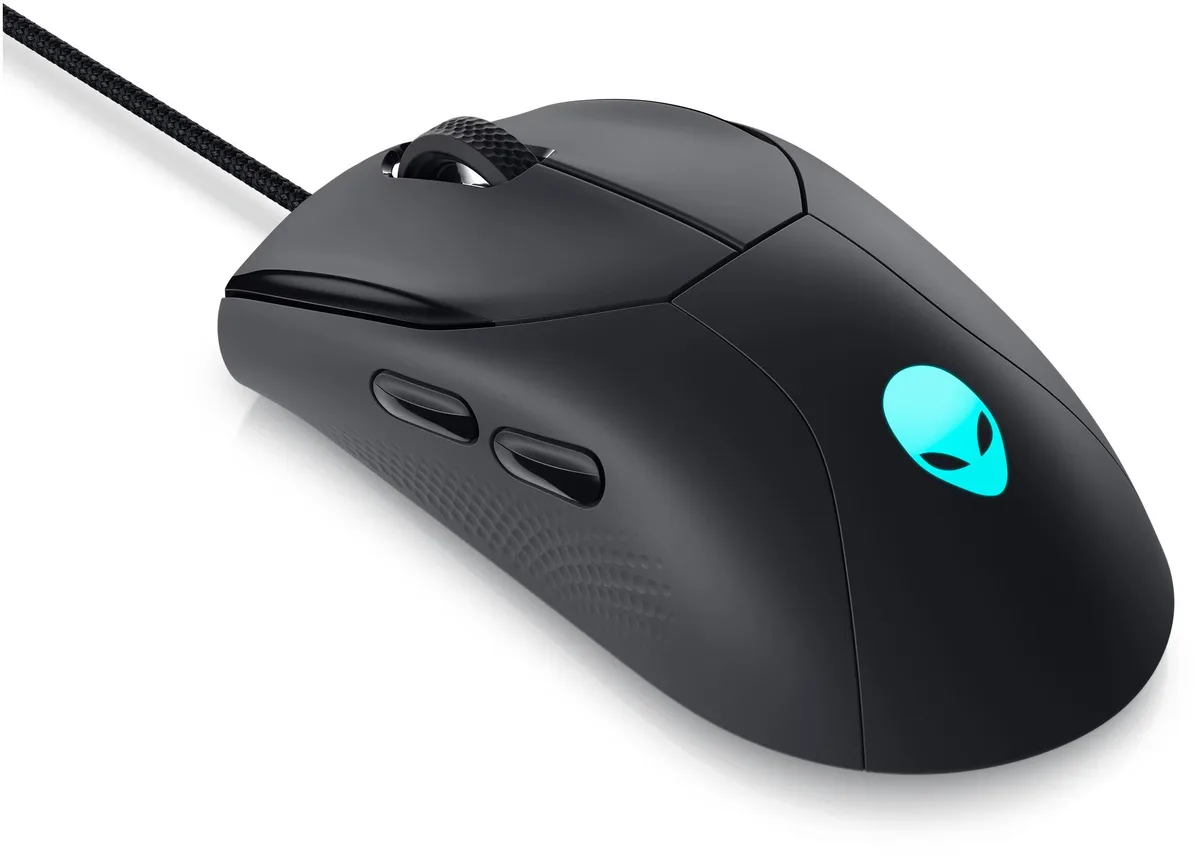
The Logitech G304 Lightspeed is a 99 gram wireless gaming mouse built around the HERO sensor. It connects through a LIGHTSPEED USB receiver that delivers a 1000 Hz reporting rate. The purple shell measures 116.6 mm by 62.15 mm by 38.2 mm and runs on a single AA battery for up to 250 hours.
Right-Handed Players Seeking Low Weight
This shape suits right-handed users who prefer a compact, lightweight mouse for fast swipes. The two primary buttons and mechanical tensioning system give a crisp click feel. Left-handed gamers, anyone needing thumb buttons or a heavier palm-filling design should consider other models.
HERO Sensor at 12000 DPI
The HERO optical sensor tracks from 200 to 12000 dpi with zero smoothing, acceleration or filtering. It reaches 400 IPS and 40 g acceleration on a Logitech G240 pad. Onboard memory stores one profile so your DPI steps travel with the mouse.
주요 특징
- LIGHTSPEED wireless delivers 1 ms report rate
- HERO sensor tracks up to 12,000 dpi with zero smoothing
- 250-hour battery life from one AA battery
- Lightweight 99 g design with PTFE feet rated 250 km
- Onboard memory stores one profile for plug-and-play use
사양
| Brand | Logitech |
|---|---|
| Buttons | 2 |
| Color | Purple |
이 모델의 다른 버전
같은 라인업에서 2개 더
같은 제품군에서 메모리·쿨러·클럭이 다릅니다 — 결정 전에 비교해 보세요.


Logitech
Logitech G304 Lightspeed Wireless Gaming Mouse 12000 dpi Black
- 2
- Black
US$39.99
0.00051542BTC
재고 있음이 상품에 대한 질문
Do I need a free USB-A port for the LIGHTSPEED receiver?
Yes, the mouse ships with a LIGHTSPEED USB receiver that plugs into a standard USB-A port on Windows 7 or later, macOS 10.13 or later, or ChromeOS.
Will the HERO sensor still track accurately on my older Logitech G240 mouse pad?
The sensor is rated for up to 400 IPS and 40 g acceleration on the G240 surface, so it will perform to spec on that pad.
How can I verify the 1000 Hz reporting rate is active after setup?
Open Logitech G HUB software; the performance tab shows the current report rate, which should read 1000 Hz (1 ms) when the LIGHTSPEED link is working.
이 진열대의 다른 상품
고객들이 함께 비교한 상품
같은 진열대, 같은 체크아웃 — 코인 8종, 환율 잠금 30분.