Logitech
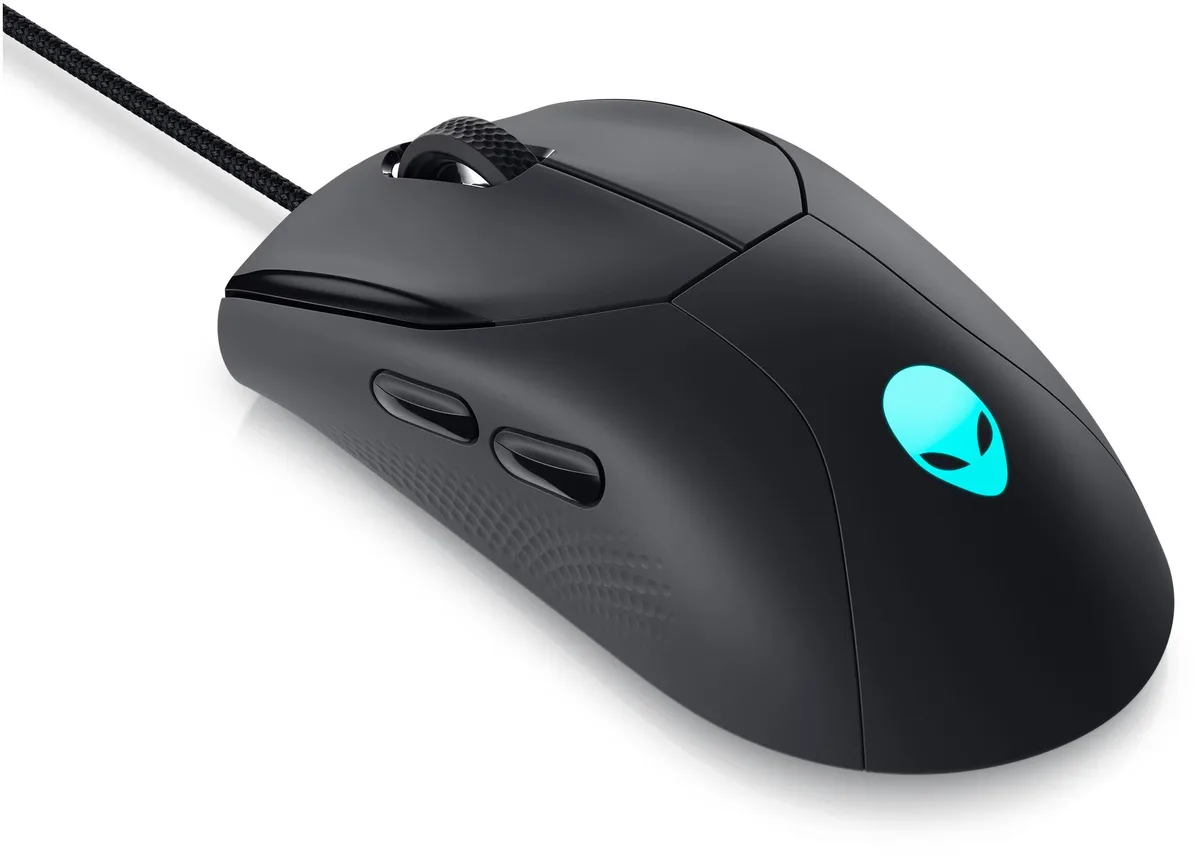
Logitech Pebble i345 gaming mouse 910005948
A graphite wireless gaming mouse with a compact, pebble-shaped design for comfortable everyday control
- TypeOffice Products
- ColorGraphite
- Graphite colour suits professional setups
- Gaming-grade sensor built for precise tracking
- Ergonomic shape supports long sessions comfortably
- Logitech engineering ensures reliable daily performance
- Model 910005948 identifies the exact product
Pebble i345 gaming mouse
The Logitech Pebble i345 is a gaming mouse finished in graphite. It is intended for players who want a compact pointing device for everyday sessions. The model number 910005948 identifies this specific unit in the range.
Upgrade from basic office mice
This mouse replaces standard office peripherals that lack gaming-grade tracking. The jump is worth it when you need responsive cursor control for competitive play or fast-paced creative work. It moves you past the limitations of generic bundled hardware.
Sustained use comfort
The lightweight graphite shell supports long periods of continuous movement without adding fatigue. Sensor performance remains consistent during extended matches or work marathons. The shape encourages a relaxed grip that stays stable over time.
주요 특징
- Graphite colour suits professional setups
- Gaming-grade sensor built for precise tracking
- Ergonomic shape supports long sessions comfortably
- Logitech engineering ensures reliable daily performance
- Model 910005948 identifies the exact product
사양
| Brand | Logitech |
|---|---|
| Type | Office Products |
| Color | Graphite |
| 배송 무게 | 0.45 kg |
| 포장 크기 | 119 × 71 × 36 mm |
이 상품에 대한 질문
What size USB receiver does the Pebble i345 910005948 use?
The mouse connects via a standard USB-A receiver that plugs into any free port on a desktop or laptop.
Which step do users often miss when pairing the Pebble i345 910005948 for the first time?
After inserting the receiver, press the connect button on the underside of the mouse until the LED blinks, then release to complete pairing.
How often will the AA battery in the Pebble i345 910005948 need replacing?
A single AA battery typically lasts several months of daily use; replace it when the cursor starts stuttering or the LED flashes red.
이 진열대의 다른 상품
고객들이 함께 비교한 상품
같은 진열대, 같은 체크아웃 — 코인 8종, 환율 잠금 30분.