


MSI
MSI MAG X870 TOMAHAWK WIFI AMD motherboard
ATX motherboard for AMD Ryzen 7000, 8000 and 9000 series CPUs with AM5 socket, X870 chipset, 14-duet-rail 80A VRM, DDR5 up to 8400 MT/s, PCIe 5.0 x16 and M.2, 5G LAN, Wi-Fi 7 and USB 40G
- CPU Socket TypeAM5
- CPU TypeRyzen 7000 Series / Ryzen 8000 Series / Ryzen 9000 Series
- ChipsetAMD X870
- Number of Memory Slots4x288pin (DDR5)
- Memory StandardDDR5 4800 / DDR5 5000 / DDR5 5200 / DDR5 5400 / DDR5 5600 /
- Maximum Memory Supported256GB
Option MAG X870 TOMAHAWK WIFI
- MAG X870 TOMAHAWK WIFI
- MEG X870E GODLIKE
- MPG X870E CARBON WIFI
- MPG X870E EDGE TI WIFI
- MAG X870E TOMAHAWK WIFI
- X870 GAMING PLUS WIFI
- PRO X870-P WIFI
- PRO X870E-P WIFI
- MPG X870I EDGE TI EVO WIFI
- MEG X870E ACE MAX
- MAG X870E GAMING PLUS MAX WIFI
- MAG X870E GAMING MAX WIFI
취소선으로 표시된 버전은 존재하지만, 이곳에서는 취급하지 않습니다.
- Supports AMD Ryzen 9000, 8000 and 7000 series processors on AM5 socket
- 14 Duet Rail power system with 80A Smart Power Stages for stable CPU delivery
- DDR5 Memory Boost up to 8400 MT/s with AMD EXPO profiles up to 256GB capacity
- PCIe 5.0 x16 slot plus two CPU-linked M.2 slots at PCIe 5.0 x4 for 128GB/s bandwidth
- Wi-Fi 7 with 320MHz channel reaching 5.8Gbps and 5G LAN for fast networking
AM5 ATX board for Ryzen 7000, 8000 and 9000 series
The MSI MAG X870 TOMAHAWK WIFI is an ATX motherboard built on the AMD X870 chipset for socket AM5 processors. It supports Ryzen 7000, 8000 and 9000 series CPUs with a 14 Duet Rail power system rated at 80A per smart power stage. The board provides four DDR5 slots for up to 256GB of memory and includes PCIe 5.0 x16, dual PCIe 5.0 M.2 slots, 5G LAN, Wi-Fi 7 and a USB 40G port.
EZ PCIe Release button and shielded M.2 installation
A dedicated EZ PCIe Release button lets you unlock the top x16 slot with a single press, making graphics card swaps straightforward. Each M.2 slot is covered by an EZ M.2 Shield Frozr II that screws down without tools; the shields can be tight at first, so apply even pressure when seating the screws. The 288-pin DDR5 slots use a single-sided latch — insert modules vertically until the latch clicks to avoid bent pins.
Verify CPU cooler clearance and M.2 length support
The extended PWM heatsink sits close to the socket, so confirm that your air cooler or AIO block clears the VRM heatsink height. The primary M.2 slot accepts 2280 and 110-length drives; the second CPU-attached slot takes 2260 and 80-length drives only. Ensure your power supply provides both 8-pin EPS connectors for the 14-phase VRM, and check that your chassis has room for the ATX form factor and rear I/O shield.
주요 특징
- Supports AMD Ryzen 9000, 8000 and 7000 series processors on AM5 socket
- 14 Duet Rail power system with 80A Smart Power Stages for stable CPU delivery
- DDR5 Memory Boost up to 8400 MT/s with AMD EXPO profiles up to 256GB capacity
- PCIe 5.0 x16 slot plus two CPU-linked M.2 slots at PCIe 5.0 x4 for 128GB/s bandwidth
- Wi-Fi 7 with 320MHz channel reaching 5.8Gbps and 5G LAN for fast networking
사양
| Brand | MSI |
|---|---|
| Model | MAG X870 TOMAHAWK WIFI |
| CPU Socket Type | AM5 |
| CPU Type | Ryzen 7000 Series / Ryzen 8000 Series / Ryzen 9000 Series |
| Chipset | AMD X870 |
| Number of Memory Slots | 4x288pin (DDR5) |
| Memory Standard | DDR5 4800 / DDR5 5000 / DDR5 5200 / DDR5 5400 / DDR5 5600 / DDR5 5800 / DDR5 6000 / DDR5 6200 / DDR5 6400 / DDR5 6600 / DDR5 6800 / DDR5 7000 / DDR5 7200 / DDR5 7400 / DDR5 7600 / DDR5 7800 / DDR5 7900 / DDR5 7950 / DDR5 8000 / DDR5 8200 / DDR5 8266 / DDR5 8400 |
| Maximum Memory Supported | 256GB |
| Channel Supported | Dual Channel |
| Memory Performance Profile | AMD EXPO |
| ECC Supported | Non-ECC |
| Buffer Supported | Un-buffered |
| PCI Express 5.0 x16 | PCI_E1 slot (From CPU) Supports up to PCIe 5.0 x16 |
| PCI Express x4 | PCI_E3 slot (From Chipset X870) Supports up to PCIe 4.0 x4 |
| PCI Express x1 | PCI_E2 slot (From Chipset X870) Supports up to PCIe 3.0 x1 |
| Serial ATA (SATA) | 4 x SATA 6Gb/s |
| M.2 | M2_1 slot (From CPU) - Supports up to PCIe 5.0 x4 - Supports 2280/110 storage devices M2_2 slot (From CPU) - Supports up to PCIe 5.0 x4 - Supports 2260/80 storage devices M2_3 slot (From Chipset) - Supports up to PCIe 4.0 x2 - Supports 2260/80 storage devices M2_4 slot (From Chipset) - Supports up to PCIe 4.0 x4 - Supports 2260/80 storage devices * The M2_2 slot will be unavailable when using Ryzen 5 8500G processor. ** PCI_E3 slot will run at x2 speed when installing device in the M2_3 slot |
| SATA RAID | Supports RAID 0, RAID 1 and RAID 10 for M.2 NVMe storage devices |
| Audio Chipset | Realtek ALC4080 |
| Audio Channels | 7.1 Channels |
| LAN Chipset | Realtek 8126-VB |
| Max LAN Speed | 5Gbps |
| Wireless LAN | Wi-Fi 802.11 be |
| Bluetooth | Bluetooth 5.4 |
| Back I/O Ports | 1 x Flash BIOS button 1 x Clear CMOS button 1 x HDMI port 1 x USB 10Gbps Type-A (From CPU) 1 x USB 10Gbps Type-A (From X870 chipset) 1 x USB 10Gbps Type-C (From X870 chipset) 2 x USB 40Gbps Type-C (From ASM4242) 3 x USB 5Gbps Type-A (From GL3523) 4 x USB 2.0 Type-A ports (From GL850) 1 x 5Gbps LAN (RJ45) port 2 x Wi-Fi Antenna connectors 2 x audio jacks 1 x Optical S/PDIF Out connector |
| Onboard USB | AMD X870 Chipset - 1 x USB 20Gbps Type-C front panel port with Power Delivery Supports up to 27W fast charging - 2 x USB 5Gbps connectors Supports additional 4 USB 5Gbps ports - 2 x USB 2.0 connectors Supports additional 4 USB 2.0 ports |
| Other Connectors | Fan Connectors - 1x 4-pin CPU fan connector - 6x 4-pin system fan connectors - 1x 4-pin water-pump/ system fan connector - 1x EZ Conn-Header V2 (JAF_2 with 11-Pin) System Connectors - 1x Front panel audio connector - 2x System panel connectors - 1x Chassis Intrusion connector - 1x TPM module connector Jumpers - 1x Clear CMOS jumper - 1x OC safe boot BIOS jumper |
| Form Factor | ATX |
| LED Lighting | 1 x 4-pin RGB LED connector 3 x 3-pin A-RAINBOW V2 (ARGB Gen2) LED connectors 4 x EZ Debug LED 1 x 2-Digit Debug Code LED 1 x EZ Conn-Header V2 (JAF_2 with 11-Pin) |
| Dimensions (W x L) | 12.0" x 9.6" |
| Power Pin | 1 x 24-pin Power Connector (ATX_PWR) 2 x 8-pin Power Connector (CPU_PWR) 1 x 8-pin Power Connector (PCIE_PWR) |
| BIOS Feature | 1x 256 Mb flash UEFI AMI BIOS ACPI 6.4, SMBIOS 3.7 Multi-language |
| Software | Drivers MSI Center Acrobat Adobe Creative Cloud AIDA64 Extreme-MSI Edition CPU-Z MSI GAMING MSI App Player (BlueStacks) Norton 360 |
| Features | MSI Center Features - MSI AI Engine - Game Highlights - Frozr AI Cooling - Hardware Monitoring - Live Update - MSI Companion - System Diagnosis - Cooling Wizard - LAN Manager - Mystic Light - Ambient Link - True Color - User Scenario - Super Charger + Thermal Features - K7 MOSFET thermal pad / K5 Extra choke pad - Extended Heatsink Design - Fan headers (CPU + Combo+PUMP + SYSTEM) - M.2 Shield Frozr Performance - Lightning Gen 5 PCI-E Slot / M.2 - Lightning Gen 4 PCI-E Slot / M.2 - Front USB Type-C - USB with PD - Supplemental PCIe Power Connector - Core Boost - Dual CPU Power - Memor |
| 배송 무게 | 2.31 kg |
| 포장 크기 | 348 × 292 × 79 mm |
이 모델의 다른 버전
같은 라인업에서 5개 더
같은 제품군에서 메모리·쿨러·클럭이 다릅니다 — 결정 전에 비교해 보세요.


MSI
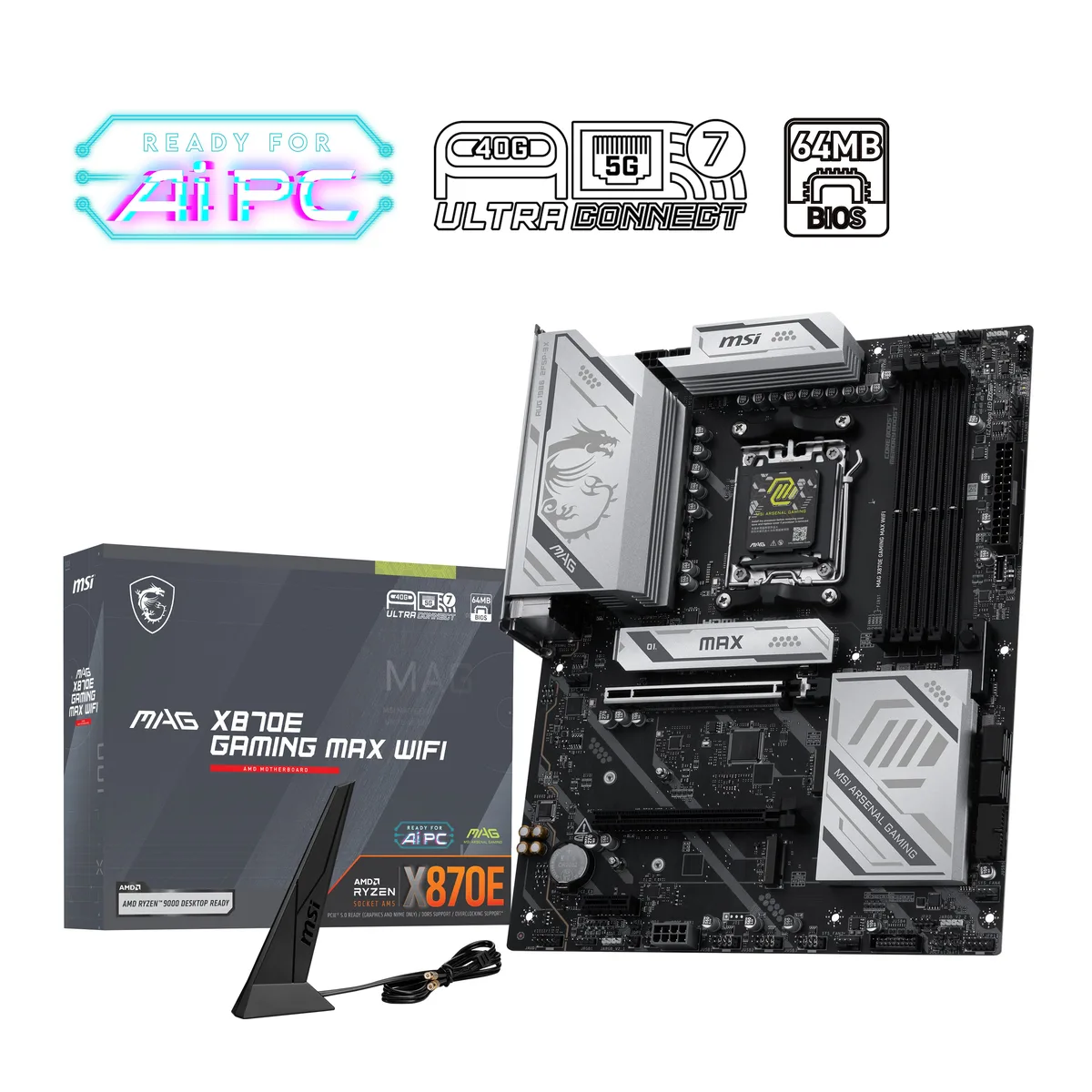
MSI PRO X870-P WIFI AMD motherboard
- AM5
- Ryzen 7000 Series /…
US$184.99US$194.99−5%
0.00238079BTC
재고 있음
MSI
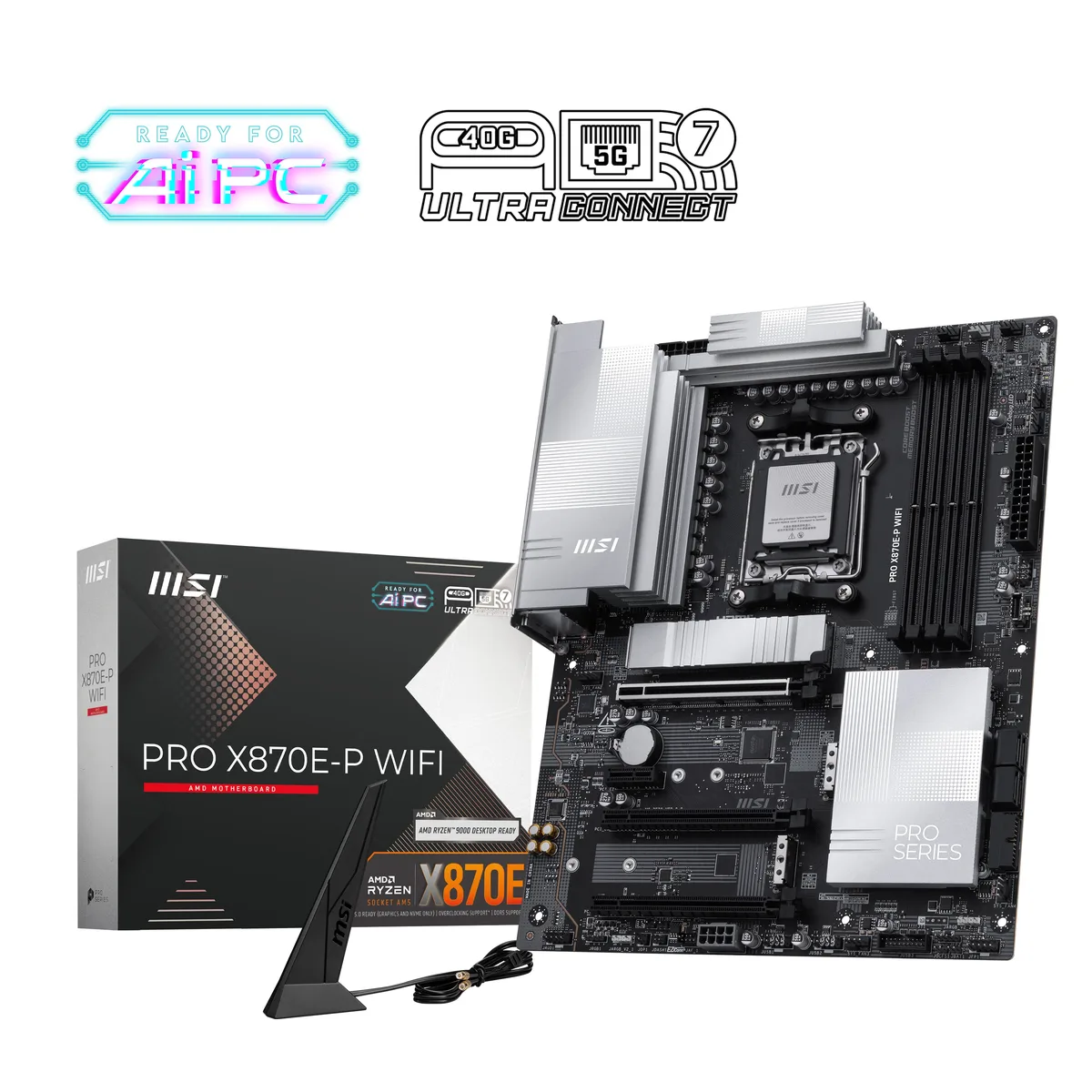
MSI PRO X870E-P WIFI AMD motherboard
- AM5
- Ryzen 7000 Series /…
US$221.99US$265.99−17%
0.00285698BTC
재고 있음
이 상품에 대한 질문
How can I confirm the 80A Smart Power Stage VRM is delivering stable power to my Ryzen 9000 series CPU after assembly?
Enter the BIOS and open the hardware monitor to verify CPU Vcore readings remain steady under load, then run a sustained stress test while watching VRM temperatures through the same screen or MSI Center software.
What cooling and mounting hardware is included in the box versus what must be purchased separately for the four M.2 slots?
The board ships with EZ M.2 Shield Frozr II heatsinks pre-installed on the primary M.2 slots and mounting standoffs for 2280 and 2260 drives; additional aftermarket heatsinks are only needed if you populate every slot with high-performance modules.
Which M.2 slot should I choose first for a Gen5 SSD to get the full 128GB/s bandwidth?
Use the M2_1 slot connected directly to the CPU, which supports PCIe 5.0 x4 and 2280 or 110 length drives for maximum throughput.
이 진열대의 다른 상품
고객들이 함께 비교한 상품
같은 진열대, 같은 체크아웃 — 코인 8종, 환율 잠금 30분.

EN-Labs
EN-Labs 11-001-366 PCIe x4 USB 3.2 10Gbps 5-port card
- no
- 12CM Case fan,screw…
US$31.99
0.00041171BTC
재고 있음
Wadermoon
Wadermoon PCI-E 1X to 4 PCI-E USB 3.0 expansion card
- PCI Express to USB…
- 4 Port
US$35.99
0.00046319BTC
재고 있음
Orico
Orico PE20-1C 20 Gbps USB 3.2 Gen 2x2 Type-C PCIe x4 expansion card
- PCI Express to USB…
- 1x USB Port
US$40.99
0.00052754BTC
재고 있음
OWC
OWC 16GB DDR4 2666MHz CL19 ECC SODIMM 1.2V laptop RAM
- 16GB (1 x 16GB)
- 260-Pin DDR4 SO-DIMM
US$120.99
0.00155712BTC
재고 있음