


Rosewill
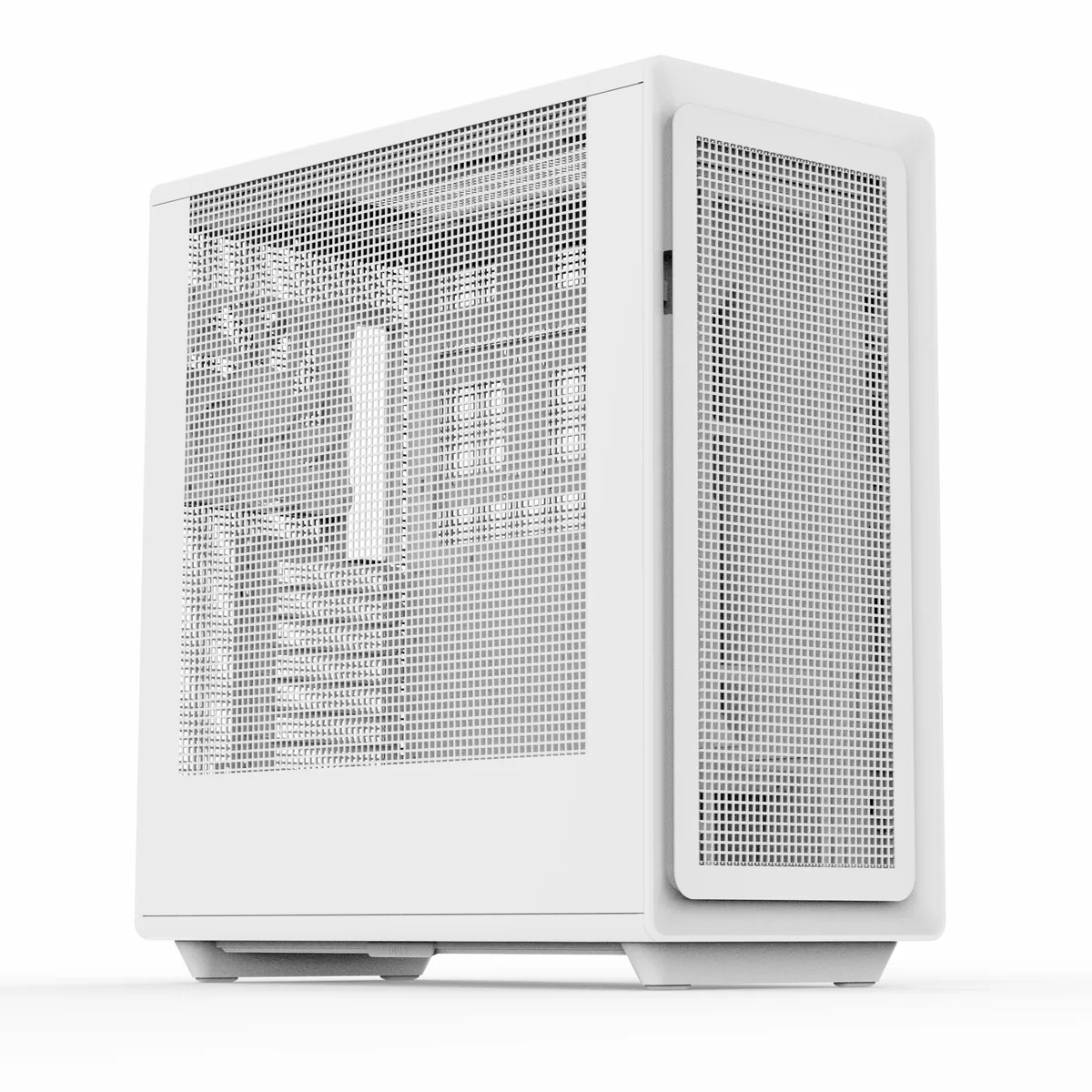
Rosewill Helium Air White Mid Tower PC Case
White ATX mid-tower with three mesh panels, a pre-installed 140 mm PWM fan, USB 3.1 Type-C front port and 34 mm cable-routing space
- TypeATX Mid Tower
- ColorWhite
- Case MaterialSteel / Plastic
- With Power SupplyNo
- Power Supply MountedBottom
- Motherboard CompatibilityATX / E-ATX / ITX / Micro ATX
Option Helium Air White
- Helium Air Black
- Helium Air Black ARGB
- Helium Air White
- Helium Air White ARGB
- Helium Flow White
- Maximum airflow from three full-mesh panels
- Clean interior with 34 mm cable-routing space behind motherboard tray
- Ready-to-cool with pre-installed 140 mm PWM fan
- Tool-free panels for quick component access
- Front USB 3.1 Type-C plus two USB 3.0 and audio jack
Rosewill Helium Air White Mid Tower Case
The Rosewill Helium Air White is an ATX mid-tower chassis built for high-airflow builds. Three full-mesh panels and a pre-installed 140mm PWM fan move large volumes of air through the interior. A 34mm cable-routing channel behind the motherboard tray keeps wiring tidy. Tool-free panels simplify assembly and upgrades.
Builders who want mesh airflow and E-ATX support
This case suits builders planning air-cooled or liquid-cooled systems with long graphics cards and tall CPU coolers. The front panel provides a USB 3.1 Type-C port, two USB 3.0 ports and a combo audio jack for modern peripherals. Buyers who need more than three 3.5in drive bays or a built-in power supply should look elsewhere.
Capacity and headroom for storage and cooling
Three internal 3.5in bays and four 2.5in bays handle a practical mix of hard drives and SSDs. Seven expansion slots accommodate full-length cards up to 390mm. CPU coolers up to 183mm and power supplies up to 220mm fit comfortably. Radiator support reaches 360mm in the front and top, with a 280mm option on top and 120mm at the rear.
주요 특징
- Maximum airflow from three full-mesh panels
- Clean interior with 34 mm cable-routing space behind motherboard tray
- Ready-to-cool with pre-installed 140 mm PWM fan
- Tool-free panels for quick component access
- Front USB 3.1 Type-C plus two USB 3.0 and audio jack
사양
| Brand | Rosewill |
|---|---|
| Model | Helium Air White |
| Type | ATX Mid Tower |
| Color | White |
| Case Material | Steel / Plastic |
| With Power Supply | No |
| Power Supply Mounted | Bottom |
| Motherboard Compatibility | ATX / E-ATX / ITX / Micro ATX |
| Side Panel | Mesh |
| Dust Filters | Yes |
| Internal 3.5" Drive Bays | 3 |
| Internal 2.5" Drive Bays | 4 |
| Expansion Slots | 7 |
| Front Ports | 1 x USB 3.1 Type-C / 2 x USB 3.0 / Audio |
| Fan Options | Front: 3 x 120mm, 3 x 140mm, 2 x 160mm Top: 3 x 120mm, 2 x 140mm Rear: 1x 120mm, 1 x 140mm |
| Pre-installed Fans | Rear - 1 x 140mm |
| Radiator Options | Front: 360mm / 240mm Top: 360mm / 280mm / 240mm Rear: 120mm |
| Max GPU Length | 390 mm |
| Max CPU Cooler Height | 183 mm |
| Max PSU Length | 220 mm |
| Features | High-Airflow with All Mesh Panels: Three mesh panels provide massive airflow to your system, ensuring maximum cooling performance. Cable Management System: A roomy 34mm of space behind the motherboard allows for quick and easy routing of all your major cables, keeping your build clean and organized. Included 140mm PWM Fan: Comes with one pre-installed 140mm PWM fan for efficient cooling. Extreme Cooling Potential: The spacious interior supports up to 7x 120mm or 6x 140mm cooling fans, and can accommodate multiple radiators, including 360mm radiator in both the front and top. Modern F |
| 배송 무게 | 11.79 kg |
| 포장 크기 | 584 × 533 × 305 mm |
이 모델의 다른 버전
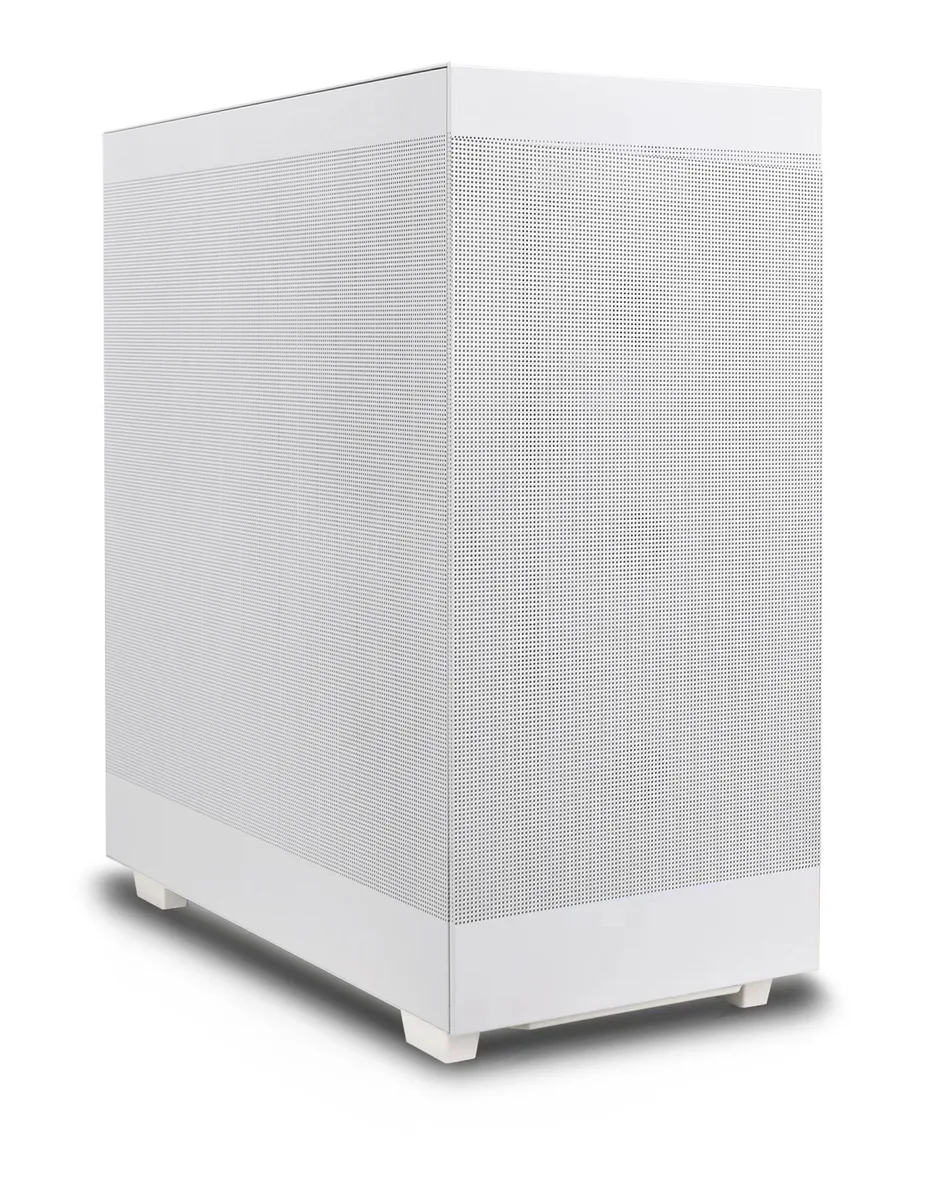
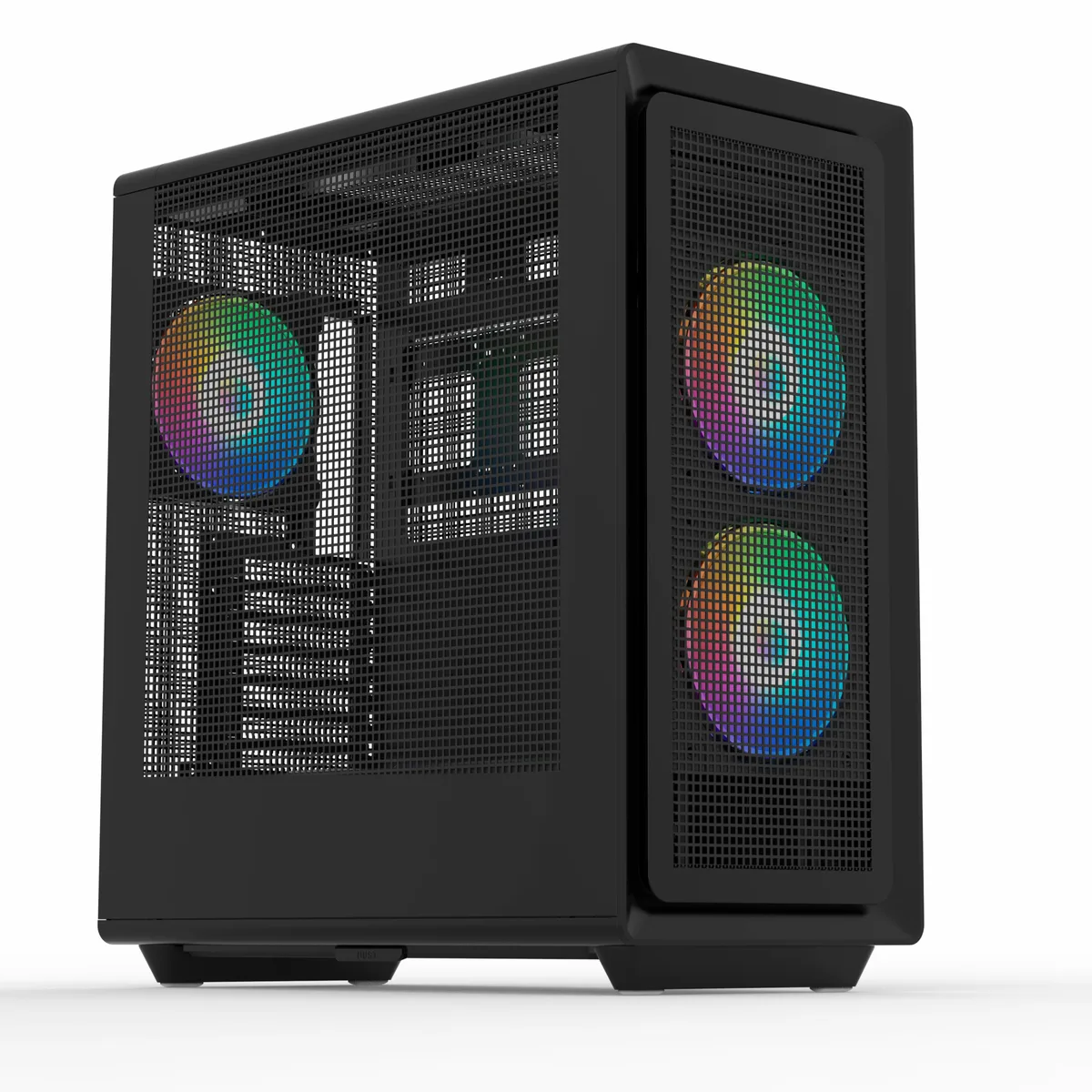
같은 라인업에서 4개 더
같은 제품군에서 메모리·쿨러·클럭이 다릅니다 — 결정 전에 비교해 보세요.


이 상품에 대한 질문
What motherboard form factors does the Helium Air White support?
The case fits ATX, E-ATX, Micro-ATX and ITX boards, so any standard desktop motherboard you already own will mount without an adapter.
Will a 360 mm radiator fit in the front if I keep my current 390 mm graphics card?
Yes, the front accepts a 360 mm radiator and the GPU clearance is 390 mm, leaving room for both a thick radiator and a full-length card.
How can I verify the pre-installed 140 mm PWM fan is spinning correctly after I build?
Connect the fan to a motherboard PWM header, then check the RPM reading in BIOS or fan-control software; it should report a speed that changes with the PWM curve.
이 진열대의 다른 상품
고객들이 함께 비교한 상품
같은 진열대, 같은 체크아웃 — 코인 8종, 환율 잠금 30분.

EN-Labs
EN-Labs 11-001-366 PCIe x4 USB 3.2 10Gbps 5-port card
- no
- 12CM Case fan,screw…
US$31.99
0.00041018BTC
재고 있음
Wadermoon
Wadermoon PCI-E 1X to 4 PCI-E USB 3.0 expansion card
- PCI Express to USB…
- 4 Port
US$35.99
0.00046147BTC
재고 있음
Orico
Orico PE20-1C 20 Gbps USB 3.2 Gen 2x2 Type-C PCIe x4 expansion card
- PCI Express to USB…
- 1x USB Port
US$40.99
0.00052558BTC
재고 있음
OWC
OWC 16GB DDR4 2666MHz CL19 ECC SODIMM 1.2V laptop RAM
- 16GB (1 x 16GB)
- 260-Pin DDR4 SO-DIMM
US$120.99
0.00155135BTC
재고 있음