


SAMSUNG
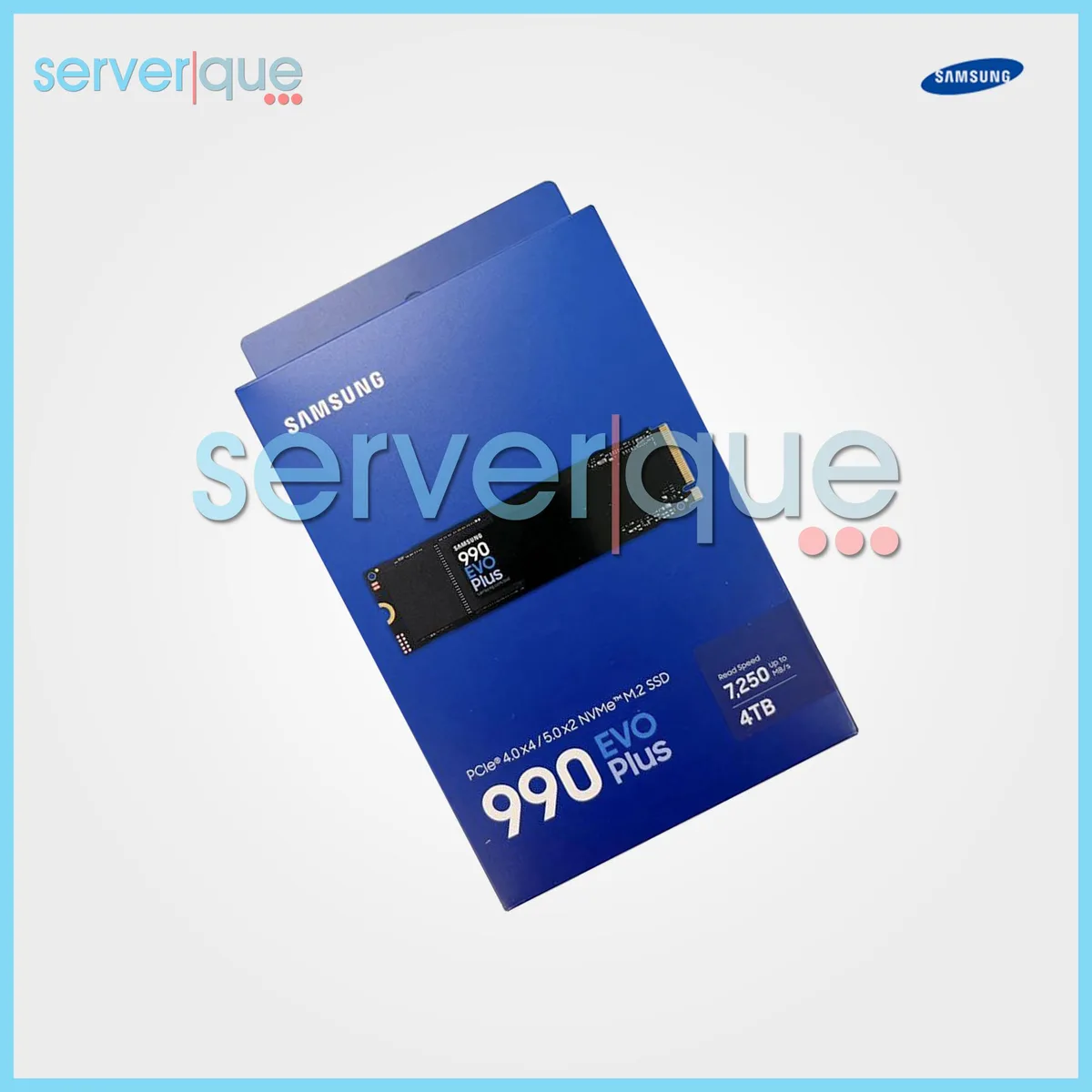
SAMSUNG 990 EVO Plus 4TB PCIe 5.0 NVMe M.2 2280 internal SSD
A 4 TB internal SSD with a PCIe 5.0 NVMe interface in the M.2 2280 form factor
- 4TB capacity stores massive game libraries and project files
- PCIe 5.0 interface delivers maximum throughput for demanding workloads
- NVMe protocol enables low-latency data access for responsive performance
- M.2 2280 form factor fits standard desktop and laptop slots
- In-house controller with smart heat control maintains sustained speeds
Samsung 990 EVO Plus 4TB
The Samsung 990 EVO Plus 4TB is an internal NVMe SSD built for read-intensive workloads in servers and data centres. Its PCIe 5.0 interface and in-house controller deliver ferocious performance with smart heat control. The drive maintains supreme power efficiency while keeping you at the top of your game.
Upgrade from PCIe 4.0 NVMe
Moving up from a PCIe 4.0 NVMe drive is worth it when workloads demand the higher throughput of PCIe 5.0. The jump makes sense for read-heavy server tasks that can saturate the newer interface. Older platforms limited to PCIe 4.0 will not see the full benefit of this upgrade.
Simple M.2 2280 installation
Installation follows the standard M.2 2280 form factor, slotting directly into a compatible motherboard or riser. The main risk is fitting the drive into a system without a PCIe 5.0-capable M.2 socket, which caps speeds to the slot's generation. Ensure the platform and BIOS support PCIe 5.0 NVMe before fitting.
주요 특징
- 4TB capacity stores massive game libraries and project files
- PCIe 5.0 interface delivers maximum throughput for demanding workloads
- NVMe protocol enables low-latency data access for responsive performance
- M.2 2280 form factor fits standard desktop and laptop slots
- In-house controller with smart heat control maintains sustained speeds
사양
| Brand | SAMSUNG |
|---|---|
| Part Number | MZ-V9S4T0B/AM |
이 상품에 대한 질문
Does the 2280 form factor fit a standard M.2 slot?
The 2280 length matches the common M.2 2280 slot found on most desktop and laptop motherboards.
How do I install the 990 EVO Plus and what step is often missed?
Insert the drive at an angle into the M.2 socket, press flat, and secure with the motherboard screw; many forget to fasten that screw.
When will the 4TB PCIe 5.0 NVMe drive need maintenance or replacement?
SSDs have no moving parts; monitor health via SMART tools and replace if the drive reports critical warnings or reaches its rated endurance.
이 진열대의 다른 상품
고객들이 함께 비교한 상품
같은 진열대, 같은 체크아웃 — 코인 8종, 환율 잠금 30분.




Western Digital
Western Digital G-DRIVE ArmorATD 5TB portable hard drive SDPH81G005TGBA1D
US$298.99
0.0038333BTC
재고 있음
OWC
OWC Gemini Ultra X6 12TB Thunderbolt portable SSD (OWCTB3GMA6X12)
- 12TB
- Thunderbolt
US$2,645.99
0.03392382BTC
재고 있음