


TP-Link
TP-Link Archer BE805 Tri-Band Wi-Fi 7 Router 19000 12-Stream 10G
Tri-band Wi-Fi 7 router with 12 streams and 19 Gbps total speed, 10 Gbps ports, covering 3,600 sq ft
- 12 streams deliver up to 19 Gbps total throughput
- Tri-band design adds the 6 GHz band for modern devices
- 10 Gbps WAN/LAN ports enable multi-gig wired links
- 10 antennas with Beamforming cover up to 3600 sq ft
- HomeShield provides security scans and parental controls
Tri-Band Wi-Fi 7 Router
The Archer BE805 is a tri-band Wi-Fi 7 router built for homes that need high simultaneous throughput. It delivers twelve data streams and a combined wireless rate of up to 19 Gbps. The 6 GHz band is included for compatible clients. It suits 4K and 8K streaming, online gaming and video calls across many devices at once.
10G Ports and HomeShield Security
Two 10Gbps WAN/LAN Ethernet ports provide wired links for multi-gig internet plans and fast local transfers. HomeShield adds network security scans and parental controls to protect connected devices. The router works with any cable modem and internet service provider without extra configuration.
Twelve Streams and 3,600 Sq Ft Coverage
Ten optimally positioned antennas with beamforming extend coverage up to 3,600 sq ft throughout the home. Twelve simultaneous streams reduce congestion when many phones, laptops and smart devices are active. The package includes the router, a power adapter, an RJ45 Ethernet cable and a quick installation guide for immediate setup.
주요 특징
- 12 streams deliver up to 19 Gbps total throughput
- Tri-band design adds the 6 GHz band for modern devices
- 10 Gbps WAN/LAN ports enable multi-gig wired links
- 10 antennas with Beamforming cover up to 3600 sq ft
- HomeShield provides security scans and parental controls
사양
이 상품에 대해 아직 공개된 사양이 없습니다.
이 상품에 대한 질문
How do I install the Archer BE805 and which step causes the most issues?
Connect the WAN port to your modem using the supplied RJ45 cable, power on, then follow the Quick Installation Guide or the Tether app. The step users most often miss is enabling the 6 GHz band separately for Wi-Fi 7 devices.
What maintenance or replacement will the Archer BE805 need over time?
No user-serviceable parts exist. Keep the 10 optimally positioned antennas clear of obstructions, reboot occasionally, and apply firmware updates through the app to maintain security and performance.
What limit appears first on the Archer BE805 during sustained heavy use?
The combined 19 Gbps tri-band ceiling across 12 streams is the first bottleneck. The 10 Gbps WAN/LAN ports and 3,600 sq. ft. coverage radius will not saturate before the aggregate wireless throughput limit.
이 진열대의 다른 상품
고객들이 함께 비교한 상품
같은 진열대, 같은 체크아웃 — 코인 8종, 환율 잠금 30분.

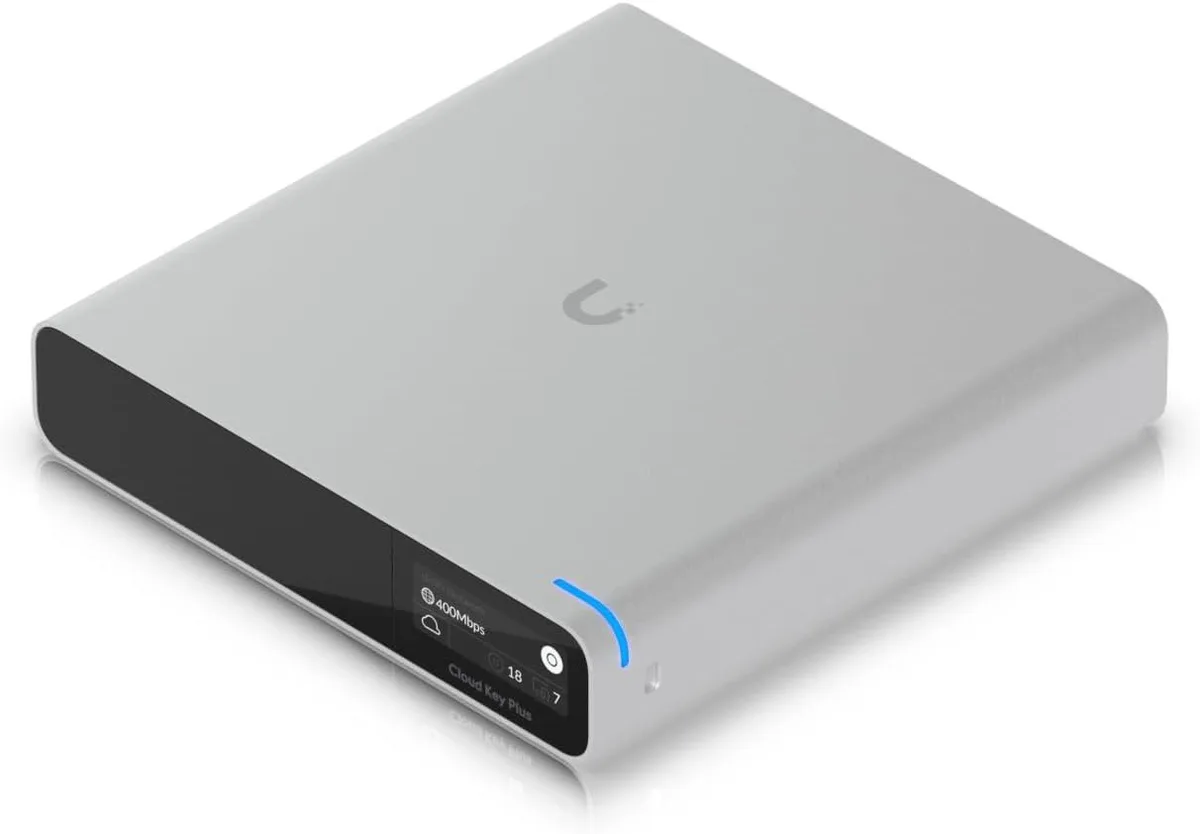
Ubiquiti Networks
Ubiquiti Networks Cloud Key Gen2 UCK-G2-SSD wireless router
US$400.99
0.00508567BTC
재고 있음
