


Z-EDGE
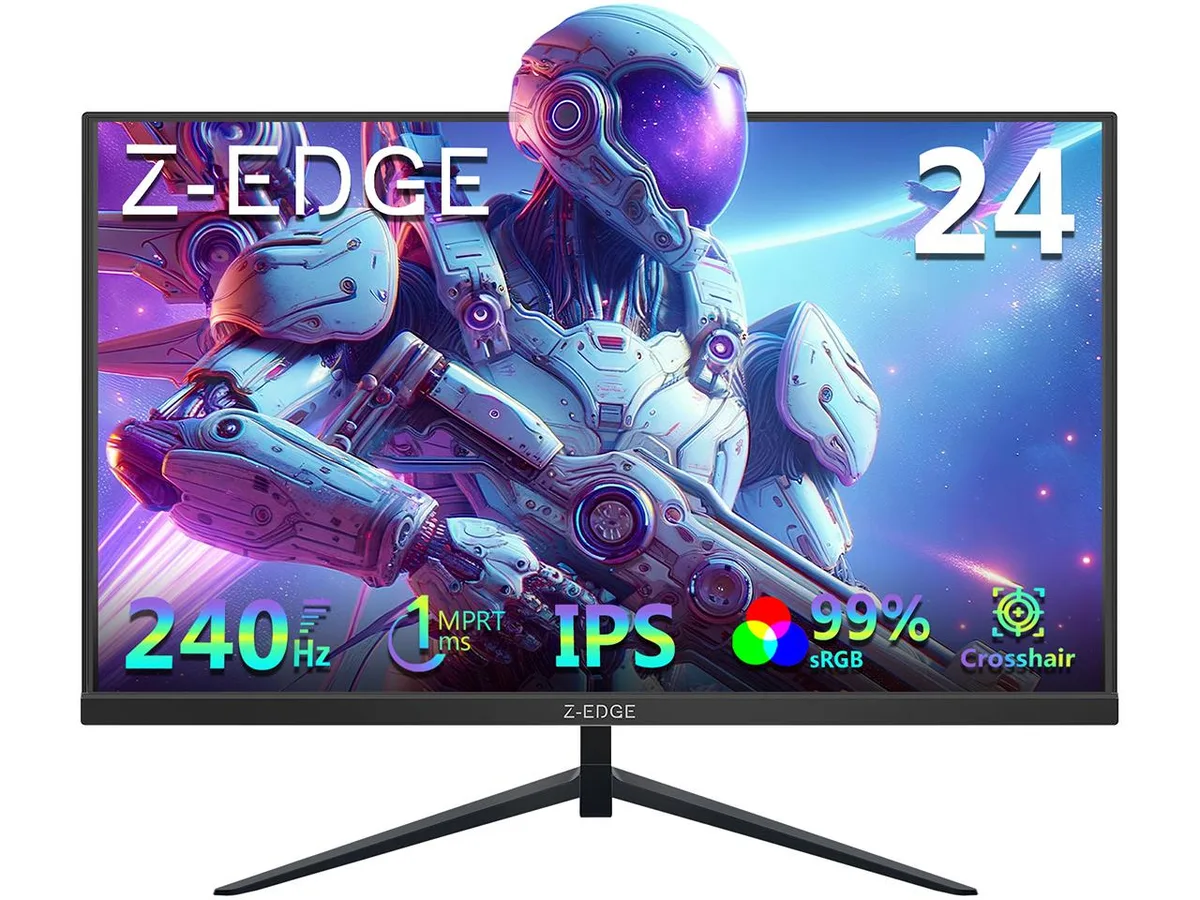
Z-EDGE UG24PJ 24" 240Hz IPS gaming monitor
A 24 inch flat IPS panel delivers 1920 x 1080 resolution at 240 Hz with a 1 ms response time, FreeSync support and HDR10
- Screen Size24"
- Refresh Rate240Hz
- Resolution1920 x 1080
- Response Time1 ms
- Display Colors16.7 Million
- PanelIPS
Color Black
- White
- Black
- Smooth competitive play with a 240 Hz refresh rate
- Sharp motion clarity backed by a 1 ms response time
- Consistent colour from any position with 178° viewing angles
- Vibrant, accurate visuals covering 99 % sRGB
- Tear-free gaming supported by FreeSync and HDR10
24 inch 240Hz IPS Gaming Monitor
The Z-EDGE UG24PJ is a 24 inch flat panel monitor built for competitive gaming. Its 240Hz refresh rate and 1ms response time suit fast-paced shooters and esports titles. The 1920 x 1080 IPS panel delivers 16.7 million colours with 99% sRGB coverage. Wide 178° viewing angles keep the image consistent from almost any position.
1920 x 1080 resolution with 240Hz headroom
The Full HD resolution keeps pixel counts low so modern graphics cards can push high frame rates toward the 240Hz ceiling. In less demanding titles the panel has headroom to sustain the maximum refresh rate. In graphically heavy games the GPU will become the bottleneck before the monitor. HDR10 support adds a brighter highlight range but the 350 cd/m² peak brightness and 1000:1 contrast ratio limit the HDR effect to a modest improvement.
HDMI 2.0 and DisplayPort 1.4 with VESA mount
Connectivity includes one HDMI 2.0 port and one DisplayPort 1.4 port, both capable of driving the full 240Hz at native resolution. FreeSync adaptive sync reduces tearing when paired with a compatible AMD GPU. The anti-glare coating cuts reflections in bright rooms. A VESA mount pattern lets you attach a monitor arm or wall bracket to free desk space. Buyers who need multiple HDMI ports or built-in speakers will need a different model.
주요 특징
- Smooth competitive play with a 240 Hz refresh rate
- Sharp motion clarity backed by a 1 ms response time
- Consistent colour from any position with 178° viewing angles
- Vibrant, accurate visuals covering 99 % sRGB
- Tear-free gaming supported by FreeSync and HDR10
사양
| Screen Size | 24" |
|---|---|
| Refresh Rate | 240Hz |
| Resolution | 1920 x 1080 |
| Response Time | 1 ms |
| Display Colors | 16.7 Million |
| Panel | IPS |
| Aspect Ratio | 16:9 |
| Curved Surface Screen | Flat Panel |
| Widescreen | Yes |
| LED Backlight | Yes |
| Brightness | 350 cd/m2 |
| Contrast Ratio | 1000:1 |
| Glare Screen | Anti-glare |
| Maximum Resolution | 1920 x 1080 |
| Viewing Angle | 178° (H) / 178° (V) |
| Display Type | FHD |
| Adaptive Sync Technology | FreeSync (AMD Adaptive Sync) |
| Color Gamut | sRGB 99% |
| HDR Standard | HDR10 |
| Brand | Z Z-Edge |
| Model | UG24PJ |
| Series | Gamers Line |
| Cabinet Color | White |
| Part Number | UG24PJ-Black |
| Bezel Design | 3 Sided Ultrathin Frame |
| HDMI | 1 x HDMI 2.0 |
| Input Video Compatibility | Analog RGB, Digital |
| Connectors | HDMI, DisplayPort |
| DisplayPort | 1 x DisplayPort 1.4 |
| Headphone | 3.5mm Audio Output |
| Stand Adjustments | Tilt |
| Built-in Speakers | No |
| Regulatory Approvals | FCC/UL/RoHs |
| VESA Compatibility - Mountable | 75 x 75mm |
| Power Supply | 100-240 VAC |
| Power Consumption | 20W |
| Dimensions | 21.4x15.6x5.7 inch(With Stand); 21.4x12.7x1.6 inch(Without Stand). |
| Weight | Net Weight: 5.7 LB |
| Package Contents | Monitor Power Adapter HDMI Cable User Manual Warranty Card |
이 모델의 다른 버전
같은 라인업에서 5개 더
같은 제품군에서 메모리·쿨러·클럭이 다릅니다 — 결정 전에 비교해 보세요.


Z-EDGE
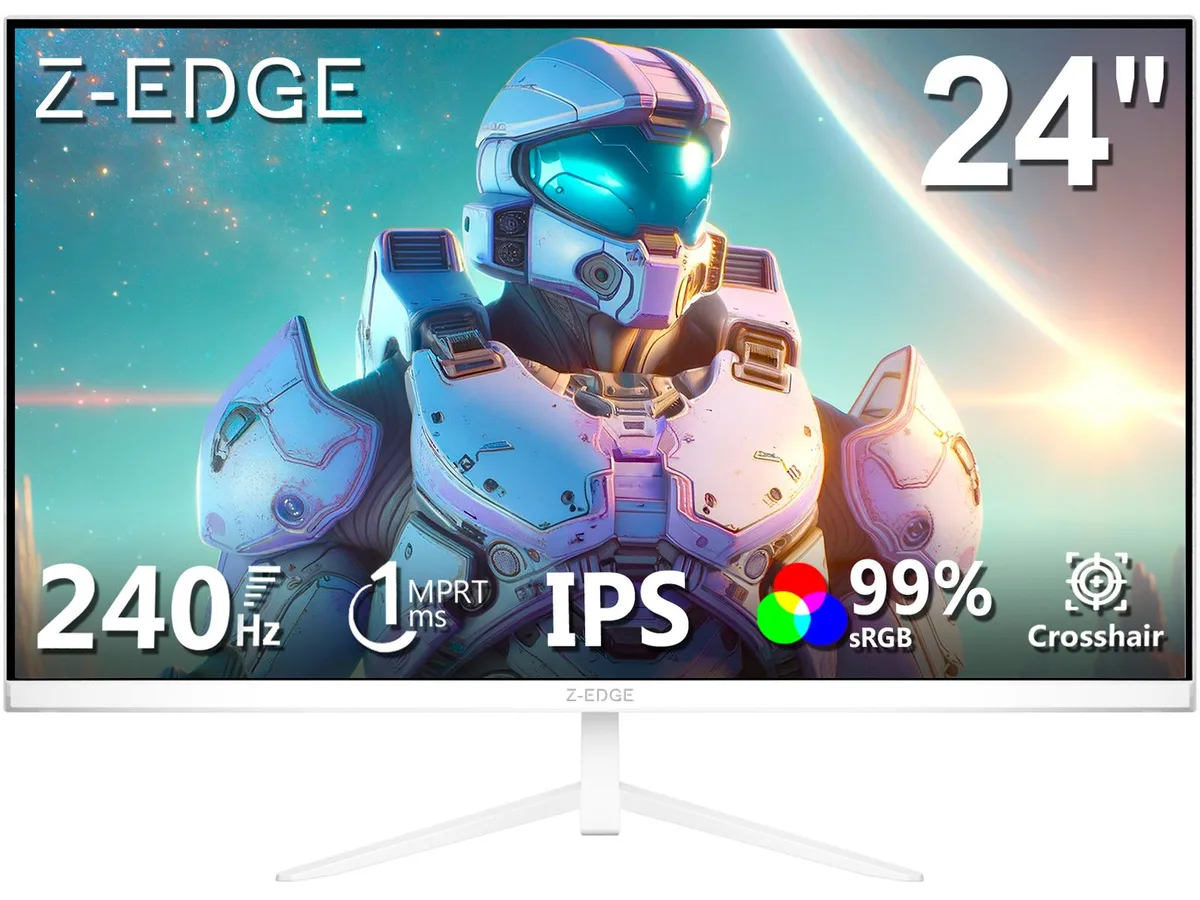
Z-EDGE UG24PJ White 24" FHD 1920x1080 240Hz 1ms IPS gaming monitor
- 24"
- 240Hz
US$91.99
0.0011772BTC
재고 있음

Z-EDGE
Z-EDGE UG27S-White 27" 300Hz 1ms 1500R Curved gaming monitor
- 27"
- 300Hz
US$124.99
0.0015995BTC
재고 있음이 상품에 대한 질문
Will the HDMI 2.0 and DisplayPort 1.4 inputs both deliver the full 240 Hz refresh rate from my older graphics card?
Both the HDMI 2.0 and DisplayPort 1.4 ports support up to 240 Hz at 1920 x 1080, so an older GPU with either interface can drive the panel at its maximum refresh rate.
How can I verify the 1 ms response time and 240 Hz refresh rate are active after I connect the monitor?
Open the on-screen display and confirm the refresh rate reads 240 Hz; enable the overdrive setting to engage the 1 ms MPRT mode, then run the built-in crosshair or a motion-test pattern to see blur-free transitions.
Does the box include both an HDMI 2.0 cable and a DisplayPort 1.4 cable, or must I buy one separately?
The monitor ships with one HDMI cable and one DisplayPort cable, plus a power cable and stand hardware, so no additional video cable purchase is required for either input.
이 진열대의 다른 상품
고객들이 함께 비교한 상품
같은 진열대, 같은 체크아웃 — 코인 8종, 환율 잠금 30분.



