


BenQ
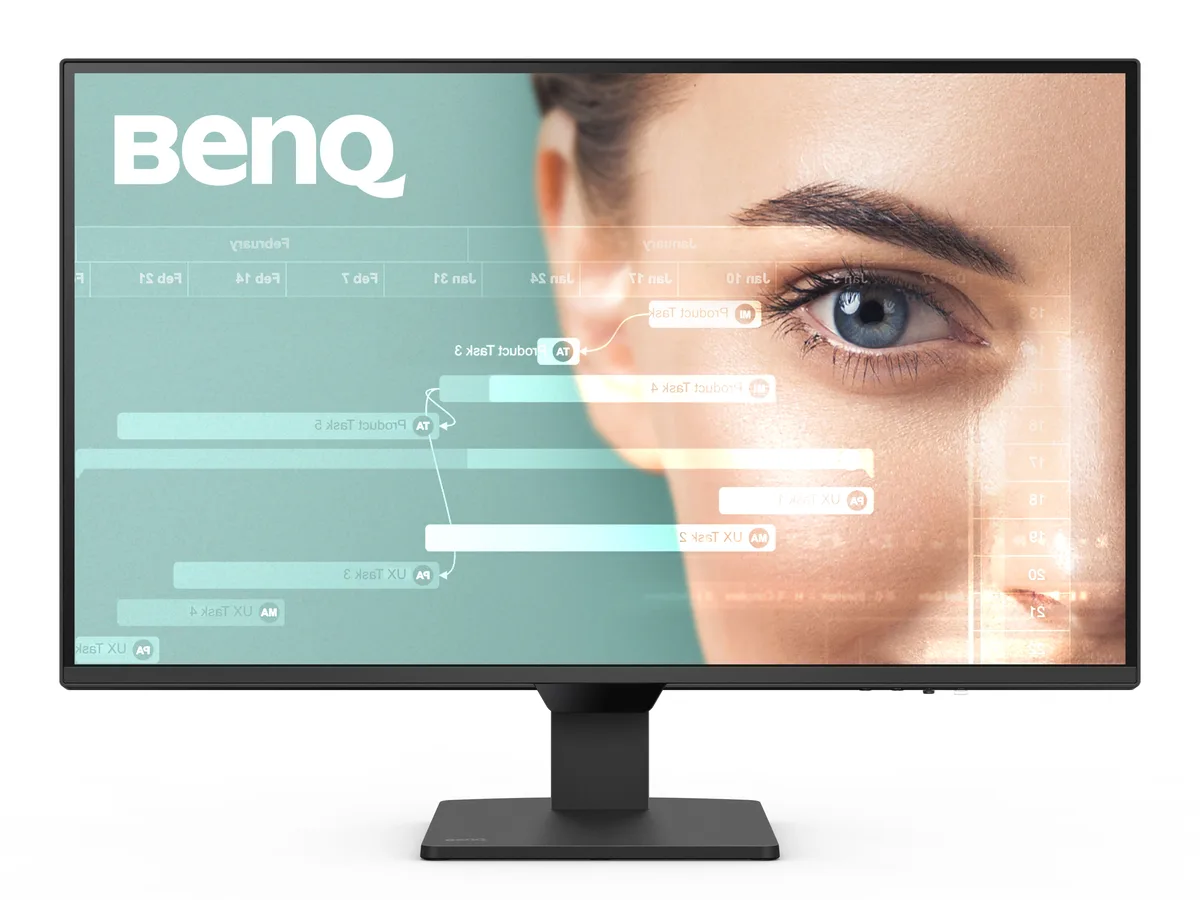
BenQ GW2790Q 27" 2560x1440 100Hz IPS monitor
A 27 inch IPS panel delivers 2560 x 1440 resolution at 100Hz with 99% sRGB coverage and 350 cd/m2 brightness for smooth visuals and accurate colour
- Screen Size27"
- WidescreenYes
- Resolution2560 x 1440 (2K)
- Refresh Rate100Hz
- Viewing Angle178° (H) / 178° (V)
- Monitor Pixel Density0.233mm
- Smoother motion with a 100Hz refresh rate
- Comfortable extended reading via Coding and ePaper modes
- Instant device switching using the dedicated input hotkey
- Eye protection from harmful blue-violet light with Low Blue Light Plus
- Automatic brightness adaptation through Brightness Intelligence Gen2
27″ 2K QHD IPS Monitor for Work and Study
The BenQ GW2790Q is a 27-inch flat-panel display with a 2560 x 1440 resolution and 100 Hz refresh rate. Its IPS panel covers 99% sRGB and delivers 16.7 million colours at 350 cd/m² brightness with a 1,500:1 contrast ratio. The 178° horizontal and vertical viewing angles keep colour consistent across the 16:9 screen.
Upgrade from Standard 60 Hz Panels
Moving from a typical 60 Hz office monitor to this 100 Hz model makes scrolling, window dragging and light gaming feel noticeably smoother. The jump is worth it if you spend long hours reading code or documents and want reduced motion blur without paying for high-end gaming refresh rates.
Check Video Outputs and Desk Space
Your computer must provide DisplayPort 1.2 or HDMI 2.0 to reach the full 2560 x 1440 at 100 Hz. Verify cable length suits your layout and that the monitor’s 41 W typical power draw fits your available outlet. No built-in speakers are listed, so plan for external audio if needed.
Pluspunten
- Smoother motion with a 100Hz refresh rate
- Comfortable extended reading via Coding and ePaper modes
- Instant device switching using the dedicated input hotkey
- Eye protection from harmful blue-violet light with Low Blue Light Plus
- Automatic brightness adaptation through Brightness Intelligence Gen2
Specificaties
| Brand | BenQ |
|---|---|
| Model | GW2790Q |
| Screen Size | 27" |
| Widescreen | Yes |
| Resolution | 2560 x 1440 (2K) |
| Refresh Rate | 100Hz |
| Viewing Angle | 178° (H) / 178° (V) |
| Monitor Pixel Density | 0.233mm |
| Display Colors | 16.7 Million |
| Brightness | 350 cd/m2 |
| Contrast Ratio | 1,500:1 |
| Aspect Ratio | 16:9 |
| Response Time | 5 ms (GtG) |
| Panel | IPS |
| Display Type | QHD |
| Color Gamut | 99% sRGB |
| Curved Surface Screen | Flat Panel |
| Video Ports | 1 x DisplayPort 1.2 / 2 x HDMI 2.0 |
| Headphone | Yes |
| Power Consumption | Power Consumption (normal): 41W Power Consumption (max): 46W Power Consumption (sleep mode): <0.5W |
| Stand Adjustments | Tilt (down/up): -5° - 20° |
| Built-in Speakers | 2 x 2W |
| VESA Compatibility - Mountable | 100 x 100mm |
| Features | Color Weakness ePaper Eye Reminder Low Blue Light Plus Flicker-free Technology |
| Dimensions | 17.70" x 24.20" x 7.20" w/ stand 12.50" x 24.20" x 2.40" w/o stand |
| Weight | 10.40 lbs. w/ stand 9.50 lbs. w/o stand |
| Package Contents | QSG, Safety Instruction, Warranty Card, 1.5m Power Cable, HDMI Cable |
| Verzendgewicht | 7.62 kg |
| Pakketafmetingen | 686 × 445 × 152 mm |
Vragen over dit artikel
Does the 27-inch GW2790Q use the standard 100 mm VESA pattern for monitor arms?
Yes, the 27-inch GW2790Q supports the 100 mm VESA mounting pattern for compatible arms and stands.
What is the correct input-switching step when connecting both HDMI 2.0 and DisplayPort 1.2 cables?
Press the dedicated Input Hotkey on the bezel to toggle between the two HDMI 2.0 ports and the single DisplayPort 1.2 connection.
How should the IPS panel surface be cleaned to preserve the Low Blue Light Plus coating?
Power off the monitor, then gently wipe the screen with a dry microfibre cloth; avoid liquids or abrasive cleaners.
Ook in deze afdeling
Klanten vergeleken ook
Dezelfde afdeling, dezelfde kassa — acht munten en een koers die 30 minuten vaststaat.



Philips
Philips 49B2U5900C 49" Dual QHD Curved Monitor
US$ 651,99US$ 652,99−0%
0.00815446BTC
Op voorraad