DELL
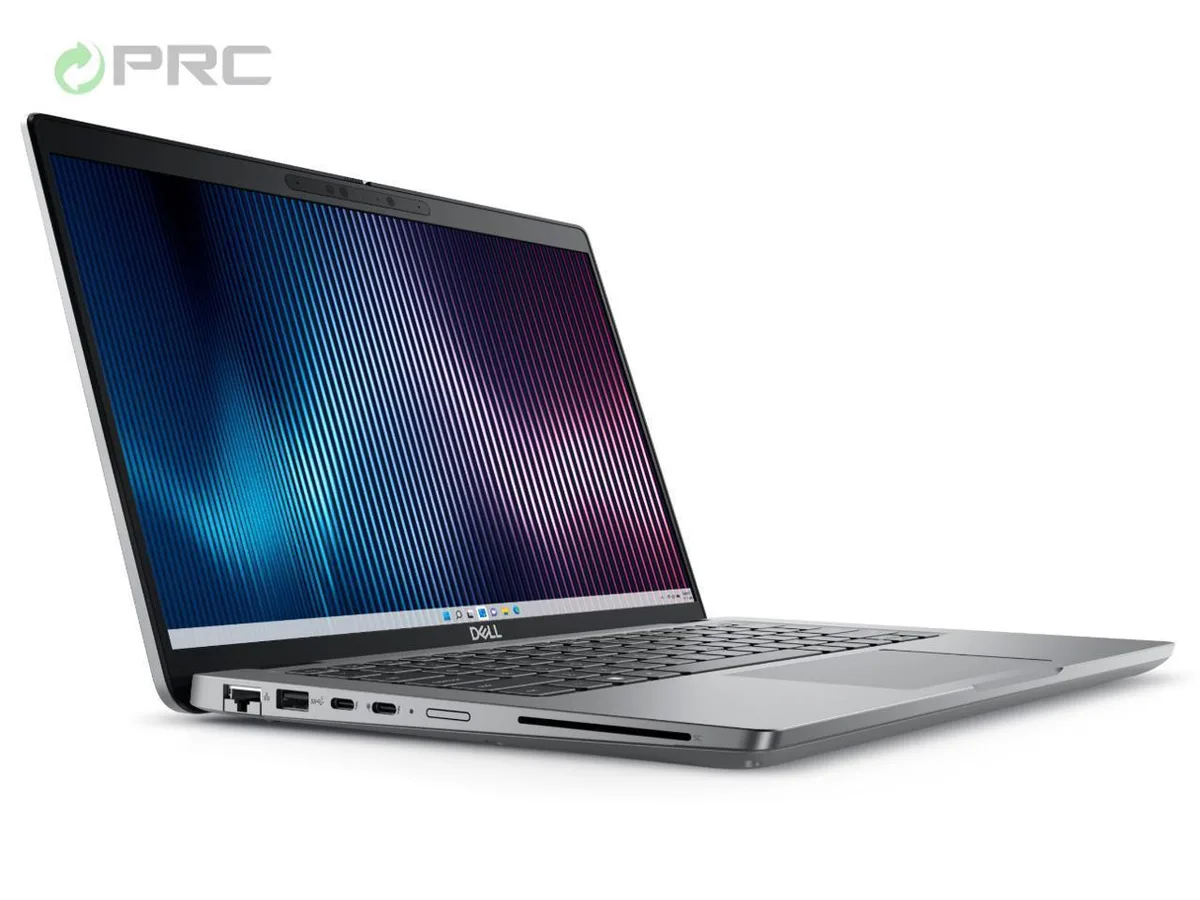
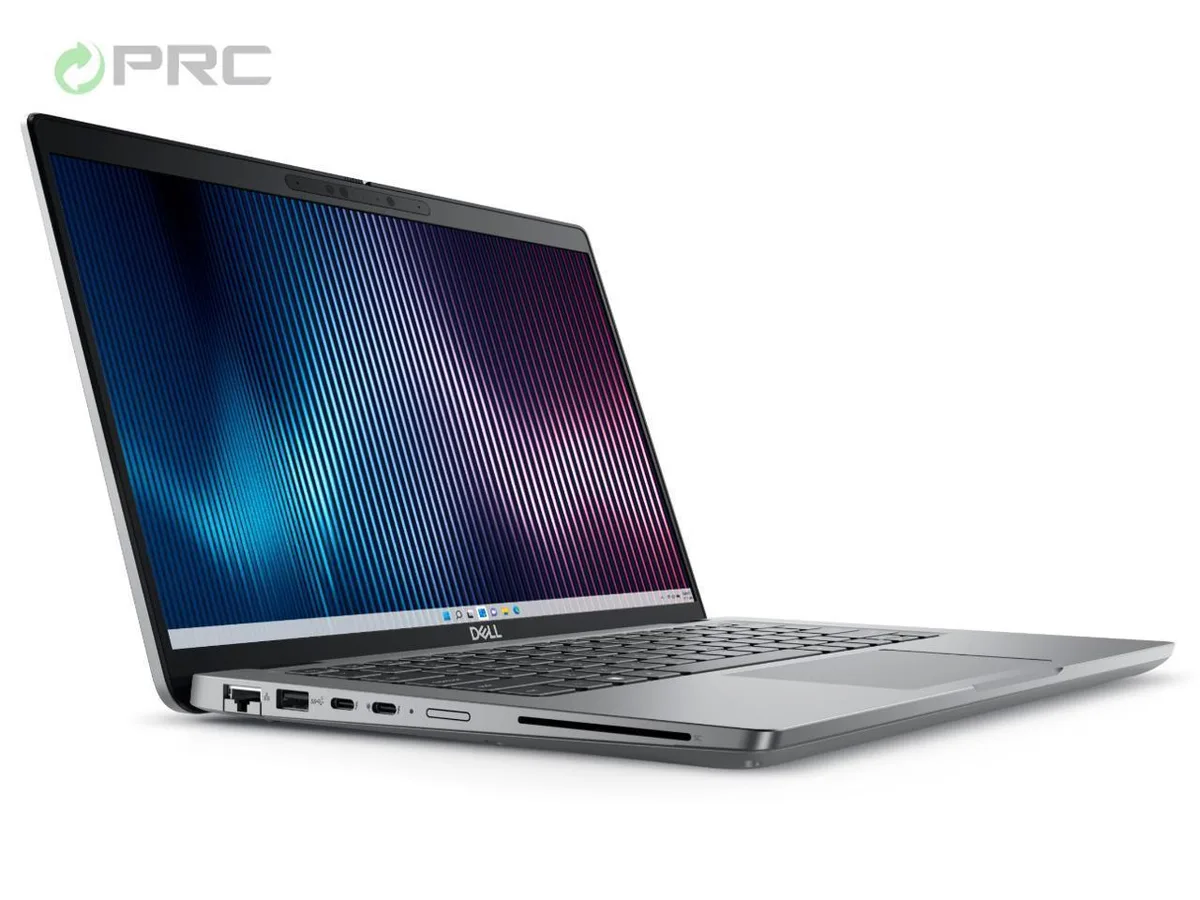
DELL Latitude 5440 14" FHD i5-1335U 16GB 256GB DDR4 laptop
- Gray
- Windows 11 Pro
459,99 USD
0.00584033BTC
DostępnyAkceptujemy kryptowaluty — posiadane środki można więc wykorzystać na zakup prawdziwego sprzętu.Płatność kryptowalutą — realny sprzęt w zamian. Bezpłatna, ubezpieczona dostawa na całym świecie powyżej 399 $. Neutralne kartony, bez oznaczeń, wysyłane z Niemiec.Bezpłatna, ubezpieczona dostawa powyżej 399 $. Kurs zostaje zablokowany na 30 minut od otwarcia kasy.Kurs zablokowany na 30 minut. Każdy produkt jest fabrycznie zapieczętowany, jego numer seryjny jest sprawdzany, a całość objęta jest 24-miesięczną gwarancją.Zapieczętowane fabrycznie, 24 miesiące gwarancji.


DELL
14-inch Windows 11 Pro laptop with 13th Gen Intel Core i7-1355U, 8 GB DDR4, 256 GB NVMe SSD, FHD display, Wi-Fi 6 and Bluetooth 5.2
Options i7-1365U 8GB/256GB W11P
The 14.0" FHD anti-glare display and 13th Gen Intel Core i7-1355U processor provide a compact platform for office productivity. Windows 11 Pro is pre-installed with 8 GB DDR4 memory and a 256 GB NVMe SSD.
Suits users who rely on Intel Iris Xe graphics for standard business applications and video conferencing. Buyers who need discrete GPU performance for 3D rendering or gaming should consider other configurations.
The 8 GB DDR4 configuration limits multitasking headroom for heavy workloads; the specifications indicate a maximum of 64 GB is possible in other builds, so verify upgrade requirements before purchase.
| Brand | DELL |
|---|---|
| Series | 5000 |
| Model | Latitude |
| Part Number | 5440 |
| Color | Gray |
| Operating System | Windows 11 Pro |
| CPU Type | Intel Core i7 13th Gen |
| Processor Name | Intel Core i7-1355U |
| CPU L2 Cache | 6MB |
| Screen Size | 14.0" |
| Touchscreen | Non-Touch Screen |
| Display Type | FHD |
| Resolution | 1920 x 1080 |
| GPU/VPU | Intel Iris Xe Graphics |
| Graphic Type | Integrated Card |
| SSD | 256GB |
| HDD | No |
| Storage Spec | 256 GB SSD |
| Memory | 8GB |
| Memory Speed | DDR4 |
| Memory Spec | 4 GB x 2 |
| Memory Slot (Total) | 2 |
| Memory Slot (Available) | 0 |
| Max Memory Supported | 64 GB |
| Optical Drive Type | No |
| LAN | 10/100/1000Mbps |
| WiFi Generation | Wi-Fi 6 |
| Bluetooth | Yes |
| USB | 2 x USB 3.2 Gen 1, 1 x USB 3.2 (PowerShare), 1 x USB-C 3.2 Gen 2 |
| Video Port | 1 x HDMI 2.0 |
| HDMI | 1 x HDMI 2.0 |
| Audio Ports | 1 x Microphone Jack, 1 x Headphone Jack |
| Audio | Integrated Sound card |
| Touchpad | Yes |
| Keyboard | Standard |
| Webcam | Yes |
| Style | Ultrabook |
| Type | Mainstream |
| Usage | Consumer |
| AC Adapter/Charger | 65-watt AC Adapter |
| Weight | 3 - 3.9 lbs. |
Inne wersje tego modelu
Ta sama rodzina, inna pamięć, inne chłodzenie lub taktowanie — proszę porównać przed decyzją.
The laptop measures 321.4 mm wide, 212 mm deep and 19.1 mm high at the rear.
A single M2×3 mm screw holds the drive; lift the SSD at a 30-degree angle before pulling it straight out to clear the flex cable.
Replace the adapter if the barrel plug gets hot or the LED flickers; a CMOS battery near end-of-life shows a date/time reset at every cold boot.
Także w tym dziale
Ten sam dział, ta sama kasa — osiem kryptowalut i 30-minutowa blokada kursu.
Waluta płatności i waluta wyświetlania cen.
Wysyłane z portfela przy kasie
Tylko podgląd — katalog wyceniony jest w dolarach
Brak pasującej waluty.
Wybierz język, w którym wyświetla się strona.
Brak pasującego języka.
Pierwsza wizyta?
Konto już założone?
Nie ma automatycznego resetowania hasła: ten sklep nie wysyła żadnych e-maili, więc nie ma jednorazowego linku, o który można by poprosić. Adres pozostawiony przy koncie zostanie obsłużony ręcznie.
Zgłoszenie zapisane
Do skrzynki odbiorczej nic nie trafi — ten sklep nie wysyła żadnych e-maili. Zgłoszenia są obsługiwane ręcznie.
Hasło się przypomniało?