
SAMSUNG
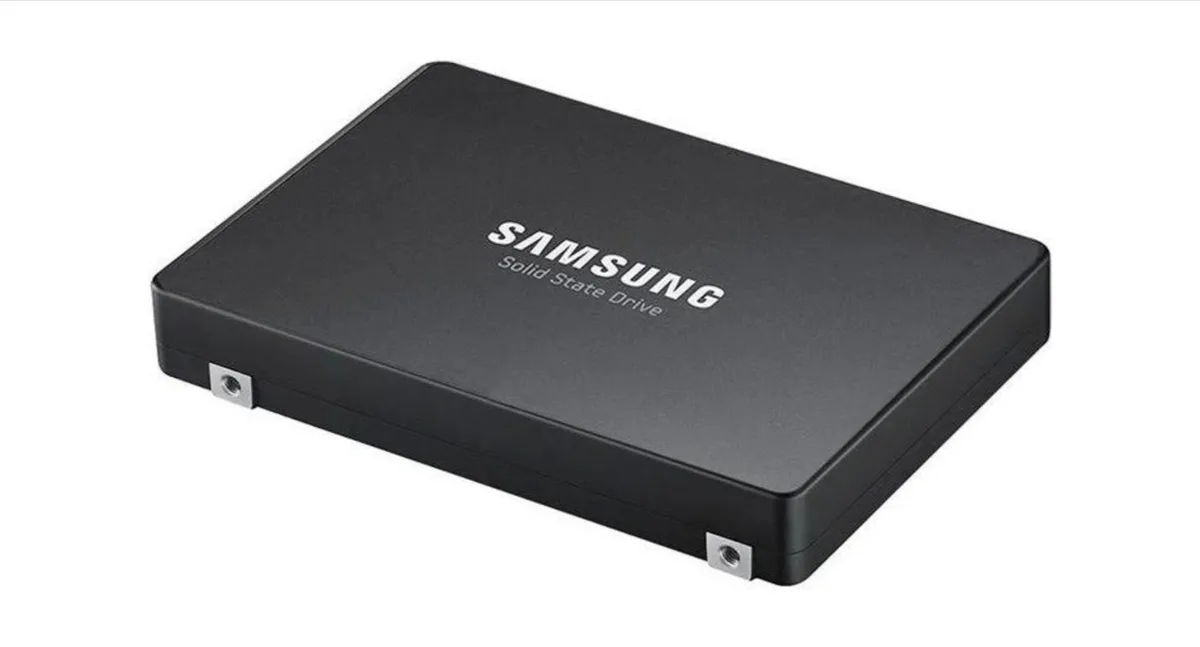
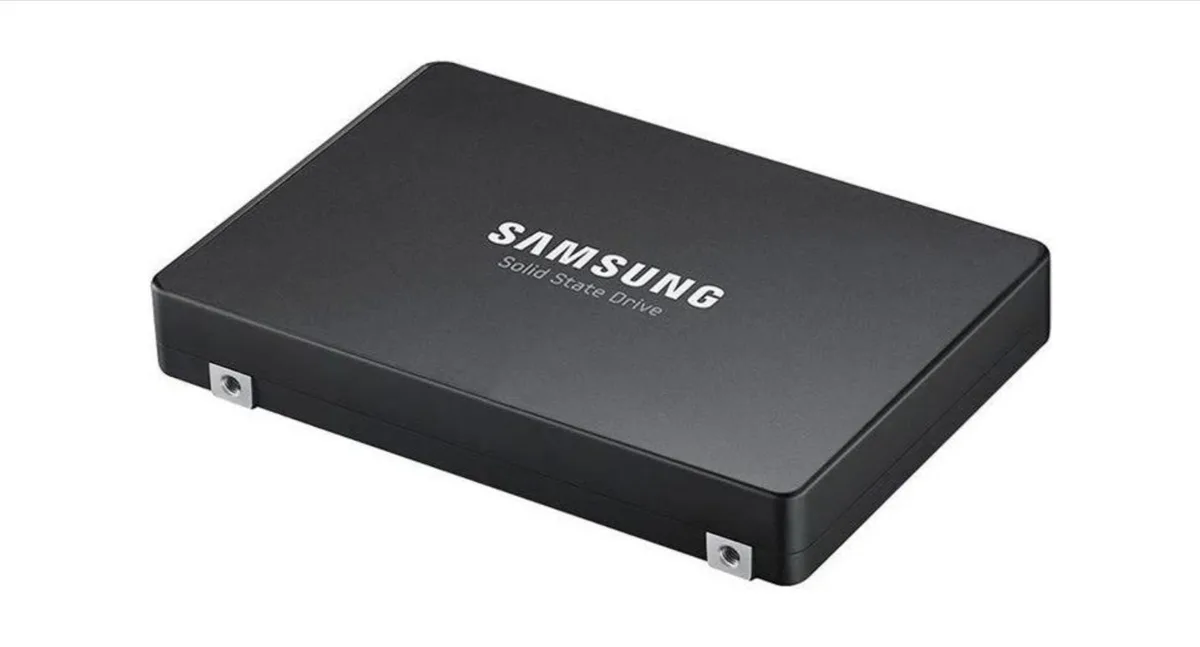
SAMSUNG PM1733A 15.36TB 2.5" NVMe MZWLR15THBLA-00A07
High-capacity 15.36 TB NVMe SSD with PCIe 4.0 x4 interface and 256-bit AES-XTS hardware encryption in a 2.5-inch form factor
- 36 TB capacity supports massive datasets
- PCIe 4.0 x4 NVMe interface delivers high throughput
- 256-bit AES-XTS hardware encryption protects stored data
- 5-inch form factor fits standard enterprise bays
- MLC NAND flash memory provides enterprise endurance
Enterprise SSD for read-intensive workloads
The Samsung PM1733A provides 15.36 TB of storage in a 2.5-inch form factor. It connects through a PCIe 4.0 x4 interface using the NVMe protocol. This drive targets servers and storage arrays that prioritise high-capacity reads over sustained writes.
2.5-inch U.2 build with hardware encryption
The standard 2.5-inch enclosure fits common hot-swap drive bays and backplanes. Hardware-based 256-bit AES-XTS encryption secures data at rest without host CPU overhead. Multi-level cell NAND underpins the endurance profile required for enterprise deployments.
Encryption and capacity simplify deployment
On-board 256-bit AES-XTS encryption removes the need for separate software encryption layers. The 15.36 TB capacity reduces the number of drives needed for large datasets. No additional accessories or management software are bundled with the bare drive.
Najważniejsze cechy
- 36 TB capacity supports massive datasets
- PCIe 4.0 x4 NVMe interface delivers high throughput
- 256-bit AES-XTS hardware encryption protects stored data
- 5-inch form factor fits standard enterprise bays
- MLC NAND flash memory provides enterprise endurance
Specyfikacja
Na razie brak opublikowanej specyfikacji tego produktu.
Inne wersje tego modelu
Jeszcze 4 w tej samej serii
Ta sama rodzina, inna pamięć, inne chłodzenie lub taktowanie — proszę porównać przed decyzją.


Pytania dotyczące tego produktu
What does the PCIe 4.0 x4 interface cap throughput at?
The drive uses a PCIe 4.0 x4 NVMe link, so the practical ceiling is the bus limit of that generation and lane count.
What physical space and connector does the 2.5-inch drive need?
It fits a standard 2.5-inch bay and connects through the NVMe edge connector on the drive.
How is the drive installed, and what step is often missed?
Insert the drive into the bay, secure it with the tray screws, then enable NVMe in the system BIOS so the OS can see it.
Także w tym dziale
Klienci porównywali też te produkty
Ten sam dział, ta sama kasa — osiem kryptowalut i 30-minutowa blokada kursu.



