
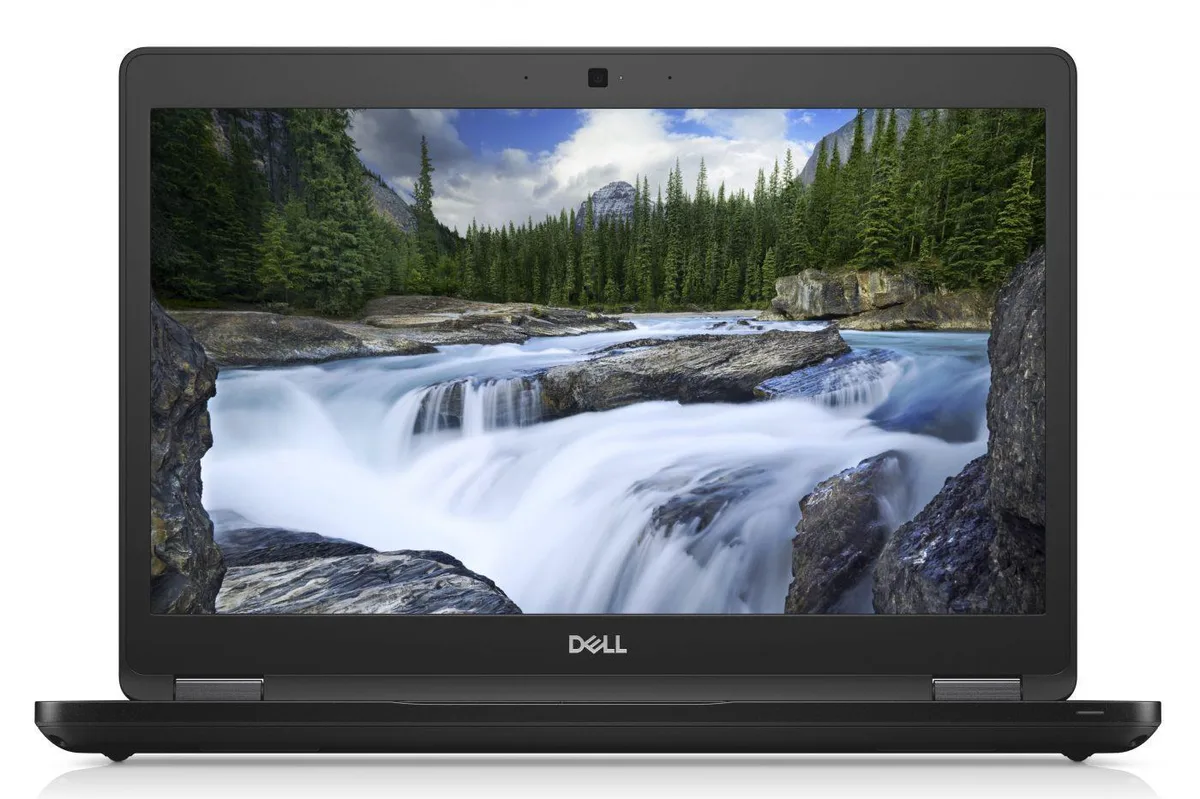
DELL
DELL Latitude 7400 14.0 laptop i7-8665U 16GB 512GB SSD
- Windows 11 Pro
- Intel Core i7
394,99 USD
0.00509441BTC
În stocAcceptăm criptomonede — astfel, criptomonedele pe care le dețineți pot cumpăra echipamente reale.Plătiți în cripto, cheltuiți-o pe echipamente reale. Livrare asigurată gratuită oriunde în lume peste 399 $. Cartoane neutre, fără marcă, expediate din Germania.Livrare asigurată gratuită peste 399 $. Cursul dumneavoastră este blocat timp de 30 de minute de la deschiderea paginii de plată.Curs blocat 30 de minute. Fiecare articol este sigilat, numărul de serie este verificat, iar produsul este acoperit de o garanție de 24 de luni.Sigilat, garantat 24 de luni.
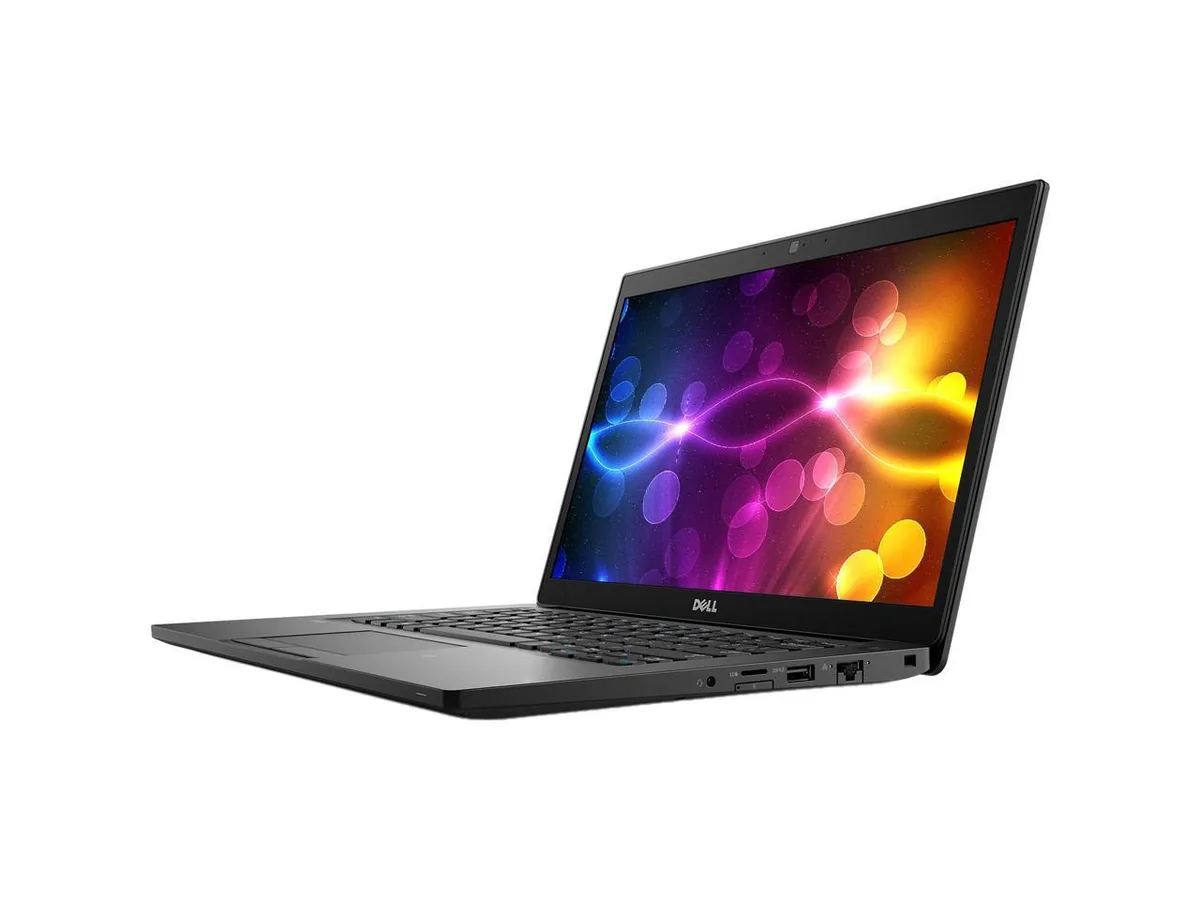

DELL
A 14 inch touchscreen laptop with an Intel Core i7 8th Gen processor, 16 GB DDR4 memory and a 512 GB SSD running Windows 11 Pro
This laptop combines a 14.0 inch Full HD touchscreen with an Intel Core i7 8th Gen processor running at 1.90 GHz. It ships with 16 GB DDR4 memory and a 512 GB SSD, and comes pre-installed with Windows 11 Pro 64Bit. Integrated Intel UHD Graphics 620 handles display output.
The touchscreen and anti-glare panel support direct interaction for presentations or field work. Buyers who need discrete graphics performance for rendering or gaming should look elsewhere. Users requiring more than 32 GB DDR4 maximum memory or a dedicated GPU will not find those capabilities here.
Windows 11 Pro is already installed and licensed, so the system is ready to join a domain or configure policies immediately. The 16 GB DDR4 fills one of two slots, leaving room for a later upgrade to 32 GB. Missing product manual and potential driver downloads for WWAN or specific peripherals are the usual post-unbox tasks.
| Brand | DELL |
|---|---|
| Series | Latitude |
| Model | 7490 |
| Color | Black |
| Other Features | 14" Touchscreen |
| Software Included | A fresh Windows 10 is installed and no additional software is included |
| Package Content | DELL Latitude 7490, Pre installed Windows 10 Pro 64Bit, and Power Adapter |
| Operating System | Windows 11 Pro |
| CPU Type | Intel Core i7 8th Gen |
| Processor Name | 1.90GHz |
| Screen Size | 14.0" |
| Touchscreen | Touch Screen |
| Resolution | 1920 x 1080 |
| Video Memory | Shared system memory |
| Graphic Type | Integrated |
| SSD | 512GB |
| HDD | No |
| Memory | 16GB |
| Memory Slot (Total) | 2 |
| Max Memory Supported | 32 GB |
| Optical Drive Type | No |
| Bluetooth | Bluetooth 4.1 |
| HDMI | 1 |
| Backlit Keyboard | Full Size |
| Webcam | Yes |
| Style | Standard |
| Type | Mainstream |
| Usage | Business |
| AC Adapter/Charger | Yes |
| Battery | Lithium Ion |
| Dimensions (W x D x H) | Height 0.690 x Length 8.700 x Width 13.030 |
| Weight | 3.1100 |
| Consumer Alert | Grade A Refurbished |
Alte versiuni ale acestui model
Aceeași familie, memorie, radiator sau frecvență diferite — comparați înainte de a vă decide.
The package includes the required power adapter with a DC-in connector, so no separate purchase is necessary.
Yes, the three USB 3.1 Gen 1 ports and the HDMI 1.4 output are backward compatible with USB 2.0 devices and existing HDMI 1.4 displays.
Open Settings > Bluetooth & devices > Touch to test touch input, and launch the Camera app to confirm the 1280 x 720 webcam shows video.
Tot din acest raion
Același raion, aceeași finalizare a comenzii — opt monede și un curs blocat 30 de minute.
În ce monedă plătiți și în ce monedă citiți prețurile.
Trimis din portofelul dumneavoastră la finalizarea comenzii
Doar pentru afișare — catalogul este exprimat în dolari
Nicio monedă nu corespunde.
Alegeți limba în care vă vorbește site-ul.
Nicio limbă nu corespunde.
Prima vizită?
Aveți deja un cont?
Nu există o resetare automată: acest magazin nu trimite niciun e-mail, deci nu există niciun link de unică folosință de solicitat. Lăsați adresa în cont. Va fi tratată manual.
Cerere înregistrată
Nu veți primi nimic în căsuța de e-mail — acest magazin nu trimite niciun e-mail. Cineva se ocupă de asta manual.
V-ați amintit-o?



